Is there a way to make a line name be visible on the line itself?
And possibly as a separate issue, to configure the visibility of point/line labels individually somehow?
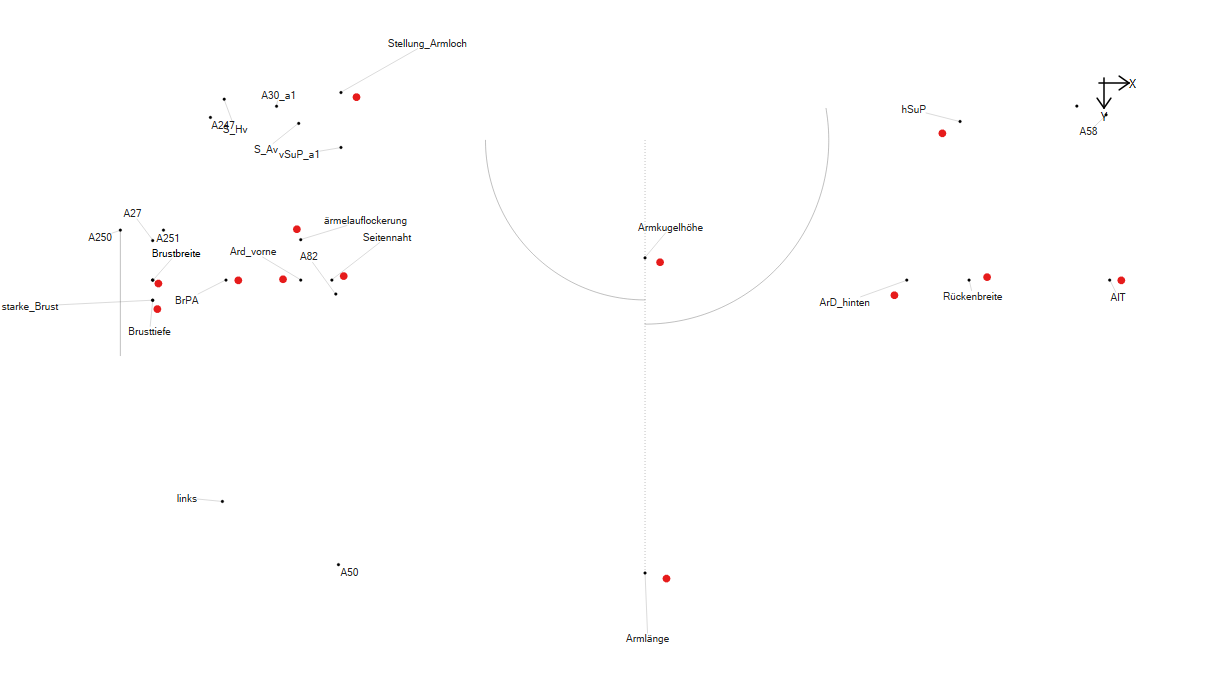
There are in patterns points that have no usable name or immediate use in the pattern viewing process. I would like to be able to hide the labels of these points to decluter a busy pattern. Adding to that, it’s necessary to be able to show the line names for the pattern. I want to be able to display the line names because the individual point by itself does not have a lot of significance but the line itself is the actual object of interest.
In the scheme of things the lines in a draft block are only there for reference. The draft block is really there to create points that you “connect” as a path to create patten pieces. Besides I’ve never seen any pattern system that shows anything but the various point names.
Appart from line names like this a nice feature could be to have an option from placing standalone notes or labels, similarly for documenting design choices in the pattern file.
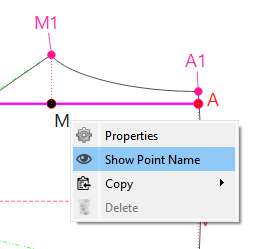
Thank you for the type about showing the point name, I was looking for this in the history list thinking that the history list acts like a pattern structure tree and that I could togle them on and off in bulk from there
There is a way to do this. Take a screenshot of the line name or the notes or whatever, save the screenshot to a place where you can find it and then load the image file into your pattern and place it where every you’d like it. That way, you can see what you want to see, whether the point names are hidden or not. It just won’t move when you resize the pattern.
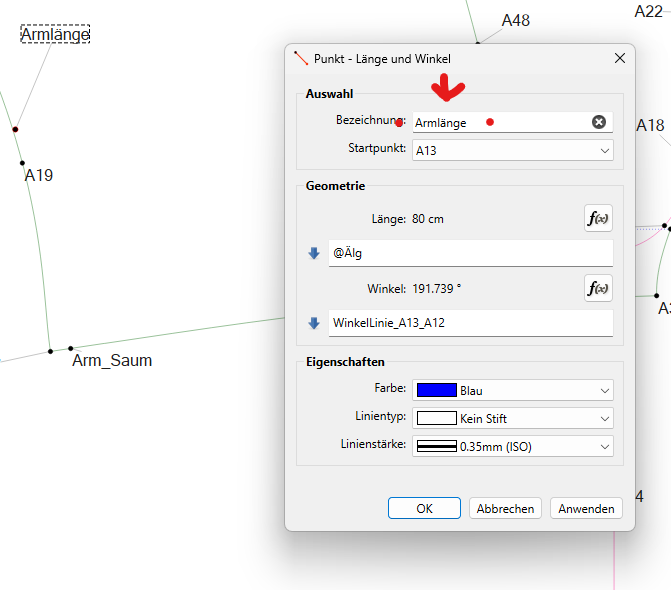
I will often name my points according to which measurement they’re pertinent to. It makes the draft less universally readable, but it gives me a slight gain in the moment.
Eventually there will be an option which will enable labeling of individual lines in Piece mode as a side-effect, but that’s another day’s dream.