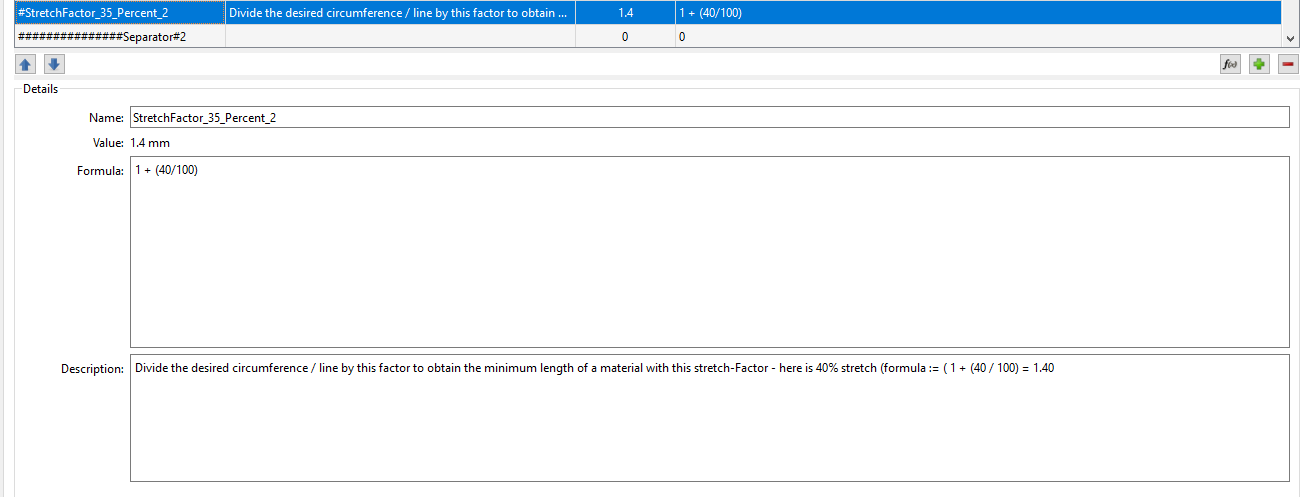
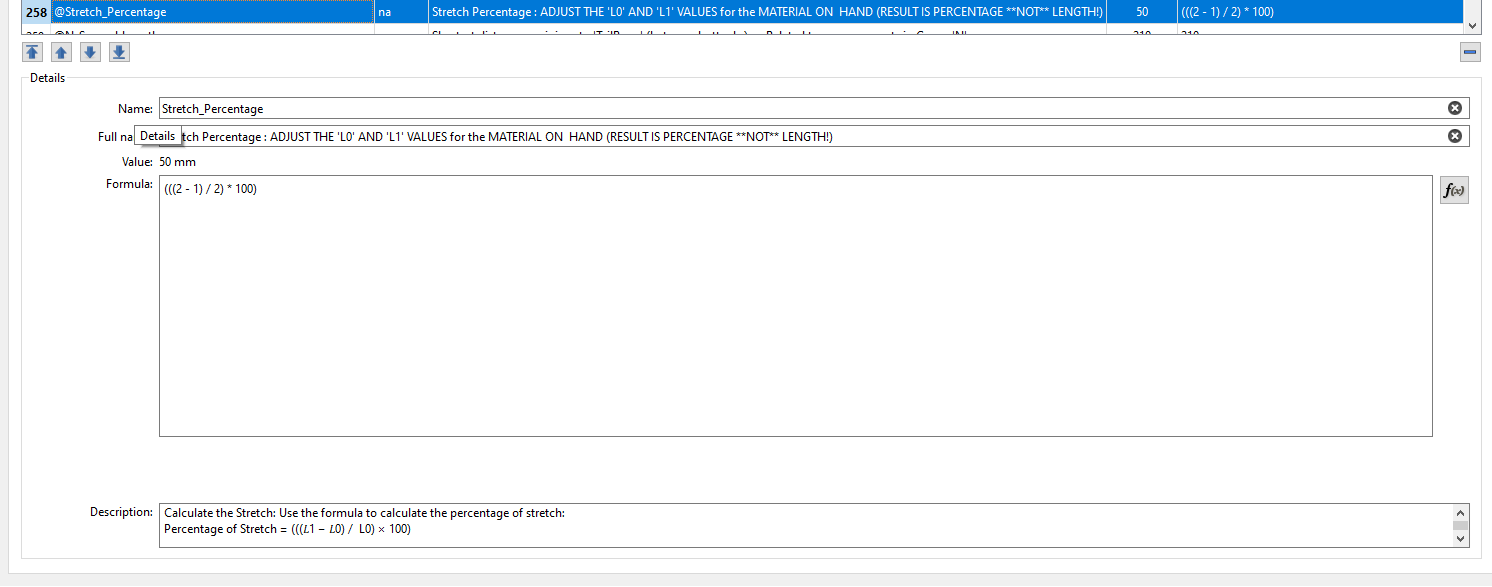
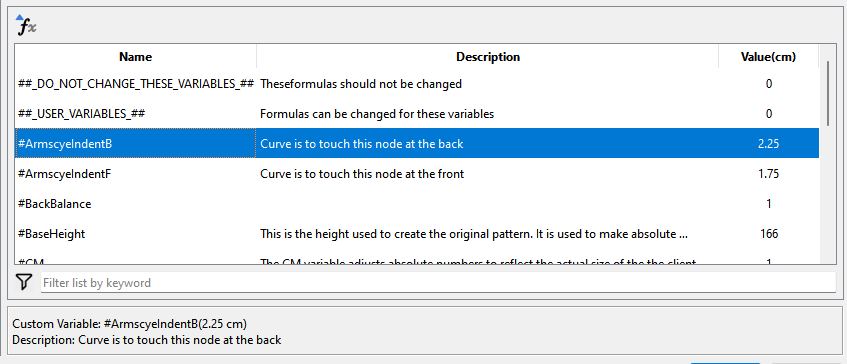
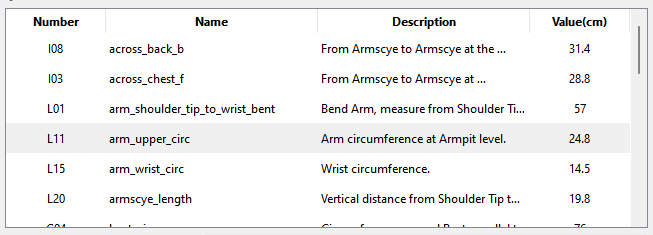
I think it would be advantageous to let the users access (Read Only), descriptions for items selected from the measurements file and local variables tables.
(please note: the example text in the above ‘Description’ is quite extensive and describes in detail the steps required to reach the desired results:
[
*Example Formula: (((2 - 1) / 2) * 100) :: (((Stretched_Length - Relaxed_Length) / Stretched_Length) * 100)
To calculate the percentage of stretch in an elastic material, follow these steps:*
Measure the Original Length (L0): Measure the length of the material before stretching it. This is your starting length (L0).
Stretch the Material: Extend the material to the desired length. Measure the Stretched Length (L1):
Calculate the Stretch:
Use the formula to calculate the percentage of stretch:
Percentage of Stretch = (((𝐿1 − 𝐿0) / L0) × 100)]
The above is only a minute sample of descriptions which include instructions for use.
These two areas store measurement data: formulas, (descriptive) names and descriptions of the item. I at least use these quite extensively as do many, if not everyone else!
I also need, when I have created an entry in the dim and distant past (yesterday?), to be ably to see exactly what this does and if it also need modifications - I create entries with ‘Place Holder’ data and provide detailed descriptions of what this does and what need to be altered for a specific use.
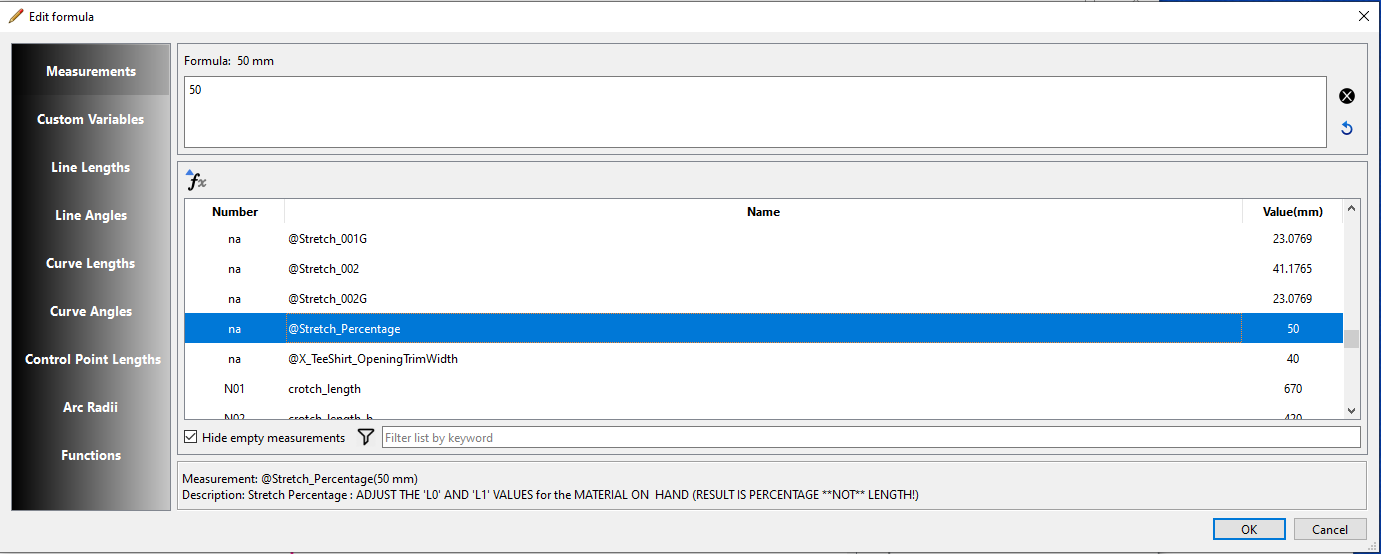
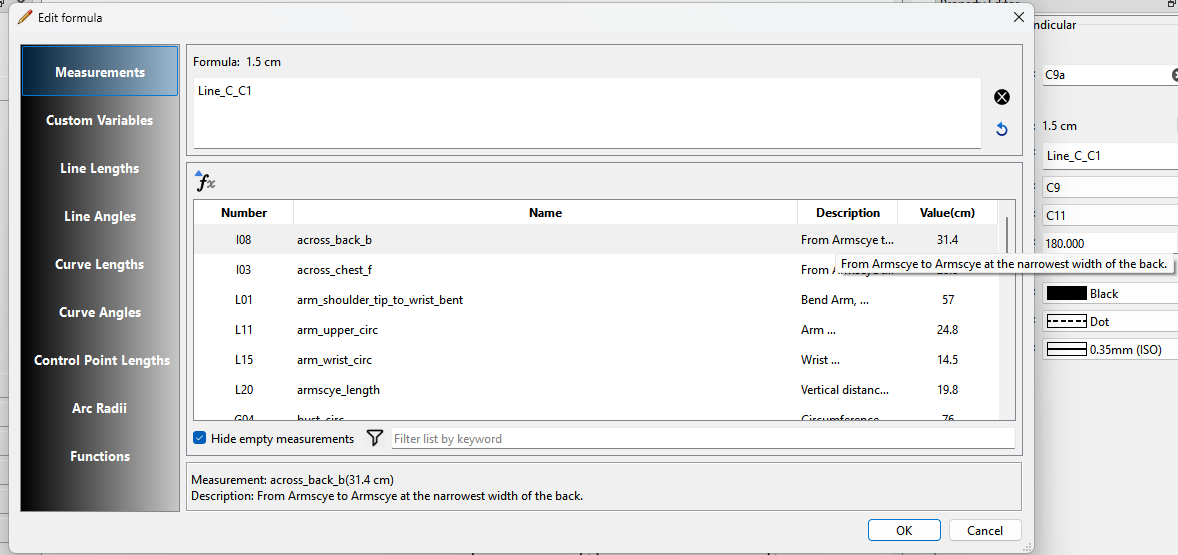
Unfortunately, the data displayed during formula editing does not include any description text, The name is there (but not copy able), I think the addition of Copy-Able description text field/box would be of great help and benefit for all of us.
I could certainly add the description for the selected measurement or custom variable to the fx editor, but why make the description or for that matter the name copyable? In other words what purpose does it serve to open the fx editor to copy the name or description, and where are you going to paste the text to?
That said making the description copyable is straight forward if placed in a QLineEdit or QPlainTextEdit set as ReadOnly … the name text - not so much. The name text is contained in a QTableWidgetItem and a bit harder to deal with.
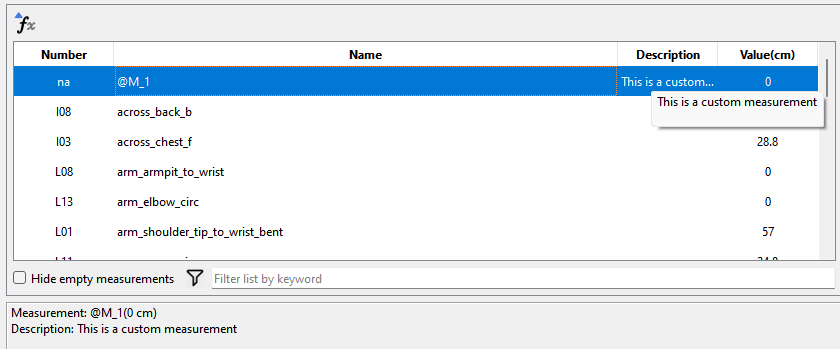
And add a QTableWidgetItem for the measurement description data. What I would do is also add the description text as a rollover tooltip so you could see any long descriptions that are likely to get elided, as I would not want to set the cell to word wrap as the priority of the fx editor is to see & select the measurement by name - not reading descriptions .
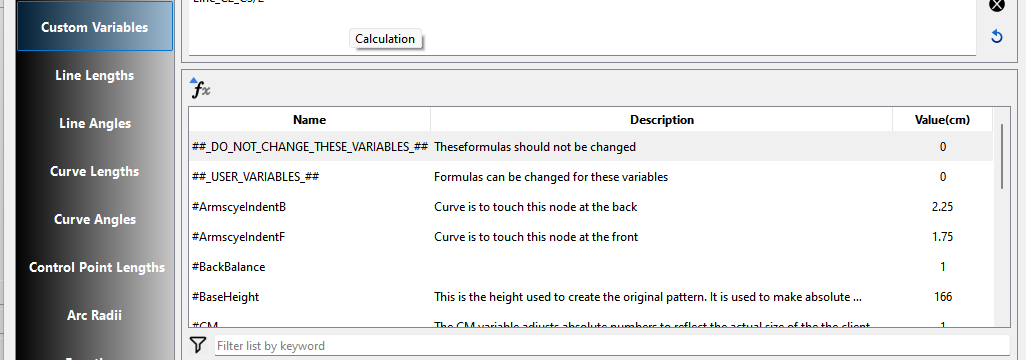
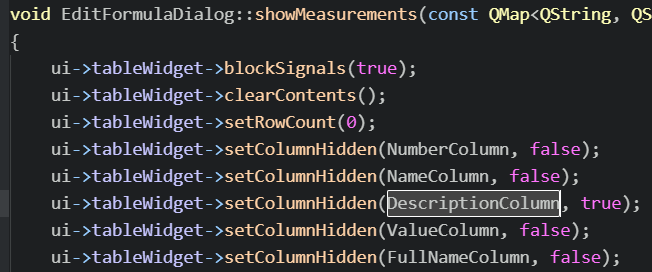
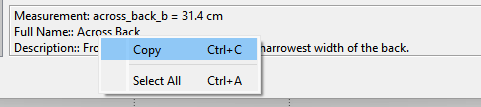
Hmmm… I’m stumped at the momment. I supposedly had already implemented showing the description for measurements along with the custom variables, where the description would be displayed in the box like below:
I’ve found the reason for the missing descriptions in the fx editor… ME is NOT writing the known measurement descriptions to the ME file, so when 2D loads an ME file the descriptions are empty.
Yes. That’s what I think is the better solution, rather than trying to jump through hoops getting access to the known measurements database on the 2D side.
There’s only 1 slight issue with this way in that you would have to open the ME file, and save as the same file name to force it to write the known descriptions to have the descriptions then available elsewhere… like the fx editor.
This is just another example of what frustrates me at times with how RT coded the apps. He often lacked seeing the bigger picture and wrote (spaghettti) code that handles data for one specific purpose. For ex… In this case he assumed because you can’t edit the known measurement descriptions there is no need to write them to the ME file - just display them in the ME main window, and in the process made the class structure of a measurement variable more convoluted… which is why it took me some time to unravel what’s going on. It’s also another example of why IMO the separation of 2D & ME as sepearate apps complicates the sharing of data between the 2.
I’m just afraid that if we join the 2 too soon, It may break the ability to use 1 ME file in more than 1 pattern. But you said that it wouldn’t affect that, so perhaps one should check it out.
Would have no effect… as it is SeamlyMe does not open everytime you load a pattern and ME file.
To put the two apps together as one would take a lot of refactoring. There’s more important features to address. I just brought it up as in this case it’s just another barrier to have to deal with.
Just have to resize the columns better, and I’ll have to see if I can make them copyable in the lower text box.
Note… that the way ME is writing the measurement descriptions it is not feasible to write the known descriptions to the file, but I did figure out how to access them in Seamly2D.
You will be able to copy the text in the label box. It’s not a QPlainTextEdit as I thought so the setReadOnly does not apply, but with a Qlabel you can set it to interact with the mouse to copy.