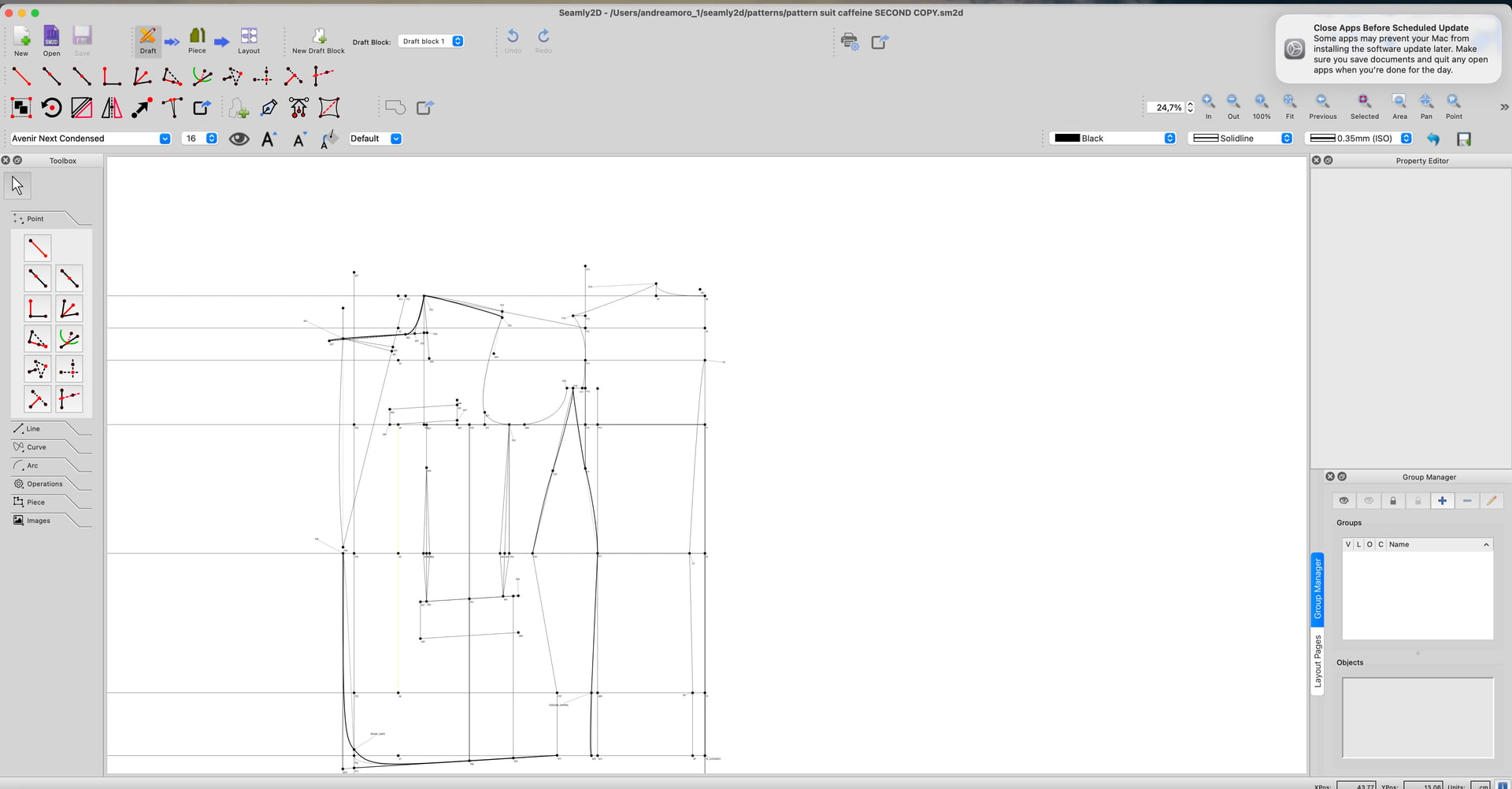
I’ve been drafting a pattern for a suit and after making some changes to the measurements and dependencies, I’ve lost the measuremnt file connected to the pattern.
Is the pattern lost? do i have to remake everything from scratch or is there any way to recover the measurement file? The file is actually there but has 0 bytes. And everytime i try to reopen the seamly file with the pattern it just gives me error.
It feels like a nightmare since i spent countless hours for more than a week on it, and now it seems like its gone.
No the pattern is not lost, but the measurement file may be.
Here’s my suggestions…
Update the applications. The issues with the ME file should have been fixed with newer releases. The newer releases also make automatic backups of the pattern and measurement files everytime a pattern is loaded.
Open SeamlyMe… create a new Individual / Multisize file. Then select Import from Pattern… find your pattern in the file dialog and click Open. Me will fill the new file with measurements the pattern uses. You then just need to add the values to the measurements. Save. You should be able to use the pattern again.
Let us know if indeed you were using an older ver and how you make out.
It means it’s trying to open a pattern stored in a newer ver.
Did you update the apps yet?
Update apps
Run Seamly2D
Open Seamly ME from 2D
Create New measurement file
Import from pattern.
Add measurement values and save and close Me.
Now open Pattern.
Ok iIdid that, but before I created multiple copies of my orginal pattern and the last one i was working on before the crash is the one giving me the error.
Now i tried to reopen it and just shift a point label and save it, hoping to overwrite it a a new file made with the updated version of seamly, but as soon as I reopen and try to create a seamlyme file i get that error.
Plus the suit jacket is all a bit distorted, and not all measurements were recovered.
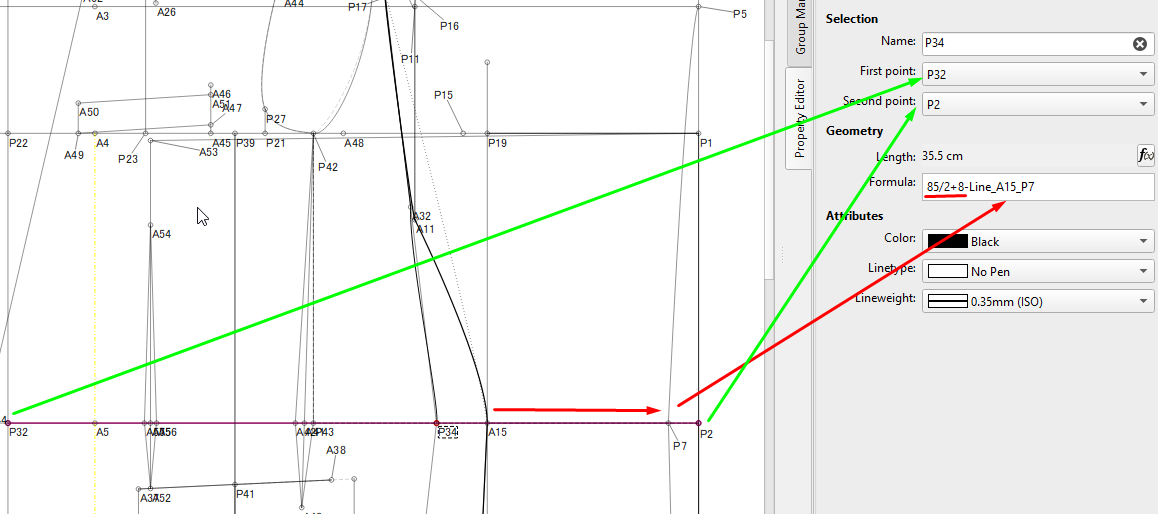
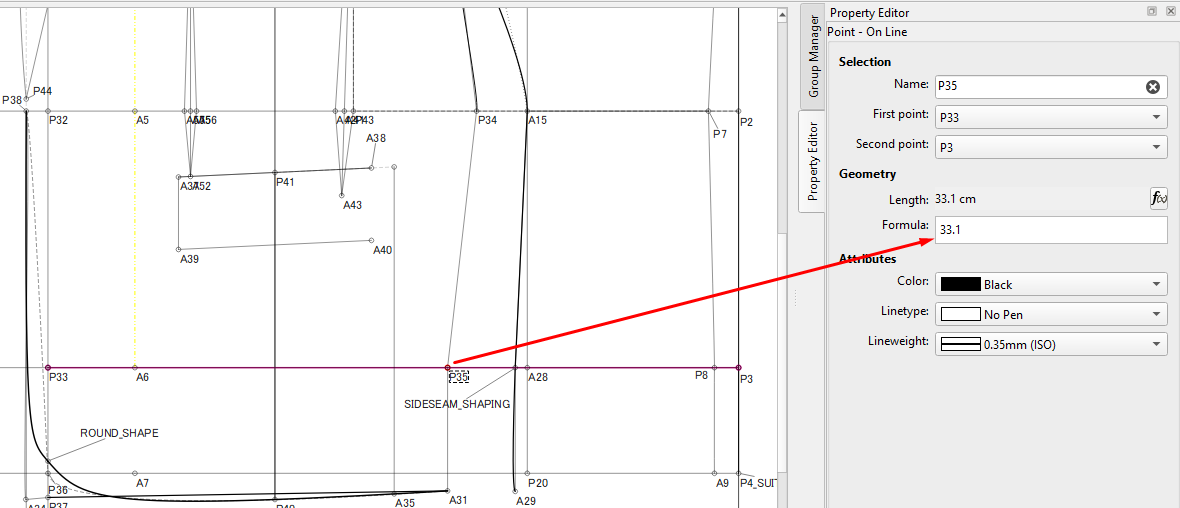
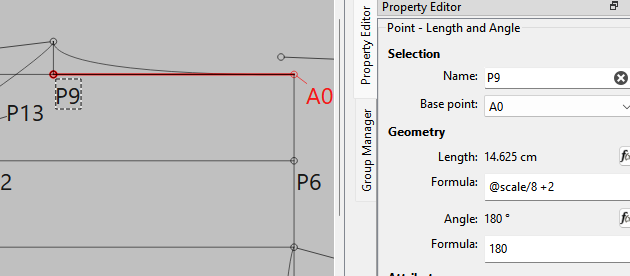
I don’t normally use direct measurements like this. I like to have a formula that originates from a measurement in the measurement file and then use the lengths in relation to a previous line.
If the measurement 85cm is the hip measurement then I’d have that divided by 2 plus the ease and then minus the back section.
In the one below, I’d have the previous line minus the number of cm if that is what the instructions call for.
This way, if the measurement file changes then these lines will also adjust accordingly.
As it is… if you change the formula at P34 to read: (85+8)/2-Line_A15_P7 - so first add the ease to the 85cm and then divide by 2, it looks a bit better.
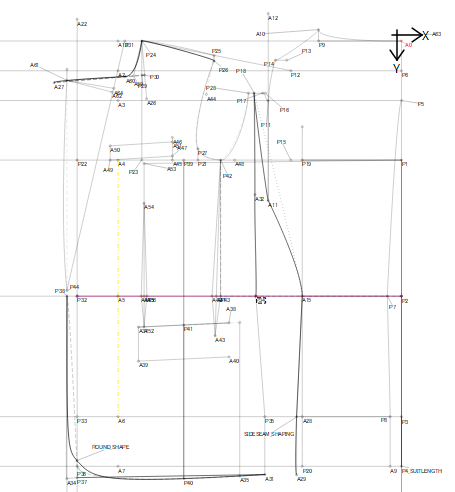
I think I found one problem, at point 12 starts from point 6 towards the left, and it should be the same length as a0 to a14, which is a new point I created with intersect XY tool, and I should have created before. Because what makes the armhole messy is that length which I added without using any relationship formula, the problem now is that i cannot make P12 sit the right way because the point made with the XY Tool was made after, and a lot of other points I guess are dependent that P12.
I also modified that scale measurement in the new measurement file because after the crash I forgot that scale was actually half chest and not full chest circumference.
There is a way to create a point using any tool before something else. This is the History.
Go to Menu > History > History (or CTRL/CMD+H) to open the History dialog. The find the object that you want to create a point before and click on the line before that object.
A blue arrow will appear in the left column.
Create your point and any others that you’d like to insert. After each object, the arrow will move to insert the object after the previous one.
When you are finished, scroll down to the last line & click on it to position the arrow at the end again and then close the History. (Yeah, yeah, @Douglas you did fix it so that closing the History automatically positions the arrow at the end, I just like to be certain )
Then you can change your other objects to go from the new ones and those objects will be available in the formulas.

 )
)