I guess that’s it in a nutshell. I sometimes make a group for the construction grid and one for the basic bodice front, another for the back. Sometimes I do different dart positions, each block has its own group, if I’m putting in pleats or gathers, then it will go in it’s own group. I like having the points, lines and curves of each pattern piece in a group in draft mode so that I can’t select the incorrect object when creating the pattern piece. I also like hiding all the intermittent rotations in a group so that I can hide all the steps I needed to go through to achieve the desired result, which is the one that I really do want to see.
Basically, you can do what you like with the groups, but I find that keeping my draft space tidy helps me to visualize the next step in my design. When it becomes too cluttered, I can’t see anything.
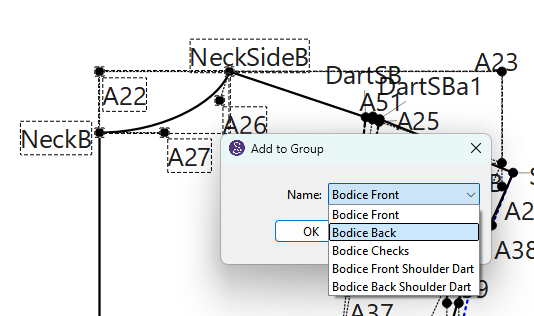
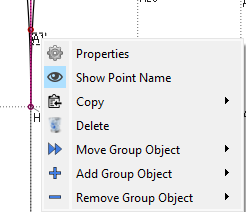
Just to expand on this, @Douglas has kindly (recently) added a function that we can use to move an object from 1 group to another, which is very, very helpful. The Add/Remove objects was added a while back and I’m always using these 3 to arrange my groups
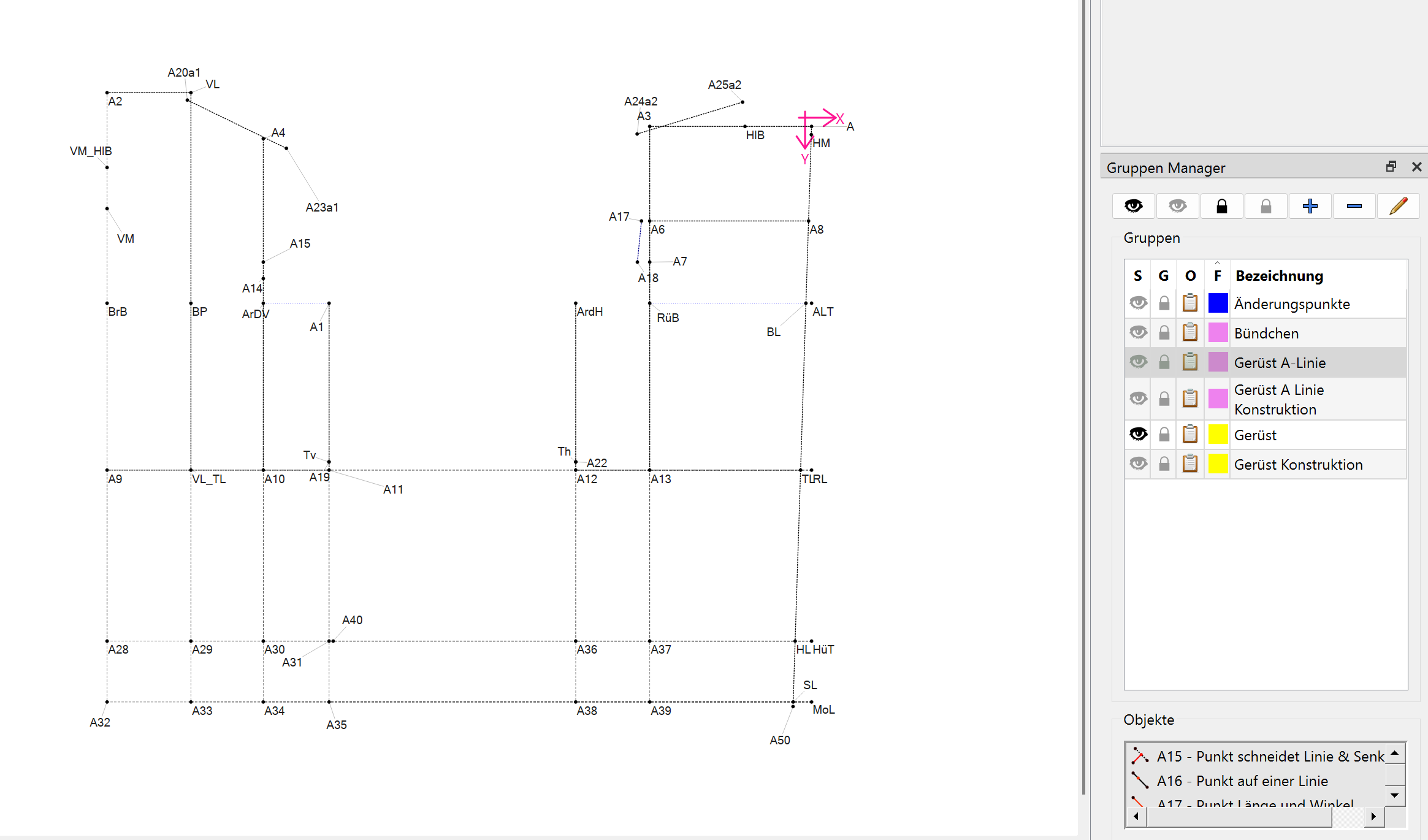
Dann gibt es noch eine Gruppe Änderungspunkte = blau. Dort sind die Punkte hinterlegt, die ich brauche um den Schnitt für Änderungen anzupassen.
Für jede einzelne Gruppenfarbe gibt es eine eigene Datei und wenn ich ein Modell bauen möchte, muss ich mir im Vorfeld überlegen, welches meiner Grundschnitte ich dafür brauche.
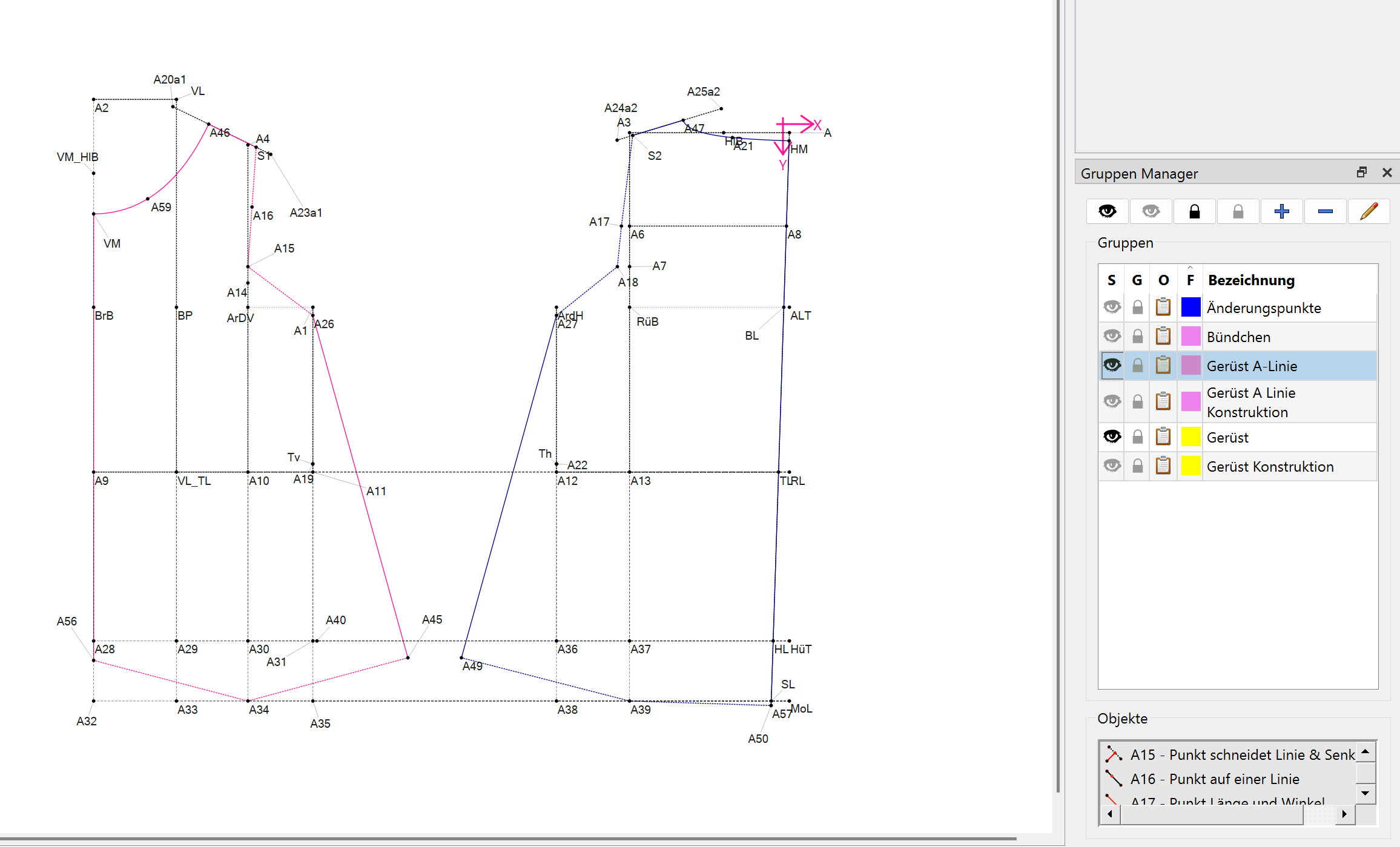
In den Modellen besetzte ich das, was ich erarbeite wieder in eine Gruppe mit einer neuen Farbe.
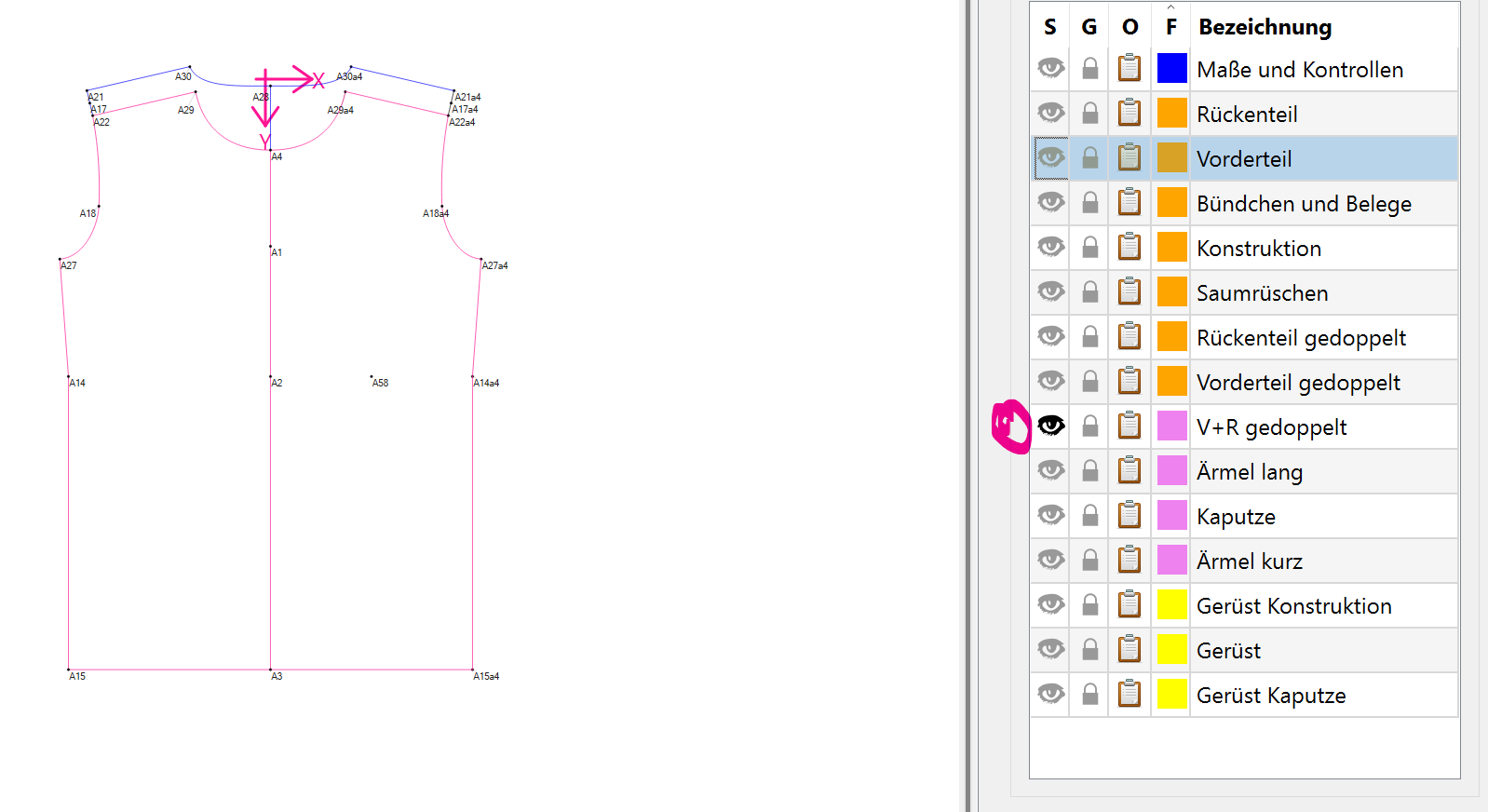
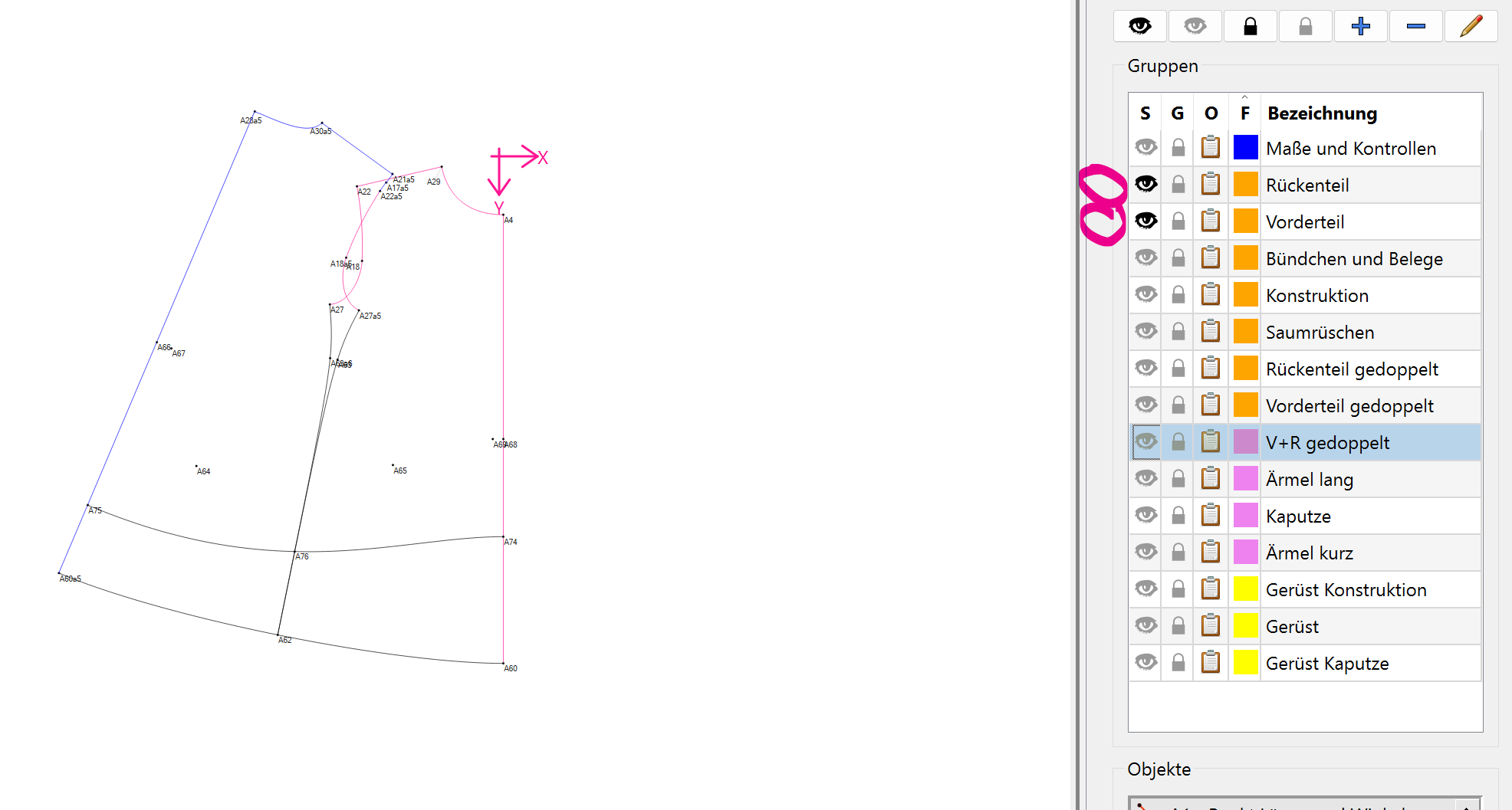
Das ist dann das fertige Model. Vorder- und Rückenteil wieder in zwei unterschiedlichen Gruppen. Damit ich auch einzeln daran arbeiten kann. Alle Schritte die dafür gebraucht werden verstecke ich in einer seperaten Gruppe.
A few posts back on this one, you mentioned that you do a Zoom call on Wednesdays. Do you still do that? And, do you offer a more advanced one, showing maybe how you adjust a pattern on top of your sloper? Or do you include a bit of that?
It seems that the Zooms have died a natural death. No one seems to want them any more.
I’ve been offering Question & Answer sessions and this is one of the topics that I was hoping would come up and hasn’t to date. Let me put something reasonable simple together & I’ll let you know on here. I’ll try for next Wednesday.
" A Discourse Livestream allows you to host and discuss live video content within your Discourse forum using a dedicated plugin. While Discourse itself is a discussion forum platform, it doesn’t host videos. Instead, the Discourse Livestream plugin enables you to embed live streams (like YouTube Live, Twitch, or other webinar platforms) into your forum, allowing users to watch the stream and participate in the conversation within the same topic thread."
I’m adding you to the Zoom group and I’m posting a poll on there to see how many would like to attend the Zoom today. Please add your choice to the poll.
I’m so sorry, I’ve not been able to check back in until now. I’m definitely interested going forward!
I also use Discord and find that it’s really easy to use, if that helps. Yes, you can live stream in there. People just have to be on your server to watch.
I noticed that when I joined the AYAB “Discord” forums it had livestreaming… I wondered if forums such as Seamly using “Discourse” can livestream - and the answer is Yes. By installing the livestream plugin we could embed livestreaming into topics here. Which is predicated on wherther we can install the plugin, or whether the ISP has to install it, and whether they would allow it to be installed.

 It seems that the Zooms have died a natural death. No one seems to want them any more.
 Yes, you can live stream in there. People just have to be on your server to watch.