I tried resizing my patterns and after 2 attempts it start giving me error message
After this error msg, i tried opening another multisize pattern but it does not open, rather it brings out this same error message, is there anything i’m doing wrong?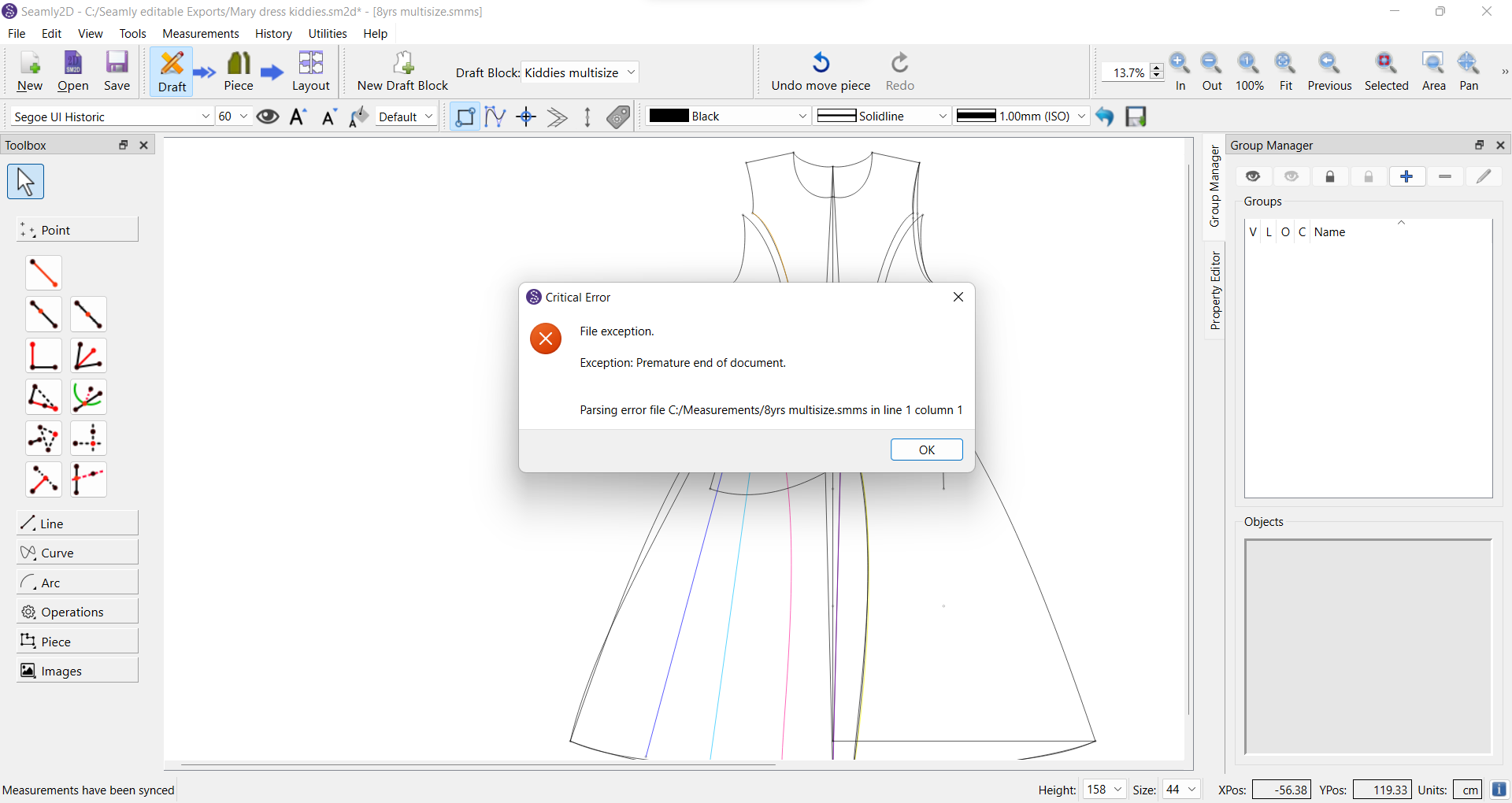
2 Likes
I would need to see the pattern and mesasurment files to see what’s wrong with them.
2 Likes
gost_man_ru.smms (9.1 KB) I guess this par
Unfortunately the measurement file seems to have got corrupted too as it is now showing 0bytes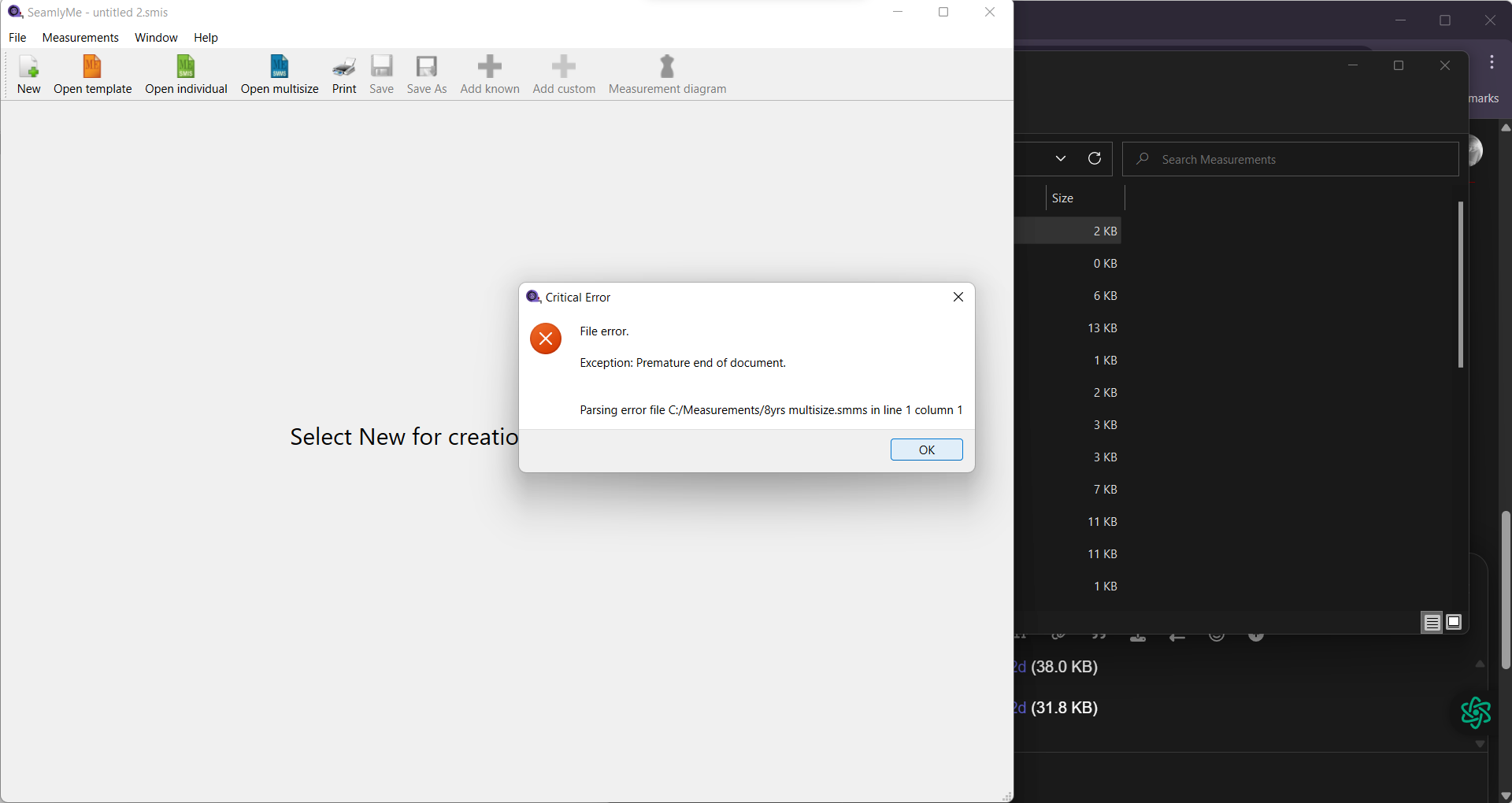
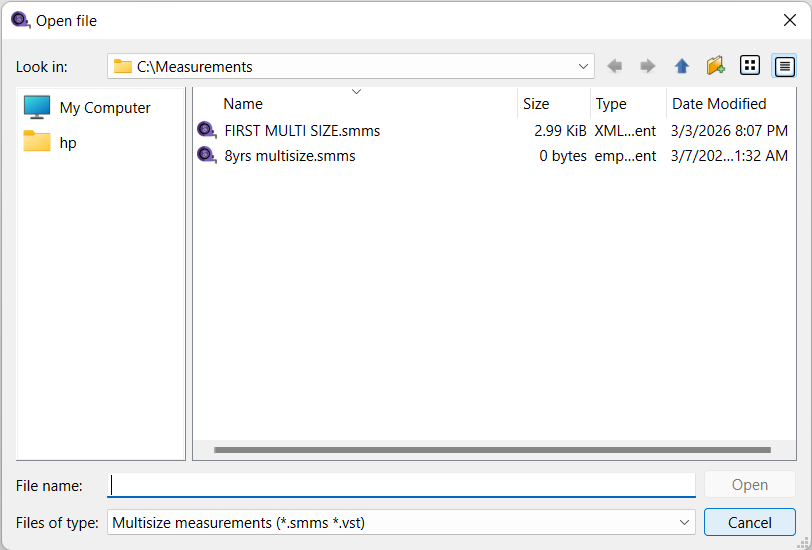
 i tried uploading it here it’s not going through, is there anything that i can do to recover it please?
ticular file came with the software? i was able to open it at first too before it stops opening
Mary dress kiddies.sm2d (56.9 KB)
Kiddies multisize.sm2d (13.3 KB)
jacket6_30-110.sm2d (43.3 KB)
jacket5_30-110.sm2d (44.3 KB)
jacket4_40-146.sm2d (45.7 KB)
jacket3_40-146.sm2d (29.8 KB)
jacket2_40-146.sm2d (38.0 KB)
jacket1_52-176.sm2d (31.8 KB)
1 Like
Unfortunately, the problem isn’t with the pattern, but with the measurement file. Have you tried to place the file in a zip file and then send it?
8yrs multisize.zip (136 Bytes) This is the zip file
1 Like
You’re right. Somehow that file has become completely blank.
Do you have another file stored somewhere?
Yes. The 8yrs measurement file is empty. Unless there is a backup, the measurement file will have to be recreated. Which can be done by creating a new multisize in ME, and importing the measurements for, one of the patterns that use that file… then filling in the values. Plus it would be a good time to back up all your pattern data to another (external) drive. These days a USB stick is a good option.
That being said the jacket patterns & the gost file are OK.
1 Like
Unfortunately, no. I’ve never had this issue with my measurement file before, but it’s a lesson well learned. I initially assumed there would always be automatic backup files for everything we work on, but when I checked the backup, I discovered that only the pattern file had been backed up.
1 Like
It’s okay, and thank you for your prompt response. I’ve never really liked using multisize before because it always seemed difficult to get right. I usually prefer adjusting individual measurements whenever I need to resize my pattern. However, when I came across the Ghost Man and jacket pattern, I was amazed at how perfectly everything resized, which encouraged me to give multisize another try until it broke my heart again this time.
It is well, I’ll stick to manual grading and adjusting individual measurements for now, until I decide to give it another trial.
Thank you @Grace and @Douglas for always showing up and supporting everyone in this space. I truly and genuinely appreciate it.
2 Likes
Also, is there a way to see all the new updates added to the app whenever it is updated? Sometimes we might be expecting a feature that has already been implemented without our knowledge.
1 Like
I just discovered that most of my measurement files are 0bytes now, including the project i’ve been working on since last year
is there anything i need to be wary of please?
1 Like
believe it might be related to last week’s update, so you may want to look into it. The screenshot below shows the files I was able to open while trying to check how many files I may have lost so far. I was able to open these files successfully, but when I went back to each one to close them after confirming what I needed, the critical error started appearing again.
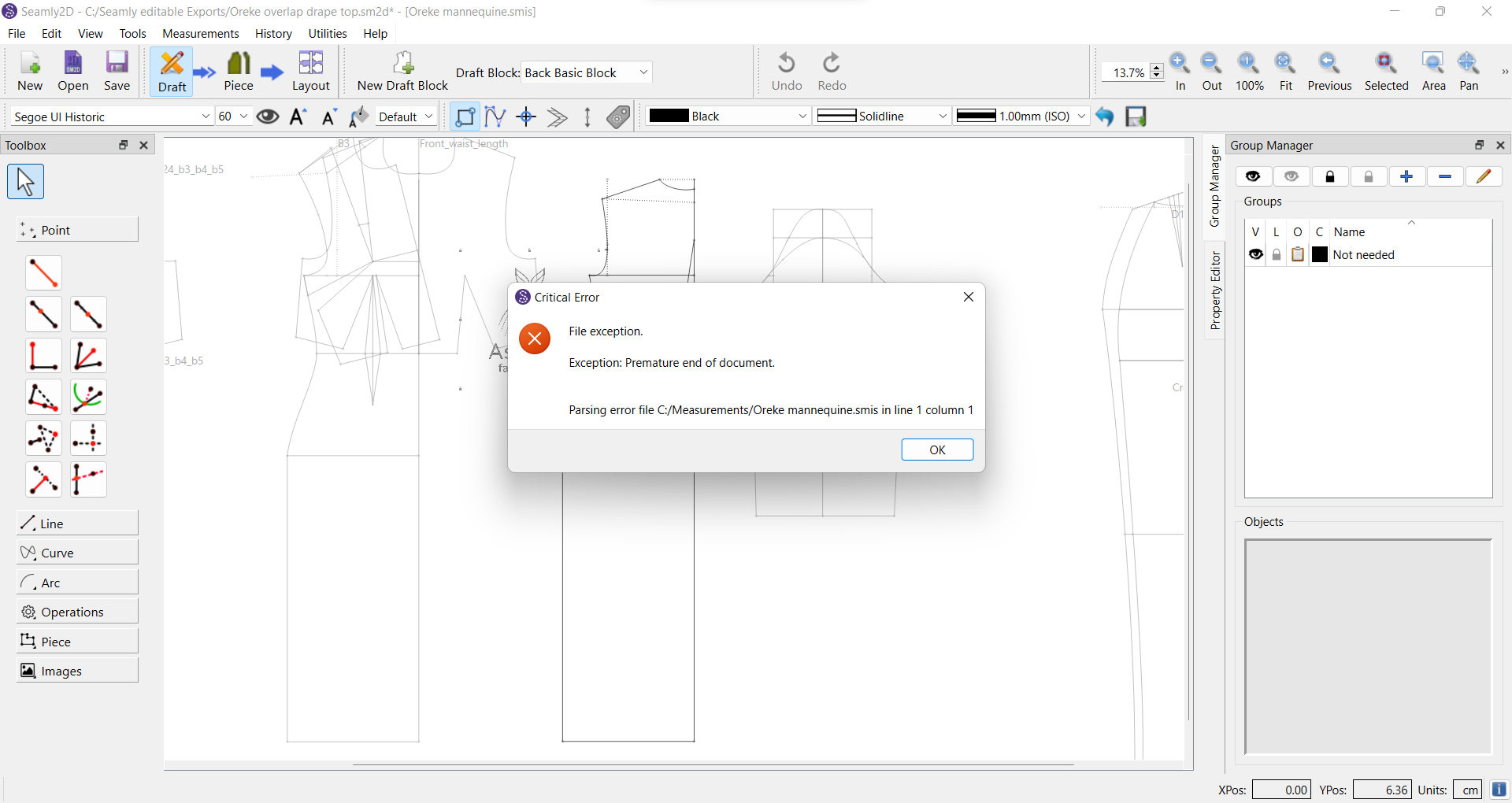
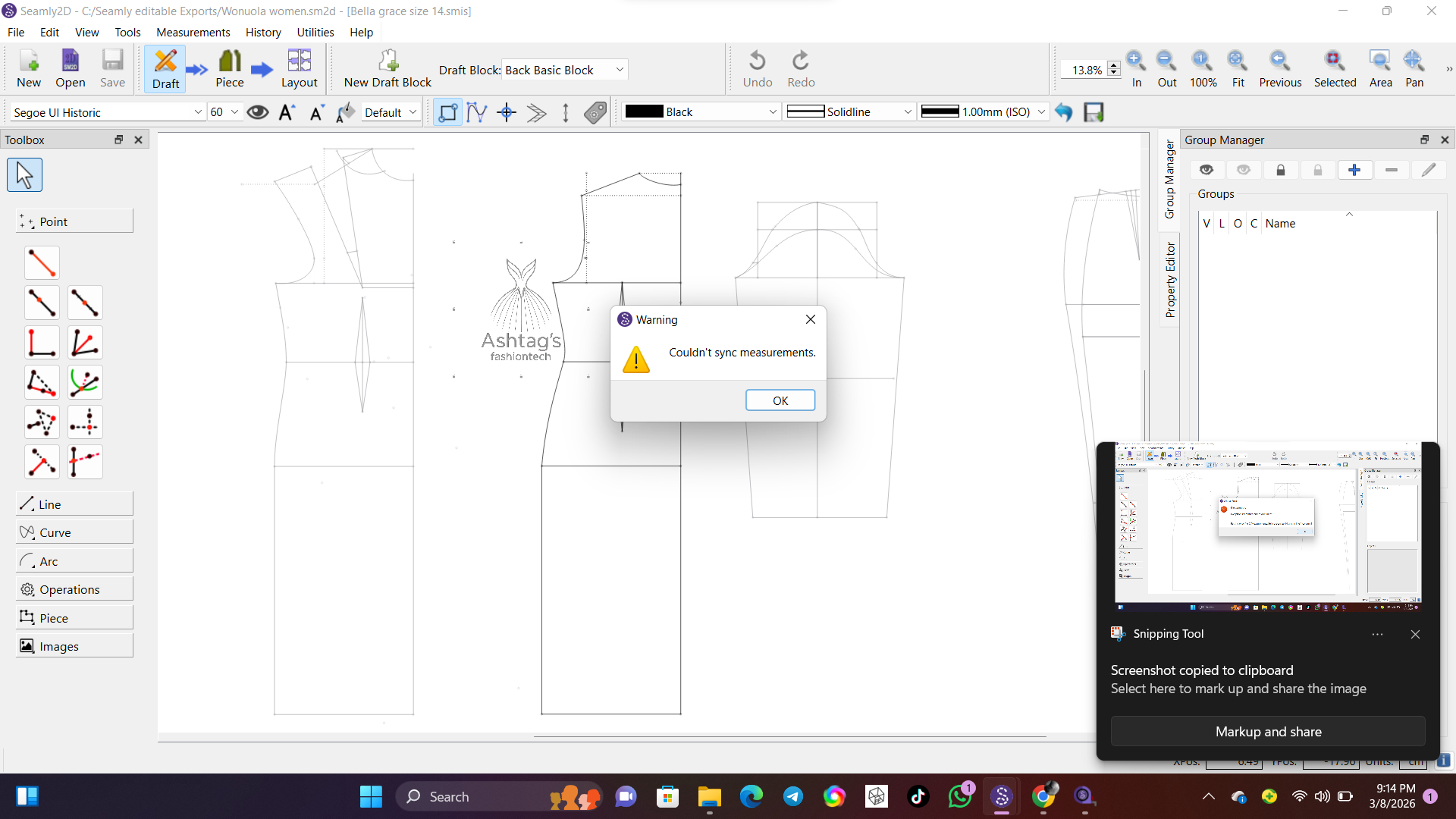
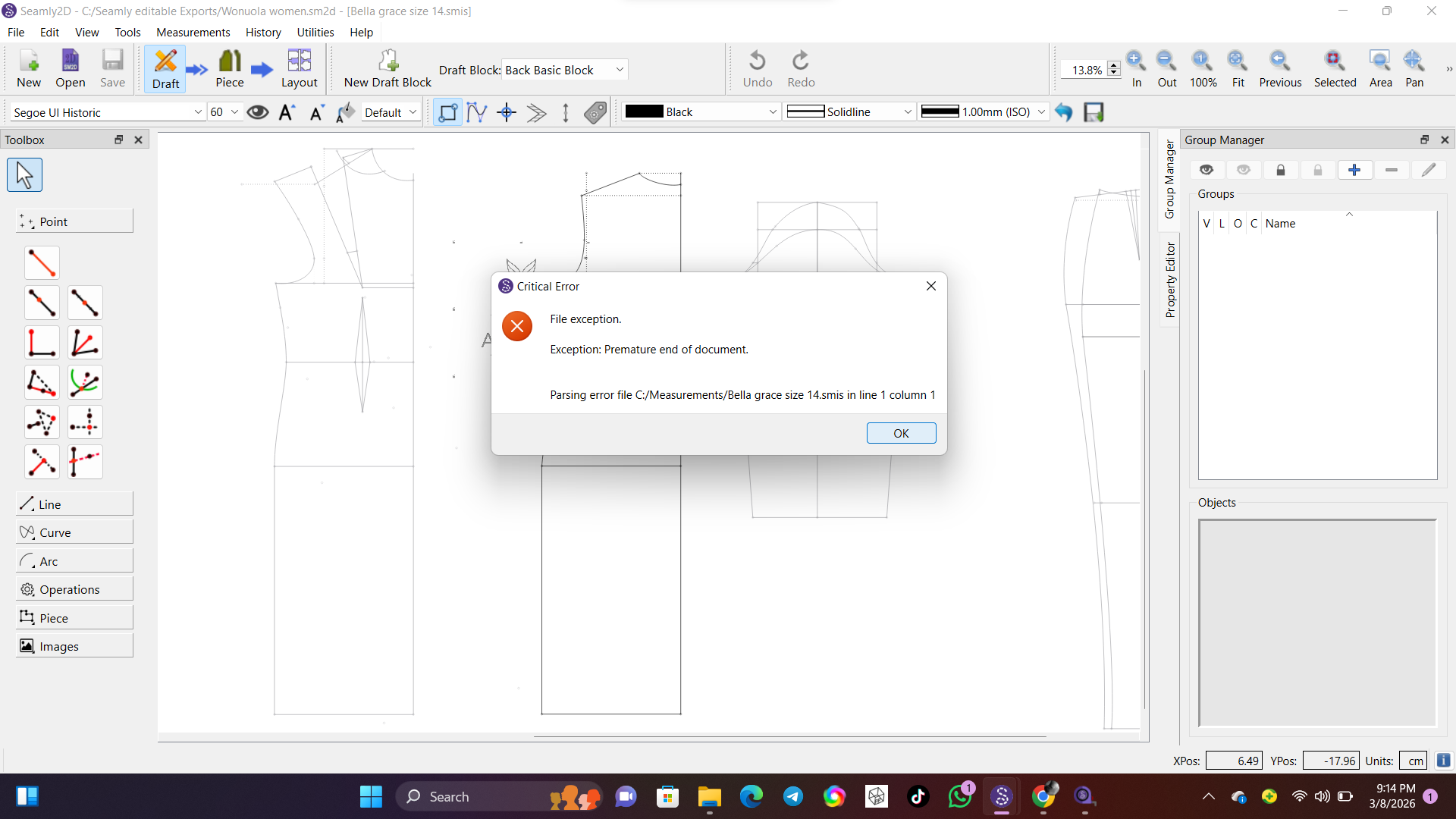
The files that were previously corrupted behaved the same way before eventually displaying the critical error message
1 Like
Are you keeping your files on your local drive? or are they kept in some cloud or other?
It’s kept on my computer local drive and i’ve never had issues with it before i make sure i update regularly too. Plus i don’t use my laptop for any major thing except for drafting and some basic things.
2 Likes
I really, really don’t know what’s happening. We’re both on Windows 11, both pretty much up to date. I haven’t been physically working on patterns, but I’ve been in & out of patterns a number of times last week. I use my laptop for various things & am always running out of space on the hard drive. And this hasn’t happened to me - all of my measurements have values larger than 0 kb and your other SMMS file still has values.
Like @Douglas , I do keep a copy of all my patterns and measurement files on an external drive - just in case something like this happens, or worse… I do something really clever that completely destroys my pattern (and that happens often).
Here is one of my patterns being resized:
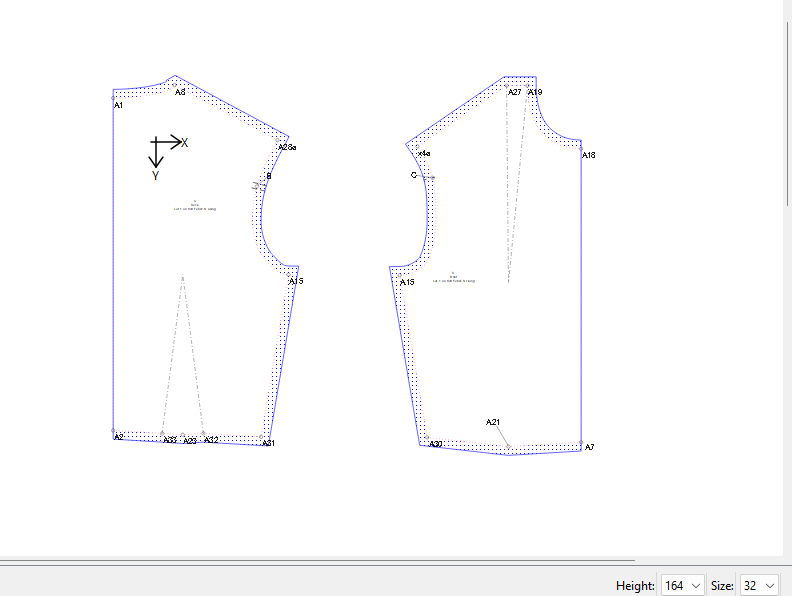
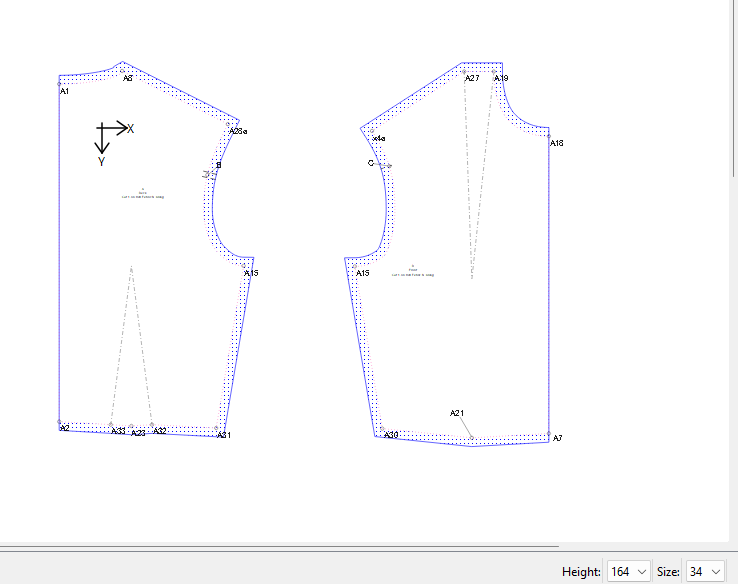
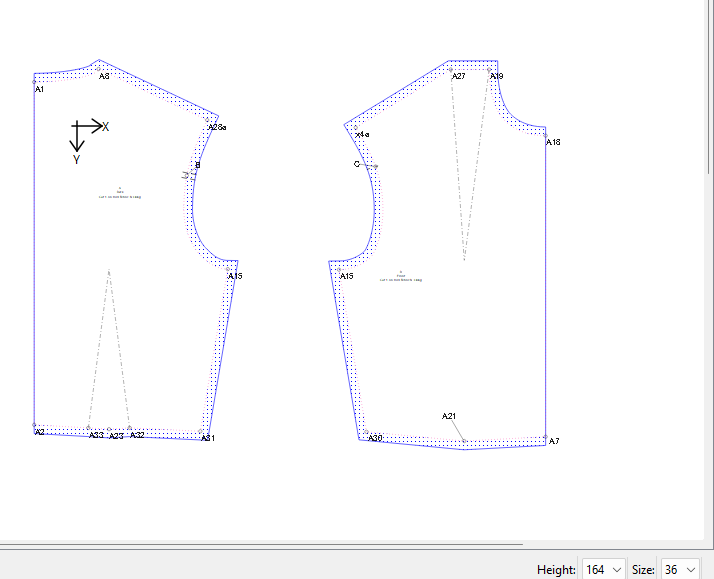
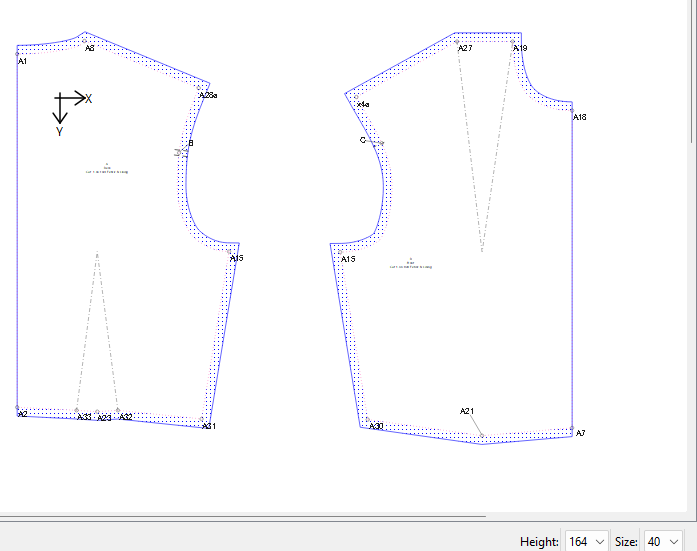
I tried in Draft mode and in Piece mode.
As you can see, I can’t replicate the error. It’s as if someone went in with a text editor & deleted everything in the file & saved it. If the measurements had all been deleted in SeamlyME, the file would still retain the heading and ending lines.
I’m sorry that I can’t help you.
@Latifah_Omolola This screenshot shows the file is an individual file (.smis). Are you also having problems with individual files?
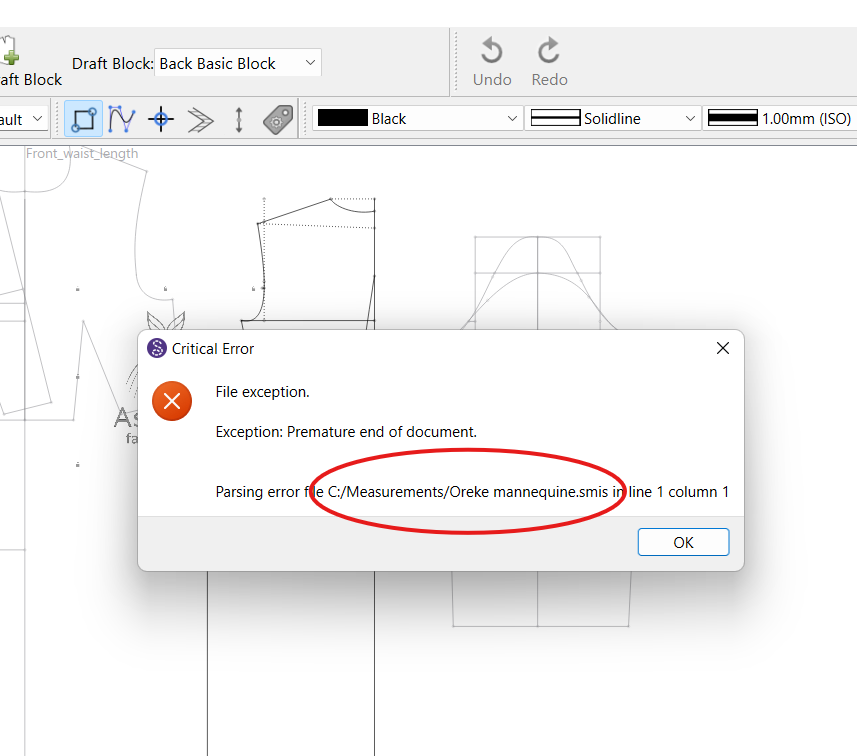
1 Like
My question is are you working with multiple patterns open using the measurment file?
1 Like
Yes, i initially thought it was just multisize which i had plan to give up on multisize for now until it affected my individual patterns too
1 Like
for the individual yes, i use to create a new pattern file while still using same measurement file for each patterns. but for multisize, that was my first trial with that particular measurement file.
1 Like