. I create a pattern multisize measurment and loaded it to multisize measurment file.
i see how it changes from the bottom of software window/
?I want to ask- hoe can I show and print all sizes in one layout thanks
. I create a pattern multisize measurment and loaded it to multisize measurment file.
i see how it changes from the bottom of software window/
?I want to ask- hoe can I show and print all sizes in one layout thanks
like this: here: Is it possible to increase the size? - #4 by Grace you wrote:”All you need to do is to create a New file in SeamlyMe, select Multisize and your base size and height according to your standard measurements. Then add the codes for the measurement areas and (at each code) add the base value and the increment per size.”
what are these codes? thanks
Aliza
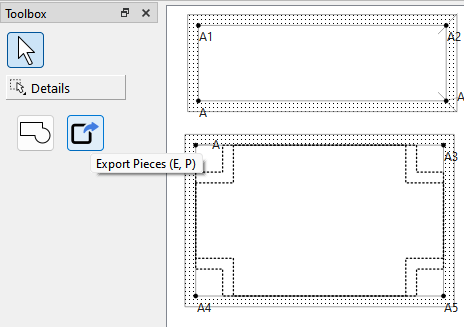
Currently we have no nesting feature in Seamly - but it’s on the TO DO list. What you would have to do is export your pattern pieces from Piece Mode for each size in a format like SVG:
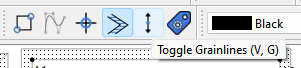
Then using another app like Inkscape, combine the different size pieces into a nested pattern. To help faciliate this you can toggle off the grainlines & labels for all but one size so you don’t have to delete the extra ones in the other app.
What I mean by ‘Codes’ are the image reference numbers of the different measurement areas in the diagram.
Grace is referring to these numbers:
Currently the number is only applicable to “Known” measurements. Custom measurements are just listed as “na” or “not applicable”.

This may change in the future as we improve SeamlyMe.