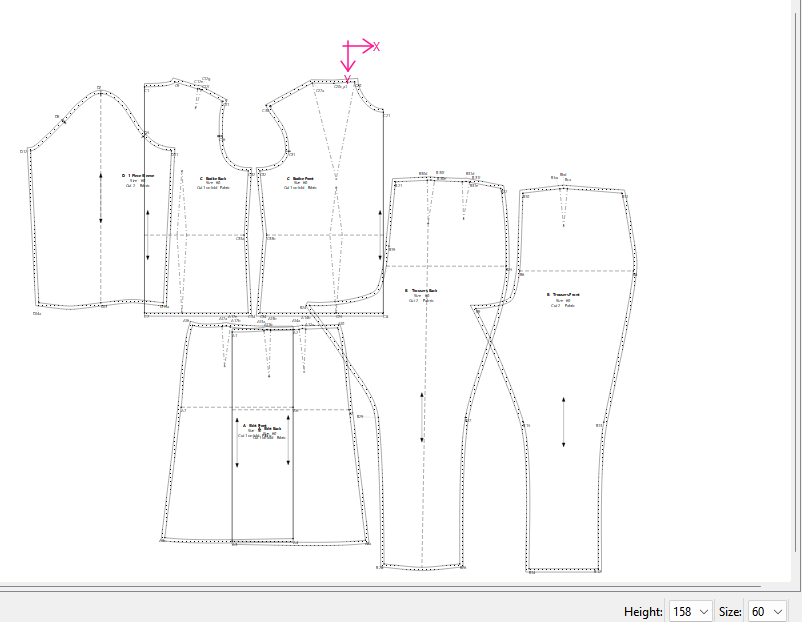
I think I get what you’re doing wrong. When you switch to piece mode it’s onlly going to draw the pattern pieces in the size slected in the size box in the status bar. In other words you’re only going to see in Piece mode one pattern size at a time.
Here’s the order in which to do things:
- Create New pattern..
- Load multisize measurements.
- Draft your blocks.
- Create pattern pieces.
- Switch to Piece mode and select your smallest size here:
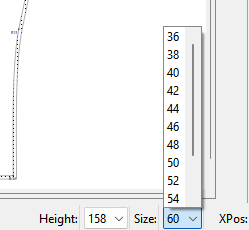
-
Export pattern pieces for smallest size.
-
Select next size here:
- Export patern pieces for next size.
- Repeat 7 & 8 until you exported all your sizes.
- Import all your exports into another app like Inkscape to combine into a nested pattern if that’s what you want. If you’re wanting to produce a nested pattern you can turn off the grainlines and labels by toggling the buttons on the toolbar for all but one size so you don’t have to delete the extra ones in Inkscape or whatever other app.


You should be seeing something more like this:
Smallest size 36
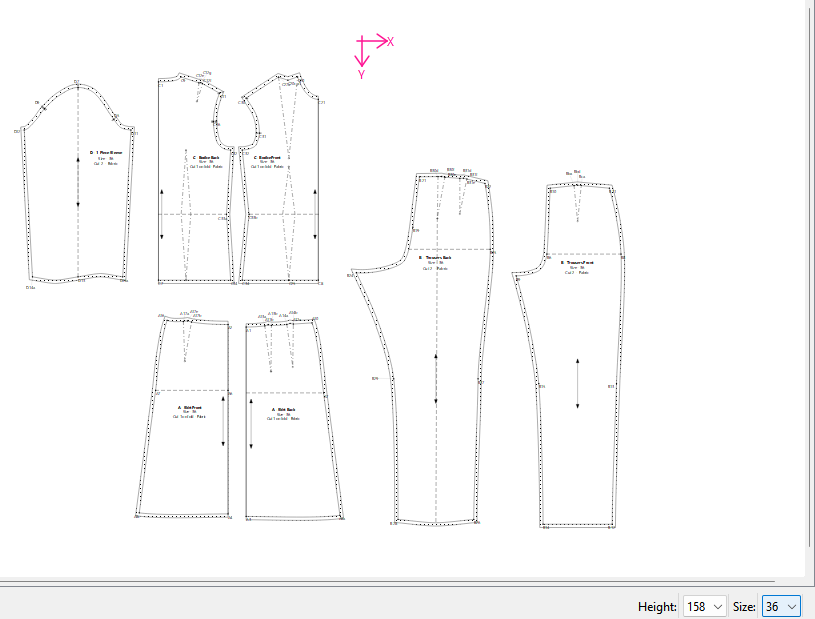
Largest size 60