HI eveyone. I think I”m losing my mind and would like to know if the issue I face is peculiar to me and also how to solve it.
When I create multisize patterns of a particular garment e.g xs to 4xl, then I export and open up in illustrator (SVG file), all the sizes are one size.
Please note I manually change the measurements for each size increment so I’m very sure my measurements are different across sizes, and I create pattern piece for each size. Then export as SVG file.
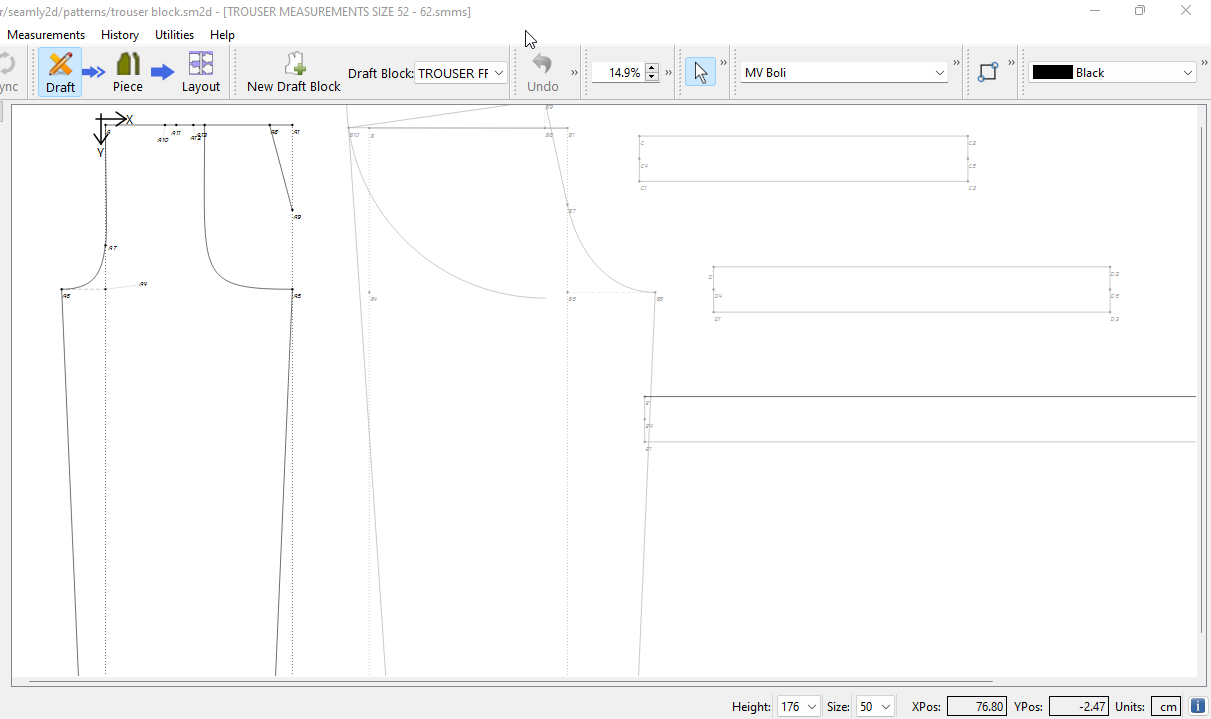
Are you selecting different sizes in the size drop down in the status bar in Seamly2D?
Not sure what you mean by manually changing the measurements? The idea is you set up a multisize table based around a base size, with increments of how the size changes up and down. To actually change the size of the pattern you need to select the size in the drop down, which then looks up in the table how to calculate the measurements for the size associated with that label from the base size based on the increments.
Note the values in the size drop down are currently only fixed labels that don’t have to represent a specific size. The were originally meant for the metric GOST system. We have plans to have the size drop range match the actual measurement range… depending on what sizing system is being used.
So i do not change the sizes where you highlighted in the image and that’s because I am not using a preloaded multisize measurement to change my sizes.
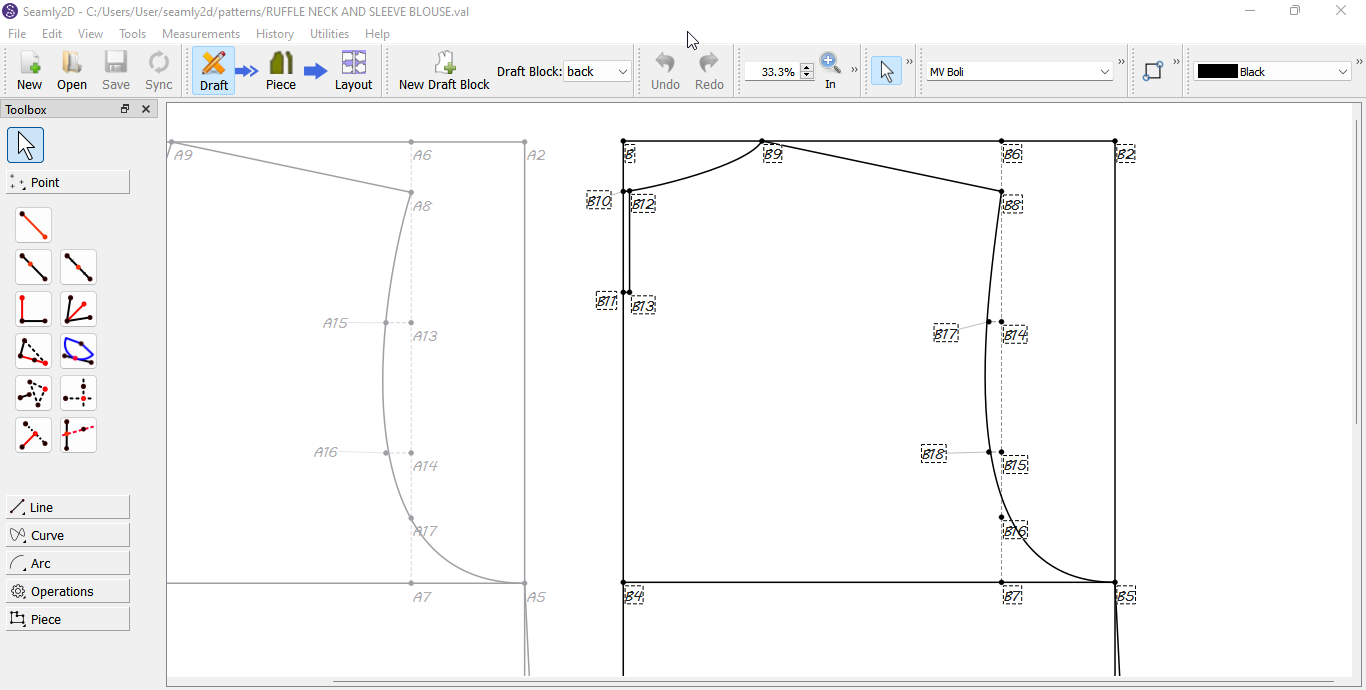
When i draft say a skirt pattern for example, if lineA-A1 is quarter of my waist measurement and A-A2 is my skirt length. I manually input the variables of these lines to represent each of my size range.
Yes, i know i can load up the sizes and have the system automatically do that, however i don:t because not all my size increments are equal, it could vary over some sizes.
Please is my explanation clear? let me know where I need to provide further explanation because I really would love to get over the frustration i feel over this.
I don’t understand why you would manually input the measurements? You either load an indivdual measurment file with specific measurments or use a multisize measurment file - as implied by the topic title. You’re defeating the whole purpose of the application where you draft 1 pattern that can adjust size by simply loading measurement files.
As to why your pattern is not changing size I’d have to see the pattern, and where you are inputting variables.
And I’m sorry I’m not using the full potential of the application. Like I said i do not preload multisize measurements inti seamly me because the increments aren’t even over sizes. for example i don’t want to forget that a particular measurement that has had a 1cm increments over sizes XS to XL suddenly jumps to 1.25 in sizes 2xl and 3xl and then 1.5 in 4xl.
I tried uploading a picture of my patterns but can’t do so.
You can create individual measurement files inSeamlyME that represent what ever size you want. For example… you can add the known waist measurement waist_circ to the file with a value of 26. Save the file as size1.smis, change the value to 28 save as size2.smis, change the value to 30 and save as size3.smis. In the pattern the formula for Line_A_A1 would be “waist_circ / 4”. If you load in size1.smis then the value for Line_A_A1 will be 6.5… if you load in size2.smis the value will be 7, if you load in size3.smis the value will be 7.5. If you come back to the pattern a year from now and you simply load the pattern with size1.smis Line_A_A1 will be 6.5 and nothing was manually changed.
There’s a waiting period before can add attachments. I bumped up your level so you can add attachments now.
Thank you also for the individual measurement tip.
I know I used the example of a skirt because skirts are the easiest, but from my attached pattern, I change each line measurement to represent each size measurement so my measurement for B-B2 changes from size to size as well as every other measurement.
Oh! as a way to further explain what i mean by manually imputing variable, have you seen those Japanese pattern magazines where they draw the pattern for a particular garment and over each line that makes up the pattern, they put 3 to 4 values depending on the size you want to create.
In that vain, can one just create such patterns based on the lengths of each lines in the pattern rather than building a measurement file seeing that in the case of these Japenese magazines, you aren’t really told the formula for the numbers, all you have are lengths for each line that make up the pattern.
I hope you do understand me and I’m not being a pain.
You could use IF statements in all your line formulae, but I think there’s another problem that needs solved before that has any hope of helping you do things the hard way.
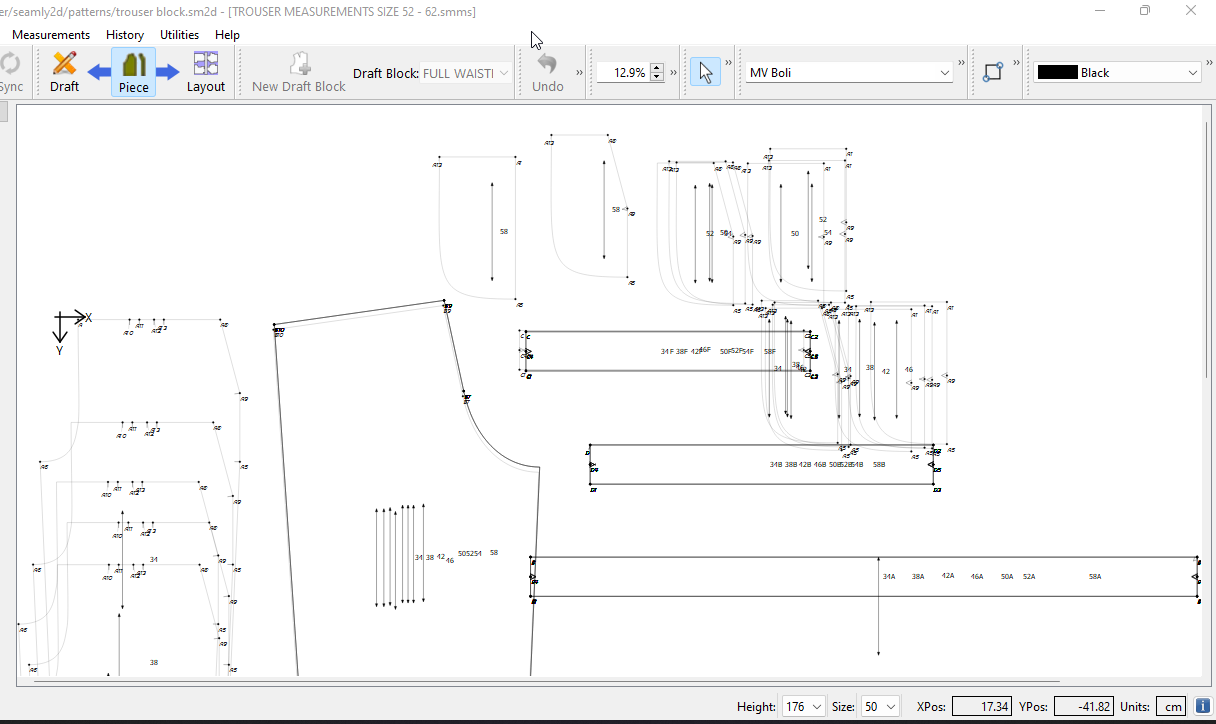
Okay, Seamly is a parametric pattern drafting program, which means that the output of the tracing shown in the Piece mode is what the Drafting mode would currently provide. So that’s why all your traced pieces are the same size. If you really want to proceed with this method you will need to export between each re-sizing & not bother re-tracing. Then you can combine all the exports in Illustrator (or other similar program.)
But if all you want to do is copy the dimensions of the pattern as given, & compile them in a single file, I suspect that you’d be better off just doing the whole thing in Illustrator, because if you want multiple sizes in one Piece mode instance, you’ll need to re-draft it separately at all sizes anyway.
However, I highly recommend figuring out what the formulae behind the given dimensions are, so that you can use Seamly effectively, &, more importantly, expand your feel for why the book drafts have the given line lengths.
Hi everyone. I know this was supposed to be a solved issue based on the replies I got but sadly, I’m still in this ship.
So I created my measurement file with the necessary size increments, I even created multiple files to accommodate the “uneven” increments.
I make my drafts, change sizes as required and I can see the pattern adjust to the new measurements in draft mode.
Now I have created all the patterns in the sizes I need, I’m in piece mode and I export all the pattern pieces as one SVG file.
I open the SVG file and all my pattern pieces are the same in sizes, no variation.
The only difference that exists between the pieces are the individual labelling. Other than that, my size 36 pattern piece isn’t different from my size 56 pattern piece.
What could I have done wrong?
I need help please, thank you.
Did you create the draft pattern referencing the measurements in the formulas? If not, then there is no link in the draft to the measurements file, so they won’t resize and I suggest that you do a practise run on this tutorial to see how Seamly works. I think this will solve your problem.
If you did, then do this:
In Piece Mode at the bottom left, you’ll see the Size selector. change that to the 1st size and export it as an SVG with the size in the file name. Then change the size and repeat until you have exported each size and now have multiple files that are the same, but different sizes. I’m guessing that you already know how to progress from this point.
Please let me know how you are getting on and don’t hesitate to ask if you have any other questions.
Yes, I created the draft pattern referencing the measurements.
I did as per your suggestion in piece mode and had to ditch the idea for a fresh drafr, LOL.
Because I have up to my largest size in piece mode, by the time i changed the size selector to my smallest size, my curves where all over the place.