Based on a suggestion from @Evans I’ve made these changes to the arc tools:
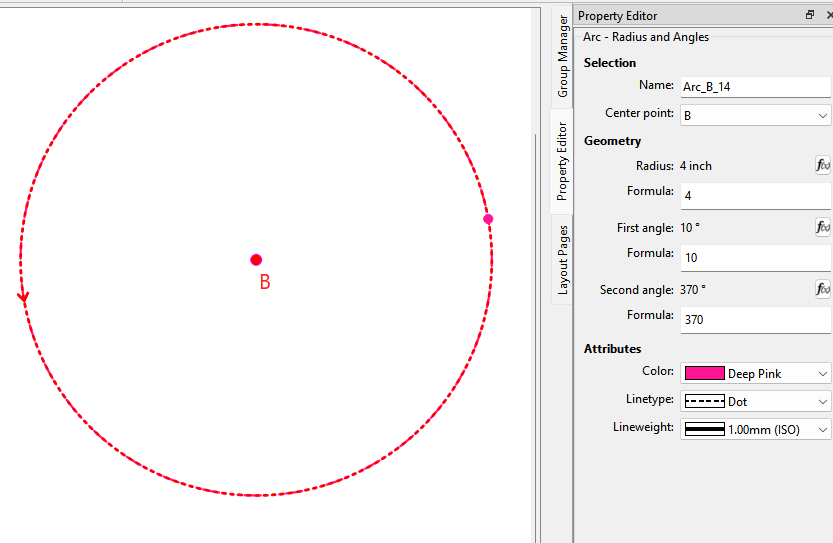
Since arcs are automatically named by the app, there is no reason to edit the name. The name field for the following tools is changed to read only, and the focus of the cursor is now placed on the 1st open (radius) field.
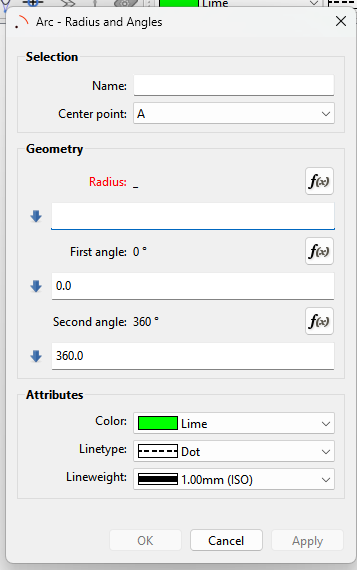
Arc - Radius and Angles
Arc - Radius and Length
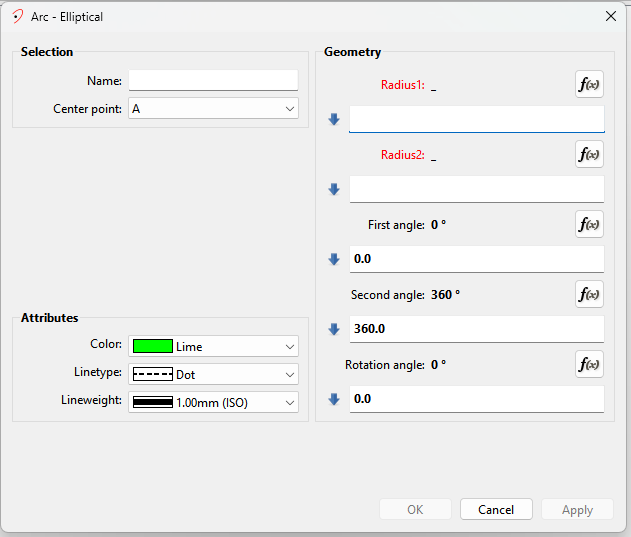
Arc - Ellipitcal
Added the 0 and 360 default angle values for the Arc - Radius and Angles:
Thanks! The default 360° will be really helpful. 99% when I use the arc tool is to make complete circle, like indicating the bust perimeter and button location.
how difficult would it be to add a “Lock Angle relation” chainbox? Like the “Lock Ratio” chainbox in most graphics programs to help resize elements without deforming; so that when someone wants the full circle, but they need their seam to pass angle 0/360, they don’t have to manually change both of the angles?
Yes… it was a simple thing to implement, but with a big impact on speeding up the workflow.
Not exactly sure what you mean? Do you mean so that instead of 0 and 360… if you change 0 to 10, the 360 automatically changes to 370? If so it would make more sense to have an offset that rotates the start and end points - which would work with any arc, not just full circles.
Consider it a new issue. Fairly simple to implement, other than it would require a new schema. And if the offset is also a formula, there may be some interesting possibilties.
I’m not clear why it would require a new schema?.. Oh! because the XML would need a note on whether the angle offset is locked so it doesn’t need re-selected every time!
Of course now you got me thinking there should be a seperate “Circle” tool where it could also automatically create x number of points y number of degrees apart. Like the spokes of wheel.
No… there would just be an offset value. The default would be 0… meaning the start and end points don’t rotate. Otherwise if offest <> 0 the start and end rotate by the offset - keeping the arc length the same.
BTW… the reason why I’m thinking an offset is, because in a practical sense “locking” the angles only works for a circle. The offset locks the arc length regardless if it’s full circle or not.
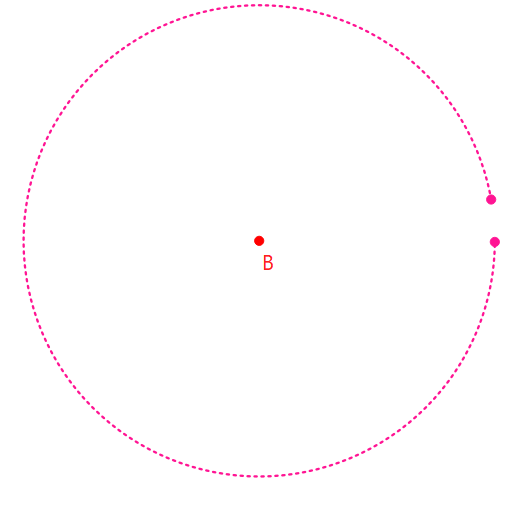
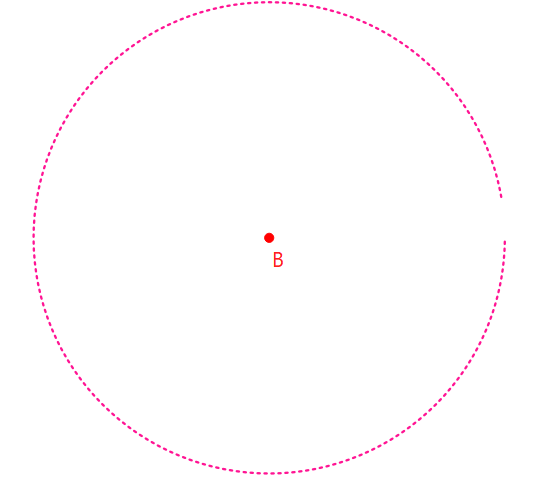
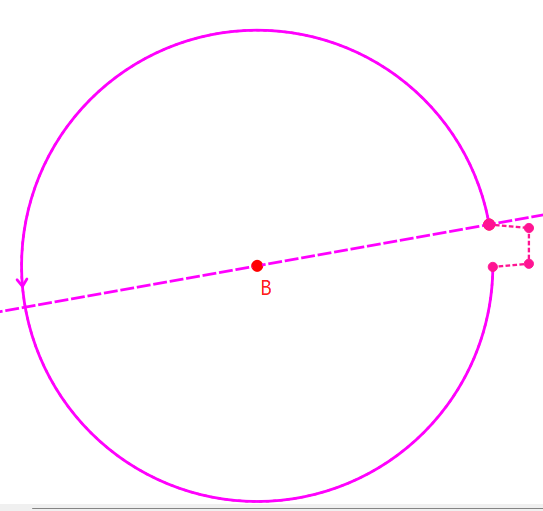
As I’m looking and arc with 10-370.. it would probably be nice to also show the start and end points in the visual - like:
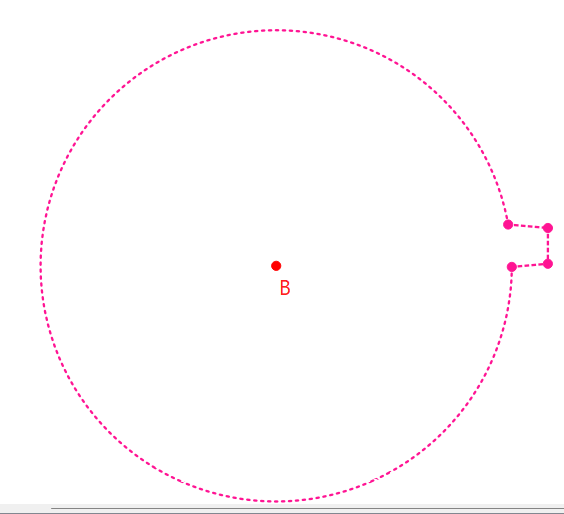
And I’d go as far as saying that when creating an arc, it should also create the start and end points i.e. like a Point - On Arc @ 0 and length of Arc… so they are selectable. Then you could more easily do things like:

 how difficult would it be to add a “Lock Angle relation” chainbox? Like the “Lock Ratio” chainbox in most graphics programs to help resize elements without deforming; so that when someone wants the full circle, but they need their seam to pass angle 0/360, they don’t have to manually change both of the angles?

 Fairly simple to implement, other than it would require a new schema. And if the offset is also a formula, there may be some interesting possibilties.