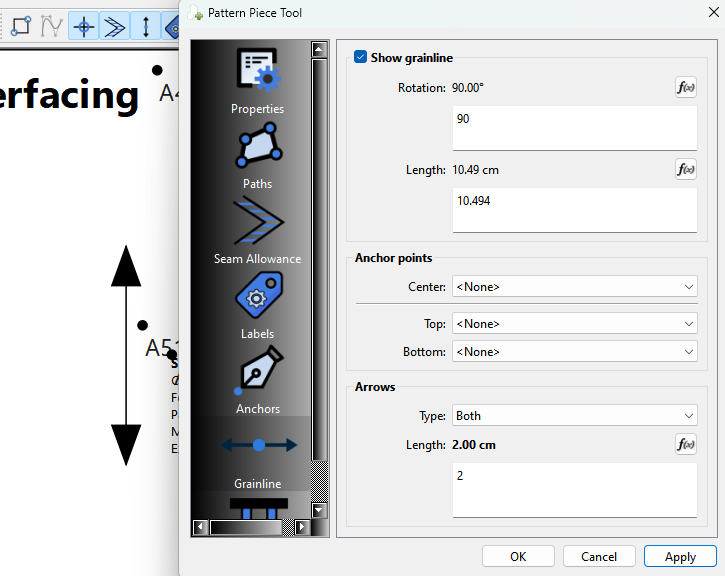
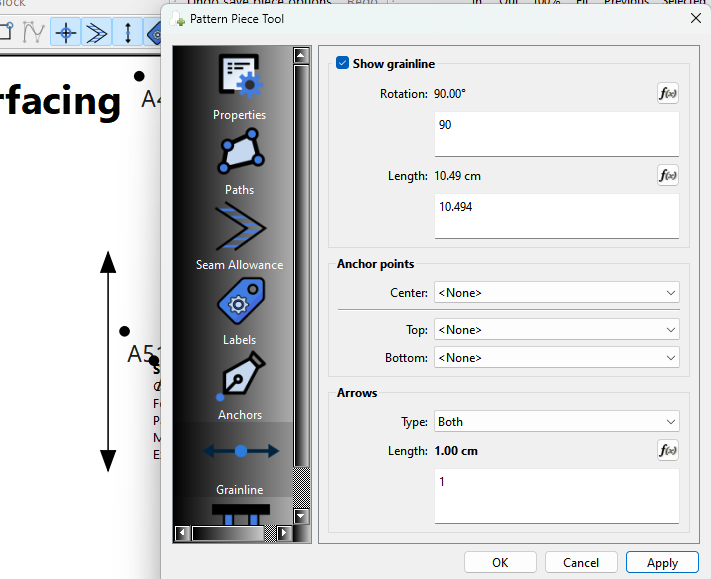
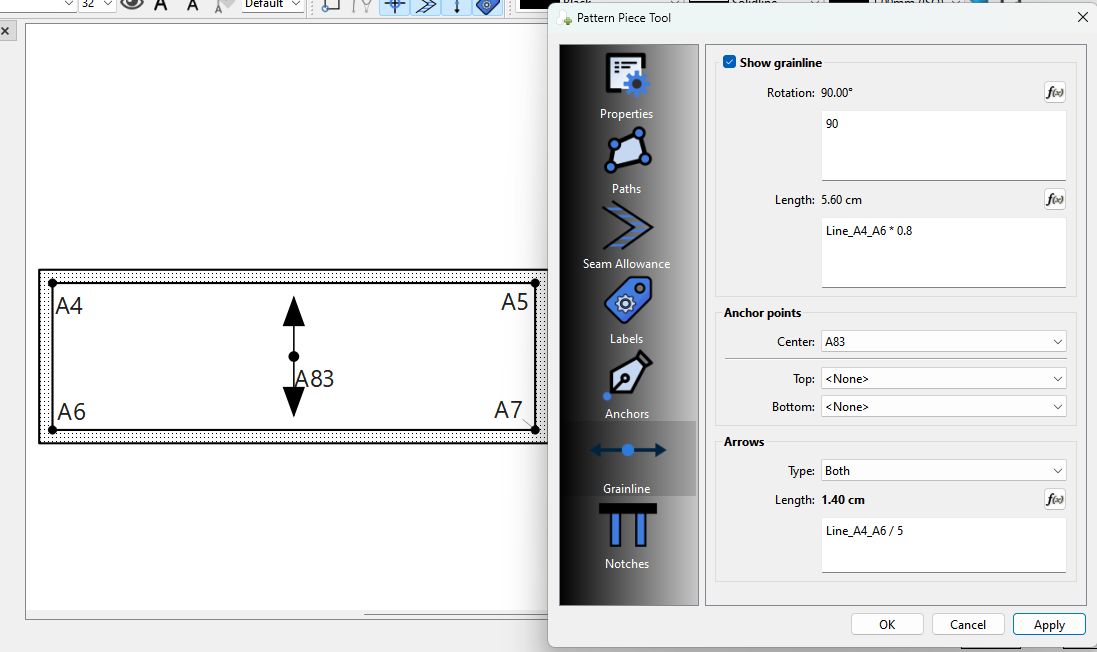
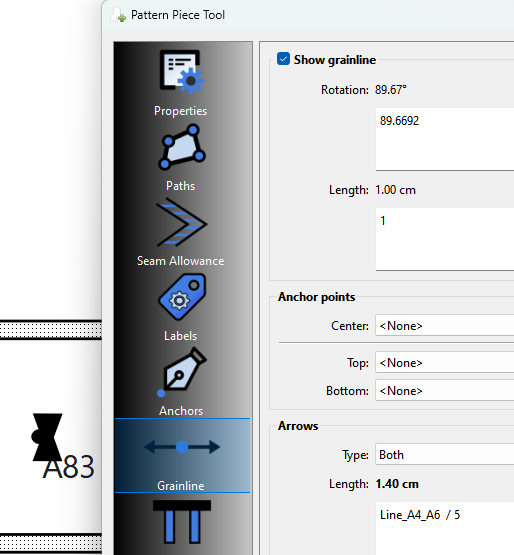
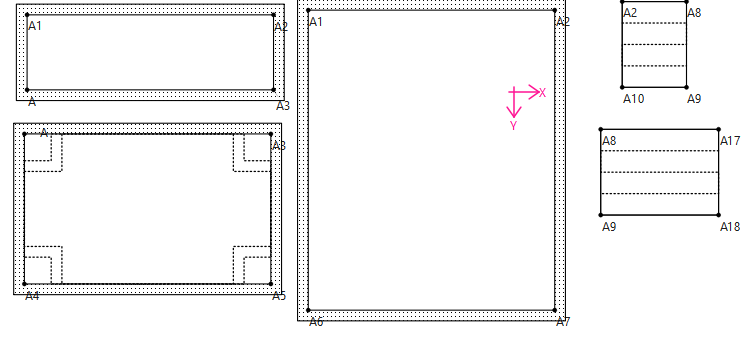
Based on a suggestion from @Evans, I added the ability to set the arrow head size for each pattern piece with a formula. It was easy to do, and it was a good way to refresh my memory for what I need to add to the pattern pieces to implement symbols in the same fashion as the grainlines & labels.
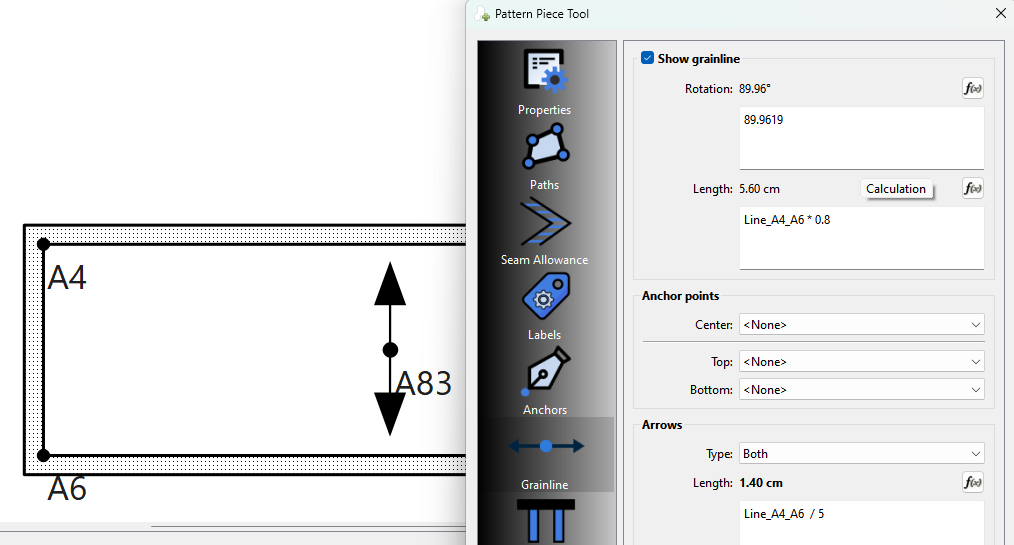
OMG… I feel so stupid. I’ve been checking over the updated grainlines and I’ve been pulling my hair out for probably several hours trying to figure out why this was not resizing with the handle - thinking I messed something up:
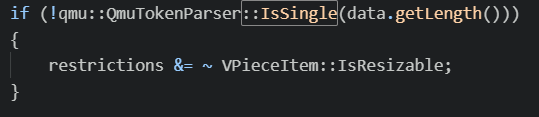
Yup… when updating the grainline geometry it’s checking if the length formula is a single number or whether it’s a formula. If it’s formula you can’t resize the grainline. Same applies to the rotation. < Faceplant >
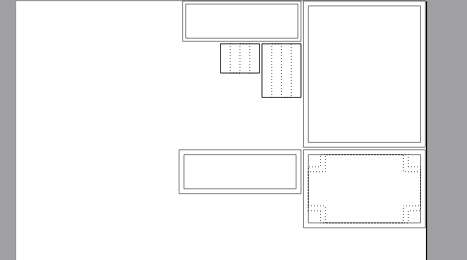
Good news is everything is working fine. Bad news is I now have to repeat the geometry process for the layout display.
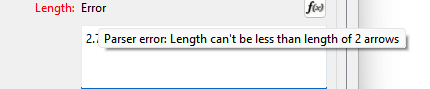
Found another bug… while you can’t interactively resize a grainline shorter than the length of 2 arrowheads… there’s nothing stopping a user from entering a smaller value in the length formula. Ooops.
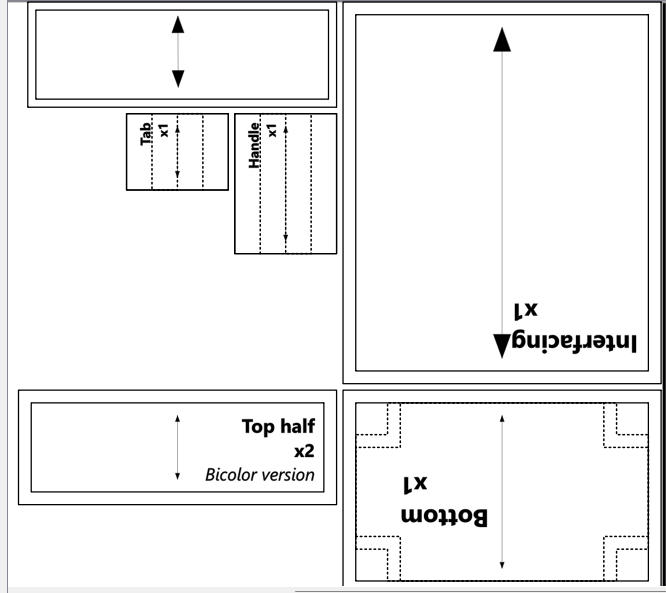
While I was at it I fixed another previous oversight… Toggling the grainlines or labels will now also affect the output of Layout pieces. Currently it is only affecting the pieces in piece mode
Note: Due to the nature that the Layout mode is only for generating an output, the Grainline and Label toggle buttons are disabled in Layout mode. If one wishes to change the state of either one, you still have to go back to Piece mode to make a change and then generate a new layout.