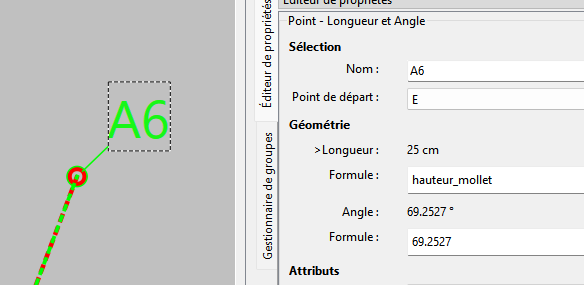
I think this issue is related to - or the following of - the one I reported in this topic
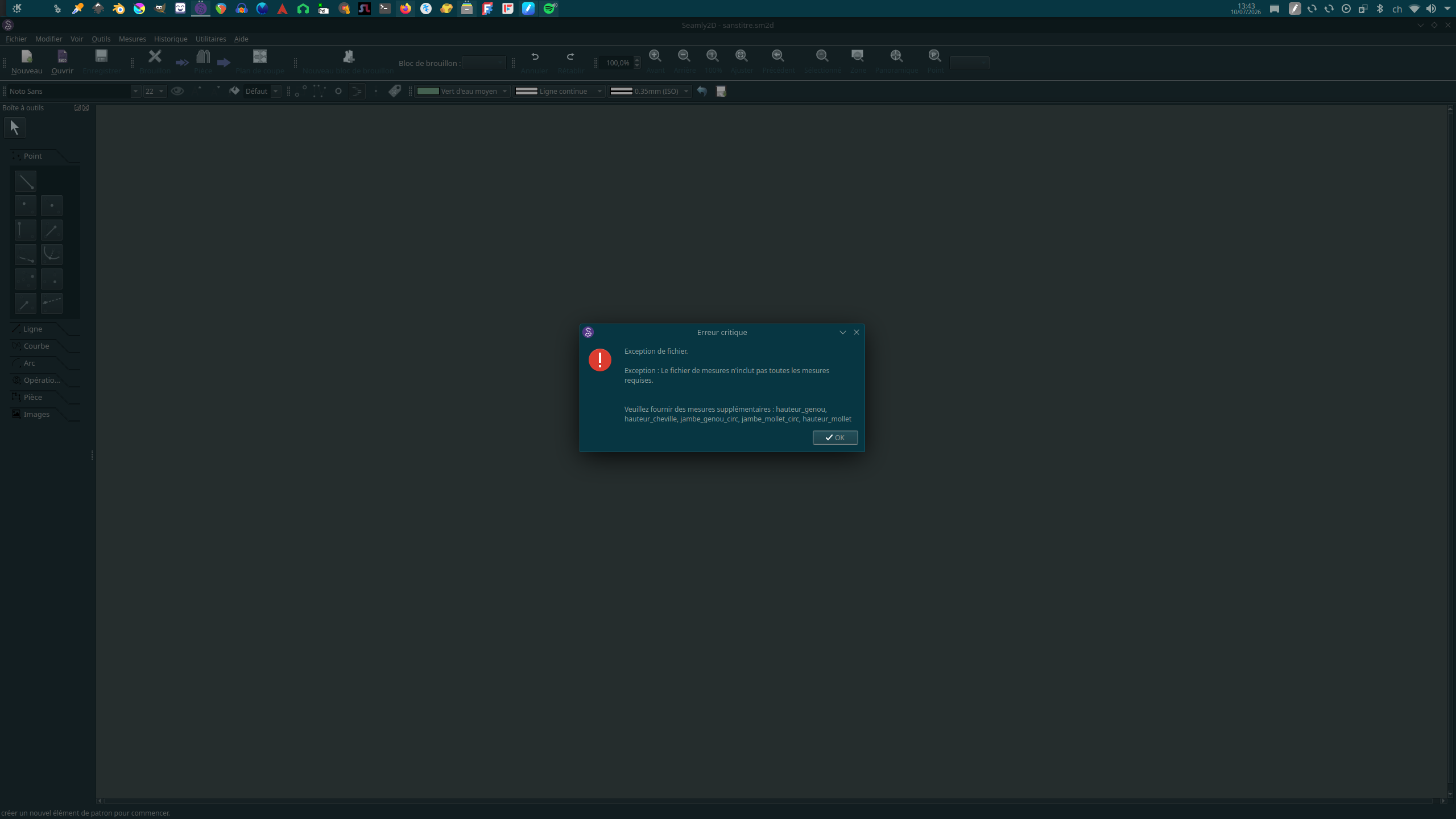
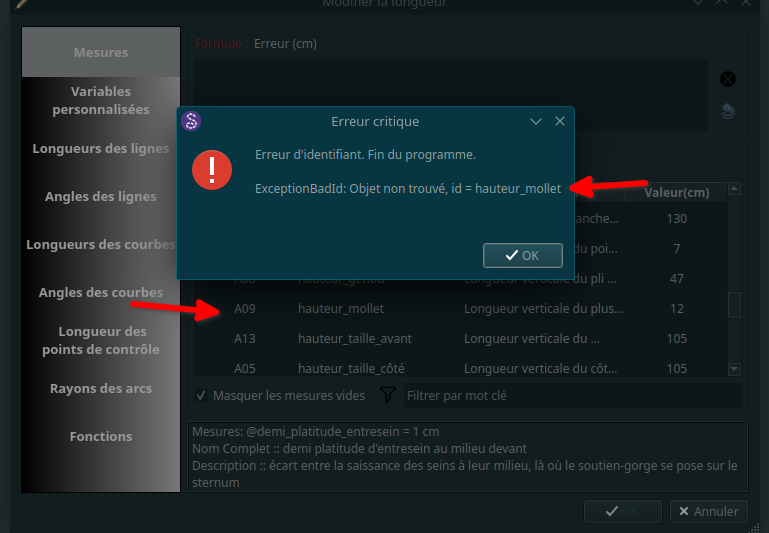
Now the program crashes every time I try to use any measurement created since that error. The measurement prior to the problem are found just fine, but the new ones are not and the program shuts down
I tried switching everything to english, switching everything to french, editing existing measurement sheets, duplicate them and then editing them, creating new ones, nothing will do.
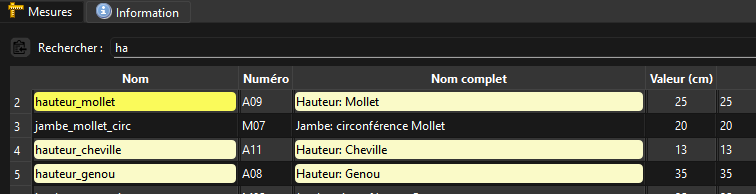
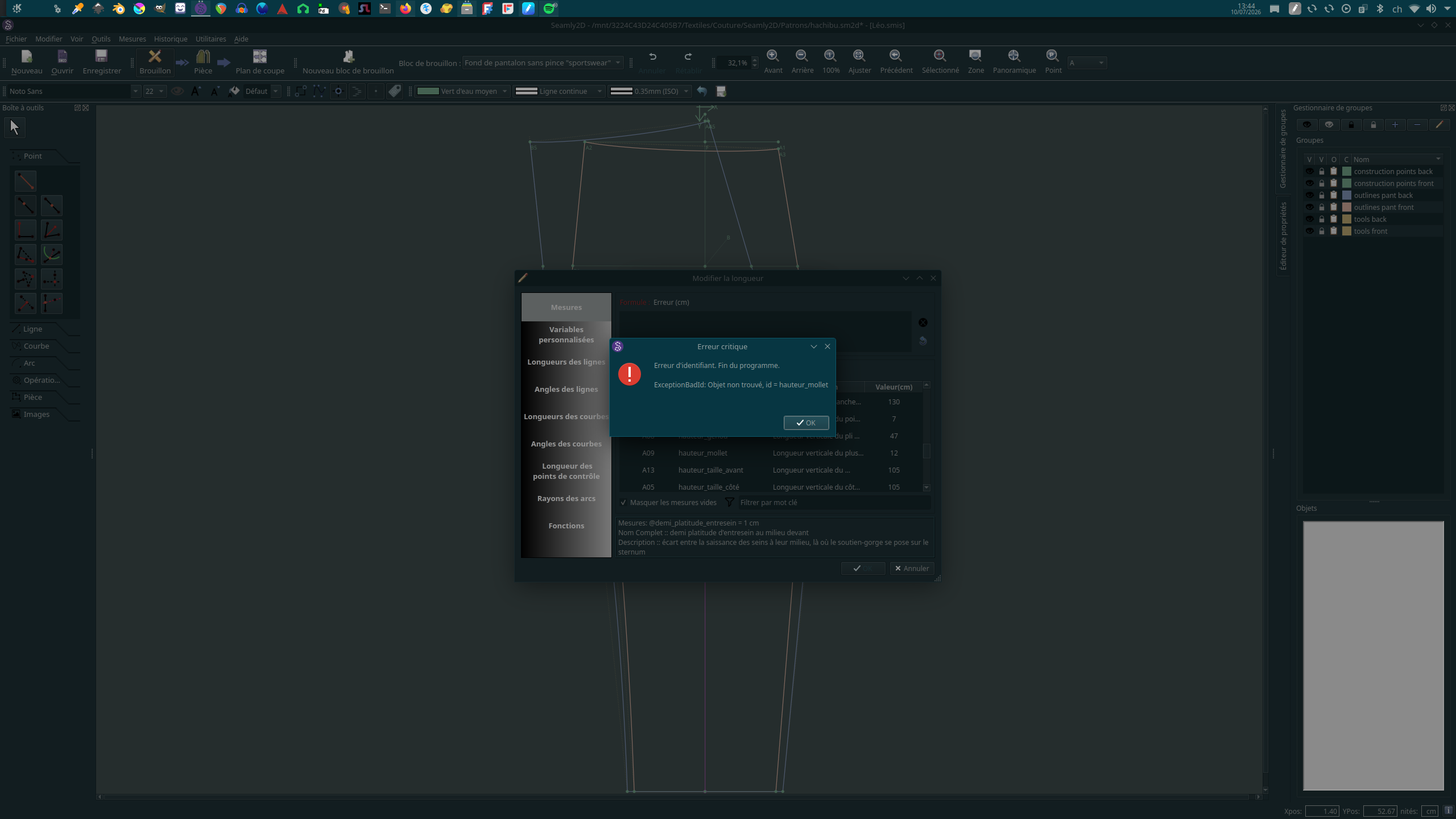
The measurements are there in the sheet, I can pick them from the algorithm tool, and then I have a pop-up box that tells me measurements are not found and the program shuts down.
The error occurs on old patterns or the ones I just created, indifferently, the only common variable is new measurements.
Add your “hauteur_mollet” measurement and value, Save, Close, and when you go back to Seamly 2D it will say “Measurements have been synced” becasuse the measuerment file has changed.
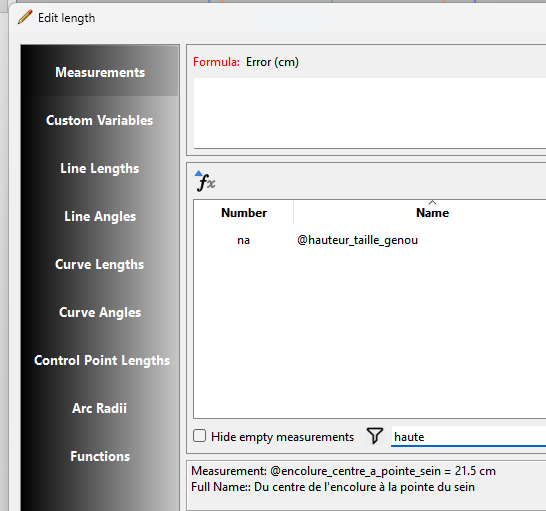
The added measurement should now show in the FX editor.
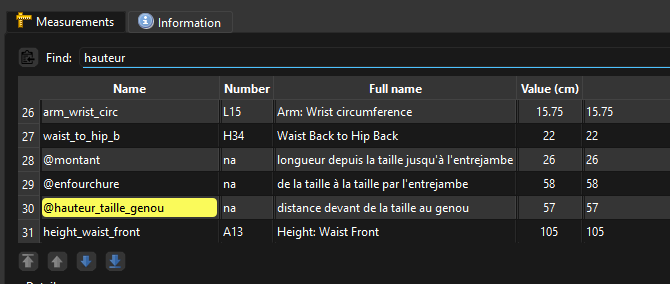
that’s the whole problem : I added the measurement to the file just before sending it to you, and it doesn’t seem to stick, as you can see in this picture
Ok… My bad… of course I was not going to find hauteur_mollet in ME or 2D unless I switch to Francais. I was confused because I saw @hauteur_taille_genou and thought you added the custom measurments in Francais.
Did you try uploading directly from Seamly2D? Only open Seamly2D but don’t load any pattern.
Go to the Menu > Help > About Seamly2D and click on the button at the bottom left “Check for Updates”. It will tell you if there are any updates for you and will download them.
Keep Seamly open until the Explorer opens with the Seamly file.EXE open in the zip file.
Close Seamly2D and then double click on the .EXE file to run it. Reply positively to everything it asks and let it install.
Once it’s installed, open Seamly again can check the the date of your version of Seamly is last Monday’s date (6 June 2026).
Then you may open your pattern, or SeamlyME to add the missing Unknown measurement and see if you’re still getting any errors.
Flatpaks can’t be downloaded from Seamly. They have to be installed from the Flathub site. In fact the Check for Updates is disabled if running from a Flatpak instalation.
Just a note as I noitced you’re using Dark mode. Next week’s release is an an update to Qt 6.8.3 and includes support for Darkmode themes… albeit the background for the main canvas in Seamly2 does not use the normal color for a view. We stuck wth overriding the background color with a user configurable color so as to not have to deal with switching anything BLACK to WHITE on a on a dark background. Next time you update you will want to configure your Theme and Background color.
yeah there was an additionnal layer of issue, I was trying to download the flatpack directly to the location of the former one and couldn’t do it. I had to put the download in another folder and replace it afterwards
 I was confused because I saw