I have checked on the settings you suggest and all seems to be in line with the setup that I originally decided upon.
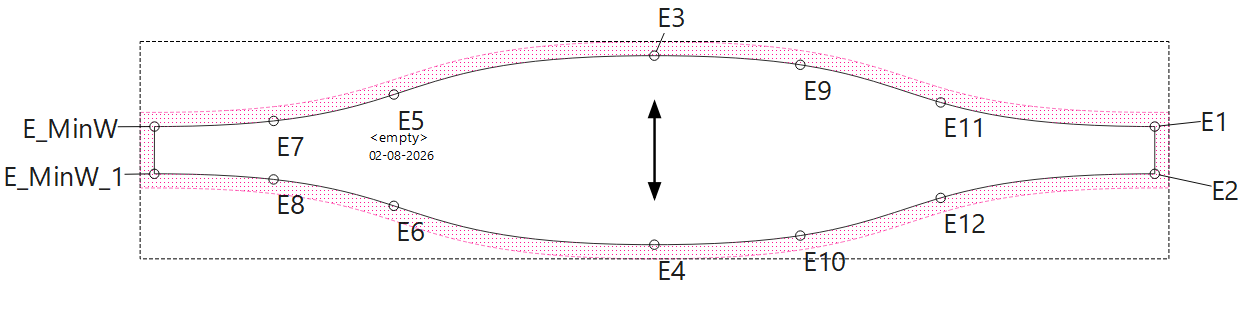
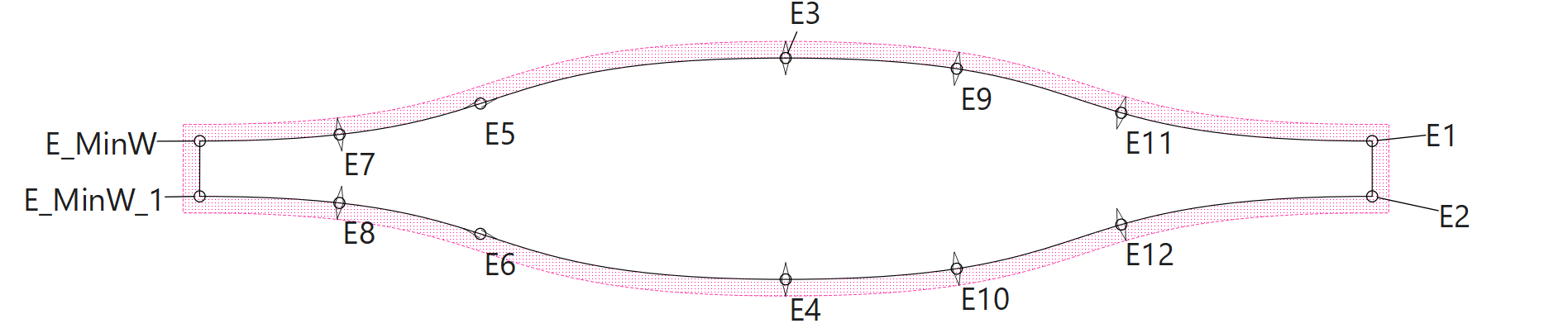
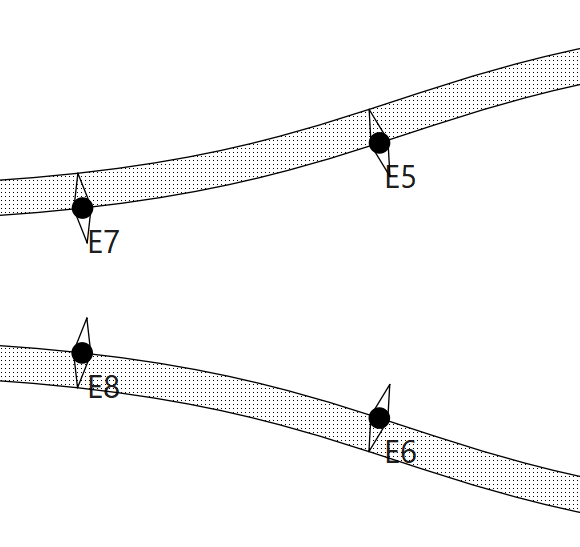
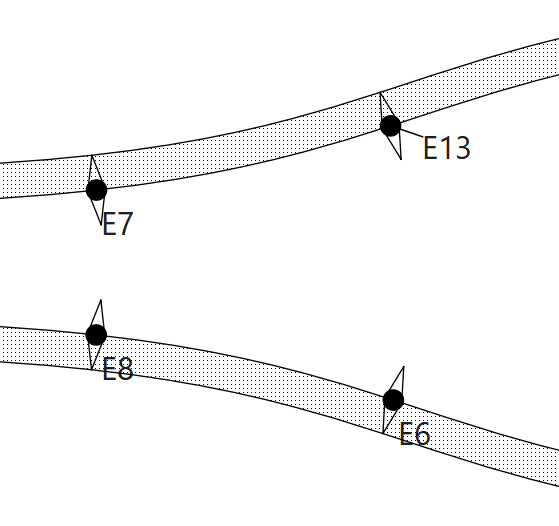
I spite of this, in the last created ‘Piece’ created - shown in the image - you see that ‘E5’ & ‘E6’ notches do not match the exact same settings that I used for all the others - also those pieces you will find in the included pattern file.
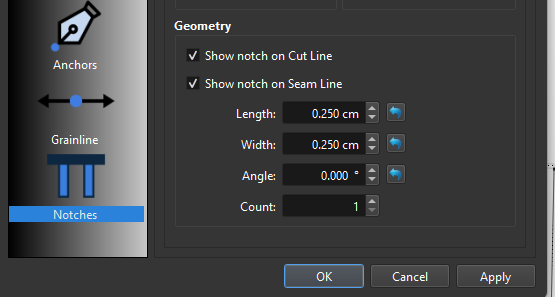
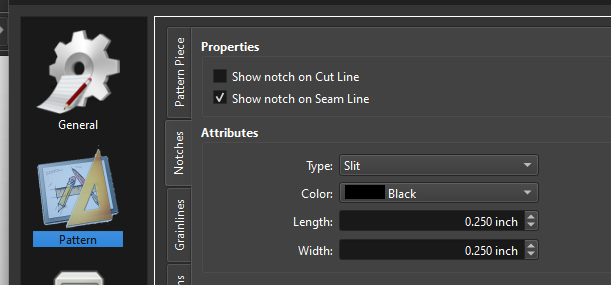
The standard and Piece settings for Notches: ‘Diamond’ on the ‘Cut Line’ …
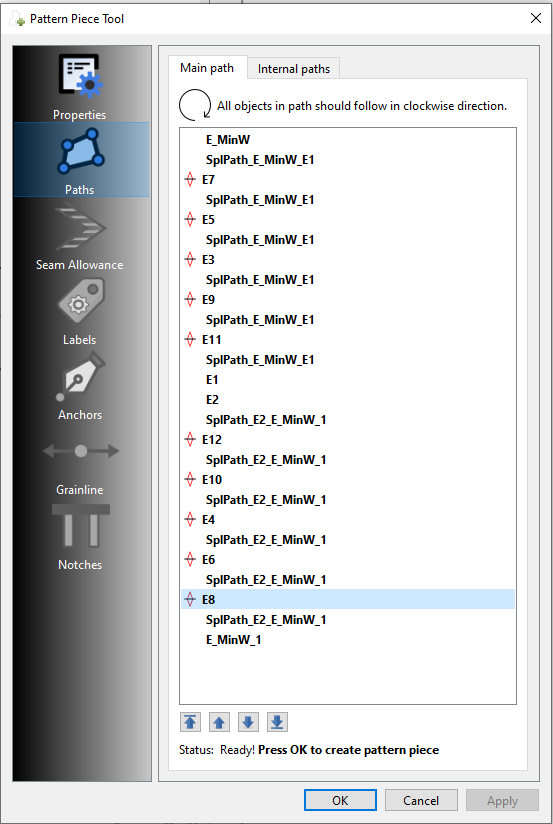
I’m already guess a few things that could be the issue… the length / angle of the CP’s. Sometimes changing one or the other by as little as .0001 is enough to change the “real” math calculations and things with the SA work. The other thing I found is that when you have points on a curve, it preferes the curve to be drawn clockwise.
You are probably right about minimal re-dimensioning!
I had to do that because I had forgotten to re-scale the last ‘Piece’ to accommodate the actual seam lengths (and not just the actual ‘Piece’ length) and now everything seem to function as expected.
Thanks for the tip anyway - that could trip anyone up - perhaps a ‘Tips & Tricks’ contribution ??
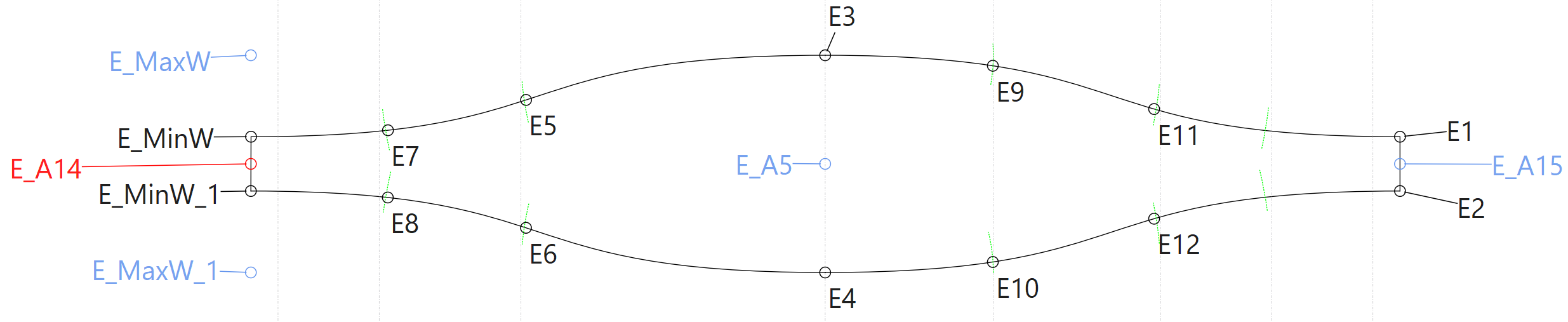
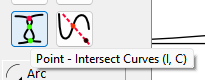
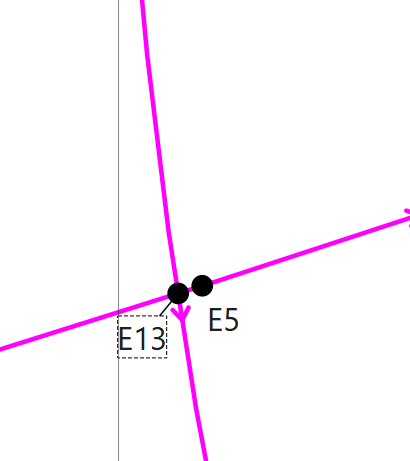
That being said… I noticed that you have arcs drawn near the notch points… was your intent to place the notch points at the intersection of the curve and the arcs? If so you can just use the Intersect curves tool:
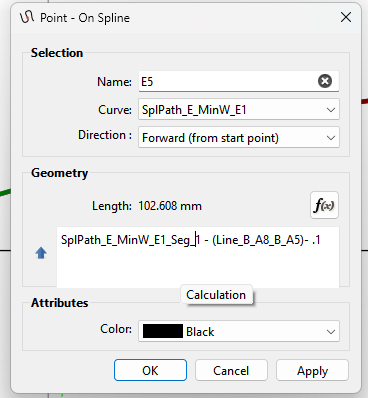
yes, those were initially there to place the nodes for the notches. The placement was finally executed by means of ‘Point on Spline’ / ‘Point on Curve’ suggested by @nejcek74
I forgot to delete these arcs,