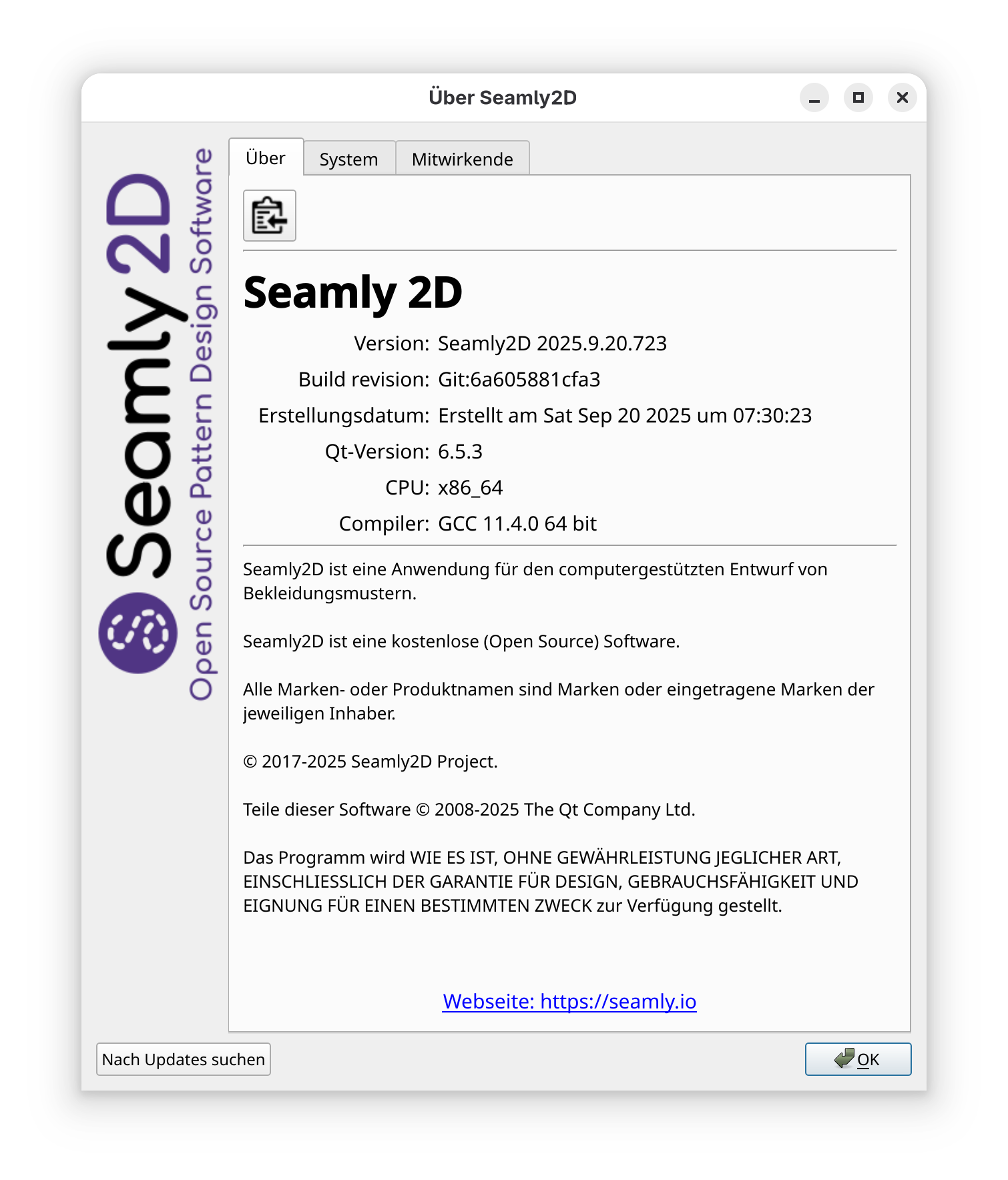
I’m using the latest Seamly2D Build on Fedora-Linux per AppImage. Opening old files seems to me modefified directly without asking me to save.
Before opening the last modification date of the file was in the past. After opening the file and closing Seamly2D without explit saving the file, the modification date changed to now.
Am I doing something wrong? Maybe it’s my missing Linux skills?! Or maybe Semaly seems to do something odd.
No… I know what it is. In the latest build it’s preparsing a pattern to catch and fix any errors with the lineweight=“1.00” and in the process it’s saving the file before validating and opening the file. I need to fix it so it only saves the file IF changes were made… or pop up a message box asking if you want to save fixed errors.
I took a look… and I actually was checking if any replacements were made before (re)writing the file. Not exactly sure why it’s getting past the if (startPos > 0) statement… startPos being the postion if find() found the search string, but then it’s in a part that is using the Xerces lib using std::strings and not Qt QStrings that I’m more familar with.
I may have to copy the pattern file string to a temp string, do the find() and replace, copy the temp back IF anything was found.
Ok… I figured out a better & faster way to to repair the pattern files using QString::replace() instead of std::find() in a while loop. I also solved the issue of only writing changes to files that contain the offending lineWeight=“1.00”. Initially I had it post a message box that changes were made, but then the user has to click OK to continue… so instead I opted to show a 5 sec status bar message along with the beep() sound (more like a gong on Windows) to alert users to the fact a file had errors that were corrected.
I personally don’t like when files are changed and saved only by opening them. Wouldn’t it be possible to mark the file as changed and asks the User to save it when closing Seamly2d. Or maybe I misunderstood your comment.
I tried every which I could. It get’s somewhat convoluted. What happens is a pattern file is first opened and the xml content for the doc is initially set in the VPatternConverter constructor- during which the file has to be validated against the schema to get the pattern version, after which the file is closed. THEN It starts down the conversion path, opening a temporary file converting if neccessay along the way, and when it reaches the current schema the temp file is set to the xml content again. So to make the lineWeight=“1.00” to lineWeight=“1” correction it has to happen before the VPatternConverter is created… meaning the change has to happen in the orginal file as the converter has not reached opening the temp file yet - where corrections could be made invisible just like conversions.
That being said… I made it so the corrections are made, the last modified date stamp is kept the same, and the save state is as if the pattern wasn’t saved… so that you can save it, which will then update the datestamp. In either case any broken schema files are automatically fixed. I could have Seamly save a backup of a broken file, but then I see no compelling reason.
The main reason why I want the pattern to auto-correct is so I don’t have to keep explaining to users how to manually edit broken files.