I am completely new here and I wanted to test things before I dive too deep into it.
I installed the latest version (23 feb) and when I try to make a layout of one of the test files (male_shirt) it prints the pieces (on size A0) in a way that they overlap each other. Is this a bug (at least it looks like it). If I change the print size to A1 it works fine. I use the Microsoft Print to PDF driver to generate this.
Hello and welcome to the Seamly2D forum, @henknijveld
I find that I have less control using the current Layout Mode and hope that it will be upgraded in the near future. This is the method that I use:
You may create a pattern piece the size of the print area of the A0 paper and click on the eye in Piece mode so that it doesn’t print. Then you can manually arrange your shirt pieces onto this block in such a way that it is pleasing to you. You just won’t be able to rotate or flip the pieces.
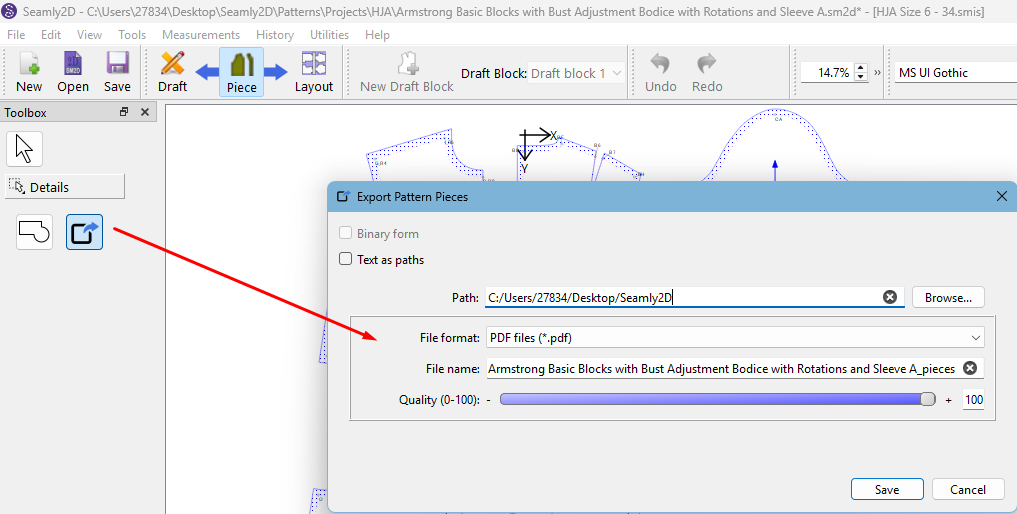
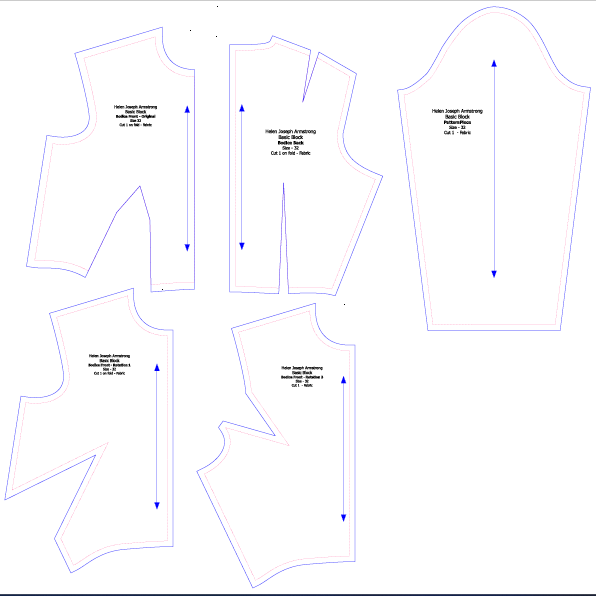
Then, in Piece Mode, you can directly export the pattern to PDF: