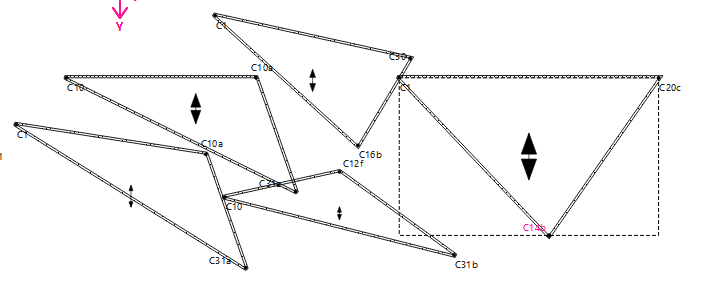
Today I downloaded the new “grainline pre-release”. (Seamly2D 2025.9.19.2124)
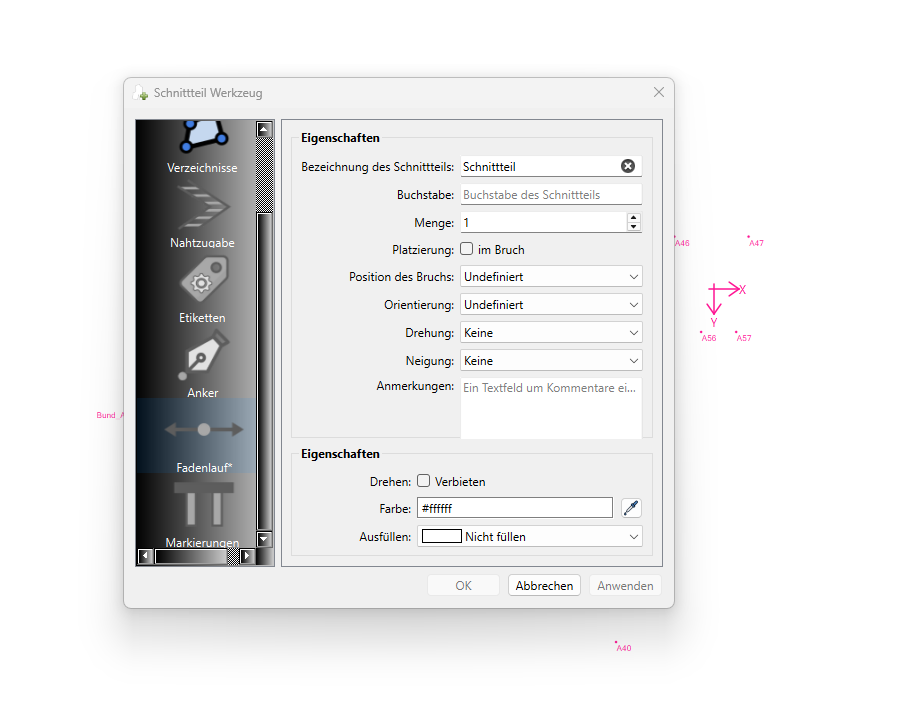
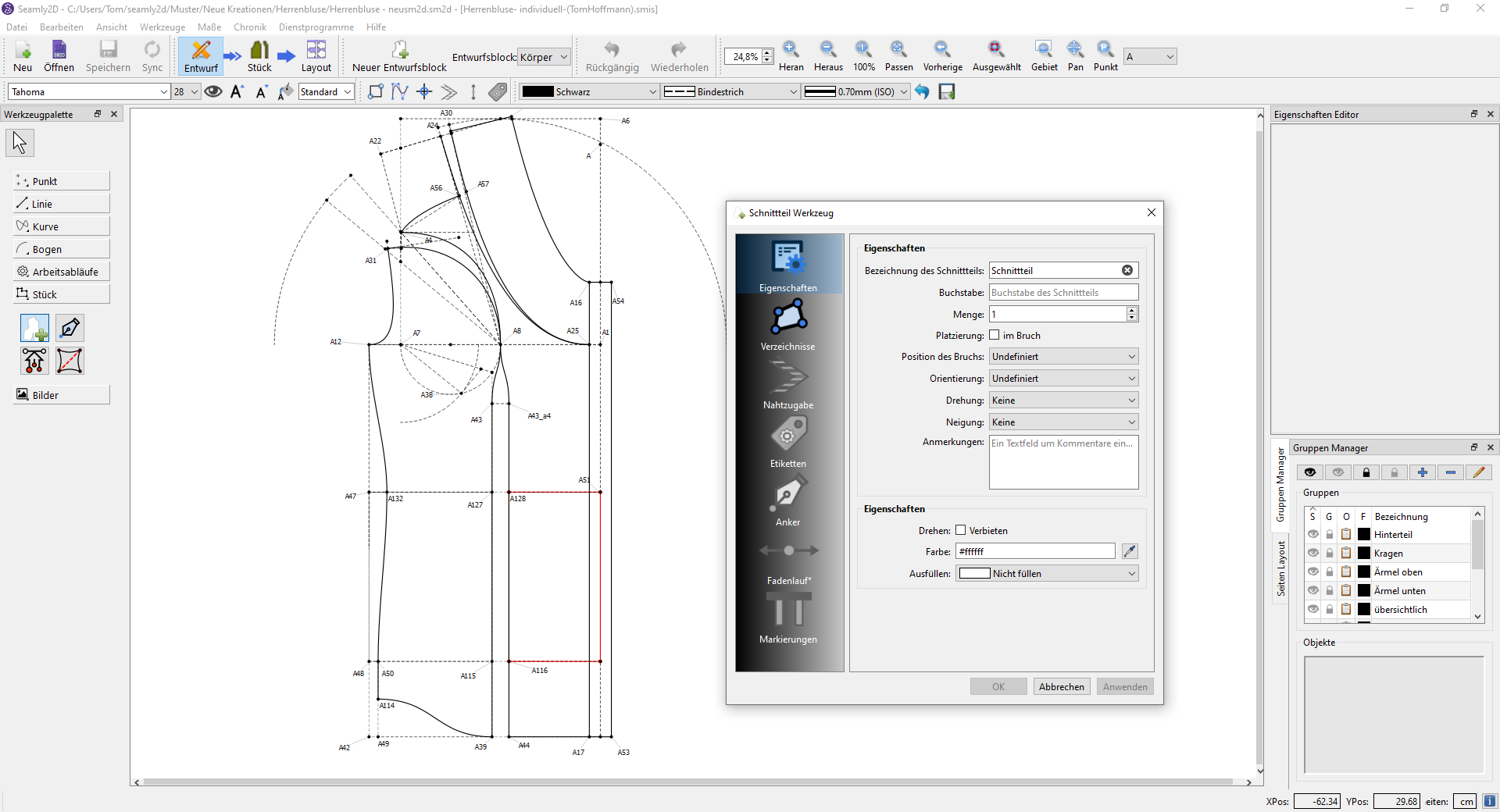
Sadly, since opening, I have not been able to add new pattern pieces. I dont know wether the program has a hickup or its the new Update. (checked, none of my files work, so it should be the update)
If its not the Update, Im happy to provide my pattern and the measurements.
I think I know what happened… I made 2 PR’s, and this one was suppose to be merged first, but the other was merged before it, which caused a merge conflict on the pattern piece dialog ui… I resolved the conflict online through Github - without testing again like I would have done had I resolved the conflict locally. Apparently it might have messed up one / some of the widgets? Editing ui xml files is not fun.
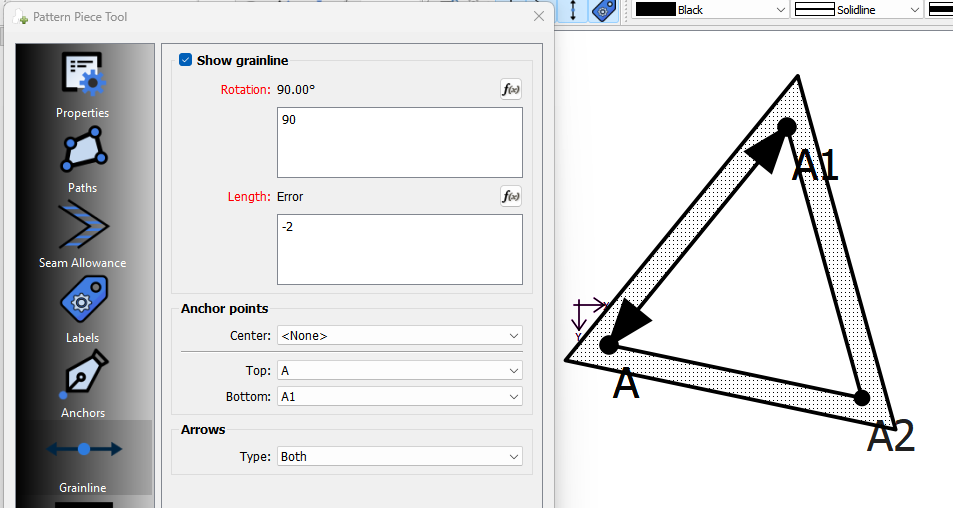
Ok. I know what the issue is. One of the things I fixed in the Pattern Piece dialog (so I thought) is to display an error if the grainline length is not longer than twice the length of an arrowhead - to prevent the grainline from collapsing on itself.
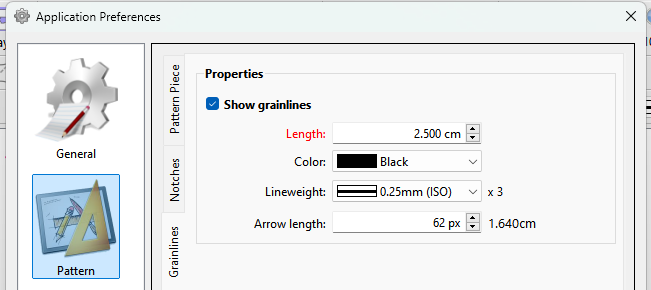
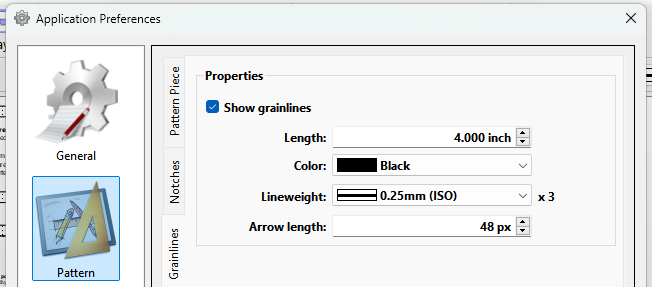
When there is an error in any formula the OK is disabled. Which is fine when you’re editing a piece as you can see the error(s). What I failed to take into account is there are preferences for the grainline length and arrow length which are the defaults for a new piece. Of course there is no check in the prefs to make sure the grainline length pref is at least 2 times an arrow length pref… which if it is not, is causing the OK button to be disabled when creating a new piece. < faceplant >
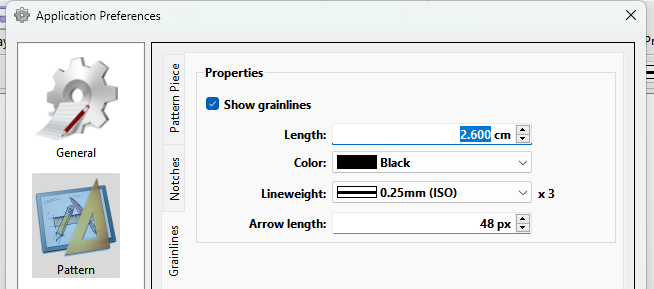
So… until I correct the issue, there’s a solution… simply change the default grainline length pref so it’s at least twice the length of the arrow length pref.
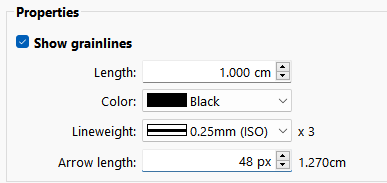
Note: The arrow length in the prefs is still in pixels rather than inch / cm… which from a programming standpoint is so much easier as there is no need to convert back and forth between inch / cm if the units are changed. It’s easy to figure out… since the screen display is 96dpi, 48px is 1/2 in or 1.27cm
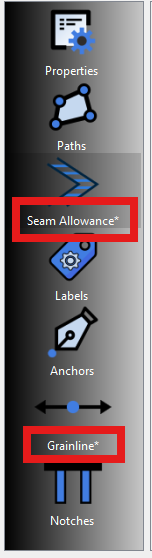
BTW… Another little tidbit. When there is an error in a formula an asterisk is placed after the associated Tab name in the sidebar. This is so you can see there is an error in another tab page.
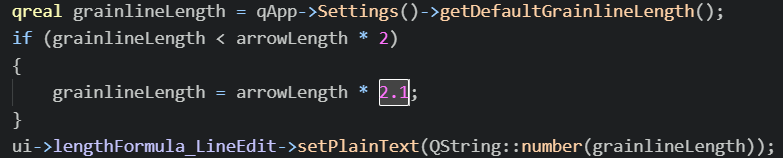
I have fixed the issue. Now when creating a new pattern piece in the case where ther grainline length pref is shorter than twice the arrow length prefs… it overrides the pref and it is set to 2.1 times the arrow length pref. It’s 2.1 times to account for rounding errors.
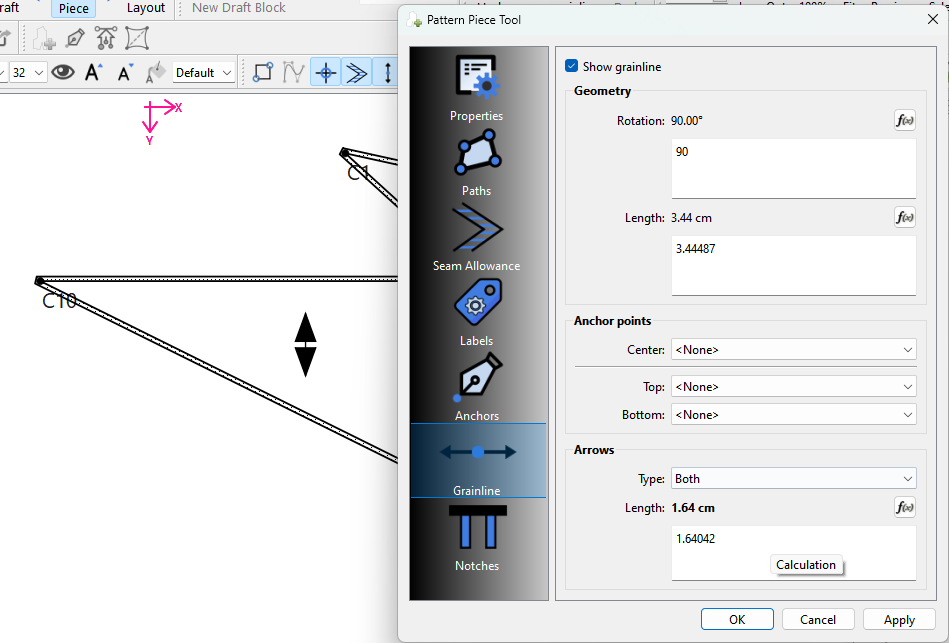
While I was at it… I added a calculation field to display the conversion value from px to in / cm for the arrow length.
Well I removed yesterday’s release right after it was built so I don’t think that will be an issue. It may just be a handful that may have installed a pre-release. They don’t have to reinstall last weeks as they can just increase the grainline length pref.
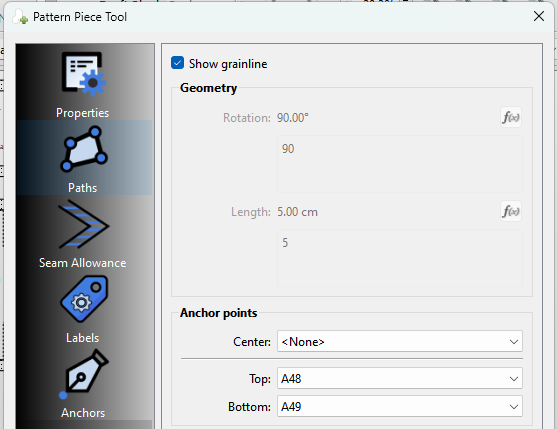
Oy Vey… Making sure I do a thourough testing of the grainline I found another long standing bug. If the grainline uses 2 anchor points, you should not be ale to edit the rotation and length as the angle and length are determined by the anchor points and not the formula.
Fixed: Moved the Show grainline to a seperate checkbox, and renamed the groupbox to Geometry. Geomtery is now disabled if a top and bottom anchor point are used.
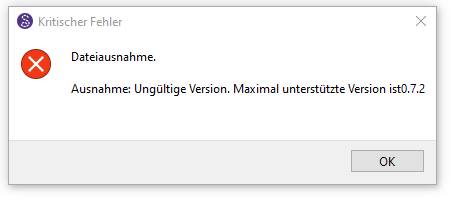
If its just something that fixes itself once the new update is out, I can just wait. But it sais “The max version you´re allowed to have is 0.7.2“, suggesting new updates dont solve the problem.
Aaaa yup. Because a newer version file can’t be opened with an older app version.
Again the work around is to use the pre-relesae and set the grainline length pref to a value that’s more than twice the length of arrow… or reduce the length of the arrow.
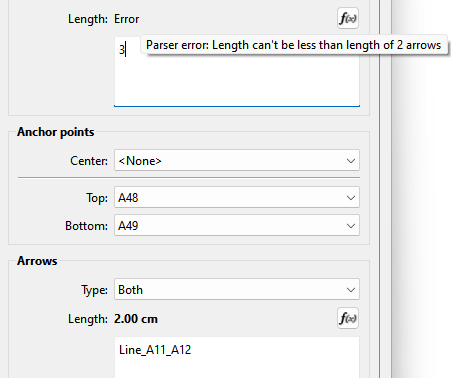
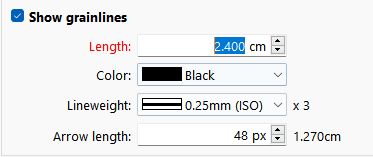
BTW… if you try and edit a grainline length or arrow length the 2 times factor is enforced: Here I tried to make the arrows 4.0cm so the GL length is too short:
That being said… I did notice I need to fix updating the Length label color when the Arrow length changes if the Length falls below 2 times the Arrow length.
I downloaded & installed tonight’s update through the help menu and afterwards asked her to do the same, after which she told me that nothing had changed for her and sent me that image that I posted above.
I haven’t had any problems at all. I’ve had her change her app prefs a few times, but nothing is working.
So can I assume the current release update works OK for you? I only ask because I couldn’t download the release from Github without it timing out… so I’m basing my results on a local build - which should be the same, but you never know.
Well the thing is the GL length pref is now somewhat irrelevant as the Pattern Piece dialog is going to adjust the GL length to 2.1 times the Arrow length if it’s too short.




 and those that have may need to go & install last week’s update.