Good day, firstly i saved my patterns and they are not showing the seamly2d logo. sorry as a new comer i can not show a screenshot of how it looks. Secondly, my measurement chart is still showing on the seamlyme but of the seamly2d, my pattern save was not opening but was showing an error message. file exception. Exception: element ‘groups’ is not allowed for content model ‘(calculation+ ,modeling+, pieces+ ,groups? , images?)’. i will be glad if this error can be rectified. Thank you.
2 „Gefällt mir“
Welcome @Becblaq1
I bumped your user level so you can make attachments.
I’d have to have more info and maybe a screencap.
I’m guessing you have an old release that had issue with the groups and images tags being out of order. First I suggest you make sure you have the current update. Secondly if you post your pattern (and any measurement file) we can fix the pattern file.
2 „Gefällt mir“
Thank you @Douglas for your quick response. Below is my file
becky back front size14 block.sm2d (29.9 KB) and this is my measurement file
Size 14 Becky measurement.smis (7.7 KB) Thank you in anticipation. in addition, i am trying to update my software but it is not revealing the check update.

2 „Gefällt mir“
Ok… first here’s your fixed patterm.
becky back front size14 block_fixed.sm2d (27.9 KB)
Secondly it looks like you may have set the screen resolution to > 100% in the system settings as the About dialog is larger than the screen? Which means the Check for updates is off screen, and you can’t get to the bottom of the dialog to resize it. Or possibly your taskbar is not auto hiding and covering up the link?
At any rate you can just go directly to the Github release page to get the latest updates:
2 „Gefällt mir“
Since the copyright needed updating anyways I made the About Dialog a bit wider and more vertically compact:

4 „Gefällt mir“
@Douglas Thank so much for helping through this process. I tried opening the rectified pattern file you did on my system, it was not opening. surprisingly, my friend said she could open the fixed pattern file from the forum on her system. i decided to delete seamly on my system. and clicked the link you sent me. its opening on my system now but all my previous pattern are no more there. Please does that mean i will have to start all over again to draft my patterns back?
Thank you @Douglas for this far that you have helped me but i will love to know the reason for this glitch so i can avoid it next time.
2 „Gefällt mir“
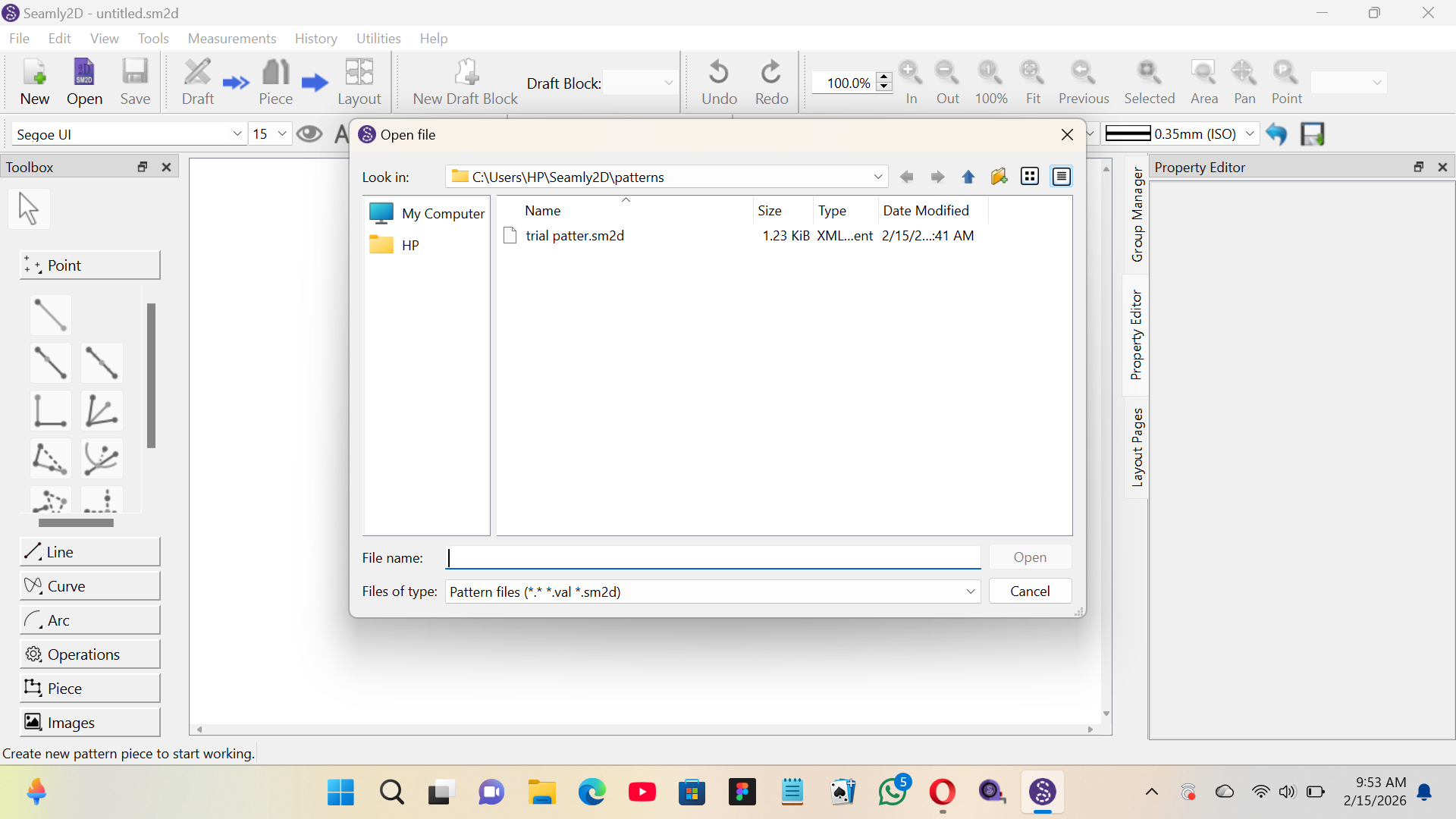
@Douglas please just tried to work on the newly downloaded seamly to confirm if things have changed. my friend told me my save files must have seamly logo but my saved file is not showing seamly logo on my saved file.
trial patter.sm2d (1.2 KB)
1 „Gefällt mir“
Files don’t have a logo, the app does. The file type has to be associated with a program app. If there is no icon there is no app asscociated with the file to open the file with when you double click on it in Explorer.

Choose another app
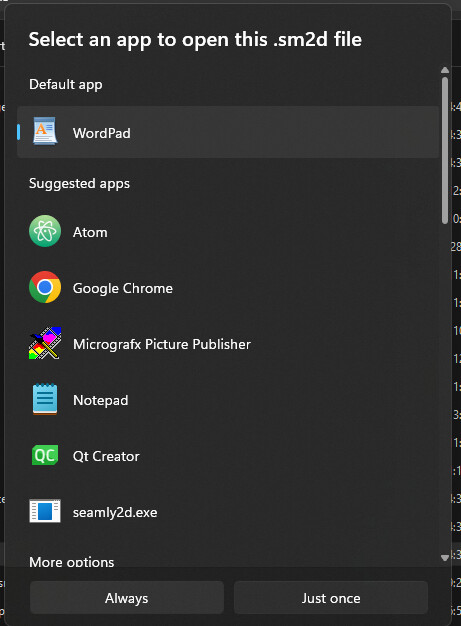
Find app and select Always.
For example… I have sm2d files associated to open in Notepad rather than loading the file into Seamly.

That being said… Seamly doesn’t care about the icon as long as the file extention is “.sm2d”.
Your trial pattern opens fine with this week’s 2026.2.9.214 build.
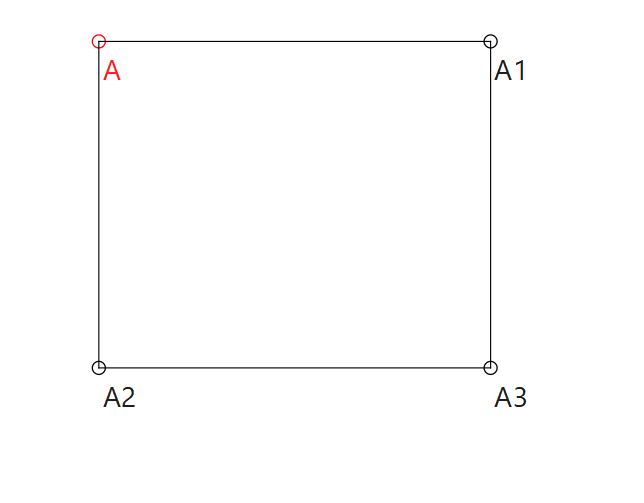
And again… your other pattern I fixed opens fine:
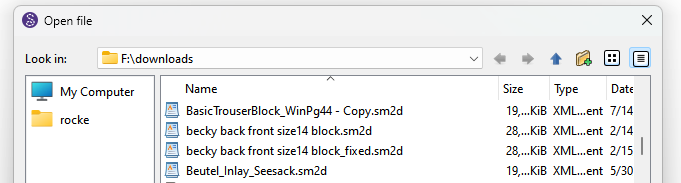

2 „Gefällt mir“
@Douglas thank you so much sir. i followed every step by step instructions you gave. i am now able to access my pattern and measurement on my seamly app. Thank you for you prompt response. Do have a wonderful week ahead.
3 „Gefällt mir“
@Douglas Good day, thank you for helping me to rectify the issue i had with my pattern last week. But just now, it seems the previous issue with the pattern not opening is back.
I am wondering what i could be doing wrong to be be experiencing this sir.
Size 14 Becky measurement.smis (8.1 KB)
becky back front size14 block_fixed.sm2d (43.5 KB)

2 „Gefällt mir“
You need to update the Seamly application. If you don’t update to a more recent version the same groups error is going to keep popping up.
Here’s the file fixed… I going to assume it opens, because I could not test as you added a measurement wihich is not in the attached measurement file.
2 „Gefällt mir“
@Douglas thank you for your response and helping me again. I deleted the first app i had and used the link you sent to me last week to reinstall seamly app.
please can i know why i am experiencing this challenge with my patterns. Can you kindly tell me thing to be doing and thing to avoid sir.
This is the the system i am working from sir. kindly check if there is any settings needed here.
Device name BECBLAQ Processor Intel(R) Core™ i5-7300U CPU @ 2.60GHz 2.71 GHz Installed RAM 8.00 GB (7.85 GB usable) Device ID A3B8866D-AD63-4EB7-ACC3-91916BED5AB0 Product ID 00331-10000-00001-AA666 System type 64-bit operating system, x64-based processor Pen and touch No pen or touch input is available for this display
Edition Windows 11 Pro Version 22H2 Installed on 5/7/2025 OS build 22621.4317 Experience Windows Feature Experience Pack 1000.22700.1041.0
2 „Gefällt mir“
@Douglas i sent the measurement and the pattern together above. i wish i could tag it for you to see.
Size 14 Becky measurement.smis (8.2 KB)
i will resend it again.
2 „Gefällt mir“
Any pattern created with the bad version of Seamly2D needs to be fixed… A new version of Seamly will not fix a bad patern file. Likewise any fixed pattern will only break again if the bad version of Seamly2D is used.
The system or settings has nothing to do with the < groups > issue.
The measurement file is still missing a measurement:

But I added the missing @H_D measurement, gave it value of 10, and the file becky back front size14 block_fixed (1).sm2d (41.2 KB) opens fine:

3 „Gefällt mir“
@Douglas please, how do it now include the measurement that is missing.
1 „Gefällt mir“

Open SeamyMe. Open the measurement file. Click Add Custom.

It will add a measurent named @M_1.

Rename it @H_D.

Give it a value… I don’t know what the measurement is so I just guessed at 10cm.

Save.
@H_D looks like the waist_to_hip?


2 „Gefällt mir“
Size 14 Becky measurement.smis (7.7 KB)
and i just updated the seamly app as directed. hopefully we get it fixed finally sir. Thank you sir
2 „Gefällt mir“
@Douglas please. the dialogues that shows the interpretation of a tool when clicked does not show at my end
2 „Gefällt mir“
You mean the Property Editor? It may be because the Group Manager is the active tab on your sidebar, in which case click on the Property Editor tan to activate it. Or, go to the View menu & scroll down to the Property Editor checkbox near the bottom. & ensure that the box is checked.
I hope this helps!

1 „Gefällt mir“