I have drafted a shape and its all good. I want to move to create a pattern piece of this shape. I do that but when I go to view it as a pattern piece the very tips of my points on the pattern piece have been chopped off. As though the paper has been snipped off there. I think i need to increase the size of the ‘paper’ for the piece view but can’t see how to do that. I’ve add pics to show what is happening.
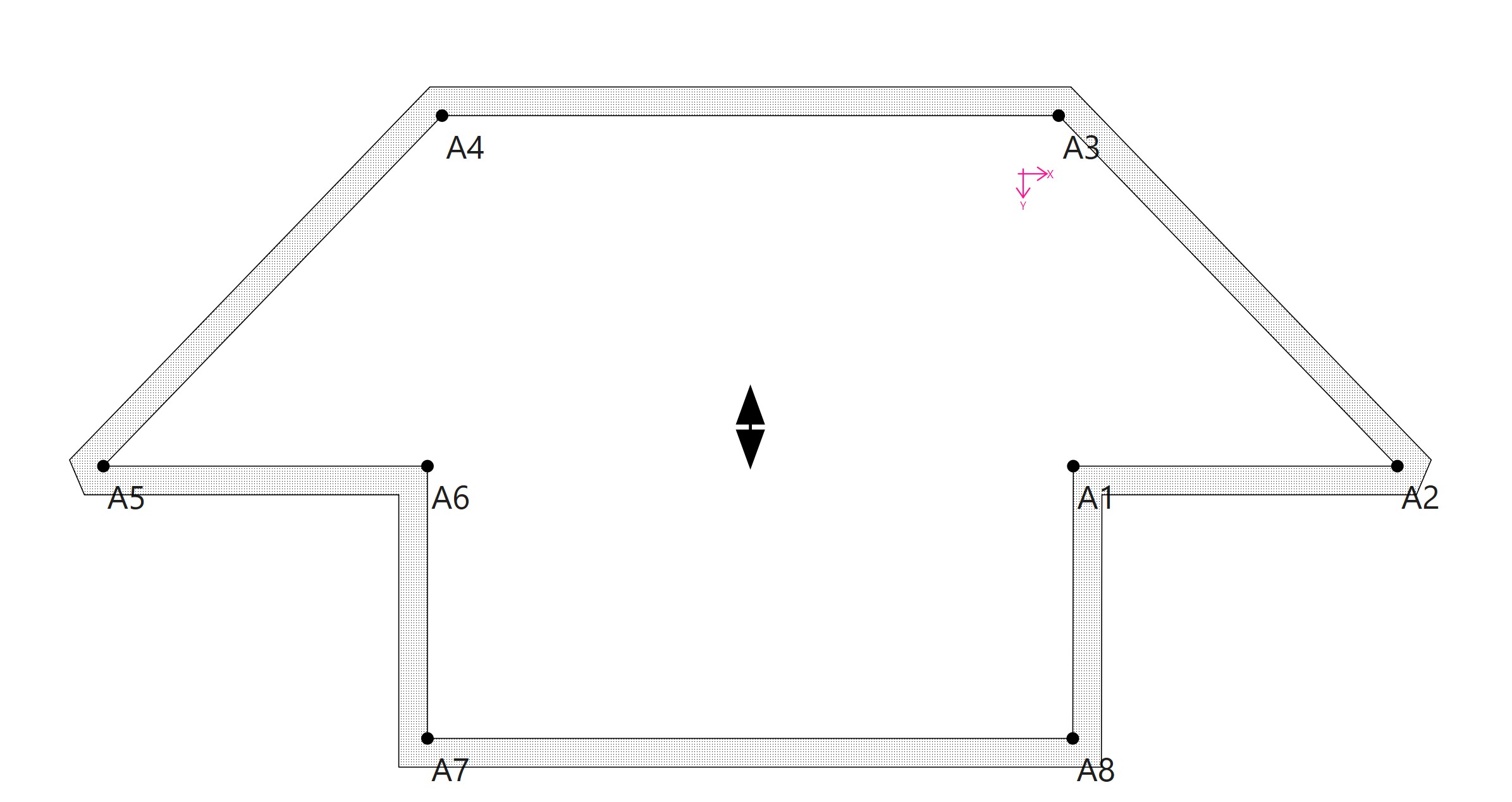
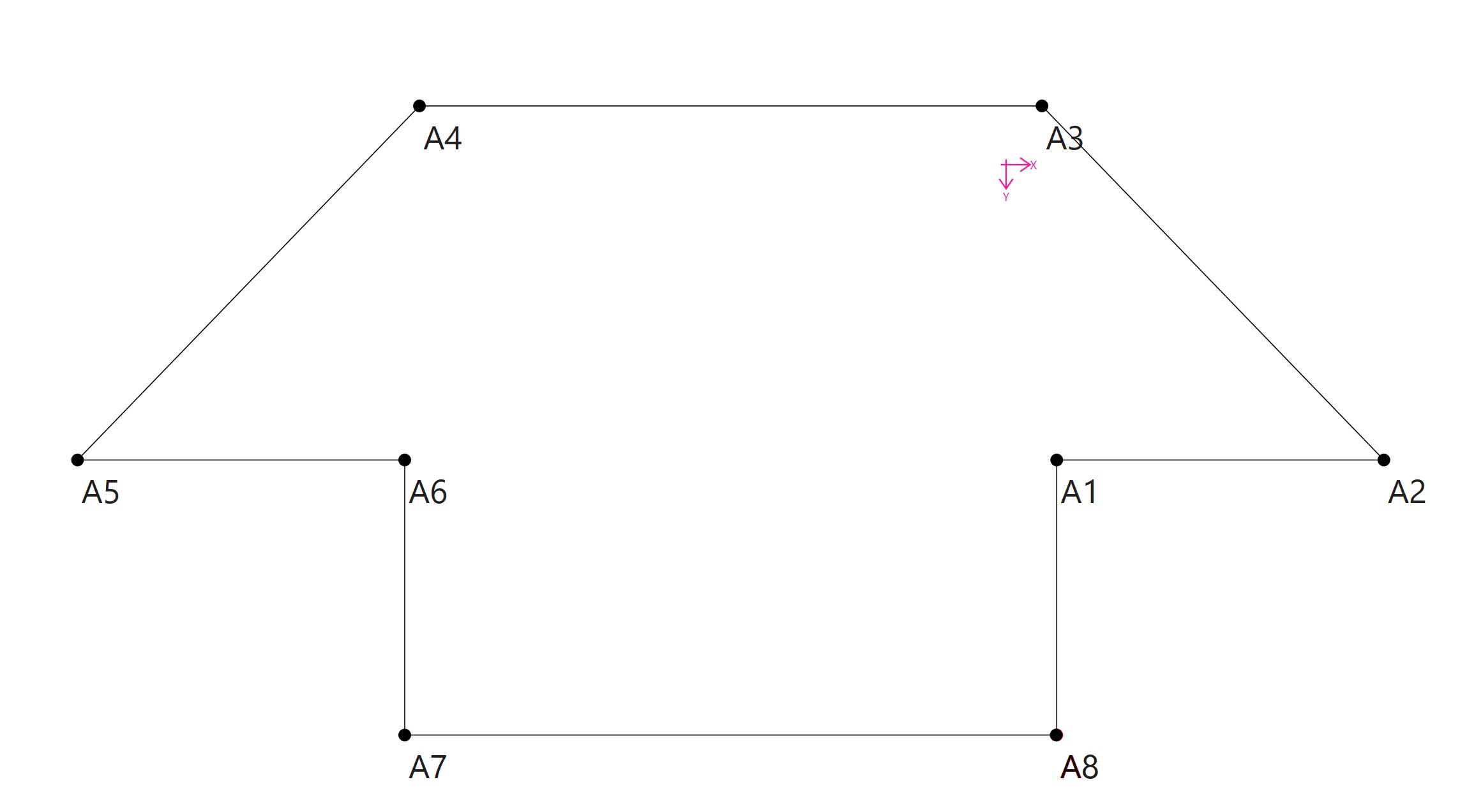
1 Like
Please ignore. Its been a long day. I fixed this by removing the seam allowance being shown in the Piece view … doh!
1 Like
No. That’s not issue. It has to do with the angle at the corner. When the angle becomes too “acute” the seam allowance is clipped. Here you can see where the corner at A is clipped, while the corners at A1 and A2 are not:
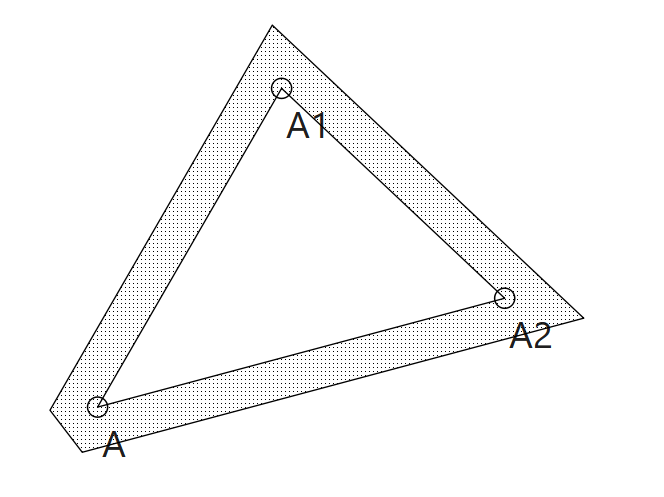
Technically the code is a bit more involved than the angle, but that’s beyond the scope of this topic.
1 Like
Again… not the issue.
1 Like
Thank you so much for helping though
1 Like