Hi, there!
Can seamly2d calculate a pattern surface or area?
If it’s a yes how to do it?
Thank you !!!
Hi, there!
Can seamly2d calculate a pattern surface or area?
If it’s a yes how to do it?
Thank you !!!
No. May I ask for what purpose you are looking for the area? Also are you looking for the area of individual pieces or the whole pattern? There is a “shoestring” method of calculating the area of an irregular shape which is something we could implement if it seems worth while.
Thank u for your answer
I need it for my final project
Also yes for both individuals and whole pattern
Welcome to the forum @Chaimaa_Mgh
Try exporting your pattern as SVG then opening the SVG in Inkscape.
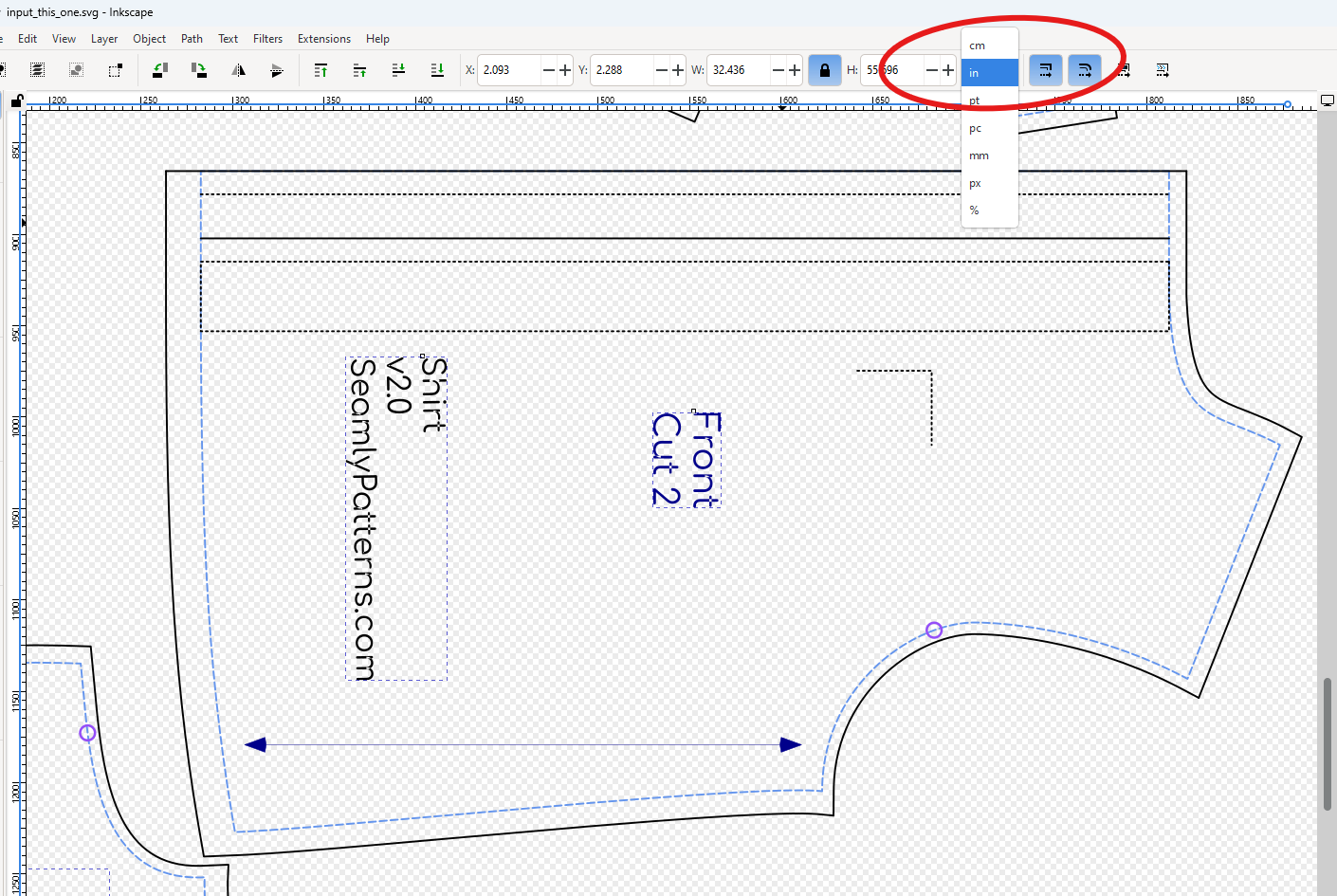
Set your unit to ‘in’, ‘cm’, or ‘mm’:
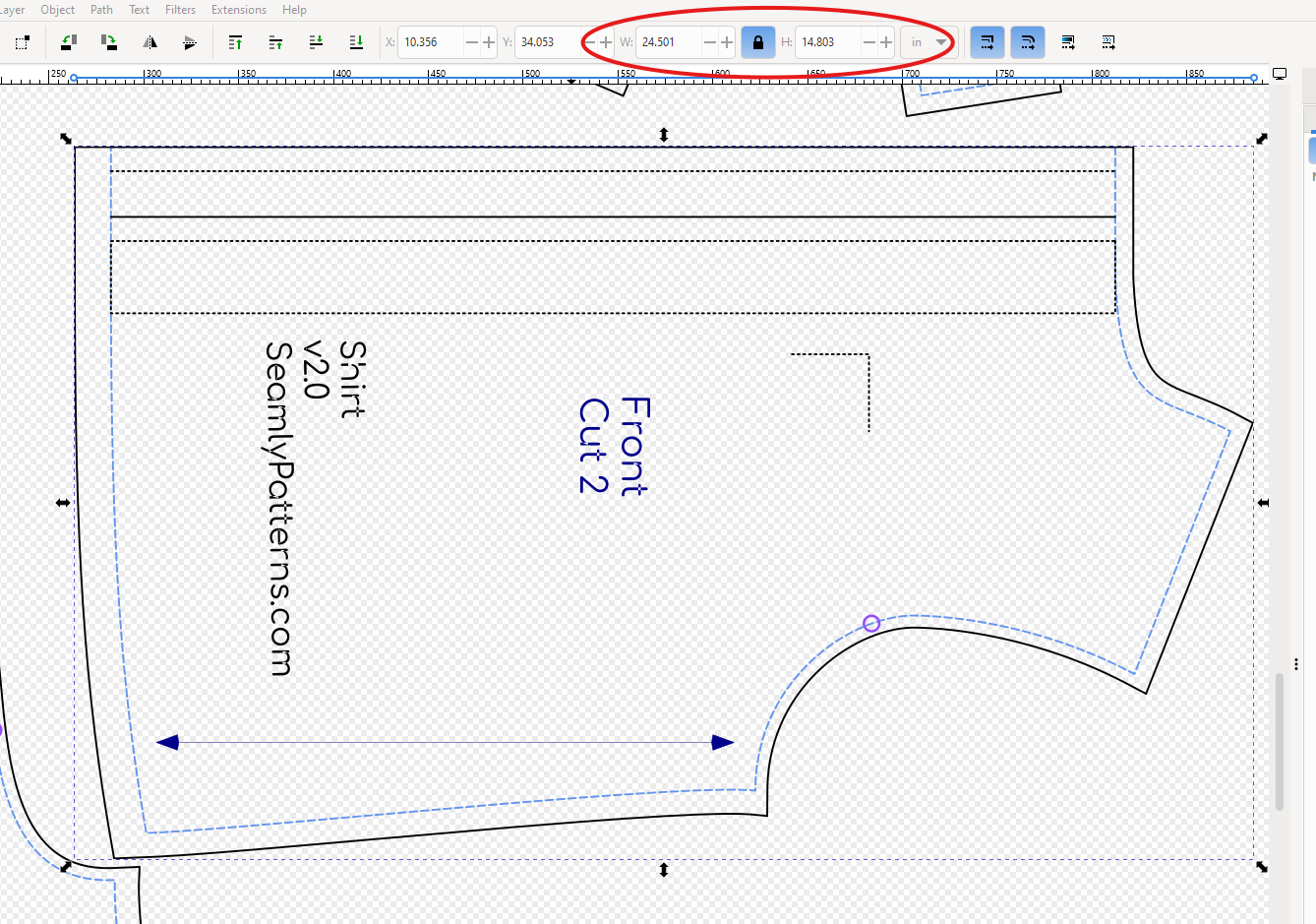
Select each piece’s cutline to see the width and height:
Get the piece Area ~= (width x height)
This should help with estimating how much fabric you’ll need.
HTH!
@Douglas – how can we make this information available in the exported pattern?
That’s not getting the area of the piece.. That’s just the the width & height of the bounding box of the piece. That’s a rough estimate. Something you would never do with leather. But a general rule is to calculate the total area of all the pieces by treating each piece as a rectangle as you described, and then add 10-20% to calculate the yardage needed.
Use the bounding box width and height of the QGraphicItem to set the width and height attributes of the corresponding element. Again this is another reason to write our own SVG export as the Qt QSvgGenerator is pretty vanilla and does not write attributes such as the id, width, and height.