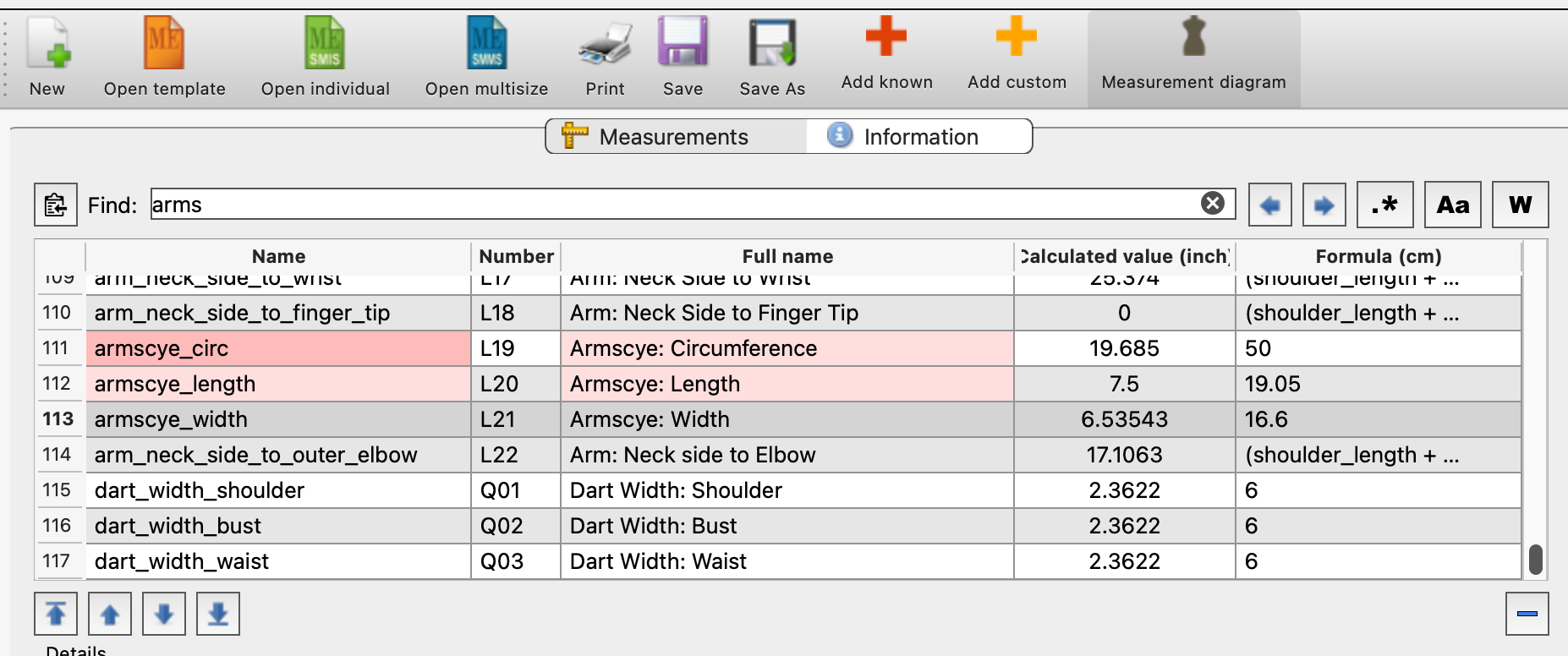
i am just updating some of my measurements the are all in pink, I haven’t seen this before is it warning me the measurement won’t work.
Hello, @Saphire
You put ‘arms’ in the search bar. All the pink ones have the word ‘arms’ in them. They used to be blue, but they’ve been changed to pink to make them stand out better.
Thank you Grace. I feel like a right ninny making that mistake, Just put it down to old age LOL!. I played around for half an hour changing numbers thinking they wouldn’t compute.
And to note… the daker pink is the current search item… you can use the prev / next arrows to find the prev or next search item.

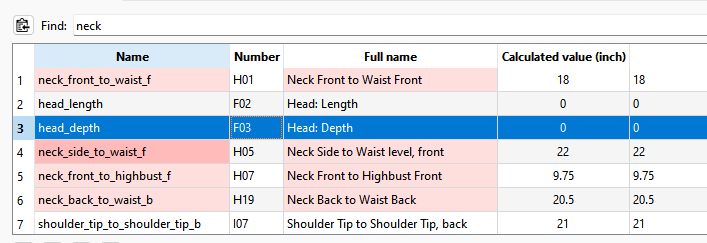
We made the search hightlight pink because the current selected measurement is already blue:
Probably should also note that there are 3 other search modes.. that for the most part you won’t need to use.
Seach by regular expression:
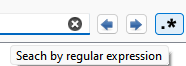
Will interpret the search string as a regular expression to create complex searches. You can do things like search for the word “neck” and exclude any results that contain “back”.
Search case sentive:
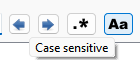
Will only find results that match the exact case of the search string.
Search by full word:
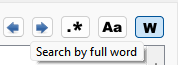
Will only match where the search string matches full words… for ex if you normally search for “neck” it will match “neck_front” and “neck_back”. If you search by full word, searching for “neck” does not match the full words of neck_front and neck_back.
Also you will find that the History now also has the same search features:
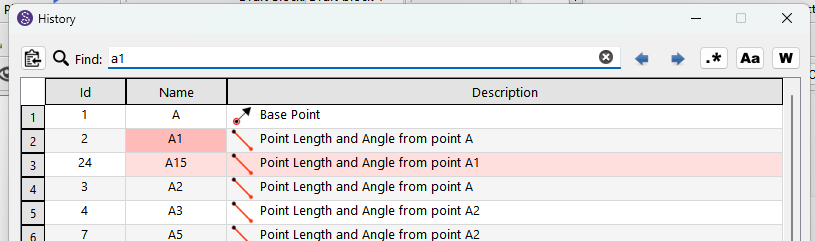
At some point I may add the same fuctionality to the Variables Table.
Thank you Grace, Douglas that all makes sense now. It’s the first time in a long time that I have changed my measurements so the pink fooled me in thinking it was showing up as an error in calculations.
I don’t think you’ll be the only user thinking that those pink values are problematic, I indeed think we should change this pink to another color.
We should probably use yellow instead 
Or maybe a choice from a user choice of color? 
I don’t think that there’s a huge value in creating such a setting. If there are too many preferences it could also be confusing to some extent.
If we better implement color themes in Seamly, this color could change depending on the selected theme though (dark mode for instance), but selecting this color alone seems to be a little bit too much I think.
Changing pink to yellow is a quick fix that would be enough I think 

Perfect, thank you !
I think it’ll avoid confusion
All merged.. also includes a bug fix to the variables table. Pre-release available:
I am sorry to create all this extra work, my brain wouldn’t accept the colour pink/red I thought the width & height were wrong and wouldn’t go into the armscye. Changing the colour to yellow, (less confusion) is much better Thank you.
No problem… it was easy to change the colors. Coming up with 2 yellows that work together took about 1/2 dozen tries. 