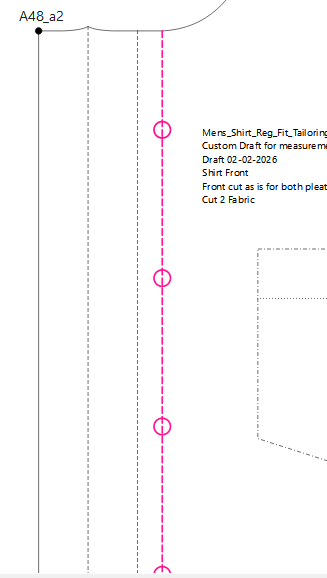
I am hoping for some insight and assistance. I drafted a standard shirt, with a cut-on placket. The button markings on the CF line, which is an internal path. I can’t get them to appear in piece mode, although they are listed on the internal path. What am I overlooking/misunderstanding?
OK. I assume you want to the points at A51, A52, A53, A54, A55, and A56 to show?
The nodes will not show on their own on an internal path. You either have to draw a circle for button or a line for button hole at each node and add those as ipaths. For ex:
BTW… I’m working on a feature to add symbols such as buttons & buttonholes to a pattern piece. It will work in a similar manner to the labels & grainlines where you select a symbol type and and place it on an anchor point.
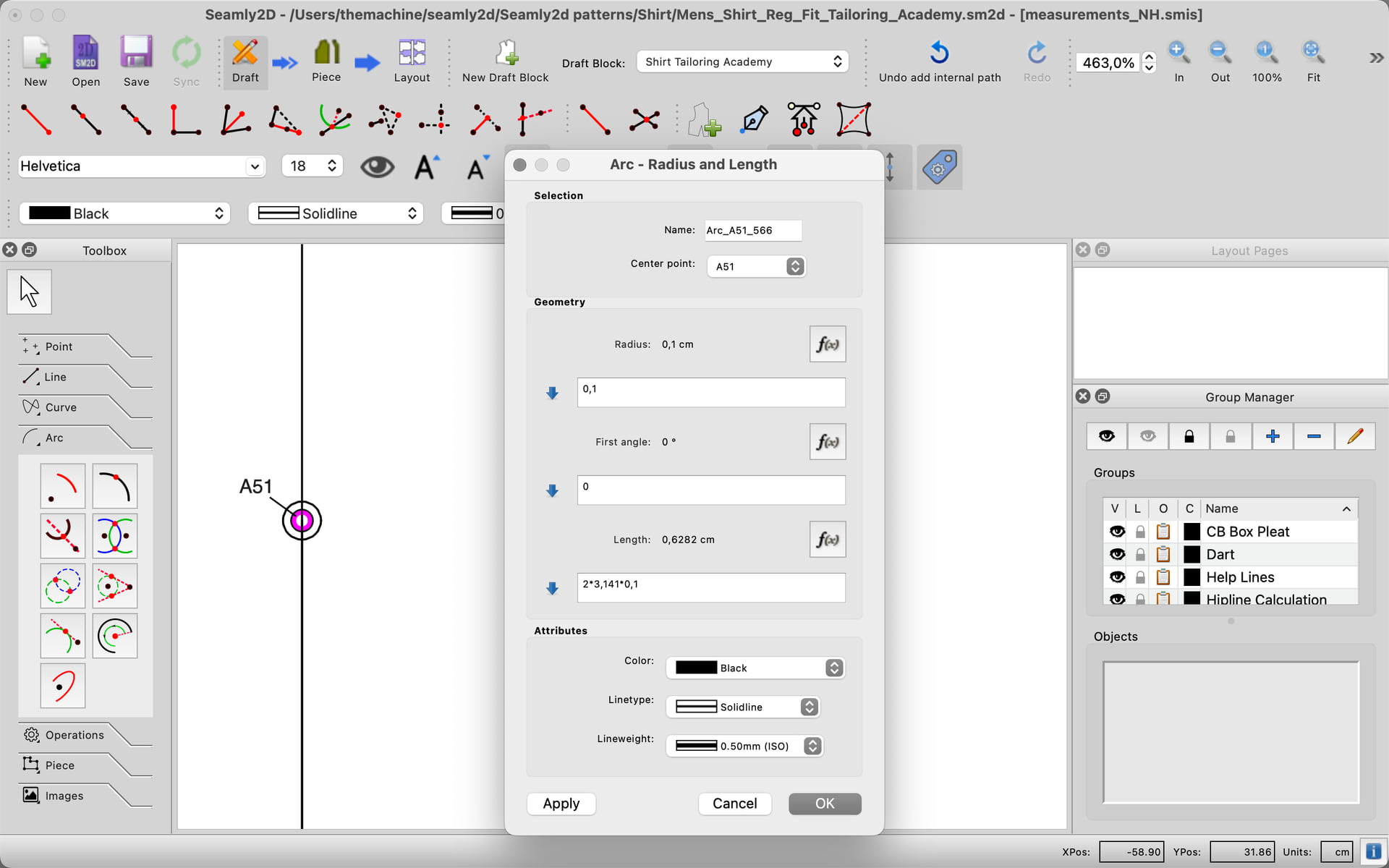
Yes, you understood correctly. Your suggestion is very helpful. I got it to work! However, I don’t know if I found the smartest, most direct way to create the circles to represent the position. Is this what you would do?
I would use the Arc - Radius and Angles tool. For one it defaults to 0 and 360 so all you have to do is input the radius. It’s also easier to think of the arc drawing from 0 to 360degs instead of what it’s circumference is.