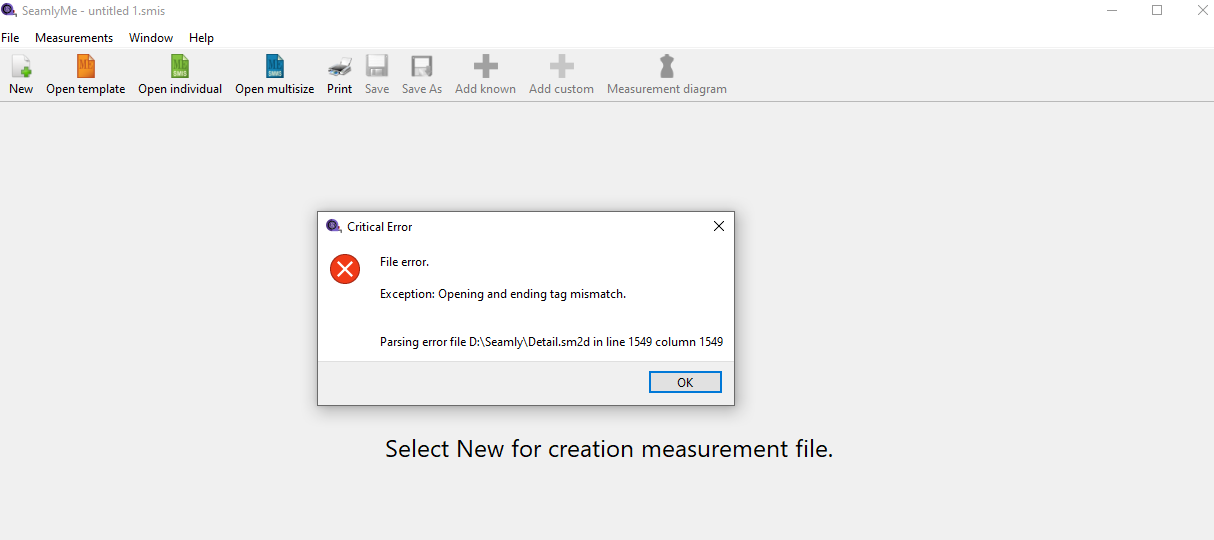
The program shut down during the “Detail” stage and I can’t open the completed drawing again.
2 Likes
Hi @SatGiz Welcome to the Seamly Forum! I wish it was under happier circumstances.
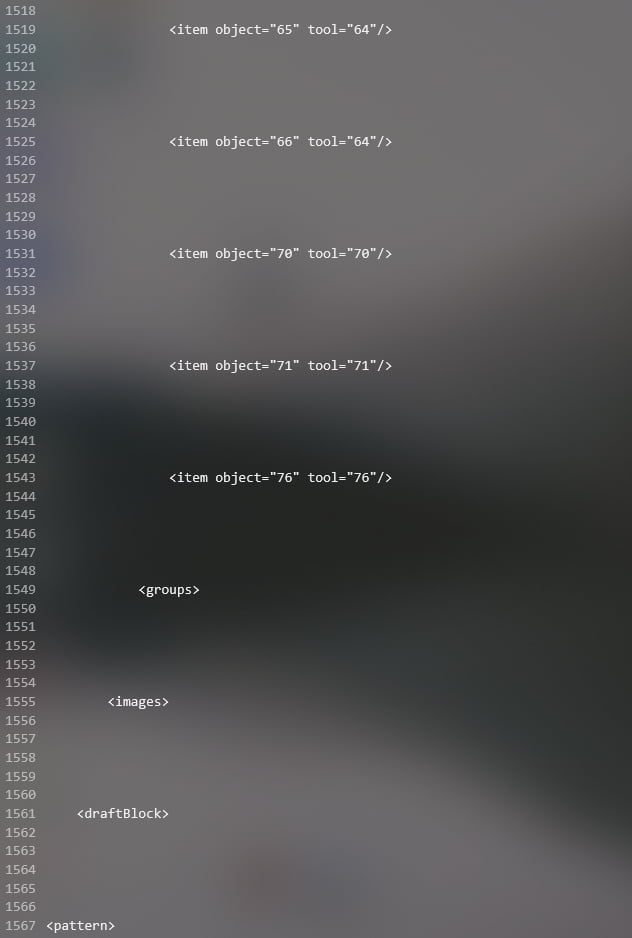
Last I knew, this problem seemed to be occurring with using “cloud” storage, specifically OneDrive, as a primary drive rather than as backup. I see you feel confident to look at the XML guts of the SM2D file; if you are up to manipulating it, clearing out all those excess newlines fixes the issue which OneDrive introduced.
Or you could post it here with the measurements file, & I &or one of the devs will take a look at it.

1 Like
Thank you so much 
I understand now that it’s absolutely essential to create backups, and I’ll be sure to do that from now on. I can’t attach the file to the forum yet, built it all over again.
2 Likes
Can’t attach the file? It should be just the same as the pictures you already included? I feel like I’m missing something! 
1 Like
I also checked your user level… you should be able to attach files. Do you still have the original pattern file & any measurments? I’d like to take a look. I’m trying to figure out what is causing the extraneous LF’s in the XML files.
2 Likes
Oh, right, sorry about that, I can. Here’s the file.
выкройка.sm2d (33,2 КБ)
1 Like
Here’s the repaired file: выкройка.fix.sm2d (31.1 KB)
To access the full parametric drafting powers of Seamly, your measurements should be input via variables, most notably via the Measurements file which may be created in SeamlyMe.
@Douglas: Weird things were going on with the groups tags. That would be lines 247-259 after I’d cleared off the excess blanks. The opening groups tag looked like this: <groups/> & then in the position of the closing group tag was: <groups> not </group> like it should have been, & all the remaining closing tags in the file were opening tags.
I hope that nonsense makes sense.
1 Like
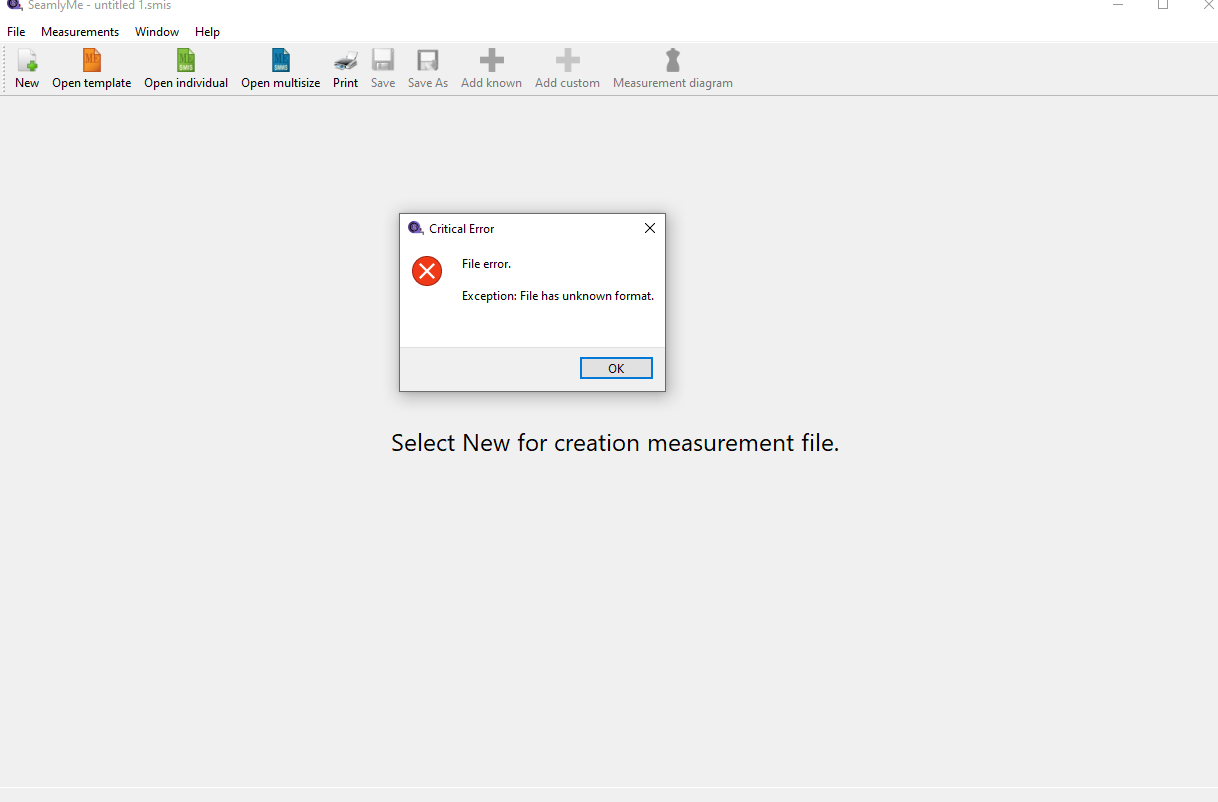
It looks like you’re trying to open the Seamly2D file in SeamlyMe.
1 Like
Thank you very much, I just didn’t start logging in through the program, he chose the SeamlyMe himself, but everything works fine.
2 Likes
Yes and no.
I’m still working through what’s causing the errant LF’s being added to the files… usually the ME files. I thought it was due to rearranging the sync’ing measurements, but while there was an issue with the syncing that If ixed, it’s not the source of the LF’s. I know the issue popped up between switching to Qt6 and when I initially changed the syncing… but I have to keep testing every build to pinpoint when it pops up. It may be a Qt6 or Xerces related issue.  It’s so odd in that the LF’s are being appended to ME files when opening for read only when loading a pattern. Makes no sense at all… unless Xerces is writing back the file when validating the xml?
3 Likes
I have figured out the issue(s) and I expect there should be a fix included in this weekend’s release.
2 Likes
I have made a PR and just waiting for Sue to review and approve.
2 Likes