Point looks corrupted

Hello.

I’m new to the software and I’m finding a strange issue. Maybe missing something.

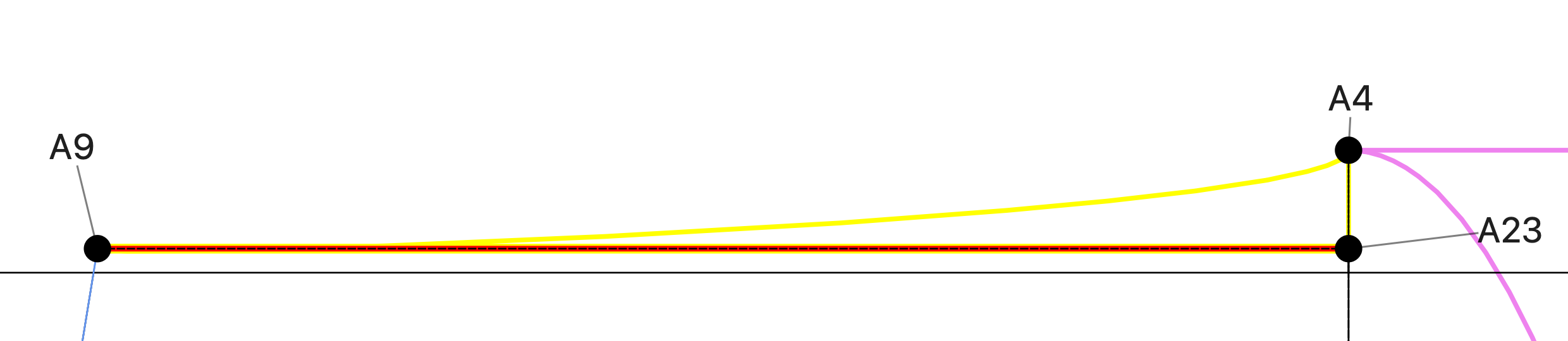
I’ve created 2 references lines for a curve.

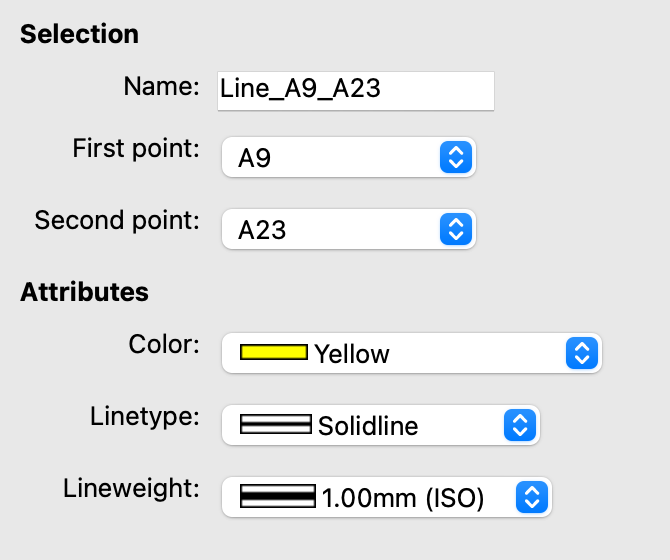
  1. Line_A9_A23

2.

  1. Line_A4_A23. Sorry Couldn’t upload and image of the line property menu because of upload restrictions for new user but it is there :slight_smile:

Image bellow show a relationship in between the lines and curve (Spl_A9_A4). Shown in yellow for clarity.

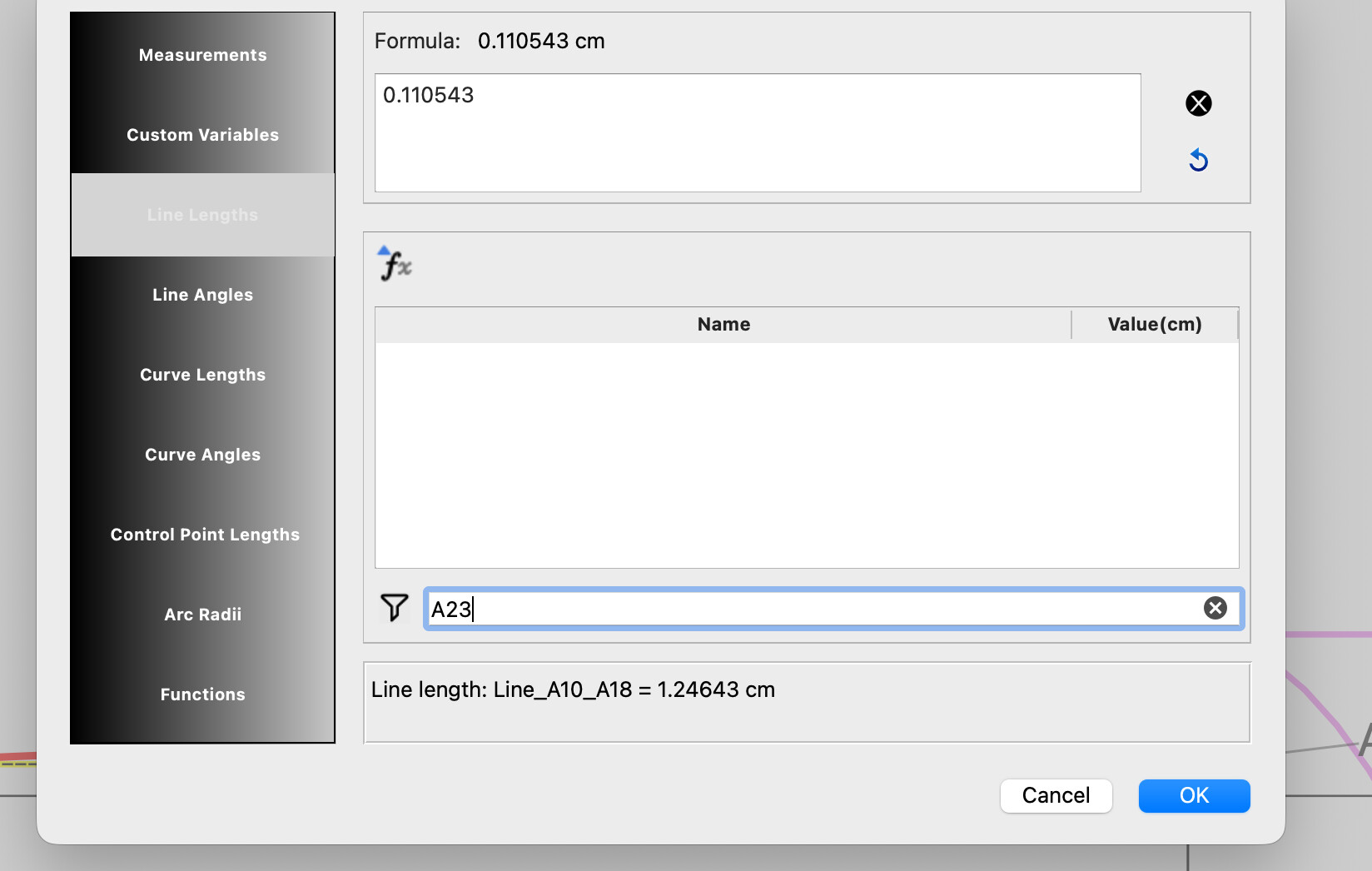
Point A23 was created with the tool Point- Intersect Line on Perpendicular. I can access A23 properties and also use to create any other line but when I try to refer any lines that has A23 I can’t not find them in the formula menu.

See image bellow if a search with A23 on it.

Things I’ve tried so far:

Changing the point name

Deleting the point and creating it again

closing the current project, duplicating it and opening it again.

Thanks so much for your help!

1 Like

Just figure with ChatGPT’s help that the curve HAS to be created after the lines I want to use as a reference. :grinning_face_with_smiling_eyes:

1 Like

Hello and welcome to Seamly2D, @Ely

I’m glad that you could find the solution.

Welcome @Ely

Yes… that principle applies to everything in the apps… Blocks, Tools, Variables, and Measurements can only use those that were created before it. Every tool is created on a timeline (History) and when you create / edit a tool it’s a snapsnot in time… the tool can’t see what comes after because as far as that tool is concerned nothing else exists yet.

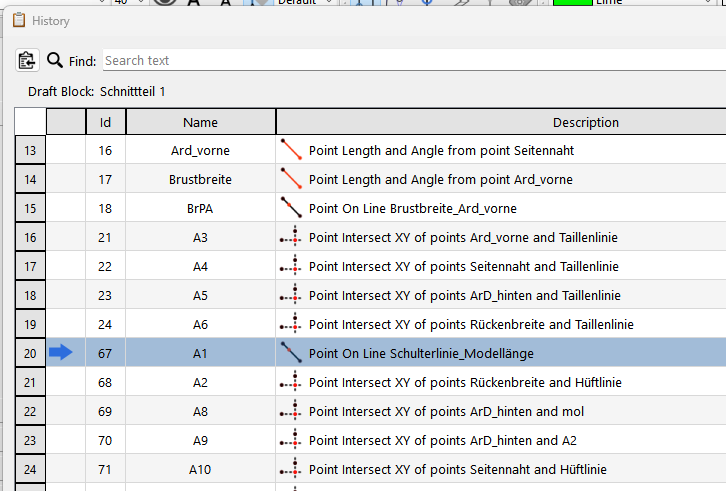
However… we have a Back to the Future trick using the History. You can click in the 1st column to place the history “Cursor” back in time. You can then create for example the lines you need for the curve… and they are inserted after the cursor. Closing the History moves the cursor back to the end of the history, Now as far as your curve is concerned the lines were created on the timeline before it making them usuable. :slightly_smiling_face:
2 Likes

Thanks @Douglas . Thanks helpful to know

:slight_smile:

1 Like