At first I want to thank all of you for your great work on seamly. I use it frequently and enjoy the programm a lot. I have a problem with the following. I want point D5 to lie exactly on point Mip_V. To do this, I select the length of the line to Mip_V - seg.1, and then the correct distance is also indicated. But the point isn’t at the correct distance on the line. And also the linelengt according to curve leghth is different than the length in de formula. What am I doing wrong?
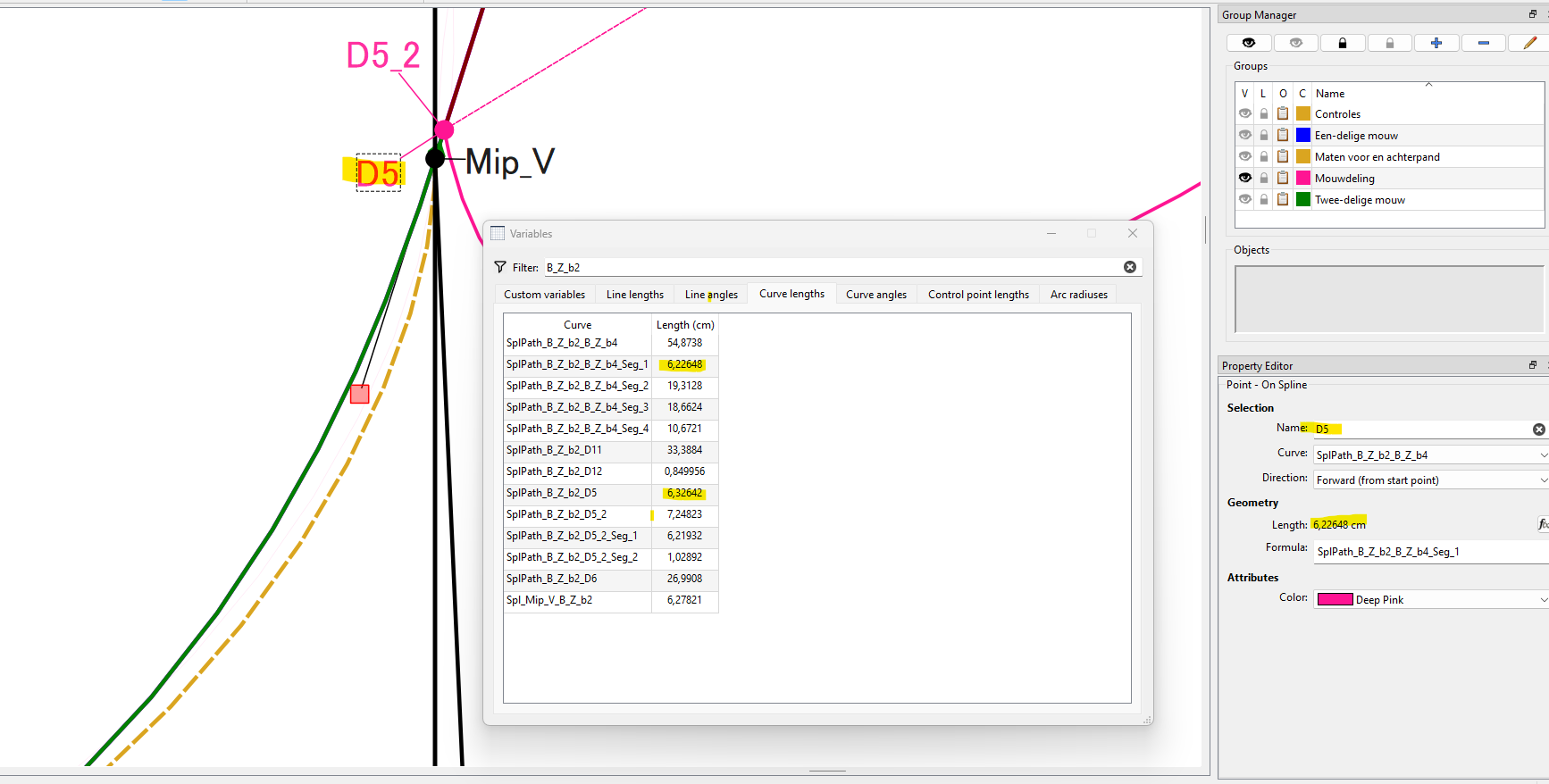
Hello and thank you, @Tan for appreciating Seamly2D.
I don’t quite understand why you would want a point on top of another point. However, if you send me your pattern & measurement files, I may be able to see what it is that you are trying to do.
As for the curve lengths being different, I can only think that the 1mm difference has something to do with the points themselves. Howevery, I can also check this when I see your pattern.
Currently the app forces a min segment length of 1mm with the Point on Curve and Point on Spline tools. Otherwise - pardon the pun - what’s the point? You already have the start and end points so why have a zero or the full length of the curve to create a point on top of what is already there?
Yes, that’s what I’m thinking and why I’d like to see what the plan is in the pattern.
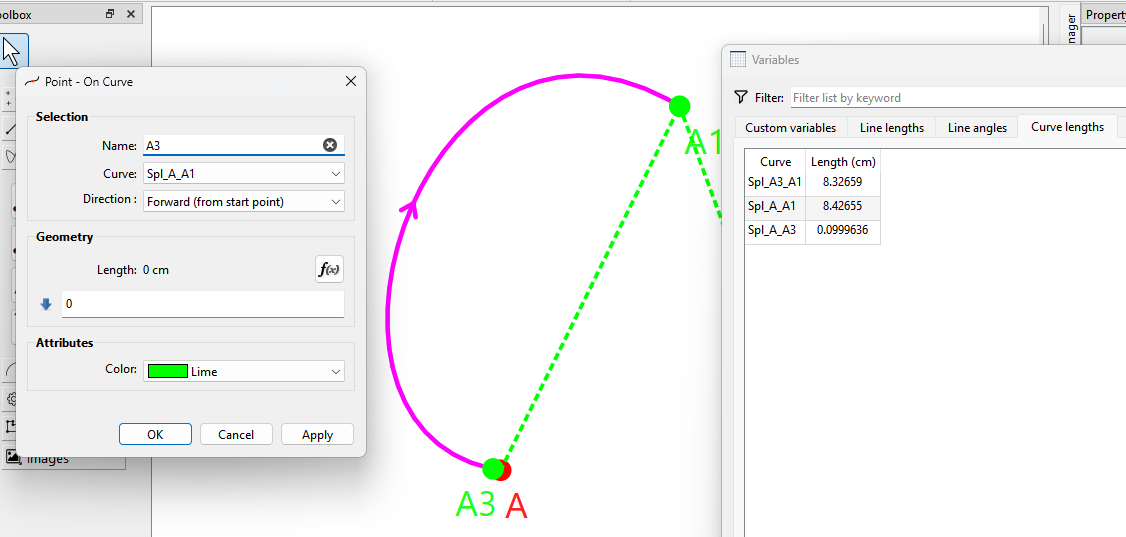
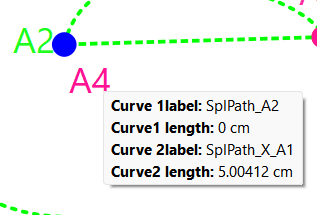
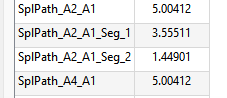
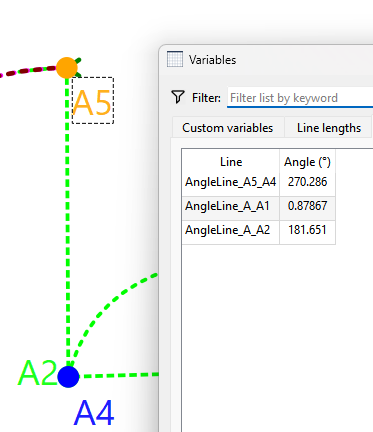
Here’s an example where I made the length 0, and yet the A to A3 segment is 0.09996 (1mm).
And the full curve length… which yields the segment length of 0.100110 from A4 to A1.
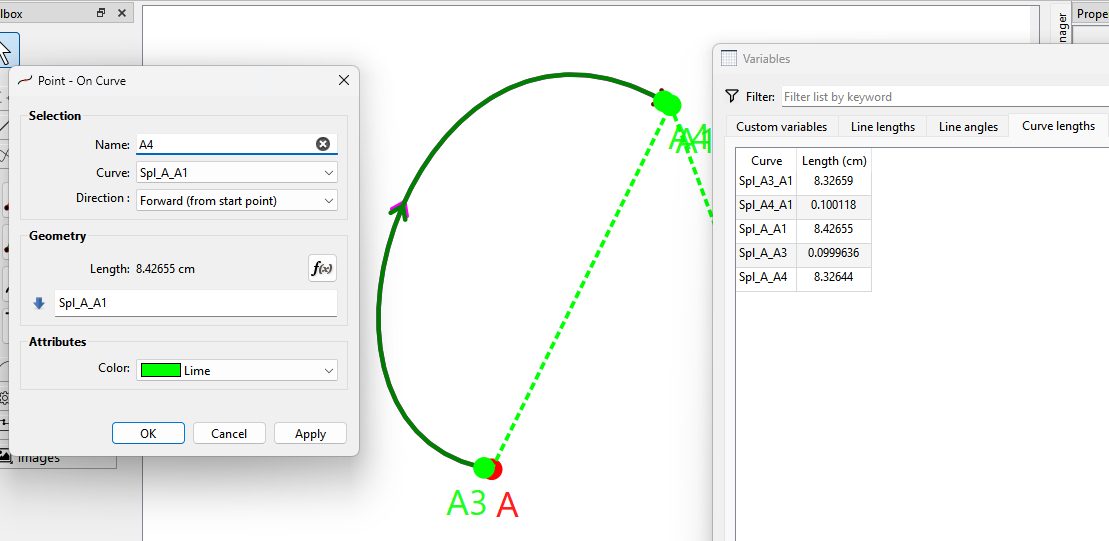
Of course with the curves we dealing with real numbers so we get rounding error.
It should be noted the same doesn’t apply with Point on Line. 
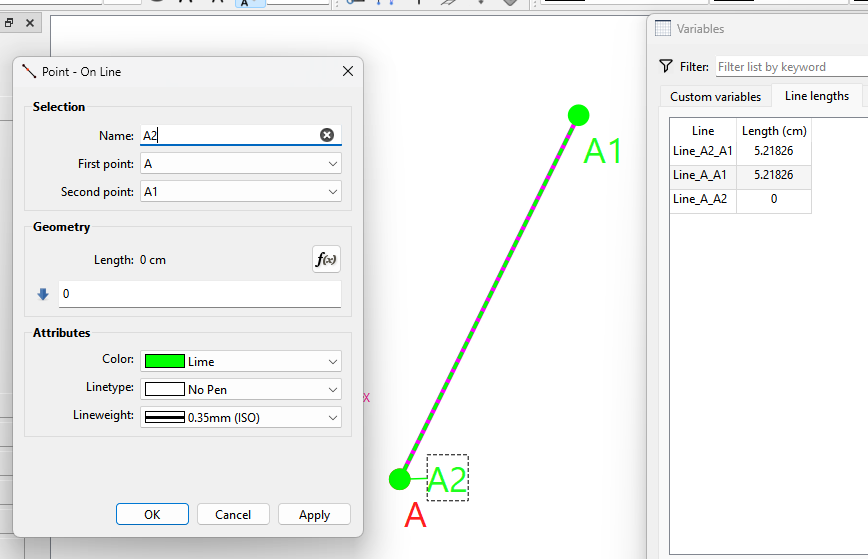
One could make an argument that the curves should also allow a zero or max length to be consistent with the Point on Line.
I could also see an argument if a point on curve results in a negative value or greater than the curve length to use the start or end point.
Thank you for your explanation.
Sometimes I’m unsure about what a formula does, and I use it as a kind of intermediate step to check that I understand it correctly. Then I adjust it to what I need.
For example, in this case, I need a distance from the sleeve insertion point. Then I first calculate the formula to the sleeve insertion point, and if that’s correct, I adjust the formula by adding the necessary centimeters.
But as I understand it now, it doesn’t quite work that way, because of the required difference of 1 mm.
Yeah, you’ll have to accept the formula results & ignore the point placement before you finalise your formula.

Or… I could change the Point on Curve / Spline tools to accept 0 and full length values by removing the 1mm restriction? Again it would be consistent with the Point on Line.
Yes, please!!! 
This is where the 1mm (or the equivilent pixel value @ 96dpi) comes from.

Theoretically changing minLength to 0 should solve this. 
I like how RT considers 0 to be a “wrong” length. 
This makes me wonder if the mm offset was instituted due to buggy behavior. Though I would expect the Point on Line tool to suffer the same issues if it was.
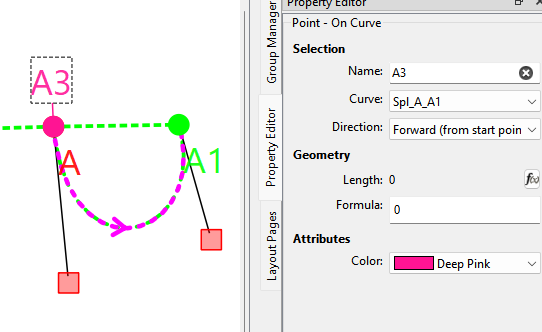
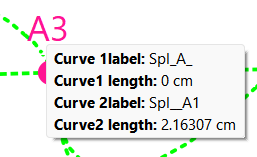
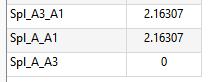
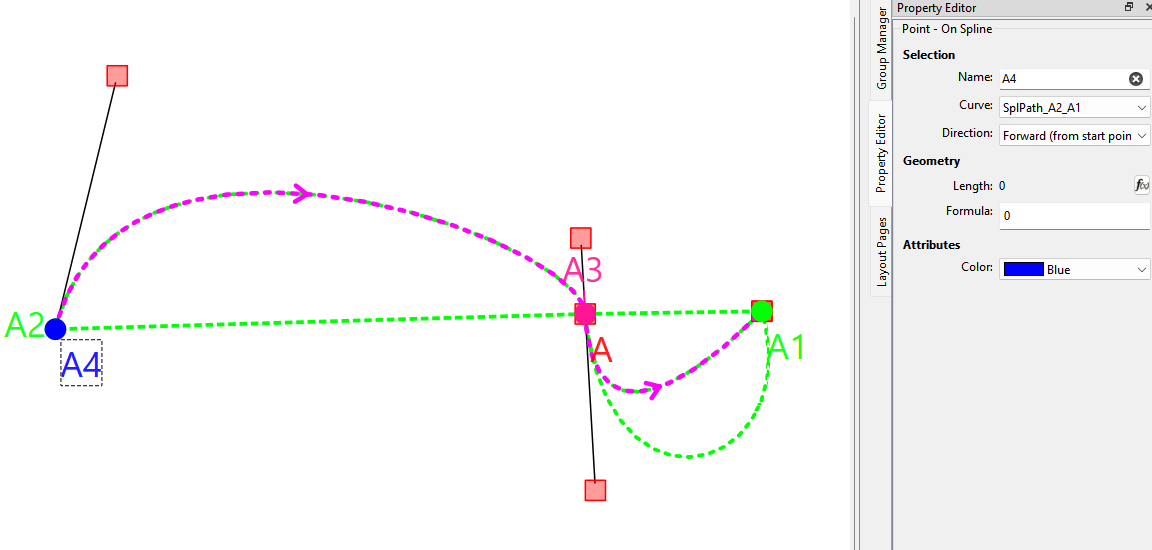
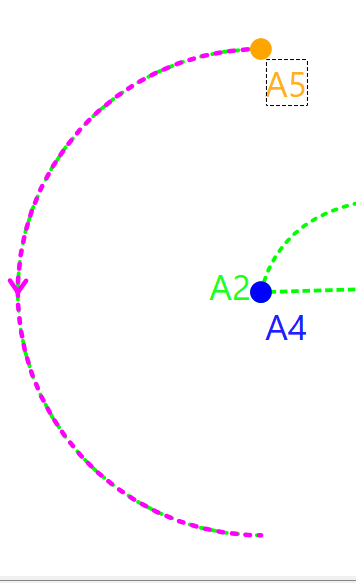
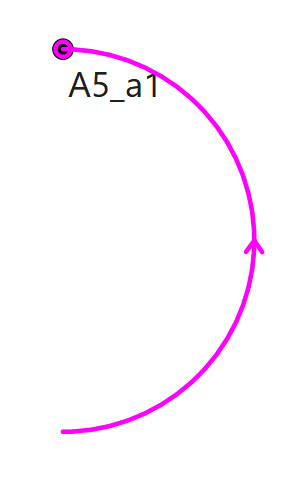
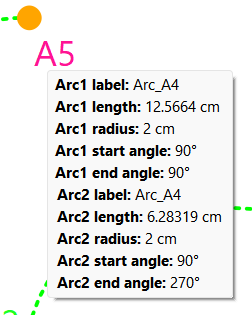
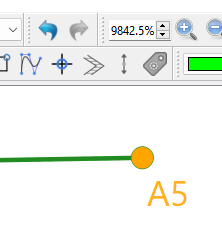
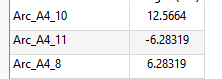
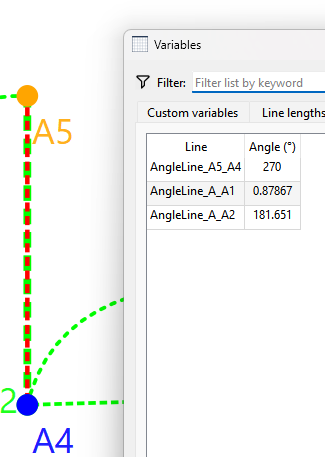
Of course I had to hit a few snags… 
The way the behavior is suppose to work is if a negative length is input the minimum length is used (1mm or now 0) and if a length is greater than the length of the arc, curve or spline, the max or length of arc, spline of curve is used. Works when changing the value in the tool dialog… however if you enter a value outside the max length, and then try to change it in the Property Editor to 0, it defaults back to the previous value? This is an existing issue.