I have had several instances now where I create a new point or line, add it to a group, then the point does not follow the group’s visibility settings. I have double checked and the points show they are part of the group when I right click on them, but they remain visible even when the group’s visibility is off or even all groups’ visibilities are off. I have tried removing the point from the group and readding it, moving the group it is in, and saving and exiting the pattern but none have fixed the problem.
2 Likes
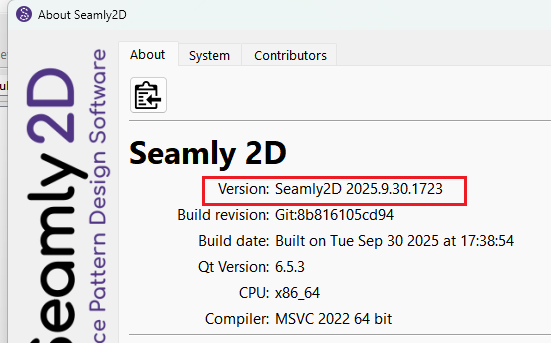
Will need more to go on. If you can post your pattern (and any measurements) I can take a look. Also if you can tell us what release ver you are using…
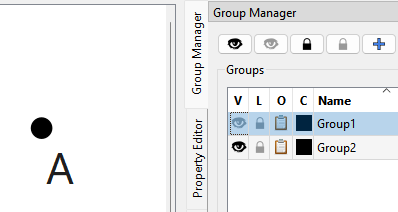
Here’s something to check… if an object is in more than one group - to hide the object both groups have to turned off: For ex: Point A is in Group1 and Group2:

If I hide Group1, point A is still visible:
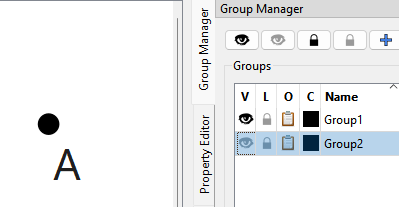
If I hide Group2 A is still visible:
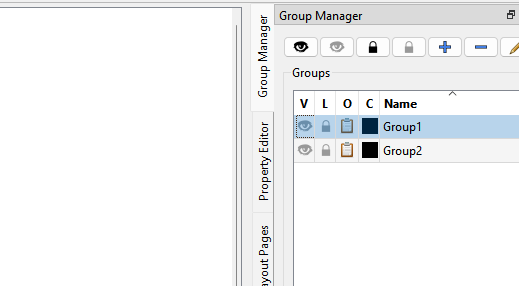
If I hide both Group1 and Group2 A is NOT visible:
3 Likes