Hello 
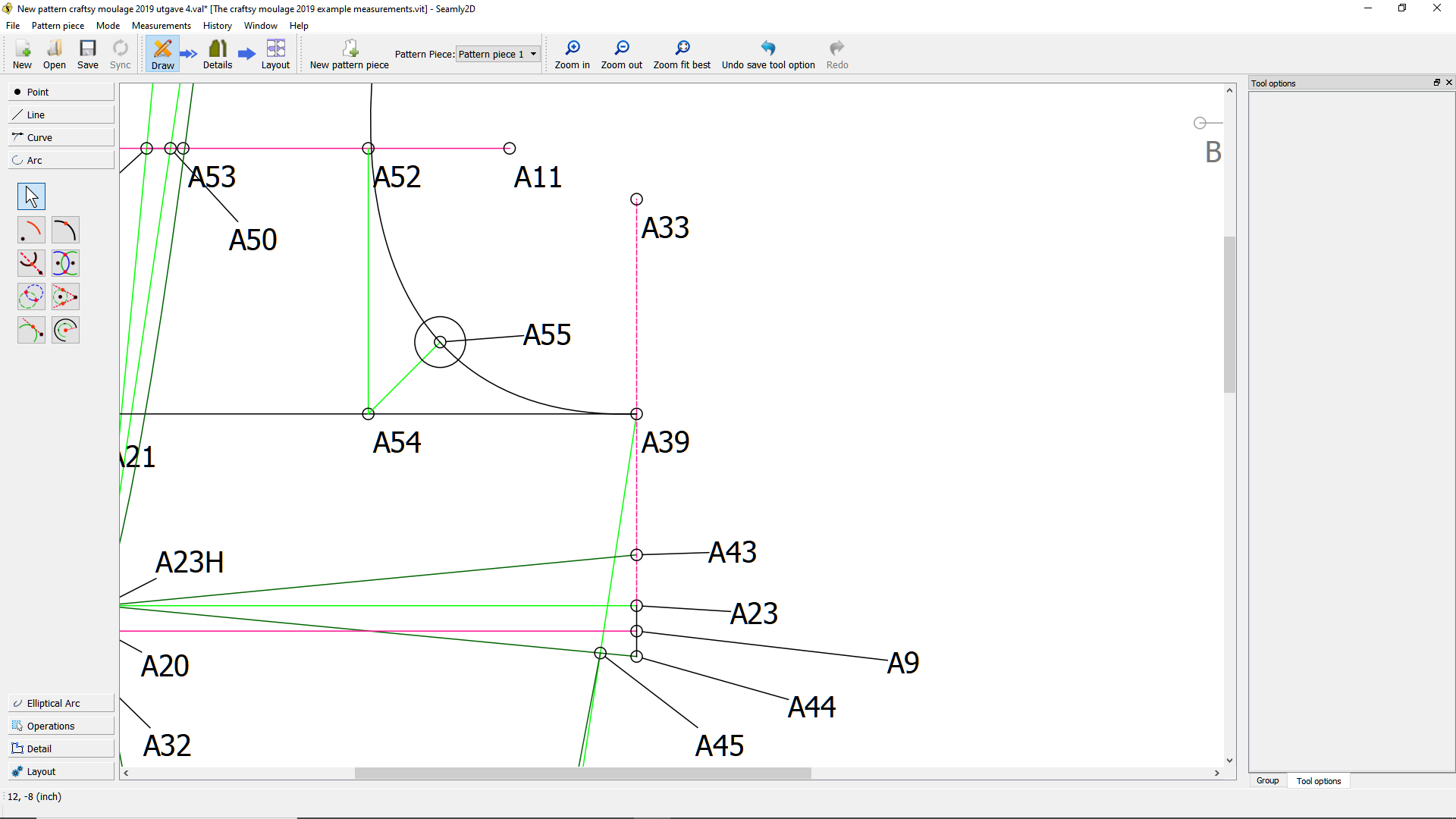
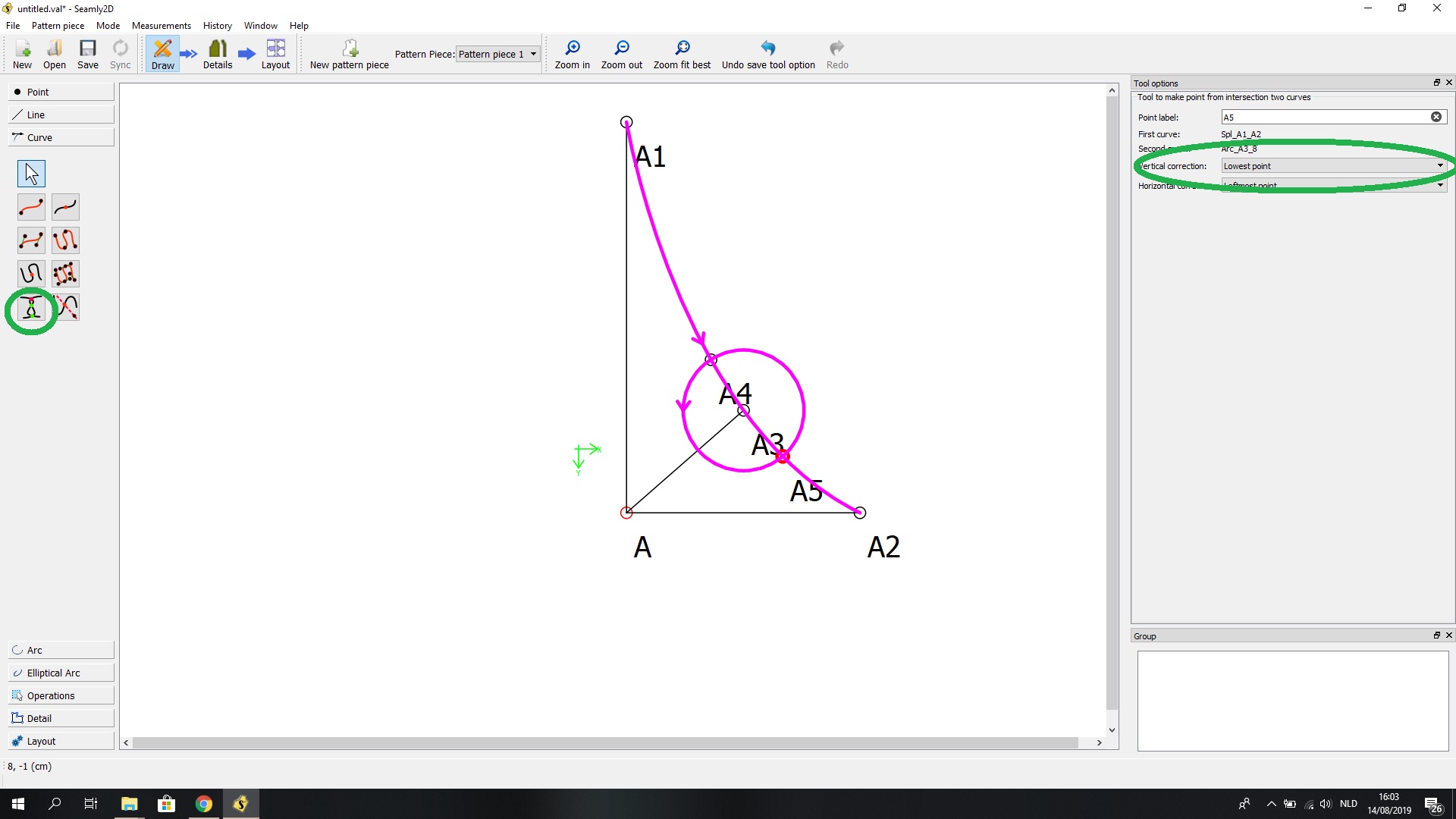
I am wondering if it is possible to make two point where my arc/ circle intersect with a curve. I have only managed to make one point on one side by using the tool Point intersection tool.
Is it possible to do this?
Hello
I am wondering if it is possible to make two point where my arc/ circle intersect with a curve. I have only managed to make one point on one side by using the tool Point intersection tool.
Is it possible to do this?
One on top of another? Can you explain further?
If you look at the image, I mean a point each place where the circle intersect the curve - in this is two places…
under curves, use tool “intersection curves”, select your arc and curve, and the point will be placed. For the second point you do the same, but on your tool options display, you choose “lowest point”
I have never used a circle in my design yet. This is really cool. What’s the strategy of using a circle?
Thank you very much - this worked great!
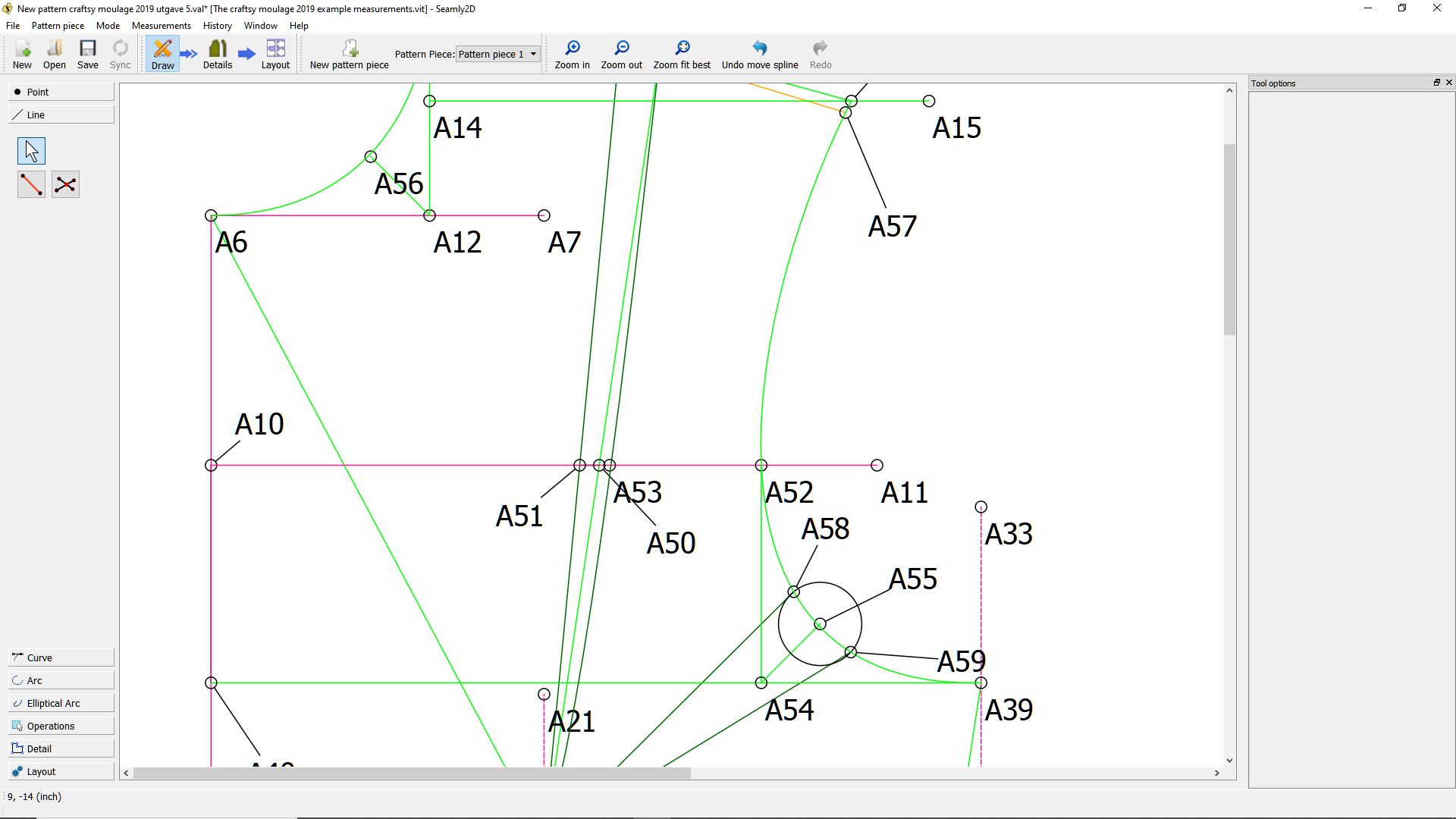
The strategy here @dogwooddenim is to use the circle points as a basis of an armhole dart. I am not very experienced in pattern making or using Seamly 2d, so maybe there are better ways of doing this . But that was my thought anyway 
@Makol, any answer that works for you is a right answer. You may also find it useful to use the search function and look at previous discussions. @Grace has posted a great deal of useful information on how to use Seamly for various things, including this post which deals with a method of shaping an armhole curve Curves with Formulas
I see you already have a shoulder dart. Another method would be to use the 'Slash & Spread" method to move the dart to the armhole. For this, one would use the Rotate Objects tool.
However, whichever way works best for you 
Interesting! I am working on a jacket design right now so it might become useful. My initial draft only has a shoulder dart and I am rotating most of it to the armhole (it has a yoke) and to the side. The draft looks like a mess but it seems to work! 
Haha, @dogwooddenim, most patterns look like a mess. I use Create New Group under the Operations to hide some of the lines and nodes in. Then I can turn the “eye” on or off while I work. It tidies up the workspace a bit.
I also create Groups of the different pattern parts, when I have lots of bits and pieces, before I create the detail. It makes my life a bit easier 
I am drafting av moulage to the method of Suzy Furrer, and are suppose to have both darts for a tight fit
That sounds really interesting I’ll look her up. You can also rotate only a portion of a dart to the armhole or side seam. It’s a lot of fun playing with the rotation of darts.
I haven’t used groups that much but maybe I should try. Thanks for the tip!