This post also contains an element of something I posted today in “Bug Reports / Issues” and I hope the moderators don’t get mad for cross posting!
Anyway, would appreciate any tips / hints / ideas on this:
I have a projector (Epson EB-685W) and the pattern images from existing PDFs and SVGs are projected quite well. Pattern lines are fine, but seam allowances (red) don’t show up properly and some cut lines on curves are ‘spotty’ to missing entirely.
Remedies such as changing the colours (I’m using the WebApp Pattern-Projector.com) were also not successful!
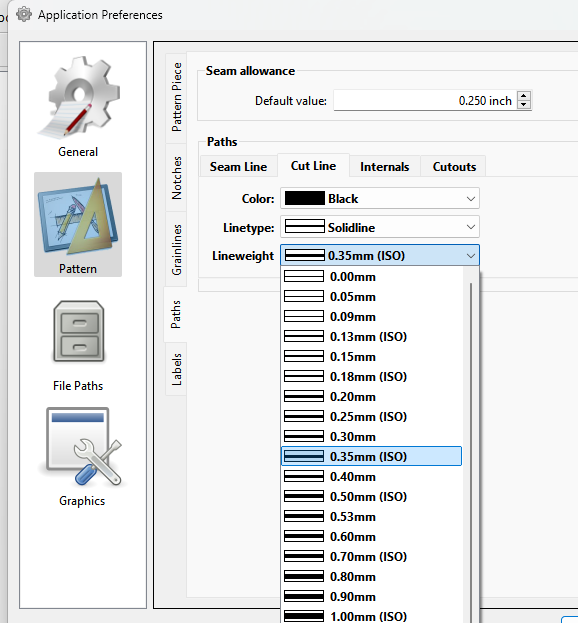
Can ‘Cut-lines’) be set bolder / as bold as the normal lines?
Which line weight(s) would be the most suitable for projection?
I would appreciate any input; tips & tricks, ideas, suggestions. Thanks in advance.
… I have found at least one resolution for this issue, and unless there is a way in Seamly2D to do this directly, I can edit the line weights in Inkscape and export these to PDFs, SVGs, both of which can be processed by Pattern-Projector.com.