Hola tengo un problema con unos patrones que hice y no se que puedo hacer, cuando estoy en borrador todo esta normal pero al entrar en despiece me manda un mensaje, soy estudiante de diseño de modas y ahí estaban mis patrones para mi proyecto
2 Likes
Si puede publicar su patrón y cualquier archivo de medidas, podemos echar un vistazo y ver cuál puede ser el problema.
If you can post your pattern and any measurement file we can take a look and see what the issue may be.
3 Likes
Copia de DISEÑO 1 PATRONES EXPO DIMO.sm2d (134,0 KB)
TALLAS 8 EXPO DIMO.smis (4,9 KB)
Agradeceria mucho su apoyo
2 Likes
Ok. I looked at your pattern and first thing I can suggest is to update to the latest release. It fixes a few bugs and improves the grainline and arrows.
I had no trouble loading your pattern, but not sure what OS you are using. I’m using the Windows version that is somtimes more forgiving than the Mac ver.
What I did find is some path errors and redundancies in the main paths and internal paths. The main glitch I found is in the DELANTERO CRUZ piece where there is an extraneous point D71 in the path causing the line through the pattern. It may be the source of your error - I don’ t know.
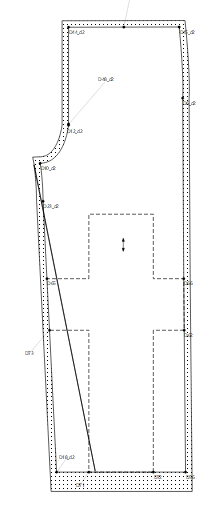
Also with the internal path you traced all around the cross pieces… you don’t need to retrace parts of the main path… I broke it up into 3 iPaths.
There is also a gap between points D48_d2 and D12_d2… the point D48 is not needed, but since its mirrored I just left it in the draft.
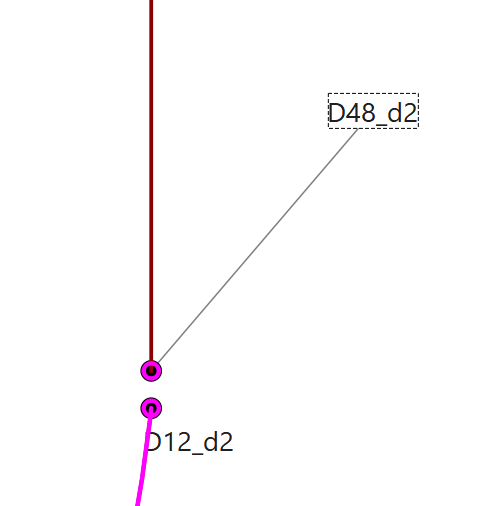
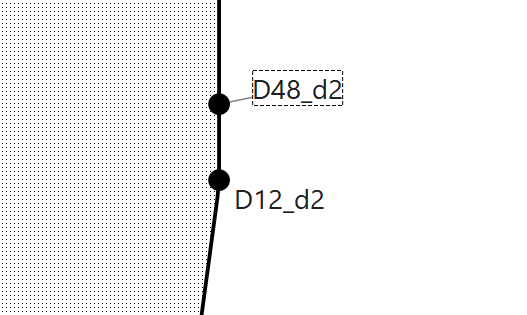
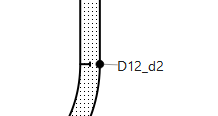
I removed it from the pattern piece… and moved the notch to D12_d2. Note: You can also move the point names. It’s easier to read when the names are next to their points… or not over lapping other names.
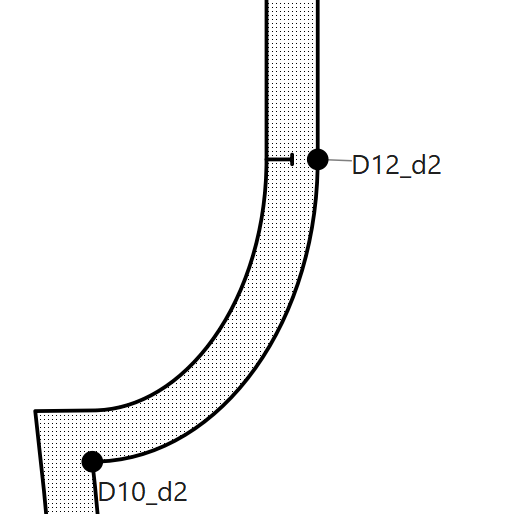
Another issue I found is a lot of the control points need fixing. Since I was at points D48 and D12 I noticed the crotch curve is not correct. If you look at the pic above there is a kink at point D12_d2 going from the curve into the straight line… to have curves with a smooth transition and to be able to resize to different measurements the control poimts need to be formulized. There are several topics on the forums how to do this, but in a nutshell in this example the length of CP1 has to be .551916 the length of Line_D9_D12, and for CP2 the length needs to be .551915 the length of Line_D9_D10. “.551915” is a bezier curve constant that allows curves to tansition smoothly between straight lines or other curves.
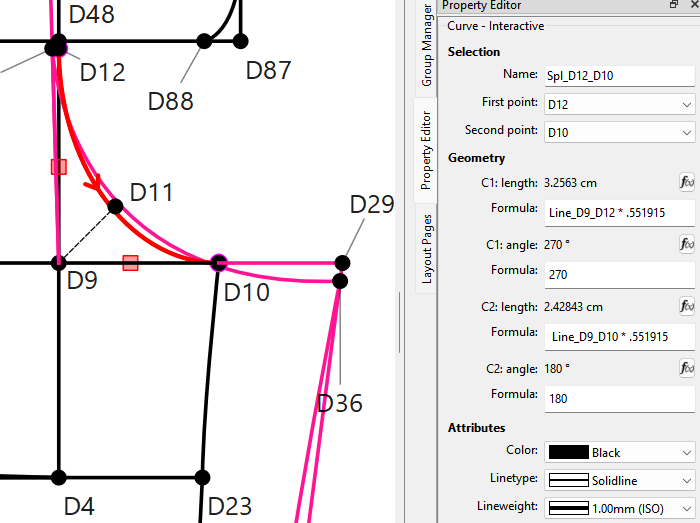
This now makes the curve transition into the straight line above D12_d2:
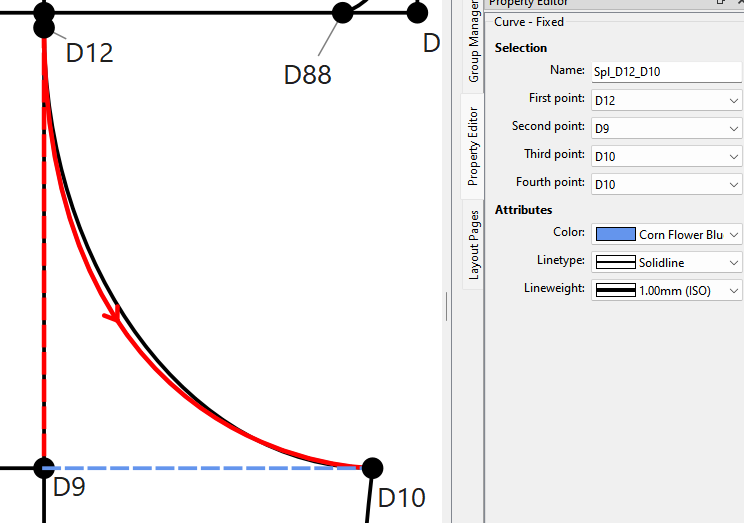
This could also have been accomplished using the Fixed curve tool without the formulas. Here I made a fixed curve from D12 to D10 using D9 and D10 as fixed control points. As you can see it’s almost identical to the (black) interactive curve. And easier to use.
At any rate let me know if this fixes any issue you were having.
2 Likes
Muchas gracias por todo en verdad, tendré mas precauciónes al usar el programa, en verdad estoy muy agradecido por su ayuda y su tiempo
2 Likes