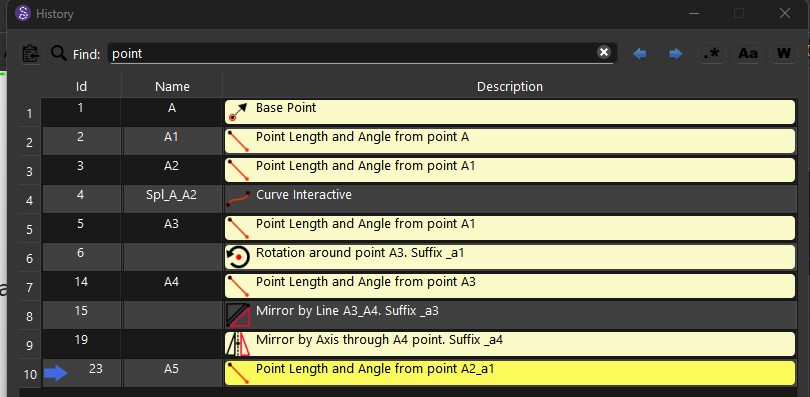
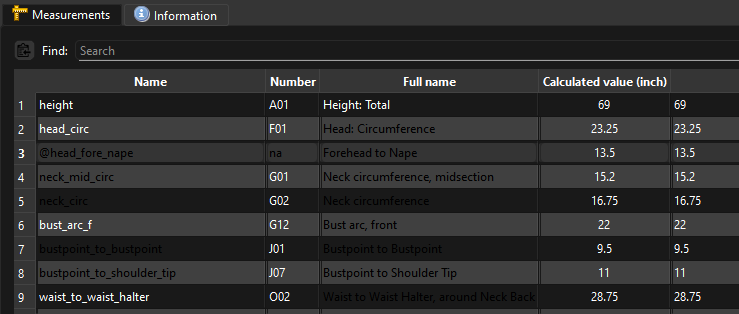
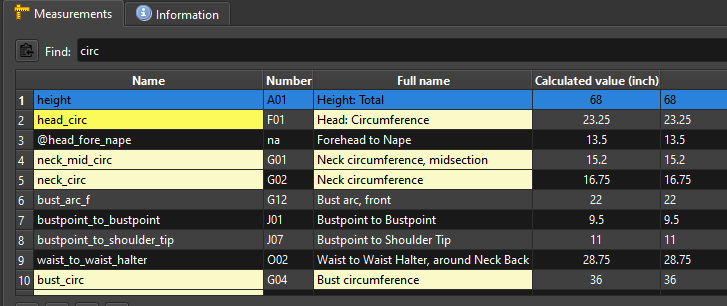
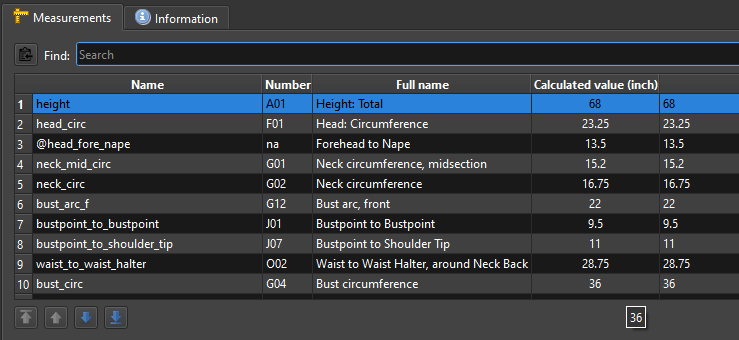
on Tuesday evening on my Devuan (Linux) Excalibur computer.
It seems to have fixed a theme issue I’ve been having when using local built Seamly2D, even when set to use the system theme. It wasn’t a big deal, but big enough that I’m going to test the AppImage of the History PR rather than installing it.
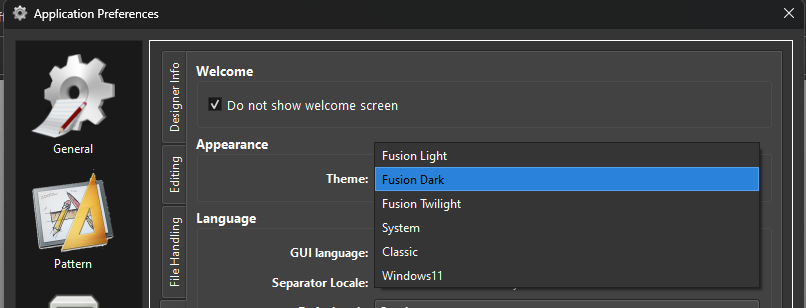
However, there are still a couple fairly minor issues with it: The theme doesn’t seem to change consistently when a different setting is selected, & the light mode setting is spelled Lght, thus earning itself the sobriquet ‘Polyphemus’
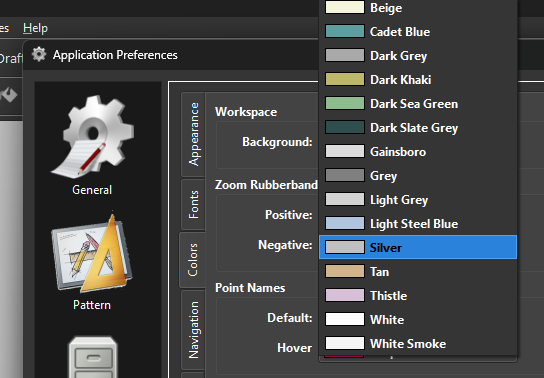
The color dropdown for the background is also behaving oddly compared to the rest of the color dropdowns, though not much.
I may have to tweak the palette based on the OS. Windows is fine. MacOs has one issue with one window background color in Seamly2D… although SeamlyMe looks fine ???.
BTW… in case you’re not aware… the reason why I’m trying to address the Darkmode issue is we want to bump the Qt ver up, except using 6.8.3 with the Windows ver it follows the users system setting for apps. So for users like me that have the apps set to dark, Seamly will open in Darkmode… which until we actually design a new set of darkmode icons it’s hard to use. And to use Seamly in Light mode you have to set the system back to Light mode, and then back to dark, back to light mode, etc etc etc. A PITA. Qt did introduce a way to handle the mode as per the system through a stylehint… but it doesn’t work with KDE builds at the moment - if QT will ever fix it. Thus the reason why I’m playing around with implicitly setting the app style (based on what styles are available on a given system) and a palette.
That being said how does SeamlyMe look in Darkmode with Linux?
Oh BTW… we decided that we are going to keep the Workspace background in Seamly2d as it is now with the user selectable color… which eliminates a whole bunch of headaches dealing with auto flipping the line colors depending on whether you’re in light or dark mode. Here’s part of the issue… if you have a pattern and you work in darkmode with lines that are white (which doesn’t exist at the momment)… what happens when someone opens the pattern in light mode and the app were to auto reverse black & white… is it not odd that your dilaogs will be showing white for the line color and yet the lines are black? And of course there would be the vice versa issue.
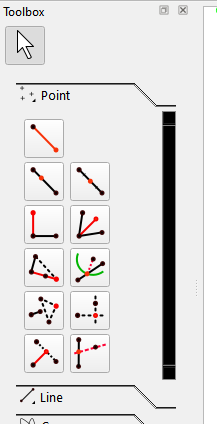
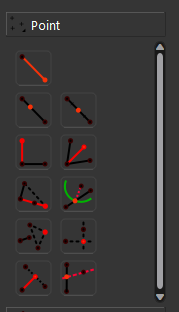
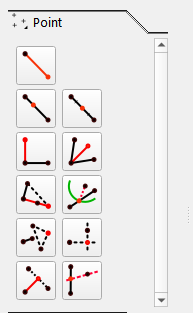
I could see it being annoying on an off-day, but the red on the tool icons does a lovely job of indicating what they are. However, the show/hide all pointnames icon is nearly invisible, "Oh, that smudge there is probably that one eye icon that I mostly ignore anyway. "
Yeah, I think that’s the inconsistency I was noticing, but since I had both my system & Seamly theme preferences going at the same time I couldn’t quite pin it down.
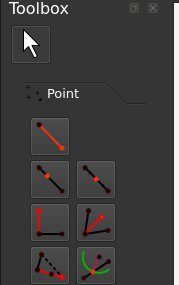
Basically we have to create a set of dark icons that swaps white for anything black… which you can’t see on the dark grey. The only dark icons you would use black would be something like this:
What I meant it would be a pain to have to keep switching the system mode setting just to use Seamly in light mode and back to use the rest of one’s apps in dark mode.
Did you get a chance to look at SeamlyMe with Fusion Dark in Linux?
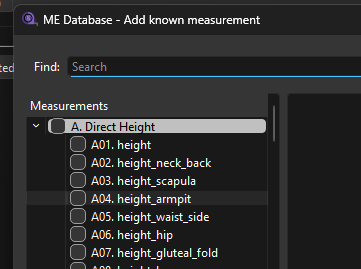
I hadn’t… Eugh! The text of search-hilighted items needs to invert to black to be visible, or the hilight needs to be dark enough for the white text to show. The section labels for adding known measurements are also a little unclear. The measurement diagram doesn’t integrate harmoniously (ETA: but it works, & that would involve doubling the number of pictures, or having a way to dynamically alter their properties.)
but other than that it looks good at a glance-over.
Ahh… good point. Agreed - looking at the Windows ver now. The search highlight color is hardcoded so I’ll have to take note of that and switch the hightligh color or the text color depending on mode.
Noted. Same issue as with the search. Not sure if that highlight is a palette coor or if it’s hardcoded.
Yeah… the diagrams are SVG’s. I could live with the white background… what we can’t live with is any white text on a light back ground or black text on a dark background.
The only other issue with ME I see so far are the icons like these.. that need to be white:
I found another minor issue that popped up… In ME After searching and clearing the search text, the previous search cells are left with black text, and are not reset back to white. This only happens in ME and not the History dialog which uses the same VTableSearch class for searhing.
I just finished checking the MacOs ver so all 3 - Windows, Linux (including KDE) & MacOs are all workable and looking the same in Dark mode. I say workable, because the next step will be to add a bunch of Dark versions of the icons in a future update. For now this will fix the issue we would of had moving to Qt 6.8.3 with users unexpectedly finding Seamly in Dark mode if their system was set to dark. This also gives Windows users the option for the Windows 11 style w/ Dark look as well as maintaining the “Classic” Vista w/ Light mode look. Oddly for whatever internal reasons the Windows 11 style does not work in light mode, while the Classic style does not work in dark mode. And apparently there can be issues with configuring an app to use the system dark mode with KDE… thus the reason to set the style & palette in the app itself, overriding the system settings. It also means the Seamly apps will have uniform look across all 3 OS’s - at least if using the Fusion style on Windows.
I’m debating whether to rename Fusion Light as Breeze, Fusion Dark as Breeze Dark, and adding Breeze Twilight. With the Kubuntu distro it has the 3 Breeze “themes” with Breeze and Dark Beeze being the same palette as Fusion Light & Dark. Or I could just add the Twilight palette and call it “Fusion Twilght”. Hmmm…
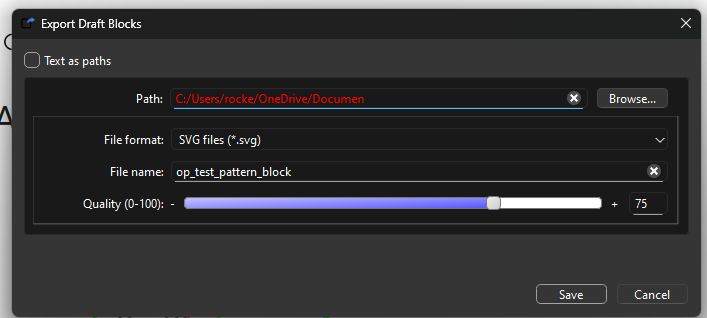
The other one I fixed… The Path for the Export dialog was black in Dark mode and stayed Red after making a valid entry after an invalid change was made:
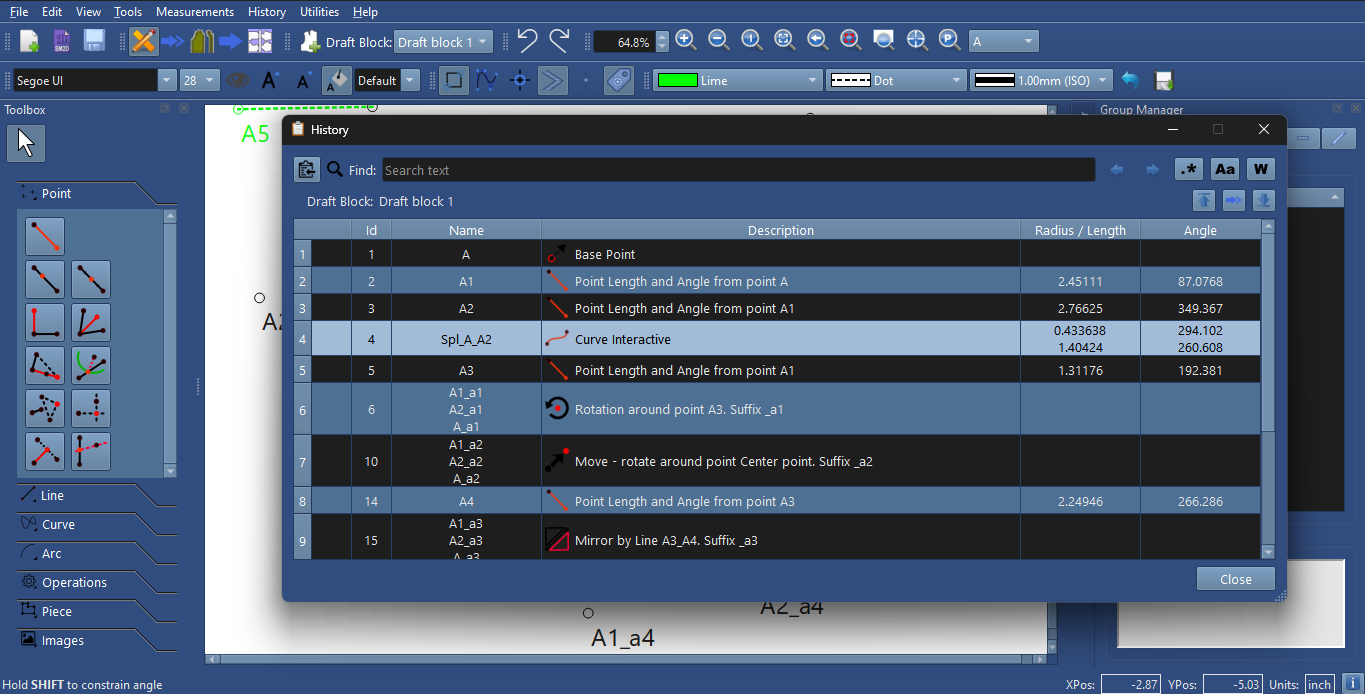
It’ll be very niche, so maybe not worth noting, but if the setting is changed while the History/Me are open, the text field type things don’t automatically update with the rest. Clicking them results in them updating, but it was a bit odd until I figured that out.
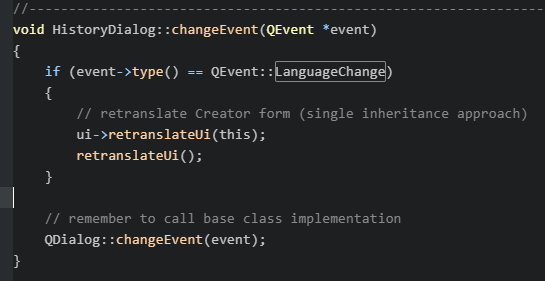
Point taken. It would require sending a signal from the Preferences and connecting it to other dialogs telling them when the theme has changed and they need to refresh. It’s the same issue when you change languages and the dialogs need to refresh. Most have a changeEvent() and they listen for a change in the language setting:
To simply things I could probably just use the built in changeEvent() handler rather than a custom signal / slot, by using QEvent::ApplicationPaletteChange signal… which will be emitted when a setPalette() is performed in the application class.
Like adding:
if (event->type() == QEvent::ApplicationPaletteChange)
{
    updateHistory(true);
}
I guess we’re officialy building with qt 6.83 as I just merged the PR so the next release will be built on 6.8.3.
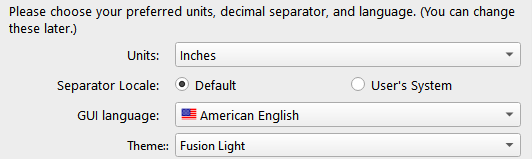
Just to recap the main “visual” change in the next release… you will be able to select a Theme (stlye / palette) in the Preferences or the Welcome dialogs.
For Windows your choice of themes will be:
Fusion - Light
Fusion - Dark
Fusion - Twilight
Classic - Light
Windows 11 - Dark
System - Fusion (Light or Dark depending on system palette)
For Mac and Linux:
Fusion - Light
Fusion - Dark
Fusion - Twilight
Fusion - System (Light or Dark depending on system palette)
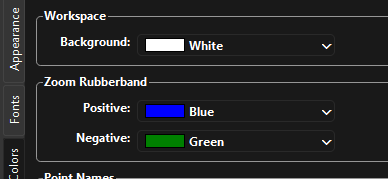
Also keep in mind to simplify the use of Dark mode we chose to keep the background color of the main “canvas” in Seamly2D a seperate option rather than the default dark grey you would normally get. This avoids the messy issue of having to flip black lines and points to white on a dark canvas… and vice versa. Choices for background colors are:
Due to weird “my problem” issues which had made the main branch of Seamly aggravating to use, (white on very light grey is not a great text situation; I don’t know what was going on, my other computer with nominally the same system install did fine,) this is a very welcome update to the main branch.
It was a bit shocking on first run that the setting seems to have defaulted to “Twilight.” At the same time, it gave much assurance that the install had gone off without a hitch, so it was a welcome shock. But I do wonder if maybe it was supposed to default to “System.” Of course, my playing with the beta-release of dark-mode enabled might have had an effect.
No. That was the main reason for addressing the Dark mode when updating to 6.8.3… in that the majority of users are using Seamly in light mode because it doesn’t really support Darkmode yet. Qt 6,8.3 changes the way the modes are used and it defaults to system - no bueno. If you are someone like me who’s system setting is Dark, but you want Seamly in Light… the only way to use Seamly in light mode is to change the System theme setting everytime you run Seamly. PITA. And yes there probably are some who are using Seamly as system dark mode, but I would think a lot less than light mode. In any case the user can now set the theme independent of the system. Which is because I chose to specifcally set the style and palette, and not use the newer Qt 6 support functions that have issues when using KDE.
So the default IMO should be light mode. I will have to check why it’s defaulting to Twilight - if that’s the case. To be honest it’s kinda of pain to clear my settings everytime I build and run to get the deafult theme so I don’t normally see what the default install / update would be as it’s always whatever i last set it at. I will check and make sure it defaults to light.
Good. Keep me updated if you find any anomalies in the palette colors… or if you would like to see some other palette which is easy to add now. Also keep in mind that we do need to update a bunch of the icons - particulaliy creating white versions of icons that are now black.


 "
"