This has got to be a bug. I literally JUST downloaded the software and have never used it and never done anything in it at all. I was following a tutorial for how to add a measurement from SeamlyMe so it would let me do anything at all, and when it came time to replace “0” with a number for my bust circumference (the measurement I chose to use for the tutorial) clicking inside the textbox to type produces the attached error message.
QTextCursor::setPosition: Position ‘2’ out of range
It appears no matter what I do. I can’t get rid of it. I X out of it, I click okay, it keeps coming back. I didn’t even type anything in the box. It seems like the developers should not have set zero as the default value when a value of zero is considered out of range (since no human can have a measurement of zero) because then it produces this error immediately upon trying to take any action and then you can’t proceed because the error is stopping you. I hope this gets the attention of the developers because this definitely looks like a bug to me, and not related to something I did wrong.
One time I got it to close and then tried to type something else and it said
QTextCursor::setPosition: Position ‘3’ out of range
and then I fixed that, and then…
QTextCursor::setPosition: Position ‘4’ out of range
It never stops! You have to fix this so people can use your software.
I’m pretty sure there’s nothing wrong with the app. The reported error means there’s an error reading what at the current text… that is, the cursor position.
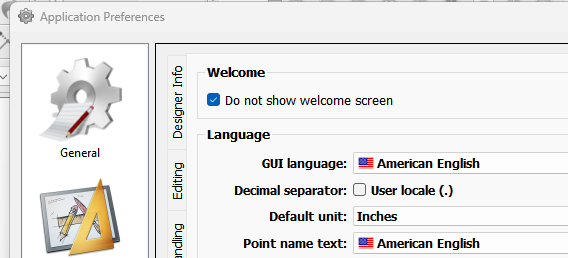
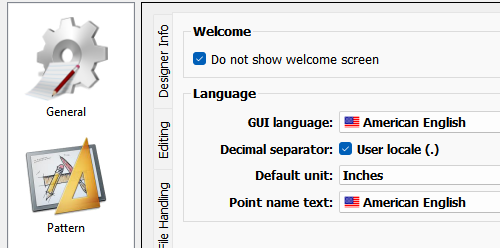
You need to set in the prefs whether you’re using the comma instead of a period for decimal numbers. I’m on my phone, otherwise I’d post a screecap to show the setting. Switch the setting, and the error will go away. If not, let me know.
Exactly. I have to refresh my brain on how the default is set… not sure if this is something where the default can be set based on locale- or maybe it already is? Also since the error apparently is being thrown in QTextCursor, I can’t provide a better message like “Check the period preference”. Or maybe I could Catch the error before QTextCursor gets it?
I believe it’s an OS and Locale issue… where if you’re in a Locale that uses the comma for the decimal point, you need to set the pref to use the comma. Again though, maybe I can eliminate the need to initialize the setting.
lt’s almost a year later, and someone else created an issue on Github recently with the same QTextCursor issue. I believe the issue is related to any Locale that may be using more than 1 UTF 16 char for the comma. It’s why the routine in the QTextCursor class is thinking the cursor position is beyond the range of the text string.
The good thing is… and more or less why I’m reporting this now is, I’ve been looking at getting the apps to build with QT6. and The QLocale->decimalPoint() routine now returns a QString instead of a qchar… so once we move to Qt6 - this issue, may be a non issue.
Hi, I am currently experiencing this issue and it makes the app unusable
I am on a mac and have the most recent patch downloaded from github.
I go to add a measurement in the formula textbox in Seamly2d and I instantly get a pop up that states ‘QTextCursor::setPosition: Position ‘2’ out of range’. This pop-up is impossible to close and i have to force quit to get out of it.
Am i missing something or a setting that I need to change?
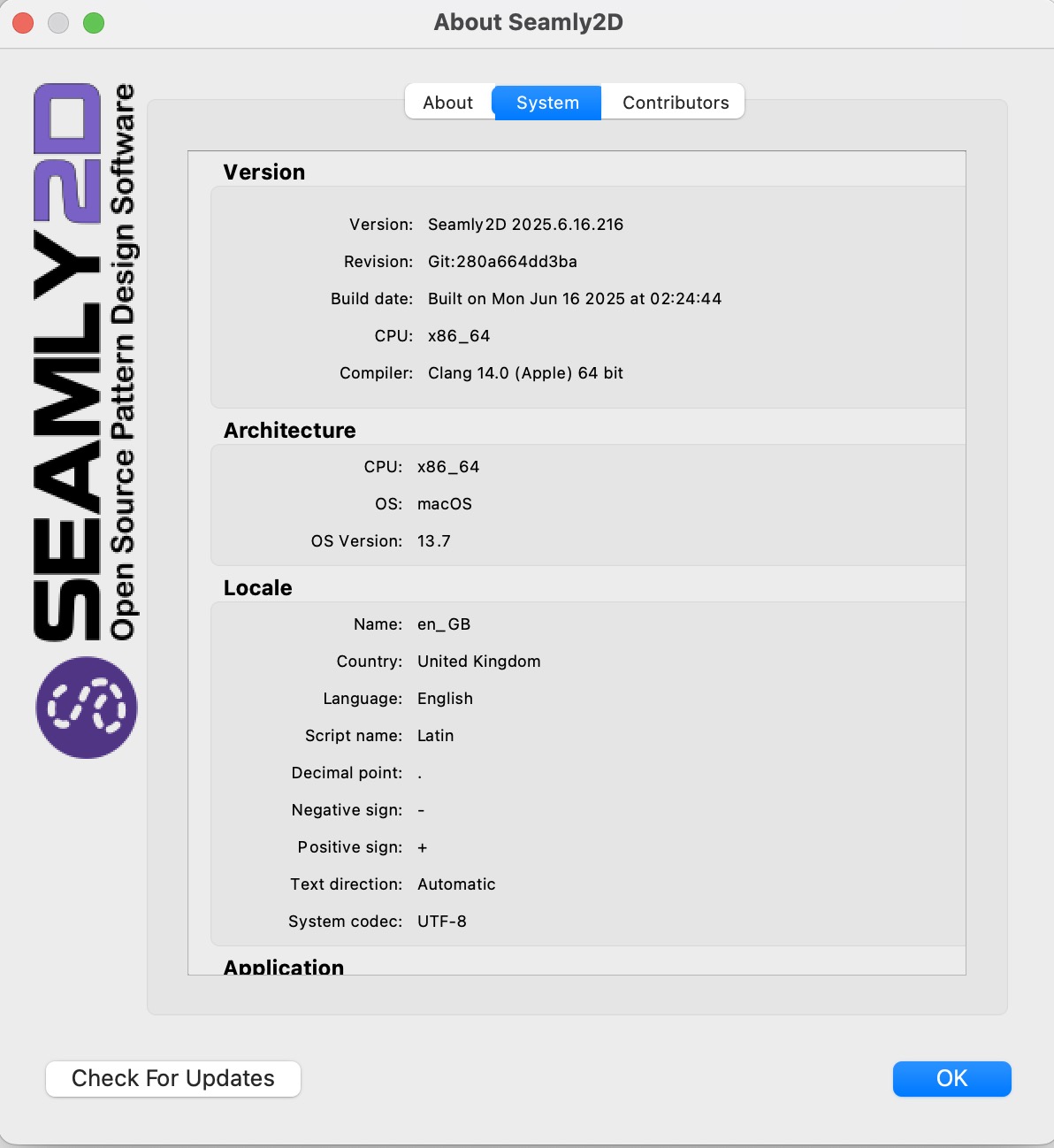
Let me ask… is your Locale one that uses the comma for the decimal point? This is usually where the problem occurs as a locale that uses a 2 char UTF-16 code for the comma throws off the char count to place the cursor at the end of the line.
I’ll check and see if I can find another way to set the cursor postion… problem is I have no direct way to test without spoofing the locale on my system, and I don’t have a Mac to build on - so I can only push a change to Githhub and let it build the Mac release.
I think I might have a fix… if I make a PR and provide you with a link to an artifact build can you download an install the Mac build and see if that solves the problem?
I’m still looking at the issue. The one place where the Seamly code is calling QTextCursor::setPosition() is ony in the fx editor, and not SeamlyMe or any other tool dialogs formulas… so I don’t think removing that one call is going to help over all .
I think the error is happening internally in Qt when calling moveCursor() (which we are using) which is in turn is calling setPosition().
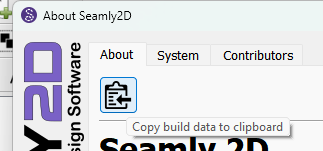
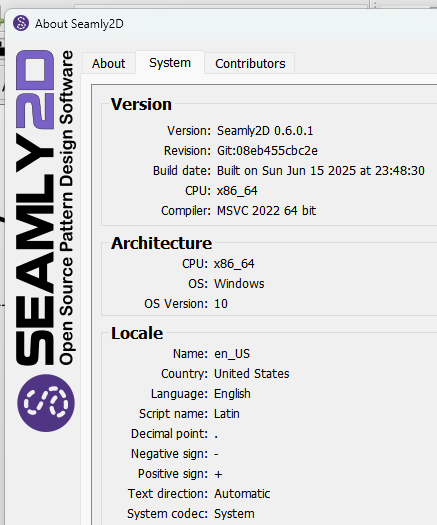
Let me ask do you know what your locale is and what language you have set in the prefs? Of better yet if you can just copy the system info from the About menu and paste it here OR Screencap the System locale info:
Hi @theo… while I investigate further here’s something to try… switch your language to American English to take the translations out of the equation. You won’t notice any difference as there is nothing translated yet in the enGB.ts file.
Hey douglas good thinking! It seemed to work for around 5 secs, then it came up with the same error, and now its back to doing the endless loop unless i force quit
I look forward to hopefully hearing from you soon! good luck with the fix
After coming back to my device, this is still an issue. I have worked out that it only occurs when I click outside of the ‘hitbox’ of the number (see images below). This means that I can’t remove a number and type a new number, as when I clear the textbox, I get the error.




 I look forward to hopefully hearing from you soon! good luck with the fix
