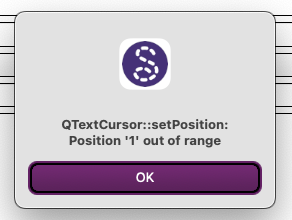
I feel like I’m hogging help time today, but the surprises keep coming, and maybe they are a Mac thing. I’ve tried several times to pop my cursor into a Notes or similar field to type some text, and the attached message pops up. Nothing will make this message go away. Clicking on OK makes it briefly disappear before popping up again. I have to close the application completely and then open it again and start over. Any suggestions?
Generally this was an issue that popped up in older versions and was related to the locale & separator. Theoretically the issue was fixed… but usually setting the separator to “default” fixed the issue. With the cavaet that if your locale used the comma for decimals, switching to “default” forces the app to use the decimal point which can be disconcerting if you are used to using the comma.
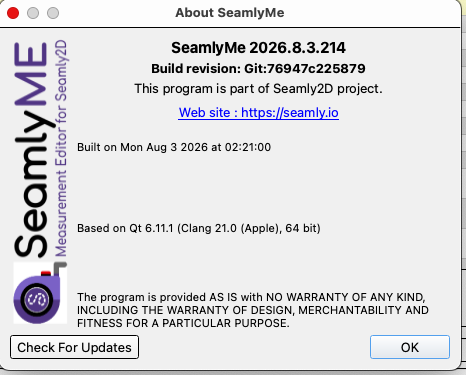
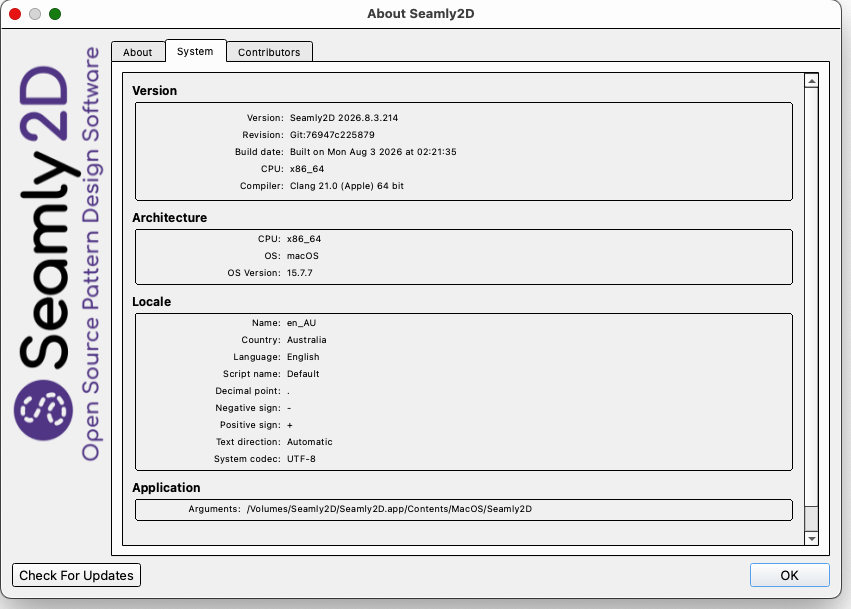
Thanks for getting back to me on this, Douglas. Since we last swapped messages, I downloaded and reinstalled Seamly for Mac. This is what my build details show:
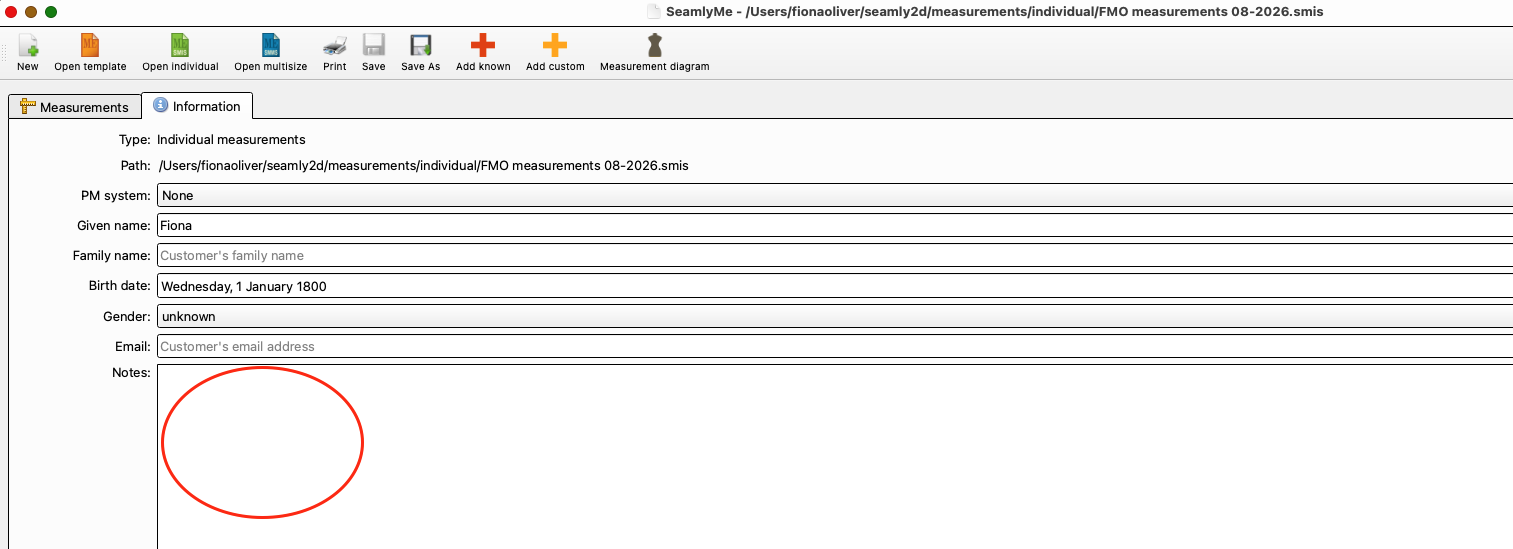
Even after doing a more recent download, the Qtext error still occurred when I tried to enter some notes in the Notes field on the Information tab in SeamlyMe. See photo below.
Is it only happening in the Notes or in other input boxes?
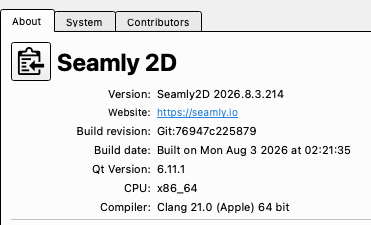
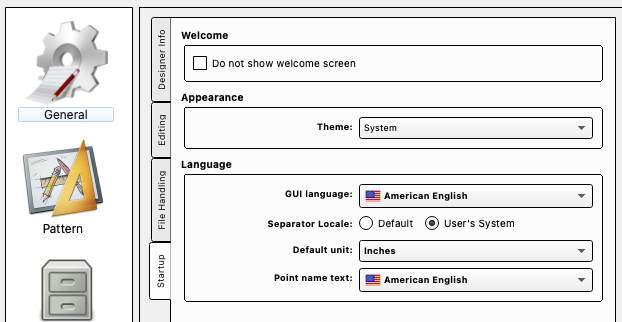
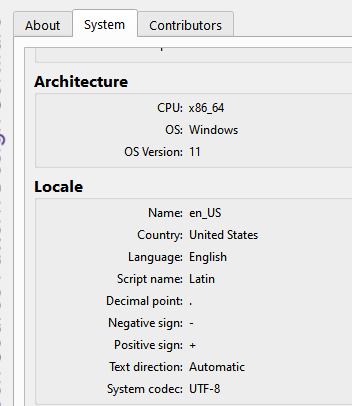
Try setting the Separator to “default” and see what that does. Also I should of had you get a snapshot of the System page… I want to see what your locale is.
OK… since your (system) locale uses the same separators as the default you should have no issue selecting “default” in the prefs. Usually using the default separators fixes the problem. At least for locales that use the “period” for the decimal point.
Oh… BTW I should have pointed out that Seamly2D and SeamlyMe each have their own setting for the separators.
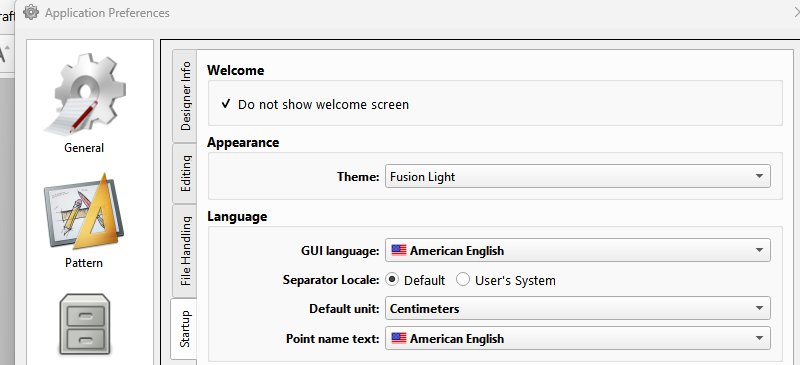
Hi there, Douglas. I’ve selected “default” in the preferences for both Seamly2D and Seamlyme, closed and then relaunched the programs. The “default” choice wasn’t changed, so I chose it again. Then I clicked in the notes section and got the same pesky dialogue box that wouldn’t go away. Oh, and here is an image of the settings for my version of SeamlyMe.
Thank you for the time you are spending helping me .


 .
.