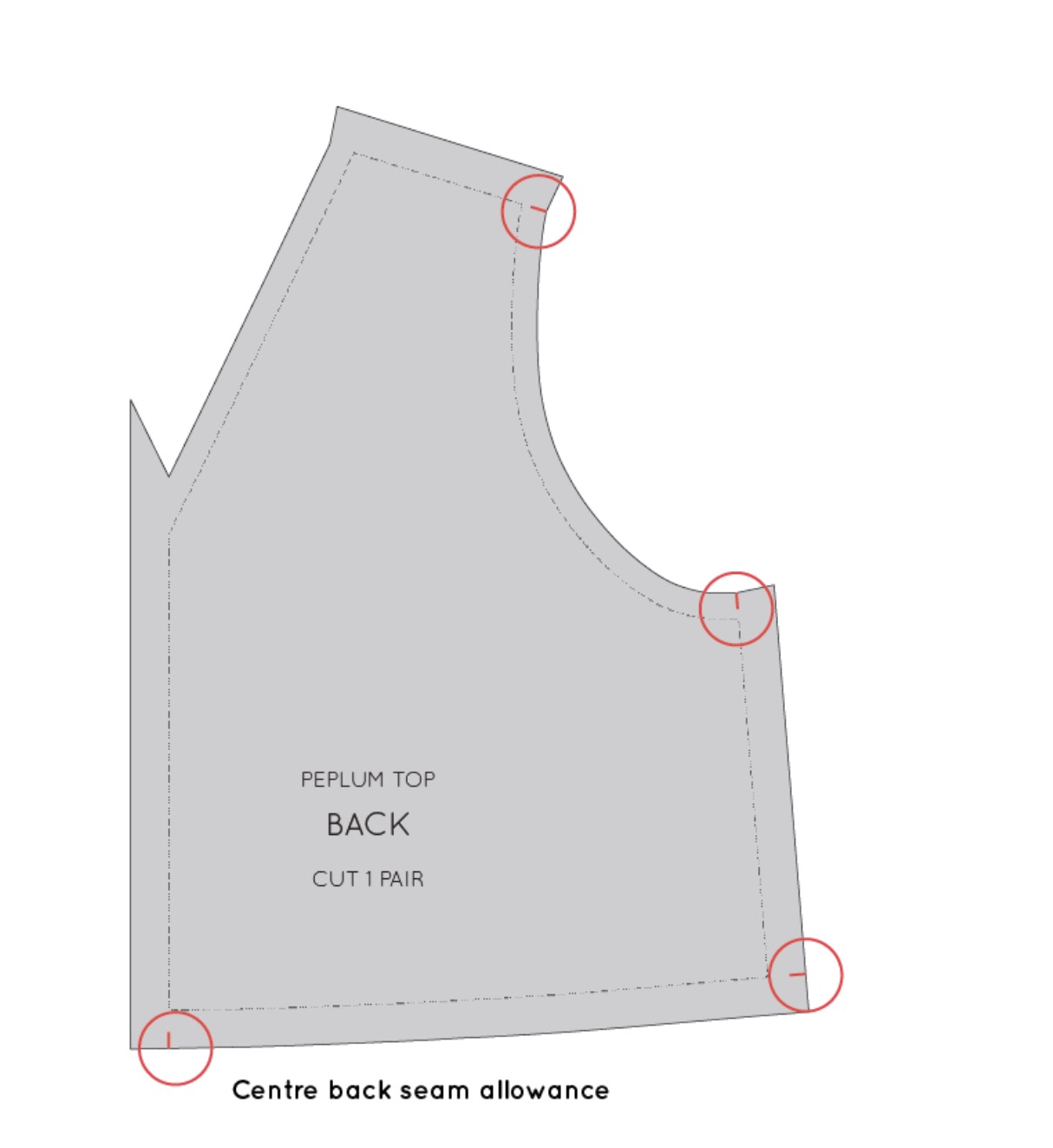
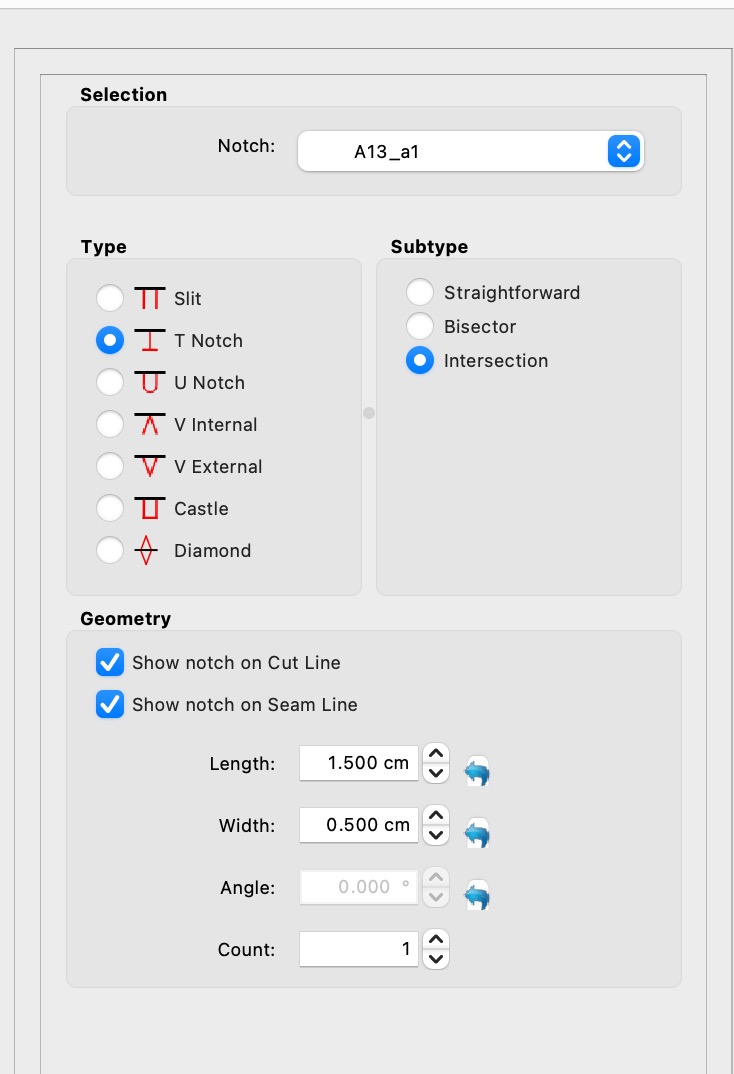
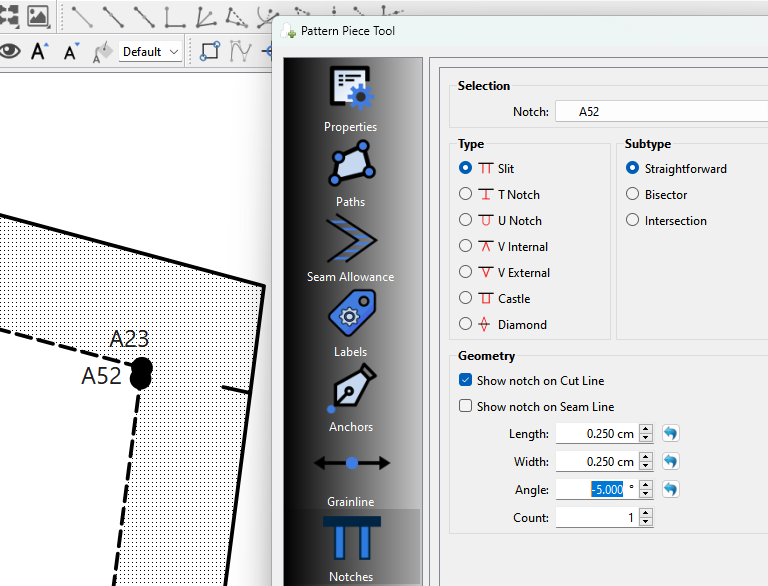
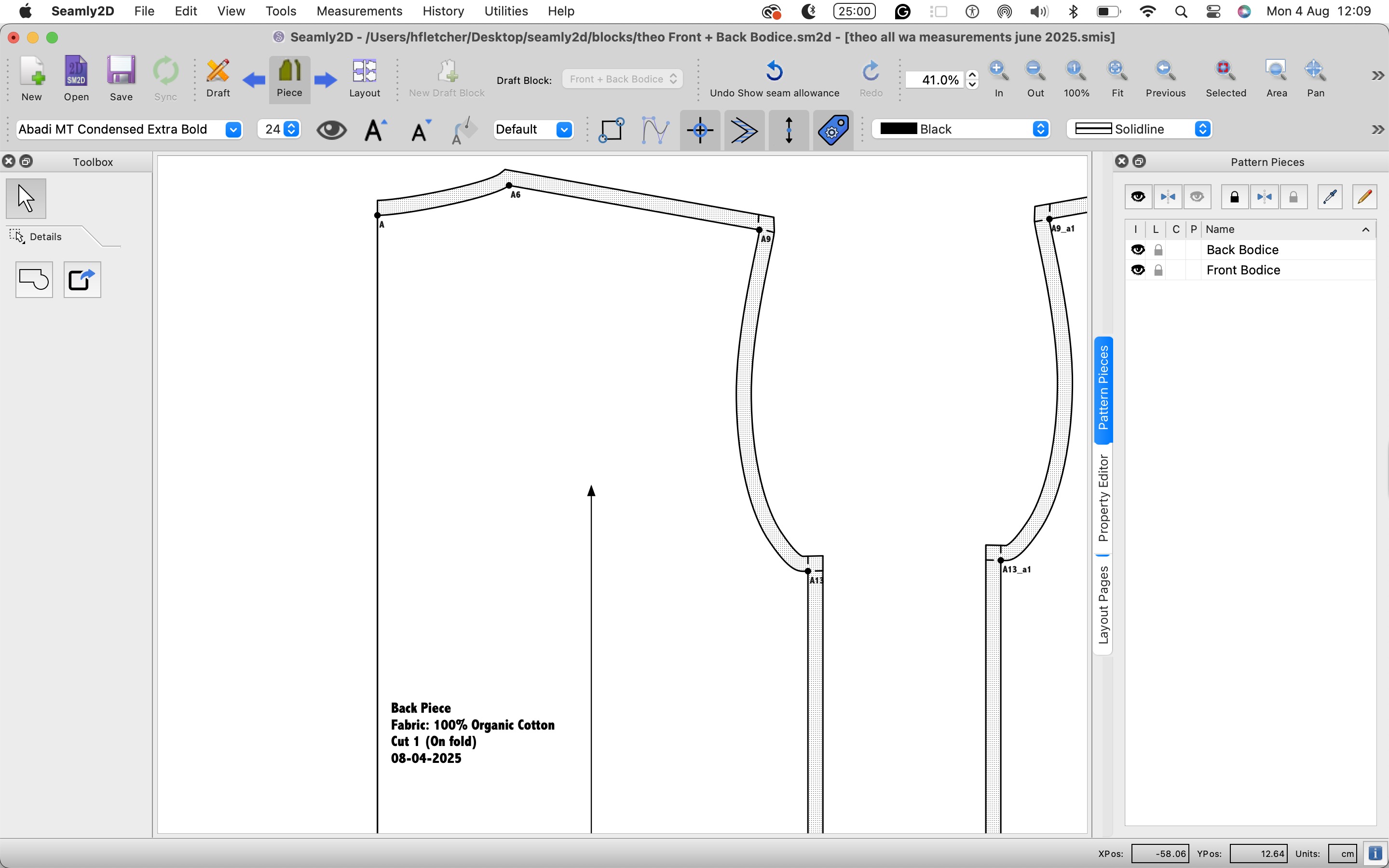
However, I am unsure if this is possible with the notch tool, or if I am using it incorrectly.
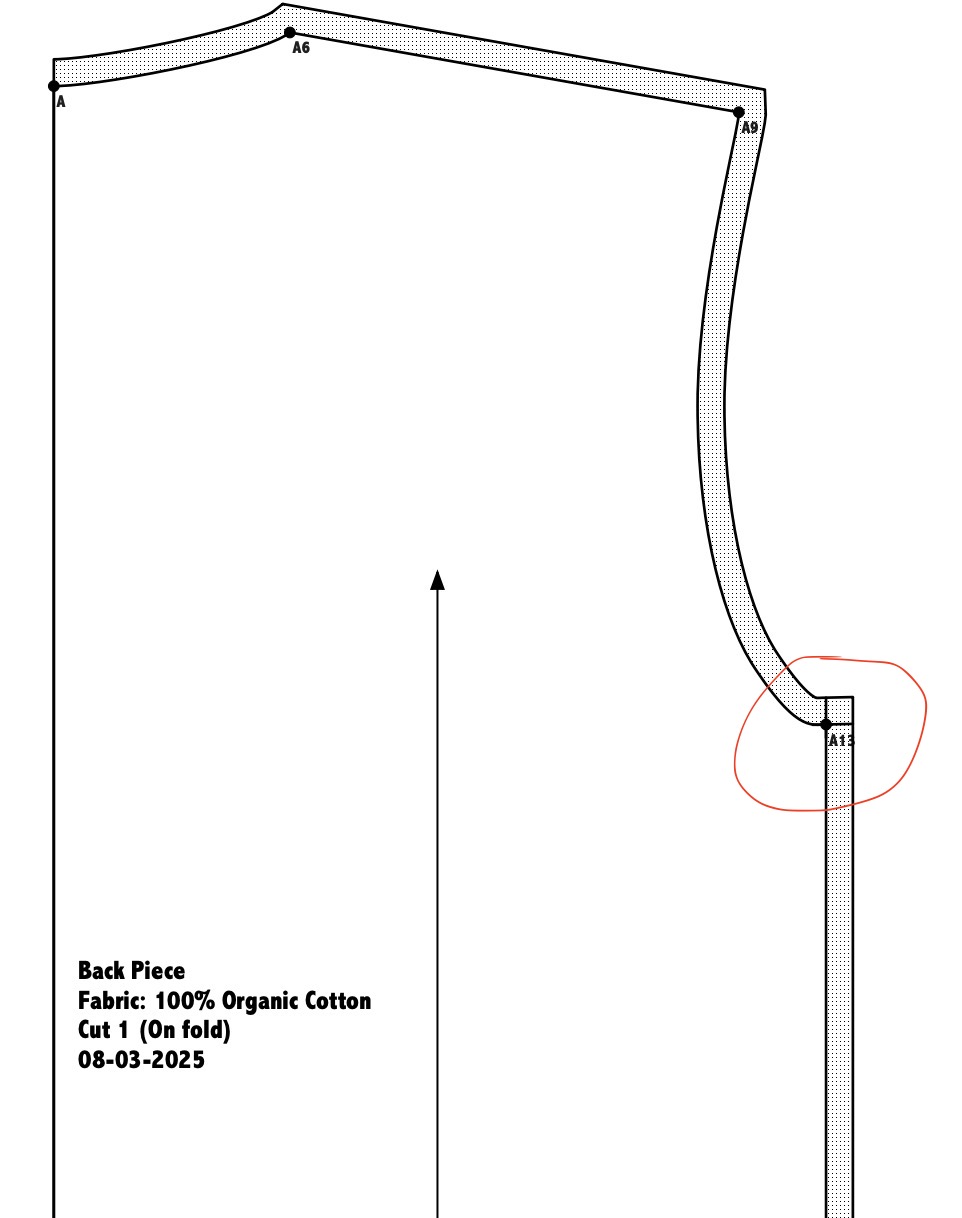
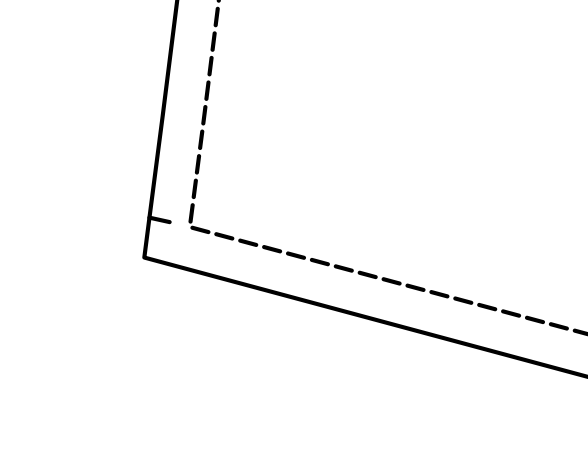
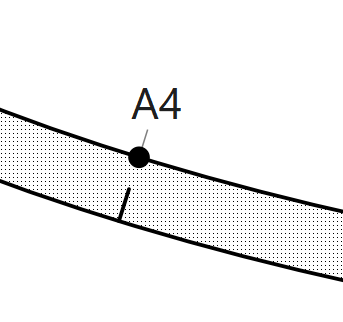
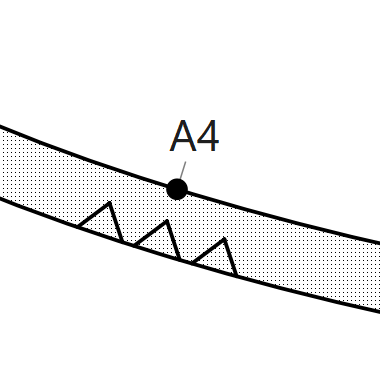
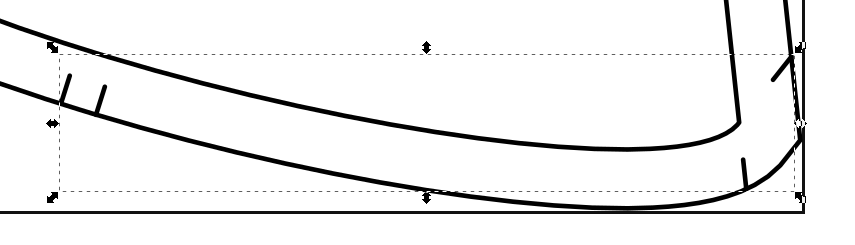
When I try to add a notch using these settings I end up with the result on the right:
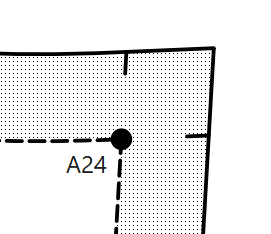
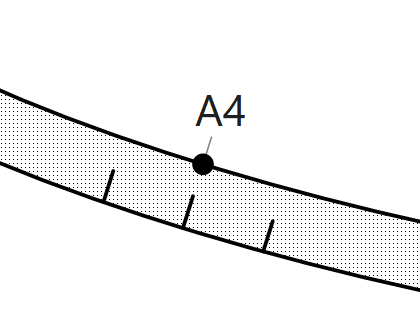
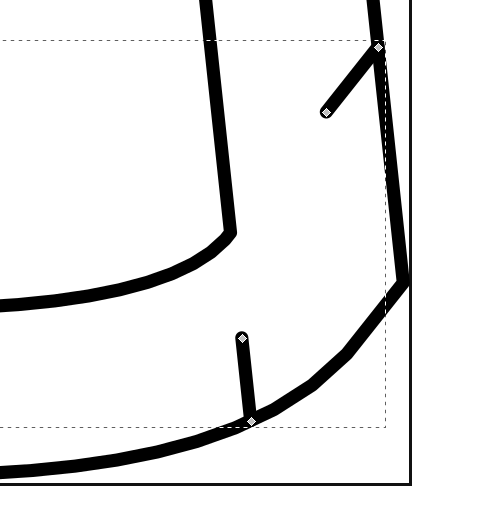
Here I faked it by creating a point really close (like .00001) from A23, and then adjusted the angle of the notch to more or less line up with the (shoulder) seam:
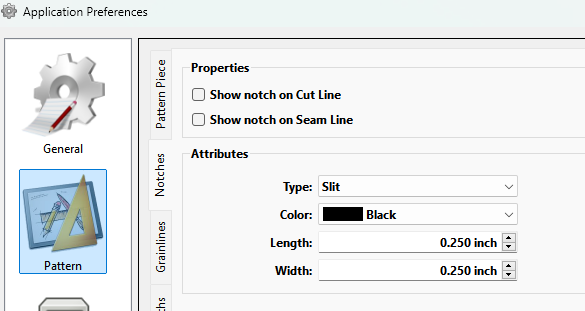
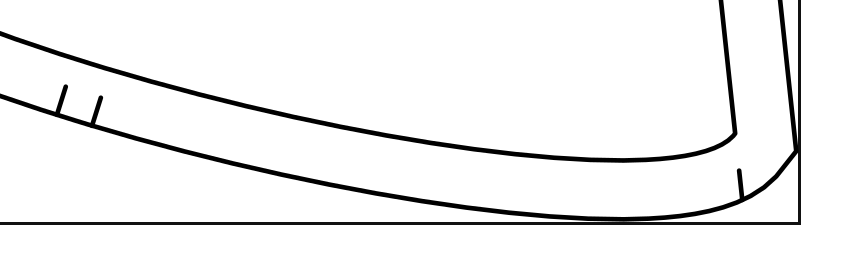
You can adjust the length of the notch… here it looks like yuor notch length is about the same as the seam allowance width. You can set a default length in the prefs:
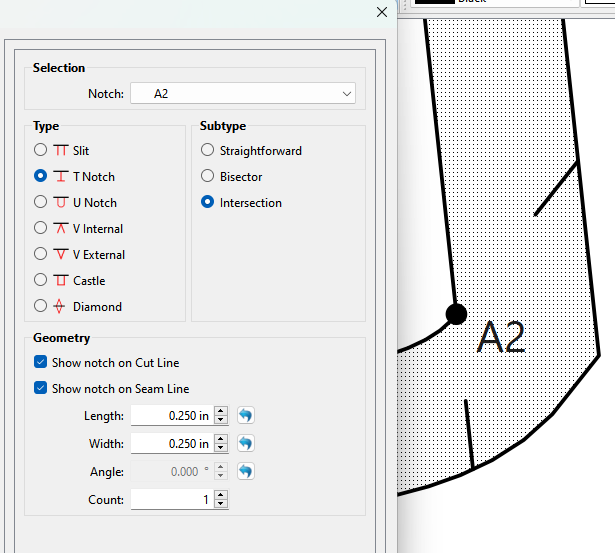
In addition to what Douglas said, it looks like you are using T’s to represent a Slit notch. I know it looks like it would be two lines, but if you set it to a one mark Slit, it will be only one line, not two.
When you select the intersection or Biseector subtypes it use the Slit type. It’s on the TO DO list to have the dialog and context menu switch to the Slit type and grey out the other options when Bisector or Intersction subtypes are selected.
Thank you for this feedback @Douglas & @Pneumarian, this has definitely helped with getting the desired effect, and setting shorter notches as default definitely looks better, as well as choosing straightforward notches. Thank you for clearing this up for me.
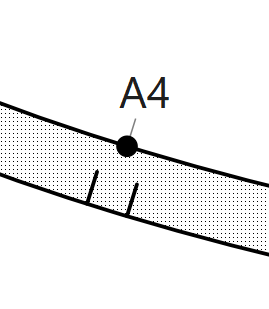
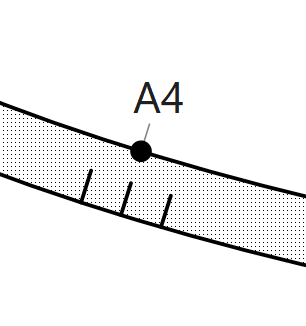
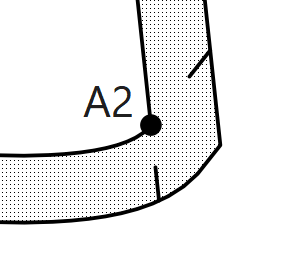
Unusually, changing the ‘count’ of notches doesn’t seem to change the number of notches on the piece. If I choose 1, 2 or 3 notches, I always have 2 notches like shown in the screenshot. I can’t seem to achieve one notch by adding an extra node and adjusting the angle either.
I may end up just doctoring the pdf before printing and remove the unneeded notch that way.
Ah, yeah, I think Douglas already fixed it so that the corners couldn’t show multiple notches, since the 2 notches option would make two parallel marks, thus giving the corners a total of four marks, some of which would be floating oddly. I mentioned it because some users have avoided the Slit option under the impression that they would be limited to the double parallel mark & preferred a single mark.
Usually when post-processing is still needed, we’ll export as an SVG & edit in inkscape or Illustrator.
The count only applies to straight forward notches, and is limited to 1, 2, or 3… which in patterns relates to front, side, and back. For ex: The front half of a sleeve cap and arm hole will have a single notch, and the back half a double notch. The triple notch will usually be found on the center back seam of muilti paneled skirts.
That is an option too… Just keep in mind that all the notches in a piece end up as a single object path in an svg file. If you only want a corner to have only 1 intersection notch, you could delete the nodes for the other.
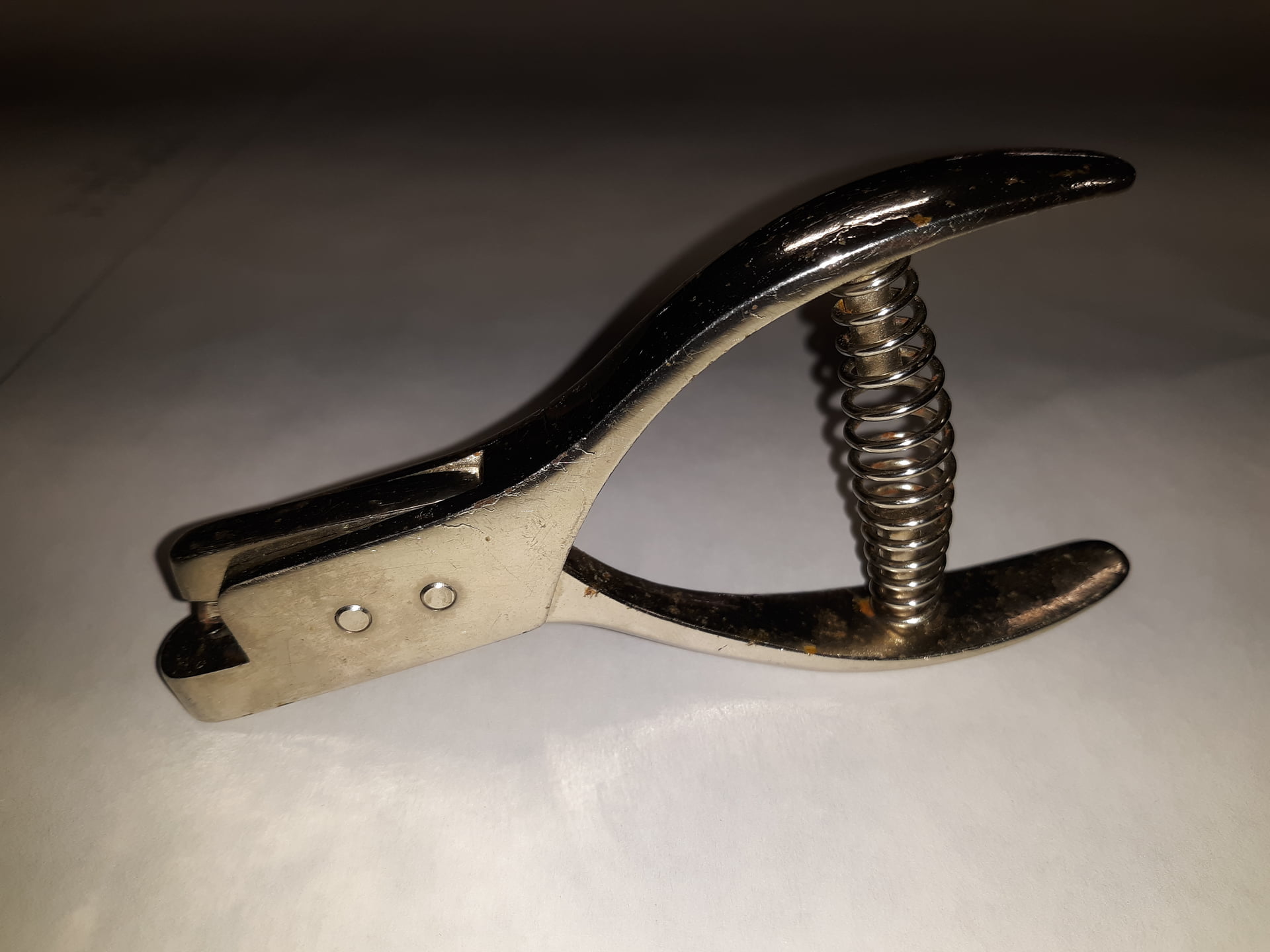
Note… If a pattern was just for my own use I wouldn’t care that an intersection has a notch on both seams… I’m ony going to punch the I want. If I was making the pattern for someone else then I might want to have only 1 of the notches - depending on the pattern - as to not confuse others. In most cases an intersection notch is to indicate what seam is getting sewn first and a general idea what the seam width is - unlike a notch in the middle of a seam that indicates a point that 2 pieces need to match up.