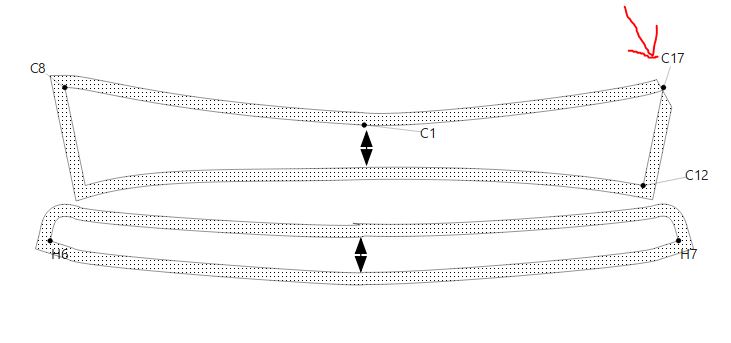
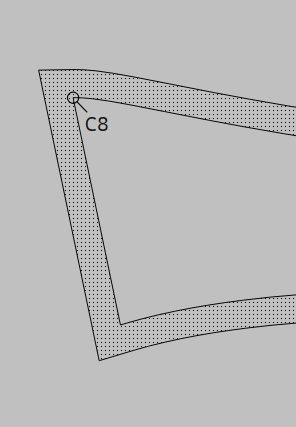
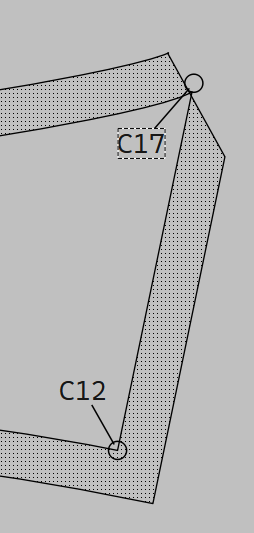
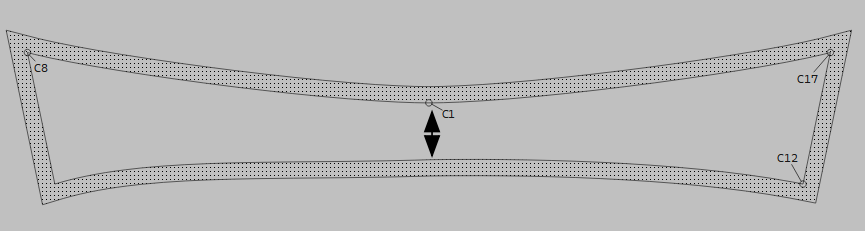
Why isn’t the seam allowance appearing in the top right corner? I’ve tried adding nodes many times, but strange shapes keep appearing. Could you please help me? I am attaching the files.
Misure_Antonio.smis (1,4 KB)
Why isn’t the seam allowance appearing in the top right corner? I’ve tried adding nodes many times, but strange shapes keep appearing. Could you please help me? I am attaching the files.
Misure_Antonio.smis (1,4 KB)
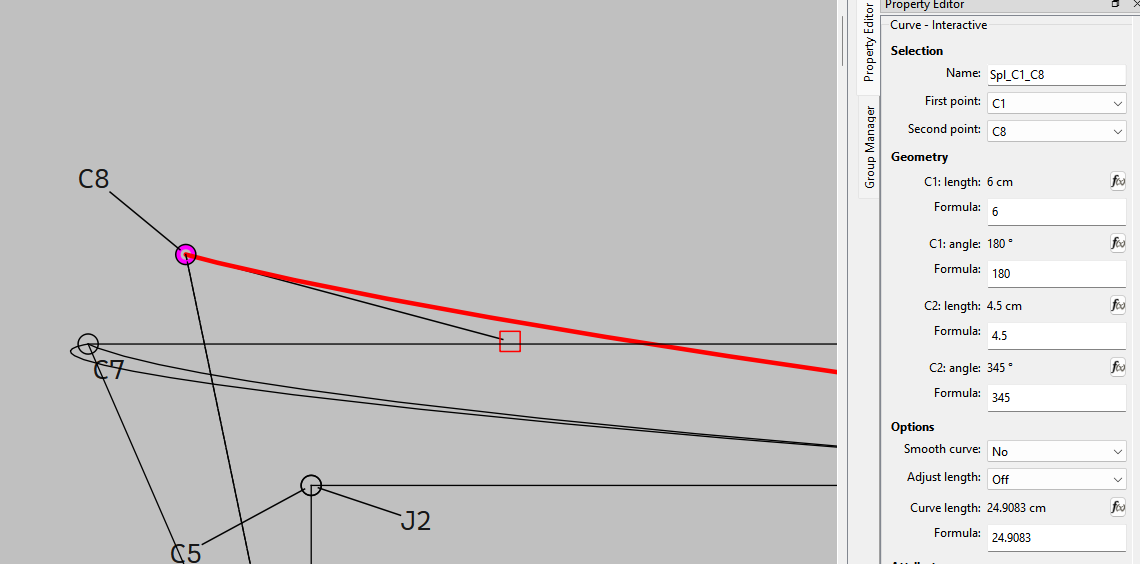
The problem is that your curves are strangely shaped. Adjust the control points to dance with the curves’ path instead of fight against it. I suggest editing the formulae so that they’ll adapt to different sizes.

Ok. There are several things going on.
As far as the first issue… normally a better solution is to draw 1/2 the collar (or what ever piece) and then mirror along the center back of the collar.
Since I’m not going to change the pattern using the mirror tools, I"m going to fix the angle so it’s greater than the point at which it clips.
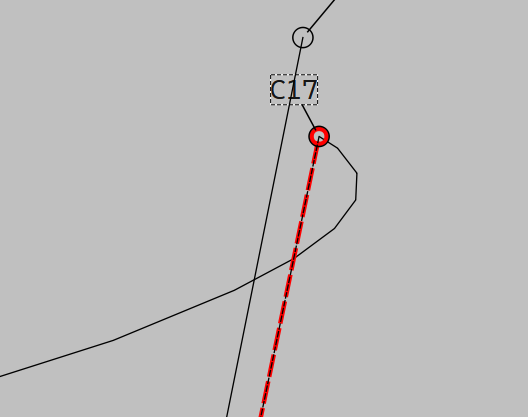
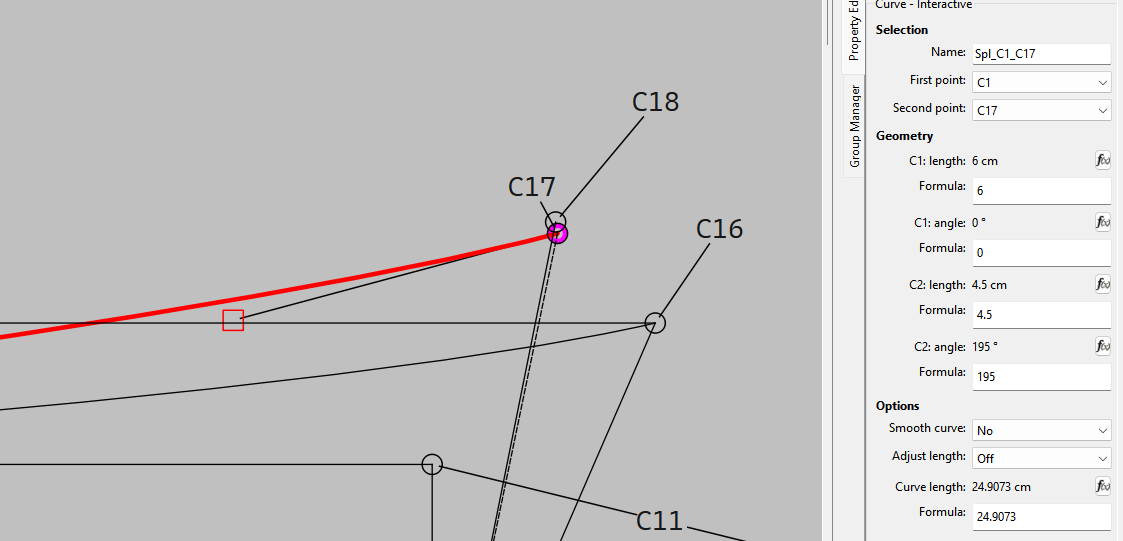
Here’s the real issue with the corner at point C17… the control point angle is causing a loop:
There was a 3rd issue… the order of the path on the right was mixed up.
I made the CP length and angles for corners C8 and C17 match… and set the CP angles of the 2 curves at the CB 180 and 0.
Technically if you want the pattern to grade across mutliple sizes the control points of the curves need to be formulized, other wise the curves start to disort.
Fantastic!!! Wonderful!! Thank you so much! I’d been trying for days and couldn’t figure out why! It was the angle. Thanks—I consider you great friends!!