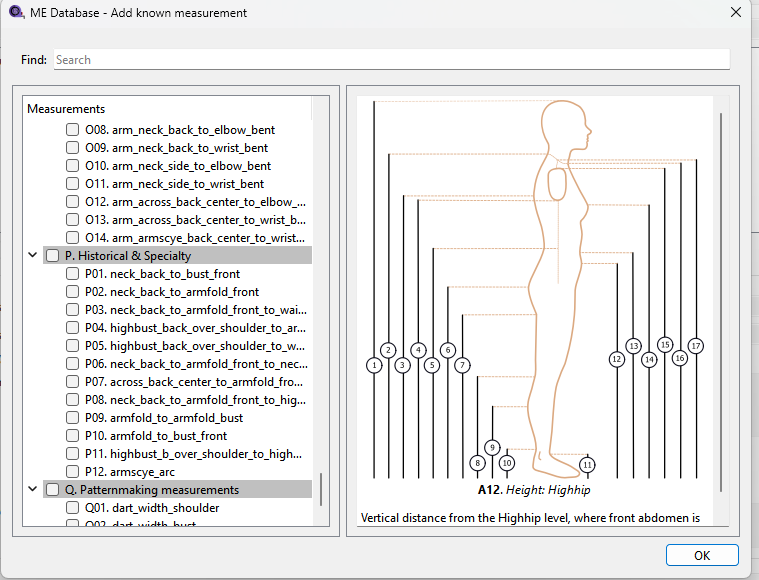
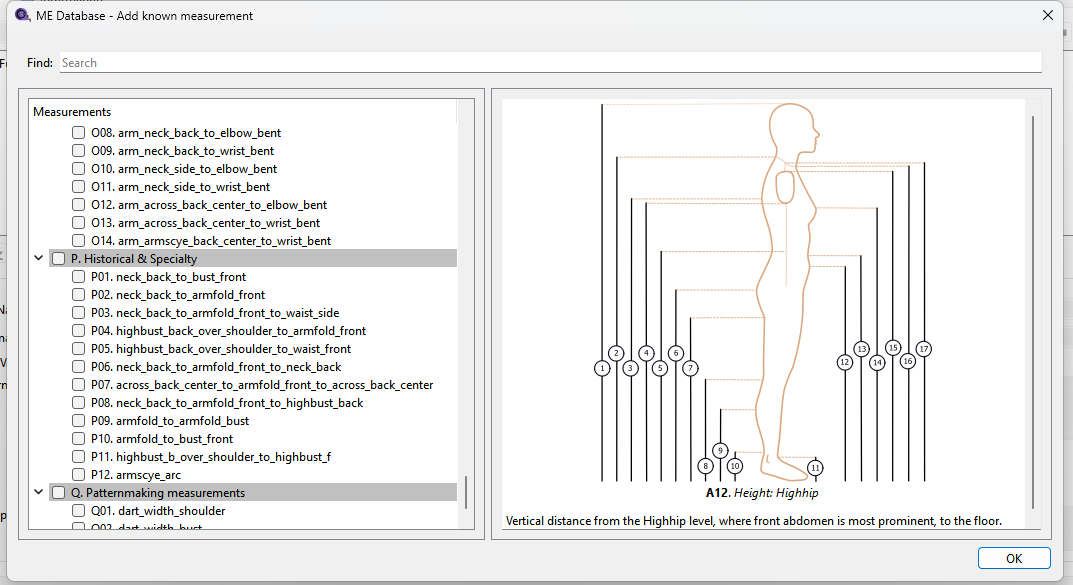
Hi, I literally just joined and learning the very basics.
I tried adjusting the tab section width by dragging the scroll bar sideways, so I can see the rest of the text. it showed the message shown in the screenshot and crushed on me. I updated the software and my OS (Arch Linux) and it keeps crushing. I will avoid adjusting it for now so I can get beyond the starting point.
I just looked at the database form and I have no idea why the tree widget and diagrams are placed in a splitter widget. There should be no need to resize the left side bar - it should be set to adjust automatically to the contents, but it’s not. I will look at simplifying the form which will probably fix your issue.
BTW… are you using the Appimage or Flatpak? Currently I can test the AppImage, but not the Flatpak.
Hmmm I was unaware that there’s even a seperate Arch build for Seamly. I doubt I’ll be installing ArchLinux, so I’ll make some changes to the form and you’ll have to see if the issue is fixed as the update propagates to Arch. Keep me informed.
Thank you very much Douglas. I tried re-installing using freshly pulled develop branch from github and the behaviour is the same. Did you update another branch? Thanks.
I haven’t pushed any PR yet… I only built a local branch. I’ll probably push the changes later today after I get some sleep. If by chance someone is there to approve a review it may make the next release later this evening.
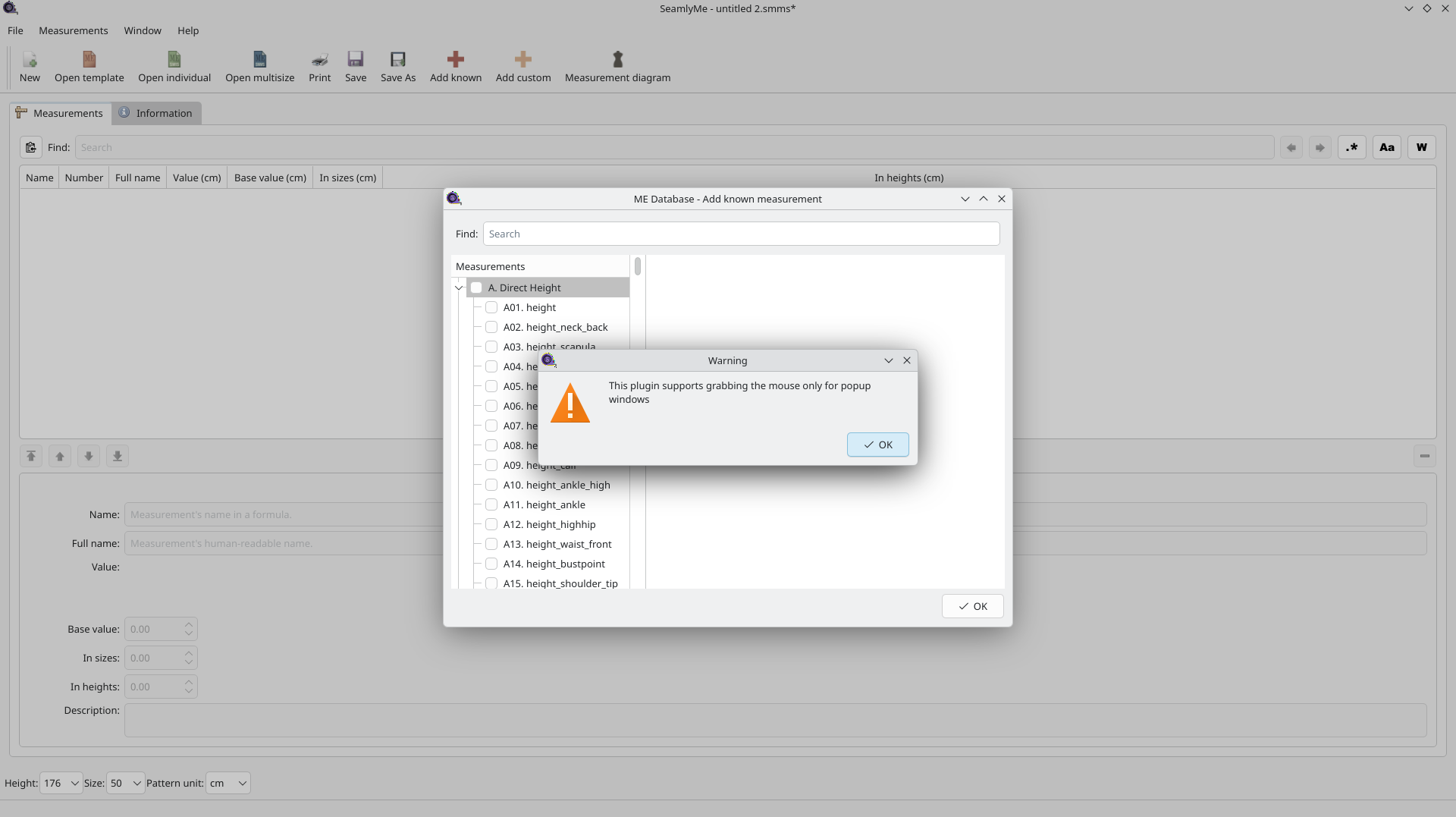
 I will look at simplifying the form which will probably fix your issue.