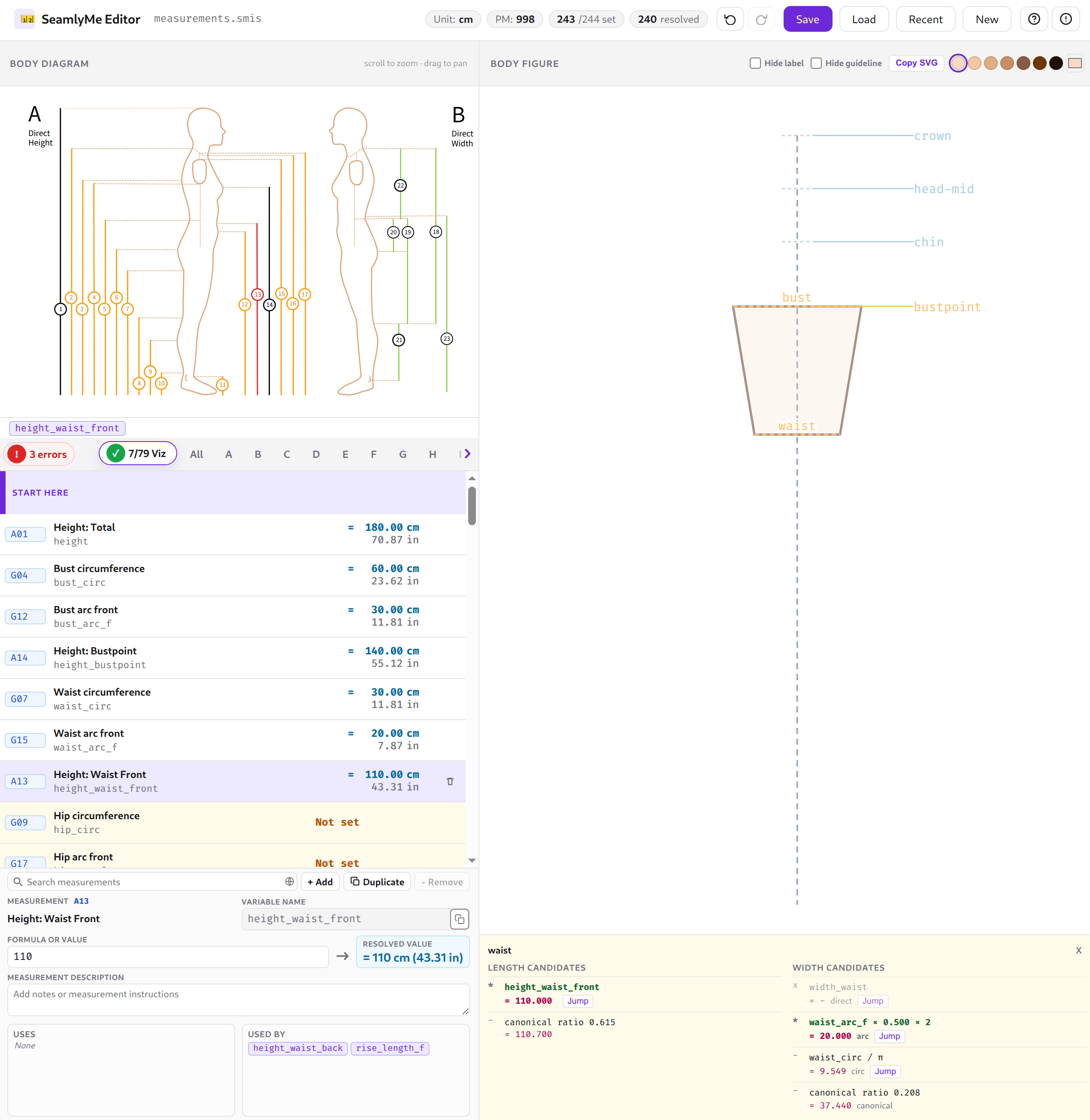
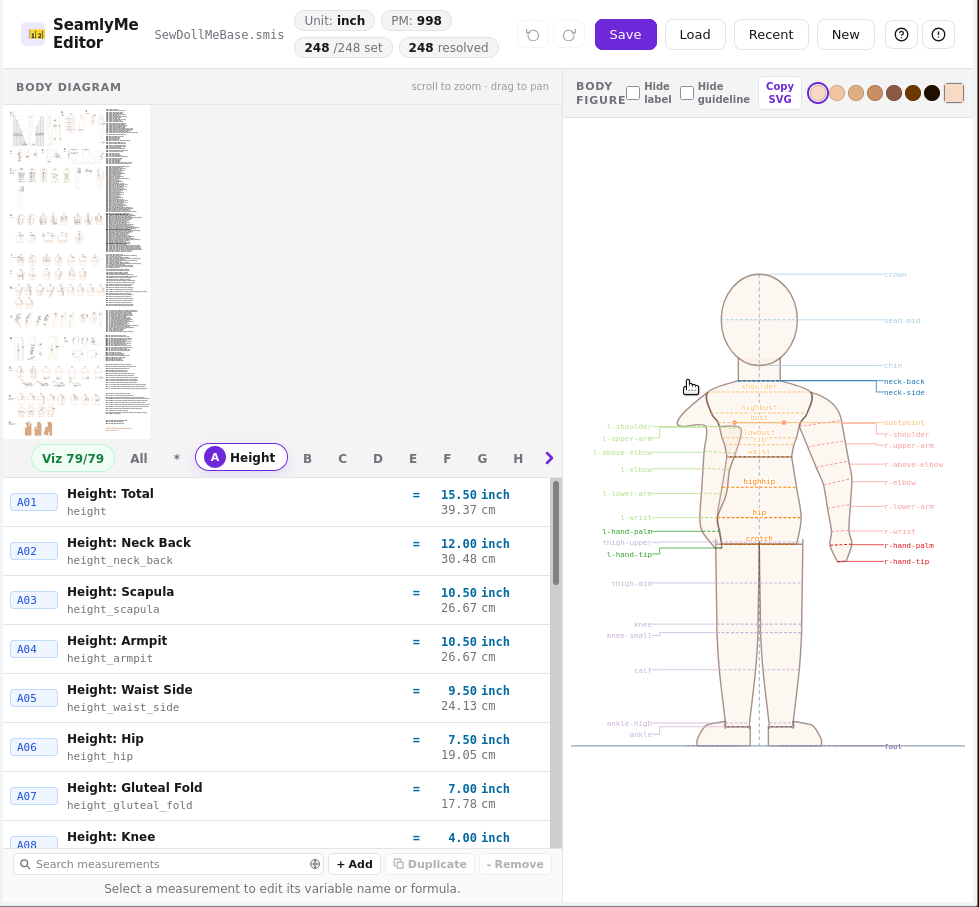
SeamlyMe Editor is a web-based body measurement editor for Seamly2D. Load a .smis file, enter measurements and formulas, and preview them on a live body figure.
Fetures of SeamlyMe Editor including:
Load & save .smis files — drag and drop, browse, or start from a blank sheet; saves back as a valid Seamly2D measurement file
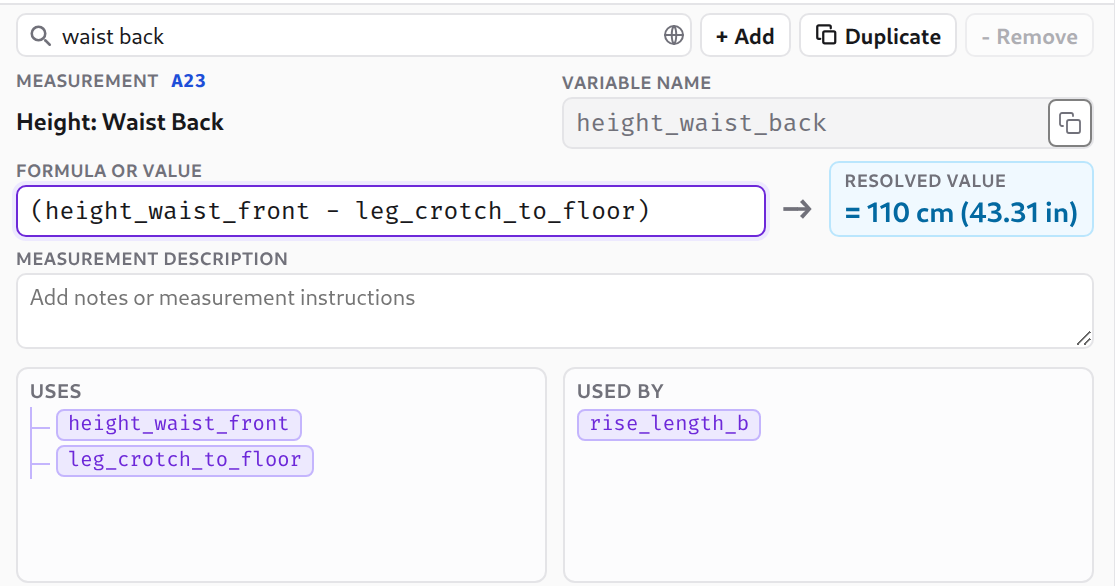
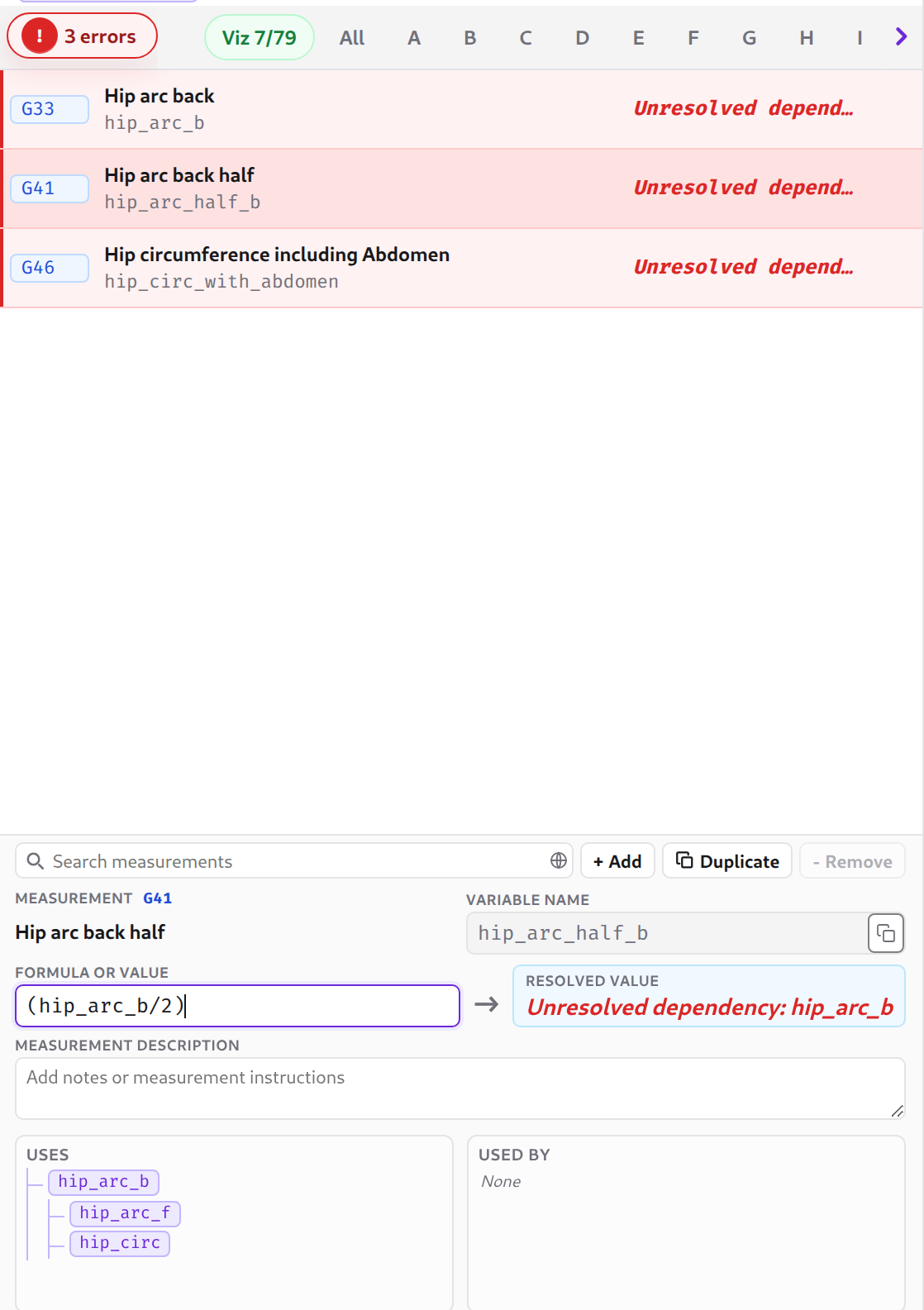
Formula support — enter plain numbers or expressions that reference other measurements (e.g. bust / 2 + 5), resolved & evaluated automatically (you don’t need to care about the order!)
Live body figure — measurements map onto a body silhouette in real time as you type
Interactive diagram — click any region on the Seamly2D measurement diagram to jump straight to that measurement
Dual units — primary value shown in the file’s unit (cm, mm, or inch) with the converted secondary unit alongside
Category filtering — browse measurements by body region, or use the Recommended view for the most commonly needed set
Undo / redo — full history with Ctrl+Z / Ctrl+Shift+Z
Autosave — sessions are saved automatically in browser local storage; resume recent files without re-uploading
Skin tone customisation — adjust the figure colour to match your model
Copy the body figure SVG — a click to copy body figure SVG that can overlay with your pattern!
Privacy first — everything runs in the browser; no files are uploaded to any server
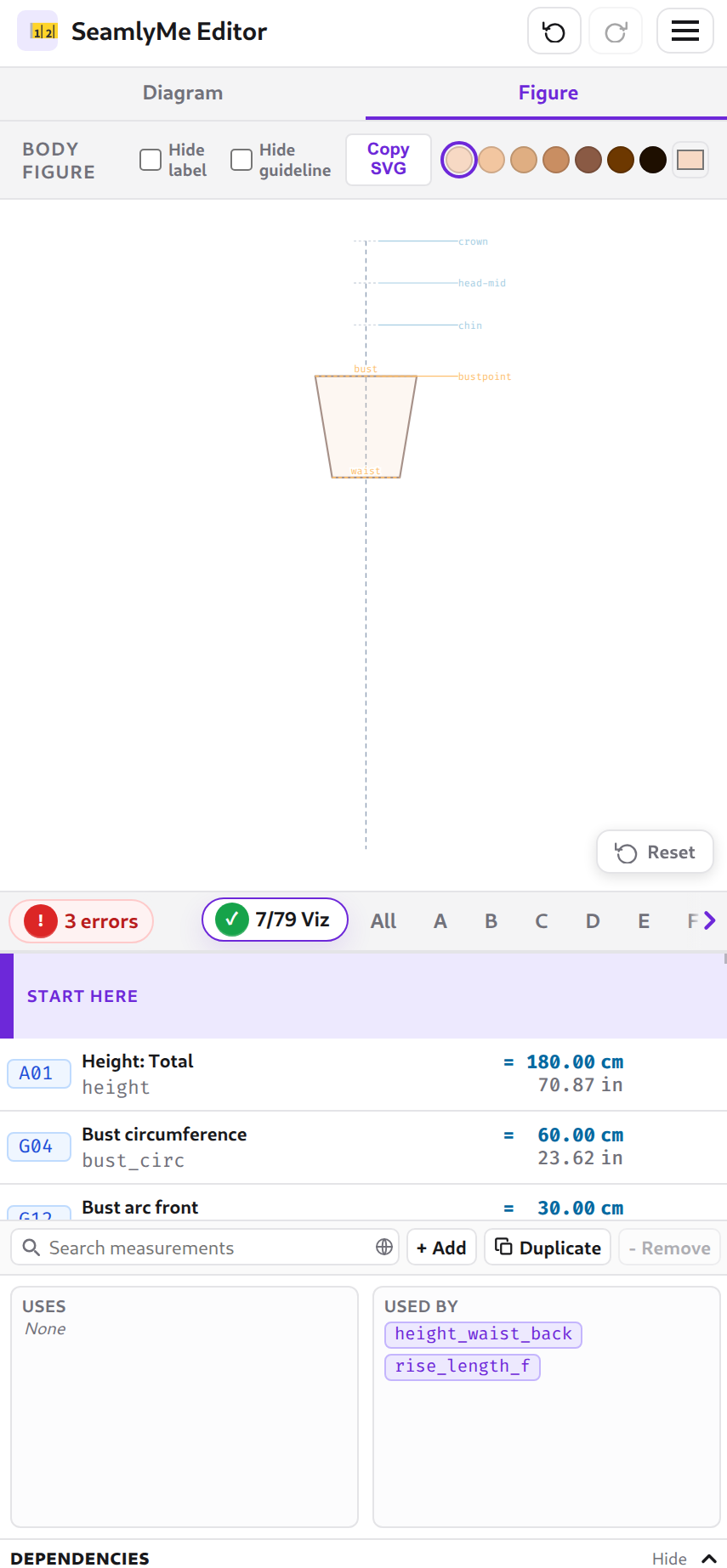
Mobile friendly — responsive layout with tab switching between diagram and figure views
I included a curated a body measurements list that will guide new user to step-by-step taking body measurement to finish the body figure visualization:
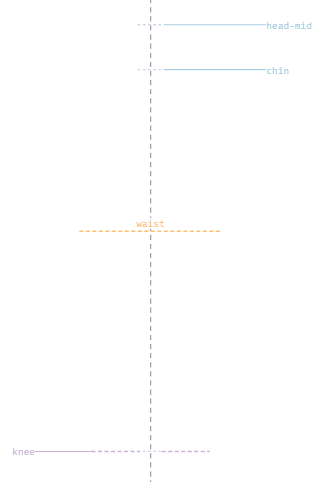
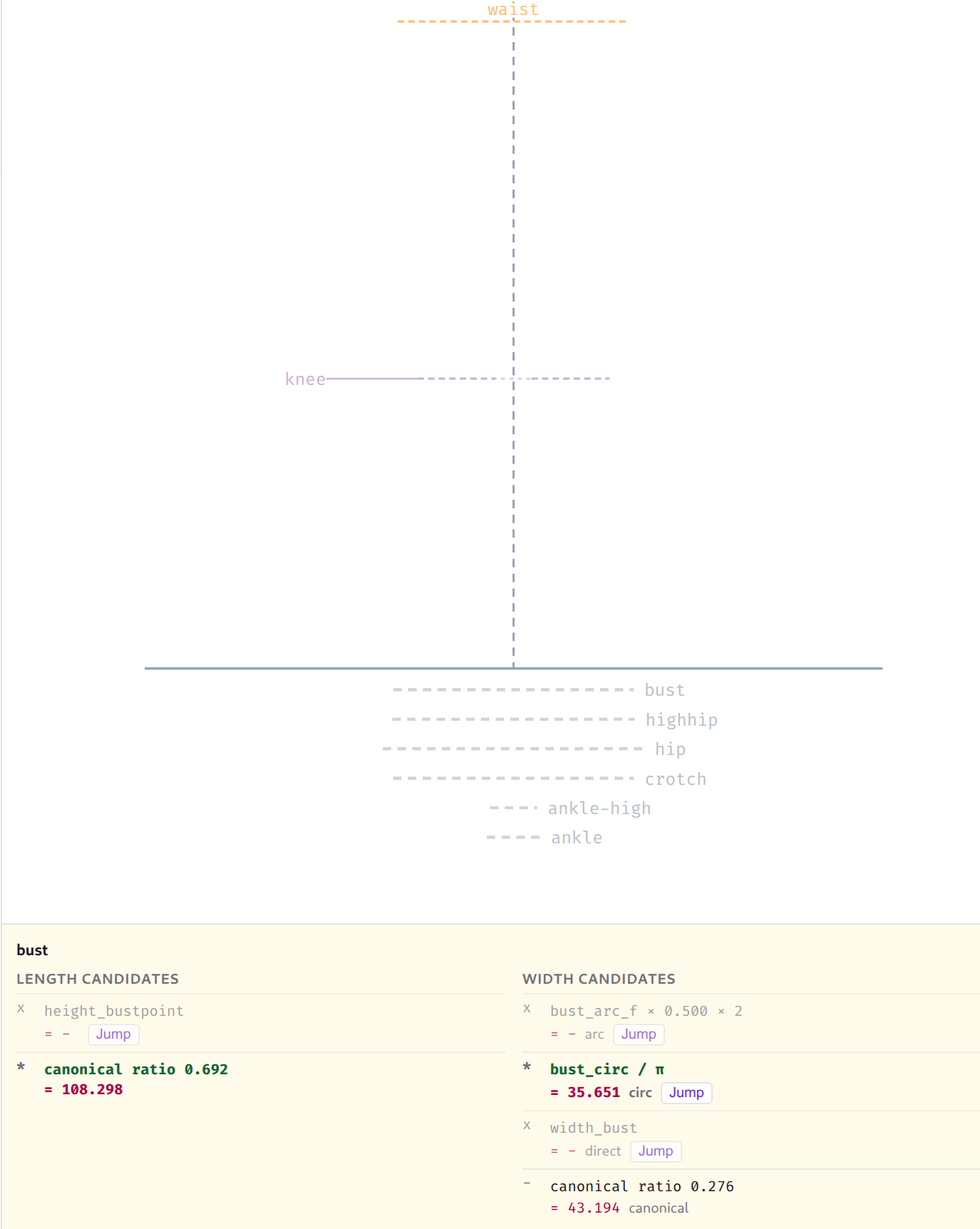
Now it will show a ghost guideline at the bottom, if the user provides the width candidate but not the length/height candidates. User can click on the guideline to open up the candidates dialog, and click jump button to add the value for that height.
Fixed this, you can just drag & drop to the web page at any point, don’t need to click load button!