Because it was easy to do… I added a search bar to the History Dialog. The text entered in the Find line edit will highlight any row containing the search text.
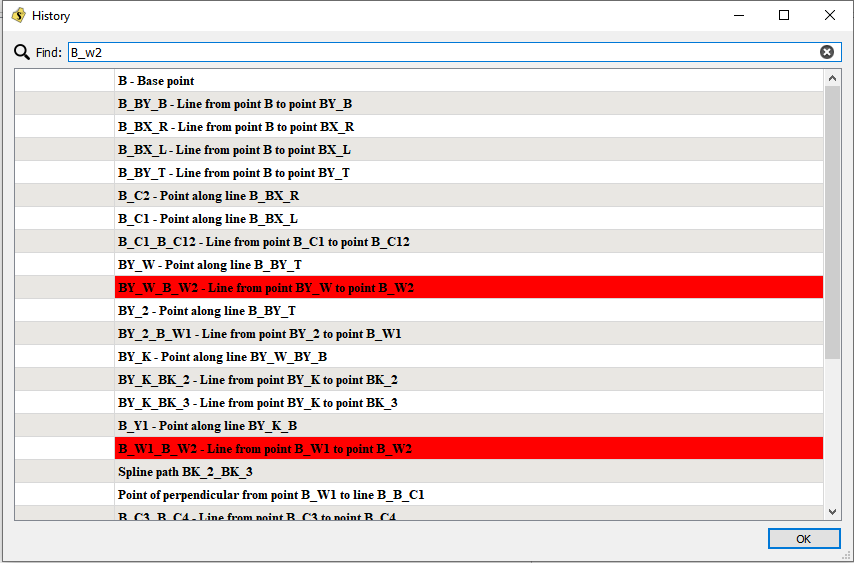
Because it was easy to do… I added a search bar to the History Dialog. The text entered in the Find line edit will highlight any row containing the search text.
Such a great idea! This will be so handy as I use the History Dialog quite often! Thank you!
I just did it on a whim as a simple search to highlight those rows containing the search text. As a user that uses the dialog often would you find it even more useful if it were more like a typical search - where the highlight finds the 1st occurrence, and then you could go Prev | Next… ??
I also just set the highlight color to red… could make the highlight color user configurable in the prefs->graphics-.colors… which I would update across the app for any other (search) highlight behavior. ??
Yeah both of those could be pretty useful. But honestly just the highlighted row that you’ve already done is good enough for me. I’m pretty used to just searching by sight. So even this is a marked improvement!
Hi @Douglas
Very well done!! This will also help me hugely. I think… let’s not over-complicate things with too many user-defined options. This is just a search and one can use the side scroll bar to whiz down to the 1st instance and then to the next one (or use the mouse wheel).
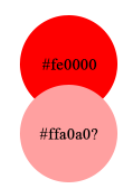
Perhaps a paler shade of red will be less glaring? Something like #ffa0a0?
Thank you very much 
Well that’s what I was thinking. It’s was easy to type Qt:red… LOL
It’s kinda of hard to see the black text tough. I think there’s a “Qt::salmon”" color. that might work. Anyhow I thought it was a simple change in the form and 1 file. Thing is I can’t even push the change right now and have it build… which is kinda a aggravating me. 
Das hilft auch mir sehr gut weiter. Ich benutze die Chronik oft und scrolle, scrolle…
I made a change of the highlight color to “skyblue” to better match the existing highlighting - such as found on the tool buttons.
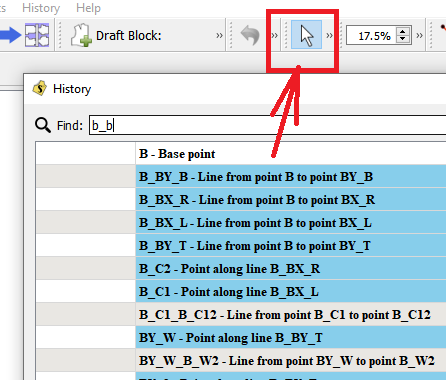
Brilliant! I like blue much more than pink
(I only put the codes on to show the writing  )
)
Yup. I like this. I was just gonna suggest a black highlight with white text. But the blue highlight with black text makes sense. Thank you! It’s going to be very helpful.
Eine Frage hätte ich: Im Programm geht die Funtion “nach Update suchen” nicht. Ist das richtig? Die Sachen, die hier immer wieder vorgestellt werden sind noch in Arbeit und nicht offiziell, ist das auch richtig? Wo kann man ein Update machen?
This change has been merged I to the main repo. It should be in the next weekly release once the build workflows are resolved.
Current build is now available for Windows, Linux, and MacOS.
Cool, I’ll download it and give it a whirl. Thank you!
Wo sind diese wöchentlichen Veränderungen zu finden? Früher standen sie immer oben auf der Startseite des Forums.
Now that the weekly builds are working again…
Any new releases are always available on Github.
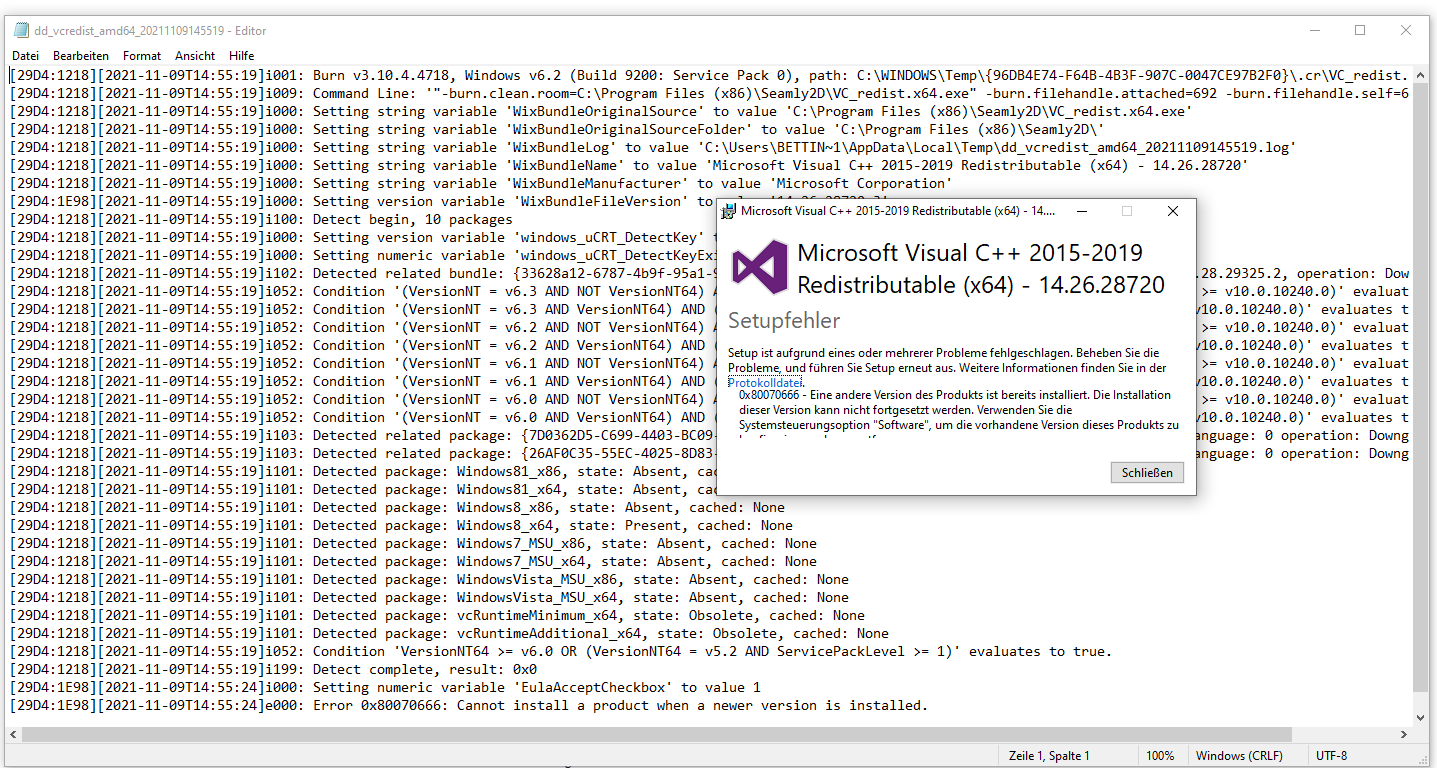
Best I can make out is error 0x80070666:
If it’s any consolation, everytime I run a Seamly Windows install, I always have to " Repair " the vc++ library. ??? If I ever have some free time I’ll try and figure out what’s up with that.