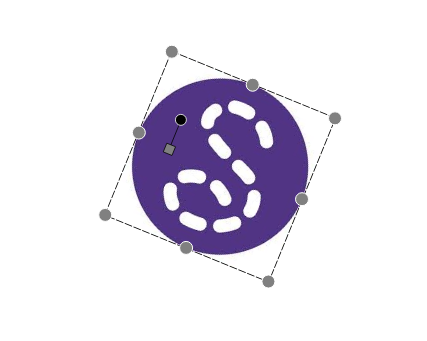
For the origin, I would suggest the UI/UX to align with how Inkscape & GIMP works:
Inkscape:
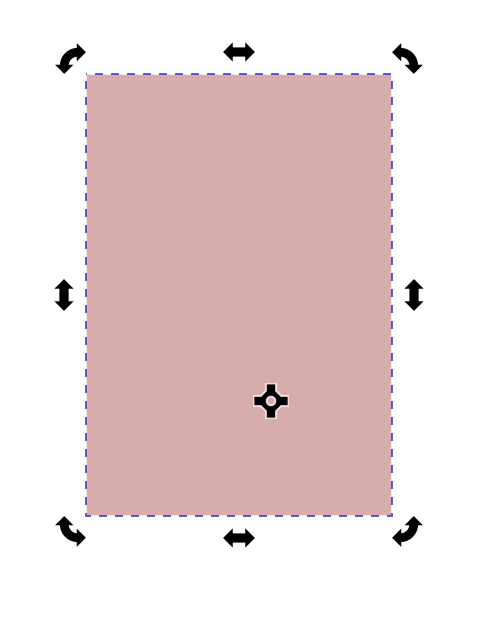
GIMP:
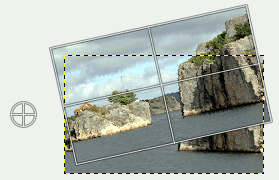
Drag & drop the origin to desired position.
For the origin, I would suggest the UI/UX to align with how Inkscape & GIMP works:
Inkscape:
GIMP:
Drag & drop the origin to desired position.
I think that’s a given. Most vector, paint, and video editing applications work the same standard way interactively … where you can drag & drop the origin (rotation point). I use Corel Draw & Photo-Paint, and Vegas Pro… they all have draggable origin points.
I implemented that. It seemed to be one of the easiest solutions. I also love how the fact that the rotation handle is linked to the origin handle makes it clear that it will rotate around this point.
I have the main functions working, now I have to do the not-so-funny part : make the handle automatically resize, change color, be accessible outside of the images etc.