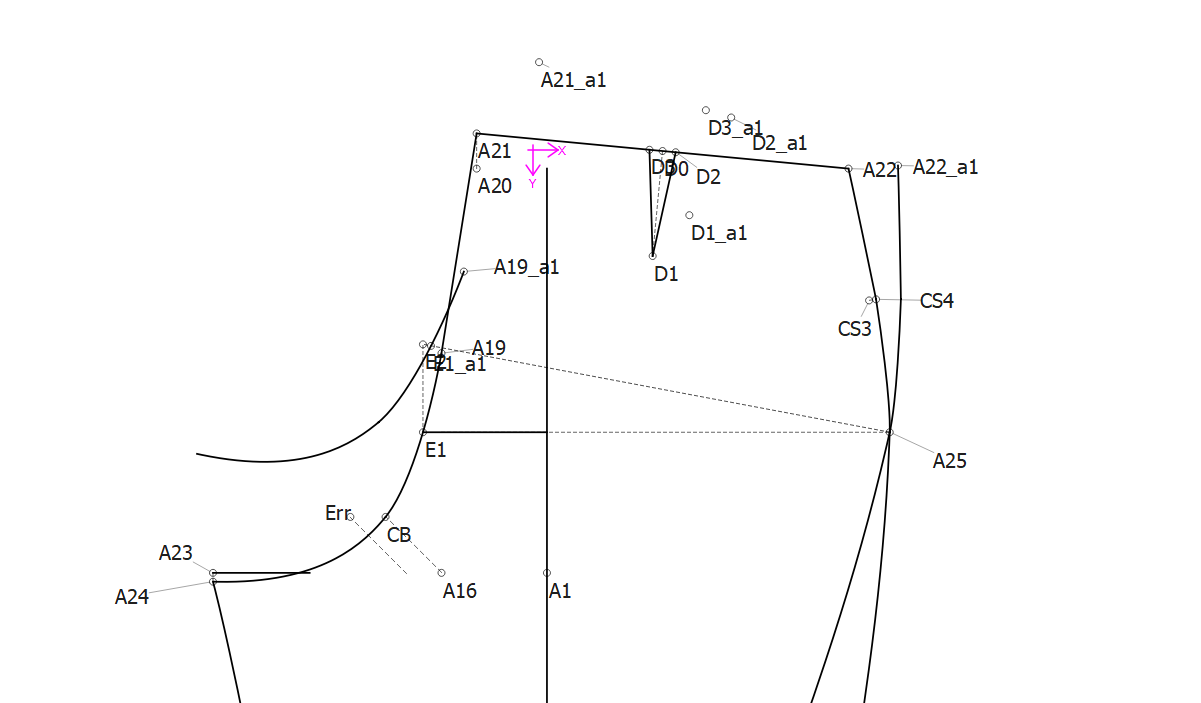
Hi,
Maybe it already exists, but I think it would be nice to highlight rotated objects in some way in order to differentiate them so that the page doesn’t become too confusing.
Hi @Stephanie_C
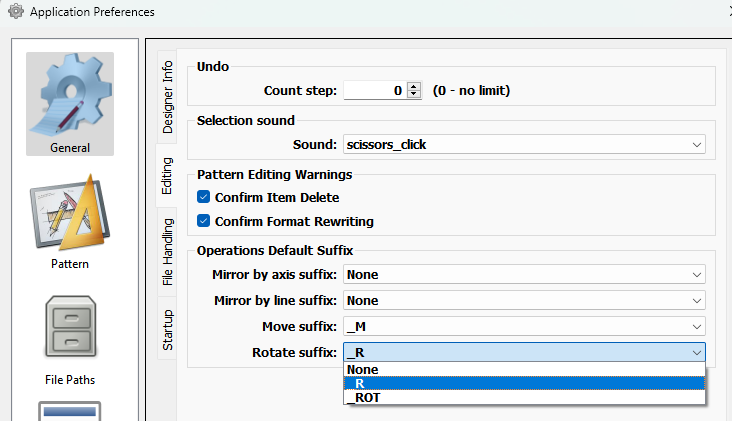
What you can do for now is set a suffix for each of the operational tools

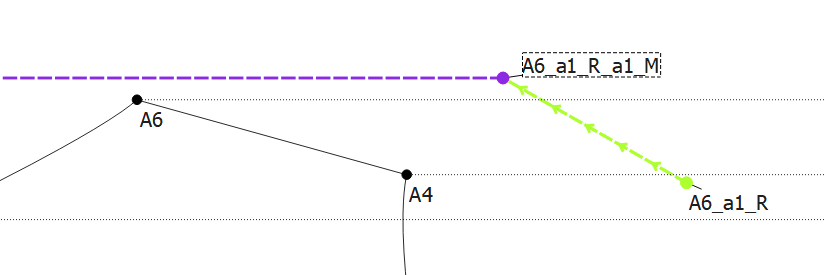
So for ex we know that point A6_a1_R_a1_M is point A6 rotated creating point A6_a1_R, and that rotated point is then moved.
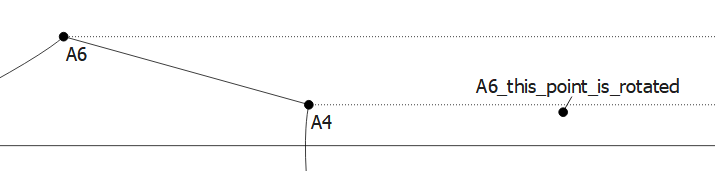
Of course you’re free to add any suffix to an op tool when you create it.
Hi Douglas,
Thanks for your response,
Is there any way you can allow us to change the colour of a rotation?
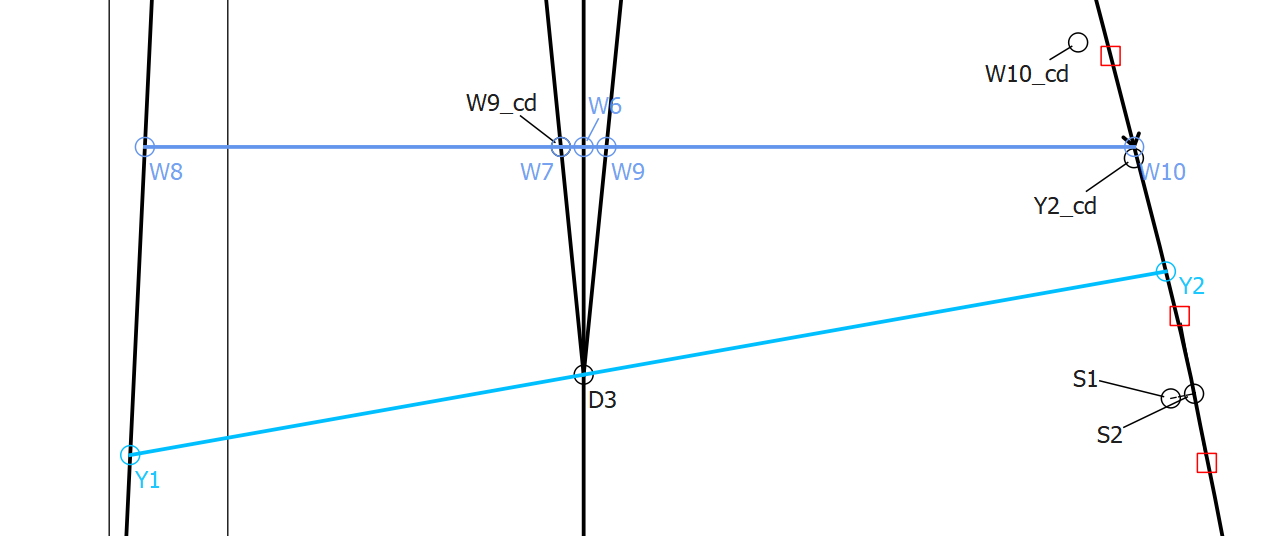
As you can see I’ve added the suffix cd for close dart, however there’s no way to change the colour of the points. Of course, when I draw my connecting lines and curves, I can change the colour, but I think it would be much easier to identify the new points as I’m working if I could make them stand out visually with colour.
Thanks!
No. Not yet. Destination objects have no color attributte.

It’s a major overhaul of the ops tools, dialogs, and xml schema.