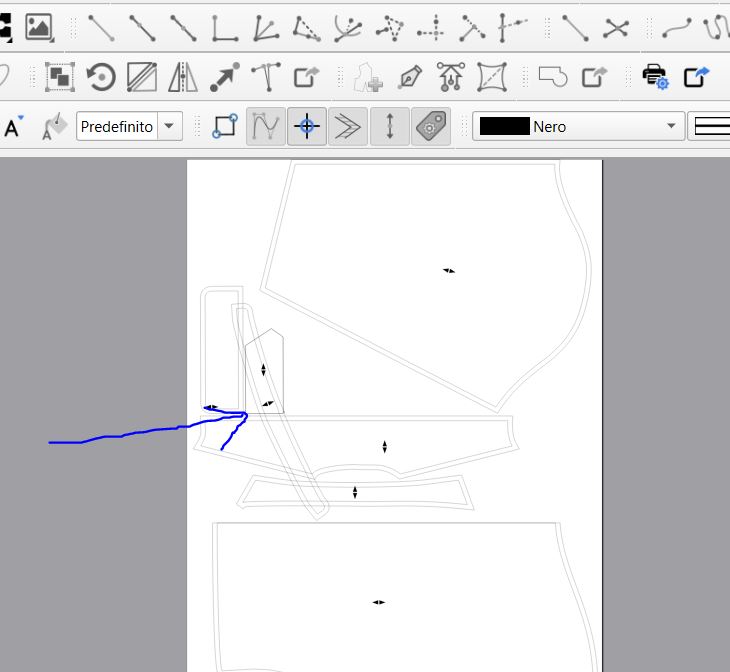
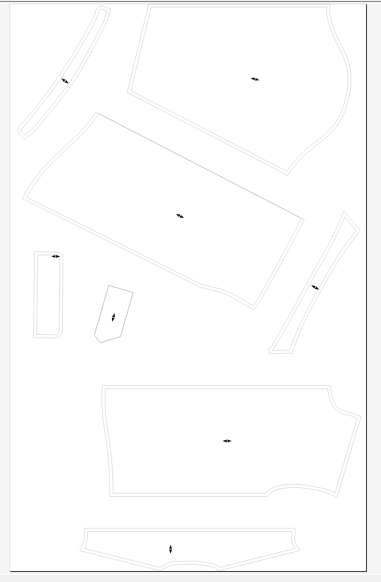
Why does the program position the part in this strange way, on top of other parts? Is it possible to position the parts within the layout?
Prima camicia Burdo definitiva Ultima_fixed(2).sm2d (61,2 KB)
Misure_Riccardo_2026(1).smis (1,2 KB)
Why does the program position the part in this strange way, on top of other parts? Is it possible to position the parts within the layout?
Prima camicia Burdo definitiva Ultima_fixed(2).sm2d (61,2 KB)
Misure_Riccardo_2026(1).smis (1,2 KB)
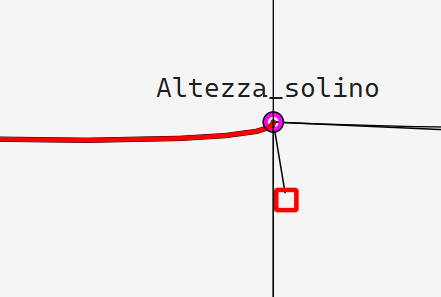
The problem is that misshapen curve on Solino. Make sure all your control lines flow with the curve.
No, you can’t customise Layout, only tweak settings until it’s acceptable. However, you can also export patterns from the Pieces mode! Either way you’ll probably want to refine the layout in Draw, or Inkscape anyway.
I hope this helps!

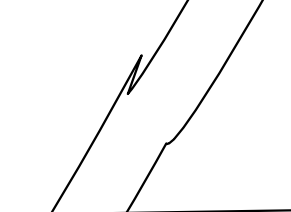
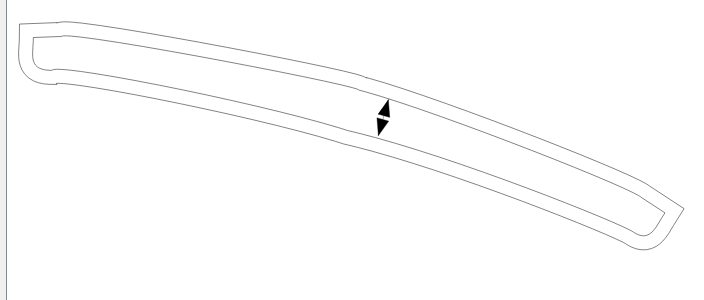
The controll handle on the collar left half is causing a glitch in the seam allowance which is causing issues in the layout.
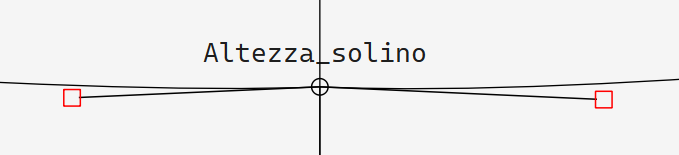
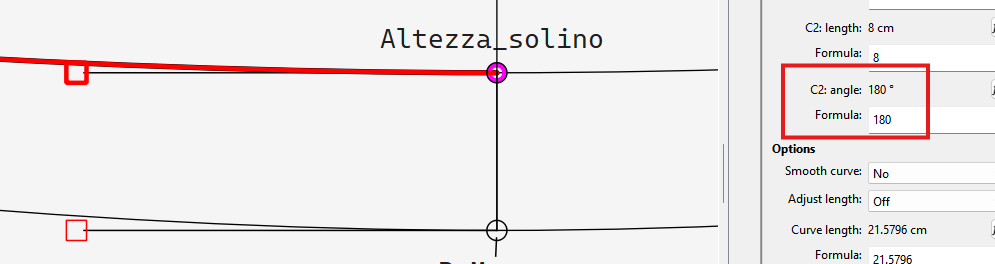
Fixing the control handle (which should match the length and angle of the right half) fixes the glitch which fixes the layout:
Just a note on how to draft a piece easier… draft half of it and then mirror the points and curves on the vertical axis… it creates a mirror copy of the points and curves. That way your controll handles will match on both halves.
Also to note you want your control handles perpendicular to the vertical axis to create a smooth curve from one half to the other:
If you hold the SHIFT key while dragging a control handle it will lock it to 0, 90 , 180 or 270 degs. Saves you from having to edit the angle formulas.
Here’s the pattern with the stand mirrored so you can see what I did.
Prima camicia Burdo definitiva Ultima_with-mirror.sm2d (61.2 KB)
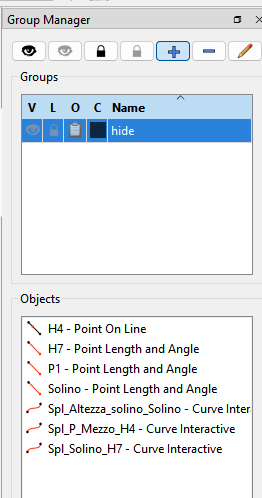
BTW I also placed the right half of the stand in a group so I could hide the point & curves for clarity: