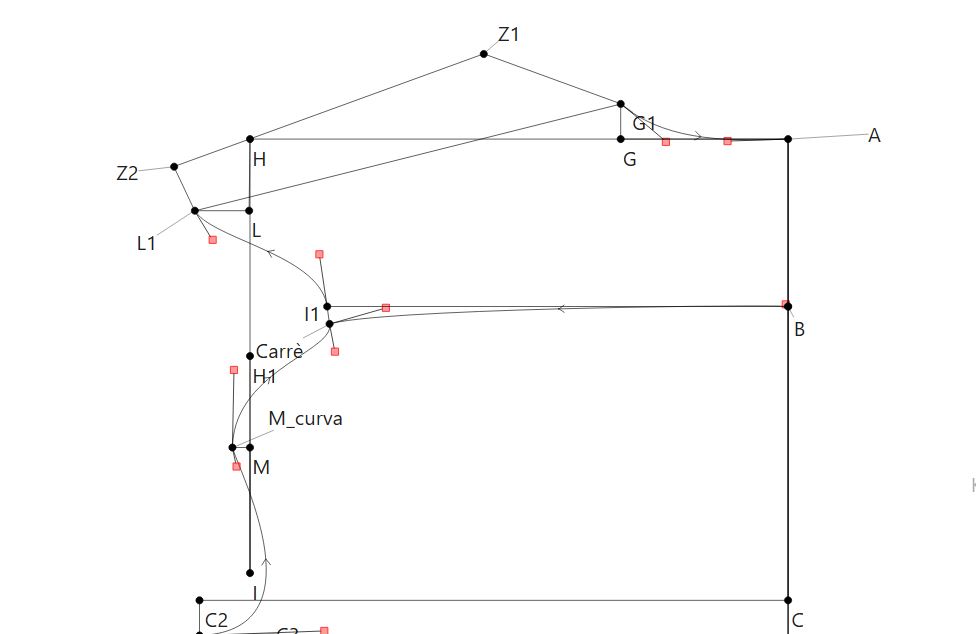
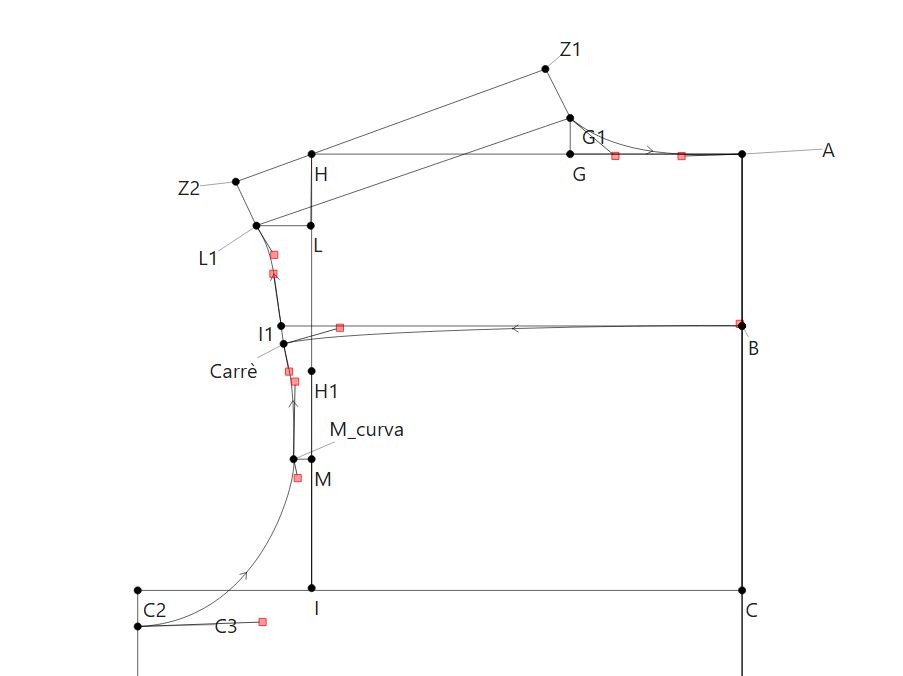
Why does the design appear exactly as created when I use Antonio’s measurements, yet look distorted when I use Riccardo’s? Is there a pattern for a classic men’s shirt available somewhere that I can use to compare with my own design?
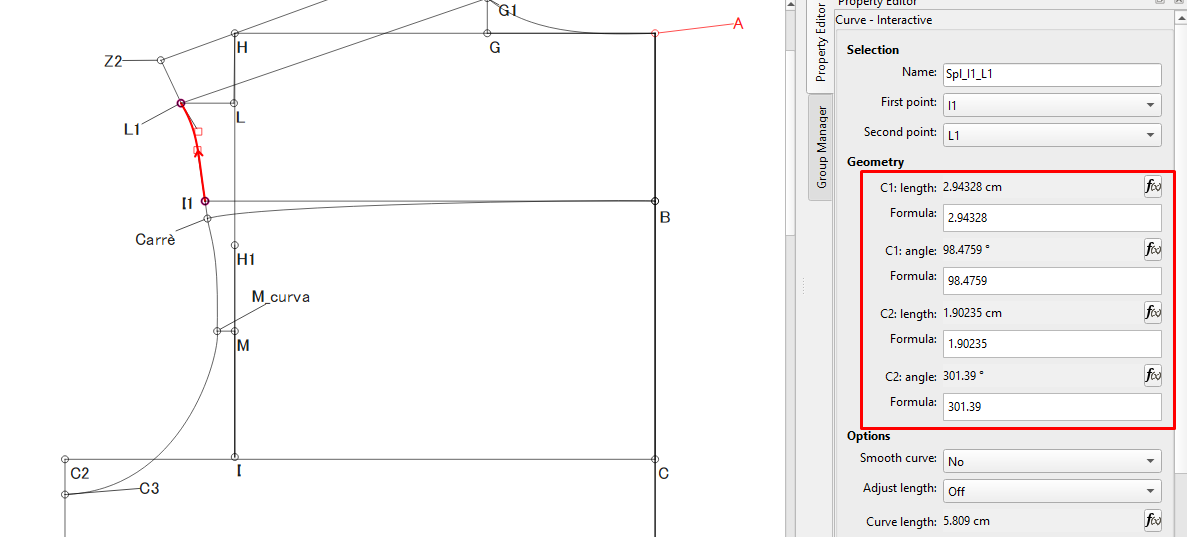
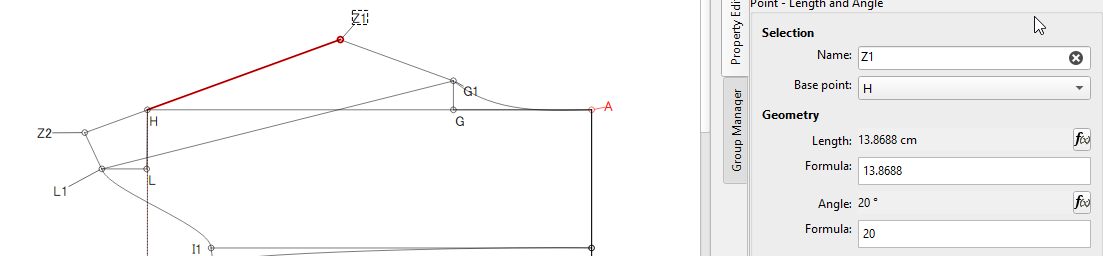
The curve handle lengths and angles are just dragged around and they look correct for your measurements. However, if you don’t connect them to actual items in your pattern, so that they resize and change angles according to the pattern, it quickly goes a bit crazy when you load other measurements.
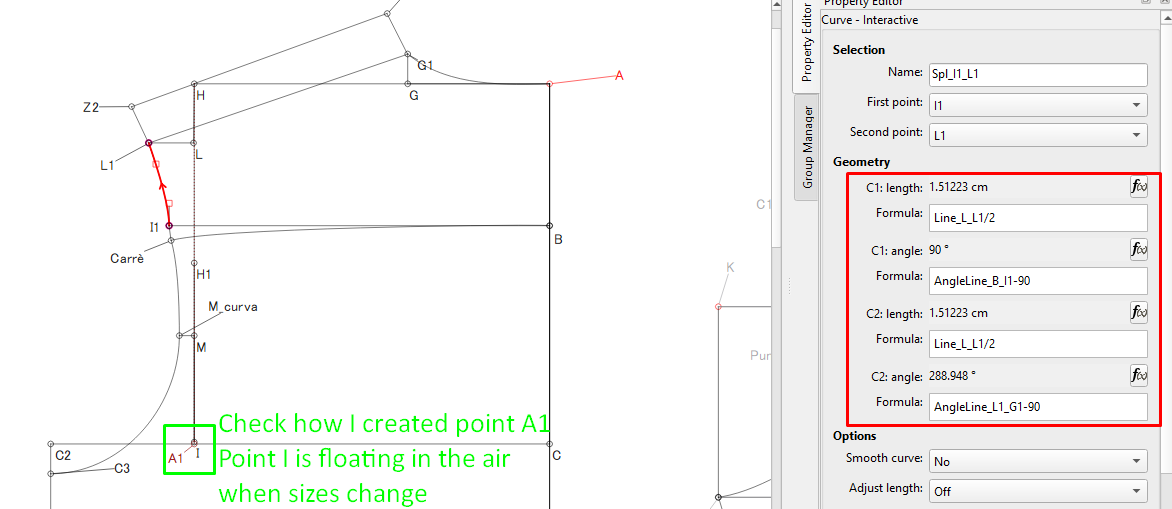
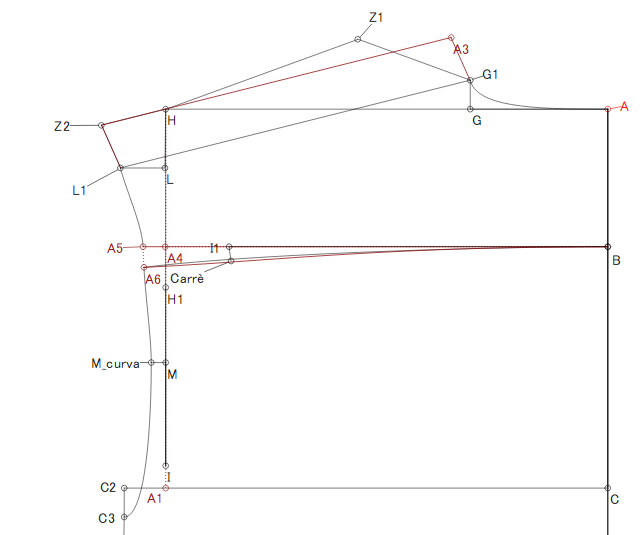
In this image, I’ve created formulas for the curves so that, regardless of the size, the curves should adjust smoothly.
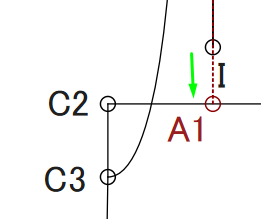
If you look at Point A1 that I created, you can see that it actually connects to the line C to C2, so when you change the size, line A to C will probably also change and point A1 will adjust, as well.
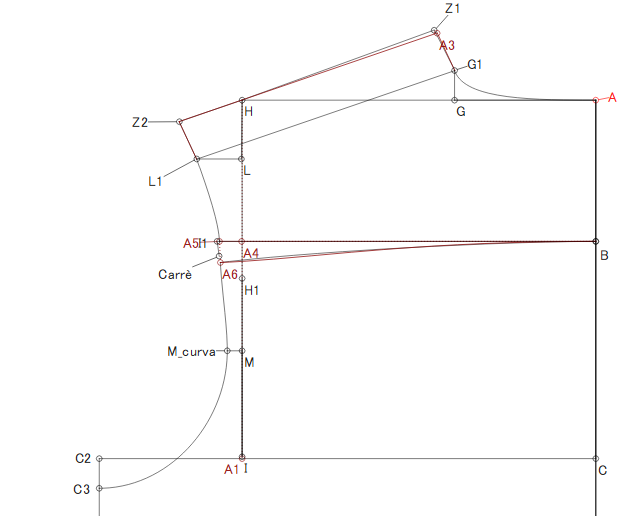
Now that I’ve changed the measurements to Riccardo’s, you can clearly see that point I is floating in the air.
I’d suggest that you check Riccardo’s measurements, just to make sure. And then… Have a look at all of the added items in Red and familiarize yourself with the formulas that I entered and which tools I used.
It’s not just useful—it’s vital! I’m going to spend a lot of time studying your reply now and trying to understand the mechanism. Thank you so much for your help; I was at a dead end and had almost given up hope of managing to draw a shirt.
I hope I can still bother you if I run into any trouble. Thanks a million.