Hello there.
I have some trouble to find Detail in Toolbox. And it seems that my drawing don’t show up in Objects (right down corner). So don’t know how to add seam allowance
Is there any explanation and solution in this?
Thanks in advance
James
Hello there.
I have some trouble to find Detail in Toolbox. And it seems that my drawing don’t show up in Objects (right down corner). So don’t know how to add seam allowance
Is there any explanation and solution in this?
Thanks in advance
James
Welcome @JAYZ
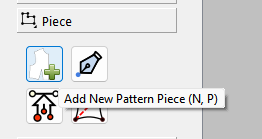
Ok… I think you need to add Pattern Pieces first…
Follow the tool tips in the status bar:

Once you created a Pattern Piece you can now move to Piece Mode:
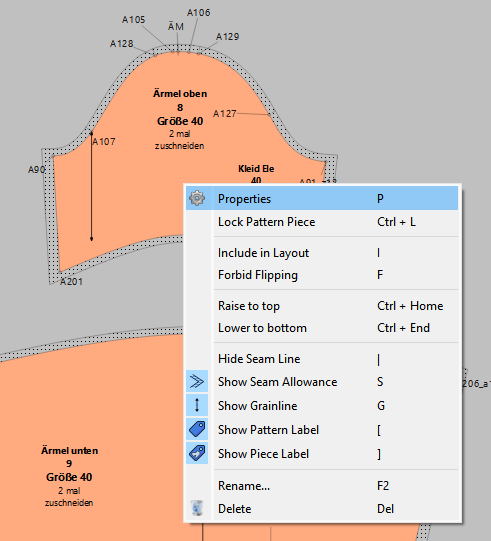
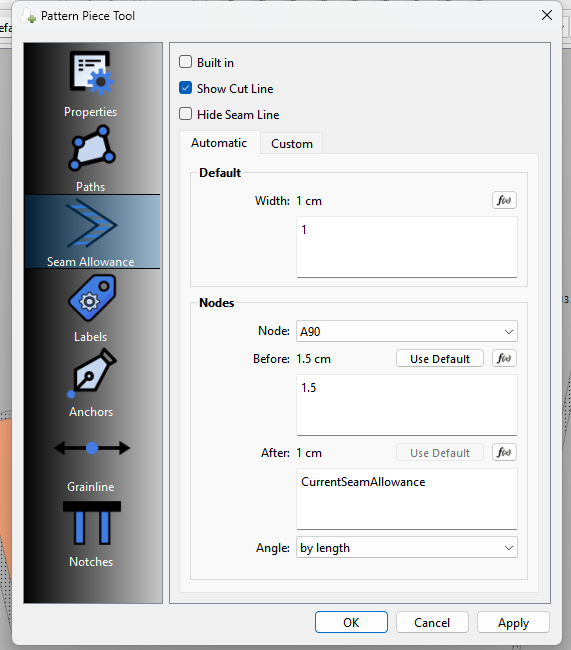
Once you are in Piece mode youcan edit the properties… including adding seam allowance.
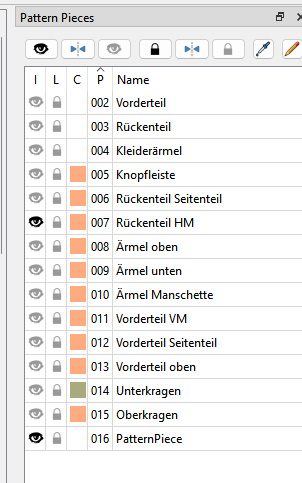
When you are in Piece mode the side bar dock changes to “Pattern Pieces”. You can also double click on a piece in the list to open the properties. Checking the “eye” or include icon for a piece will include it on a layout… which is the next step after creating all your pieces and adding details.
Let us know if this helps or you need further assitance,