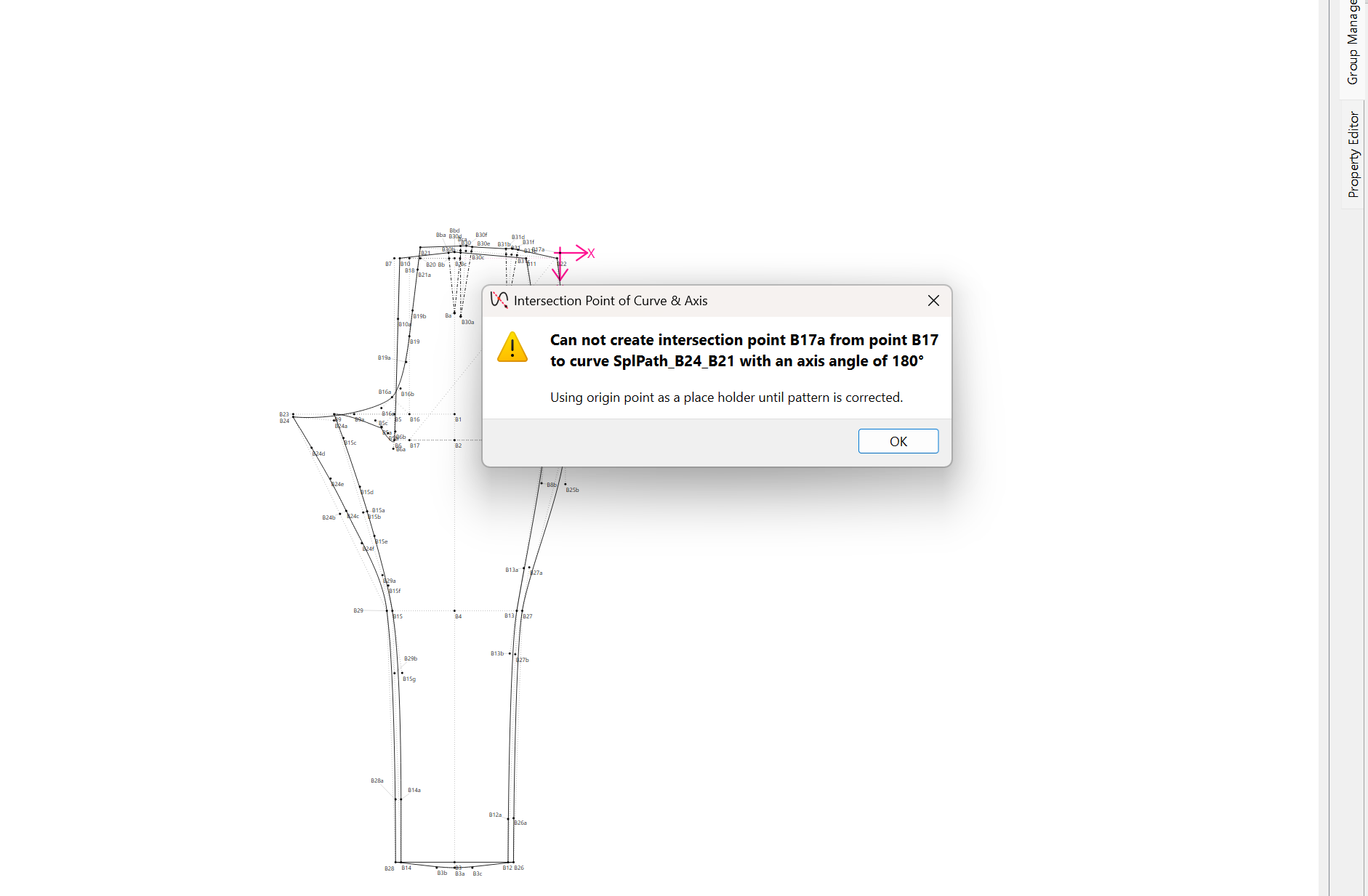
I’m using the Winifred Aldrich bodice, sleeve, and pants blocks and I’m having an issue with the trouser pattern.
I’m trying to use my own individual measurements, but I keep getting this error:
“Cannot create intersection point B17a from point B17 to curve SplPath_B24_B21 with an axis angle of 180°.”
After I press OK, the pattern loads, but the trousers look wrong. The front and back pieces are not separated properly, and some of the B points seem off.
Everything else in the pattern works fine, so it seems like the issue is only with the trousers.
Also, my measurement file might be in cm while I originally measured in inches, so I’m not sure if that could be causing it.
Has anyone seen this before or knows how to fix it?
Check all your measurements… without the pattern & measurments - just looking at what I can see something seems too long to put point B17 below intersecting the spline.
BTW… I should note the warning message is there because the pattern has to create a valid intersection point, otherwise the pattern would crash. When it can’t find an intersection, we use the only known point of 0,0 (the origin) as a replacement.
Again check what ever measurement is used to determine the depth of point B17. Here…
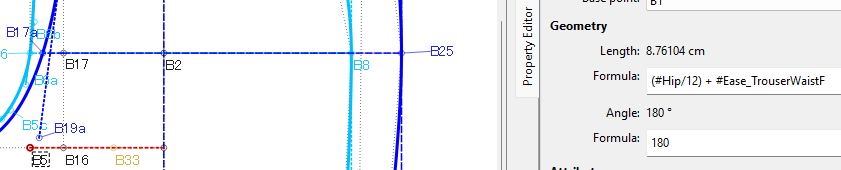
Please can you send me your measurements file in private so that I can check what’s happening because this shouldn’t produce an error. It is just creating a point on the curve to the left of B17. So either there’s an error in the measurements or the measurements cause the point to go to the right of B17, in which case, the angle oin the formula of B17a should be changed from 180° to 0°. Either way, B17a is only a placeholder for a notch in the pattern piece to assist when sewing the 2 panels together.
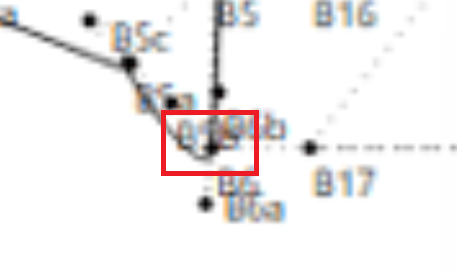
I think it’s a measurement issue (like a rise measurment?) … as the spline for the front piece is mangled as well because of the postion of one of the points - in the red box which I can’t make out in the image - that B17 also relies on. Something is too long.