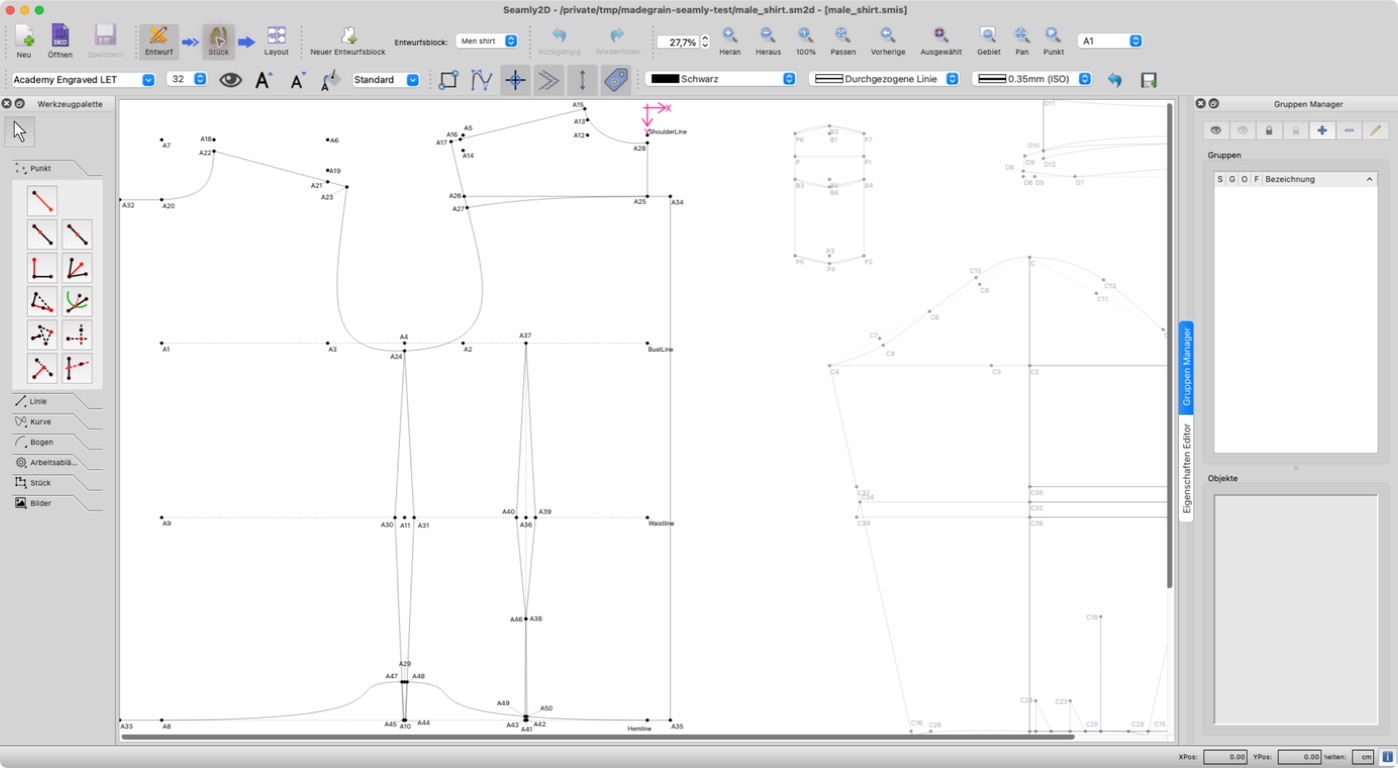
I built PatternNest and tried its SVG import with the male shirt sample from Seamly’s repository, credited to Timo Virtaneva. I kept just Pocket, PocketFlap and Cuff for this example, with two copies of each. This isn’t the fabric requirement for a whole shirt.
I exported the pieces as SVG with Seamly2D 2026.5.18.216 on macOS, using the pieces-only exporter. In PatternNest, I removed the other pieces and checked the imported sizes against the SVG. Pocket was 11 × 19 cm, PocketFlap 11 × 5 cm and Cuff 31 × 8 cm, including the outer seam-allowance contour.
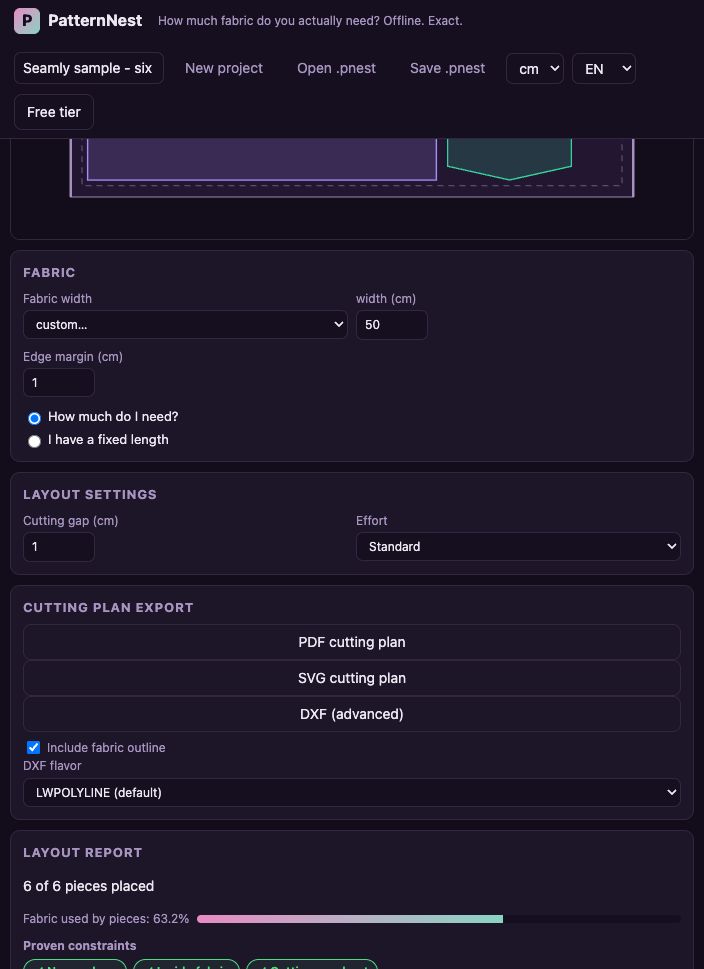
With a 50 cm fabric width, 1 cm edge margin and 1 cm cutting gap, the six pieces used about 32 cm of length in the generated layout. I set all three to one-way placement to keep their exported orientation.
Grainline arrows aren’t read automatically. You need to check the orientation yourself before export; the rotation setting only limits rotation from that starting position. Notches and labels also aren’t included in the resulting plan. Half-pieces intended for a fabric fold need preparing as full pieces first.
The example fits within the free allowance, which covers up to 10 pieces including copies. Larger jobs have a paid option.
Would a small layout like this be useful for checking a remnant before cutting?