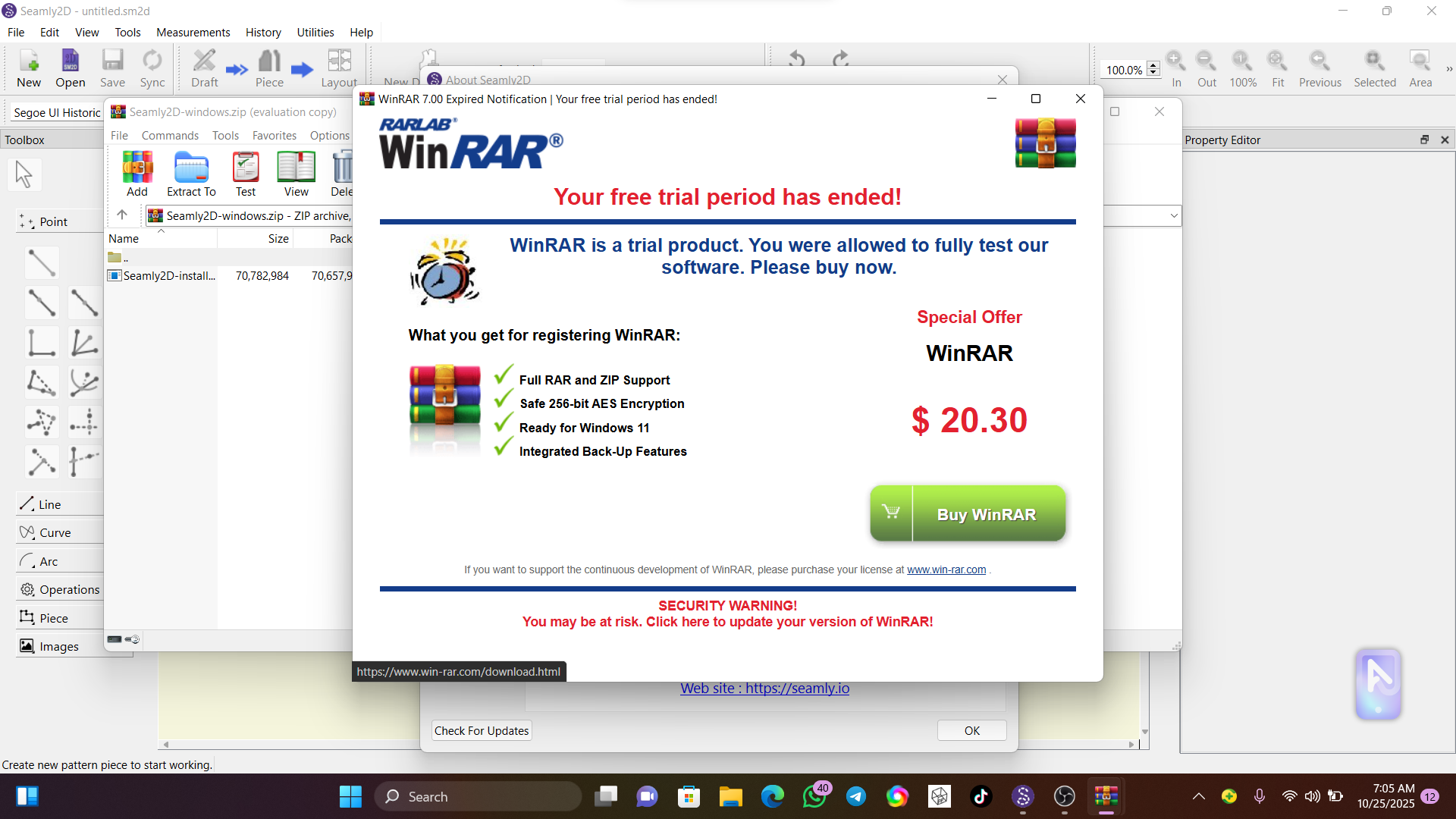
No. That’s not the intaller. The installer is specific to the OS… WinRar is the compression application that you must have installed and associated with Seamly release file type.
Oh ok, i did not know. what should i do please?
Winrar should be available with your Windows 11 software, however, since it isn’t, you can look for Peazip, which is an opensource software, that opens all sorts of zipped files. I installed it a number of years ago, so I don’t know if it’s still available, and there are other similar apps.
Thanks for always coming through, i appreciate it
Since it’s the windows release which is a zip file.. associate & open zip files with Windows Explorer:
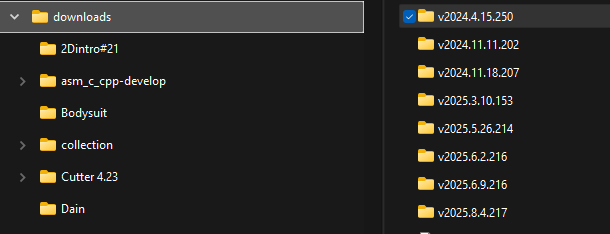
Go to your downloads folder: It will be named v2025.[month].[day].[patch]
Find the Seamly release zip folder:
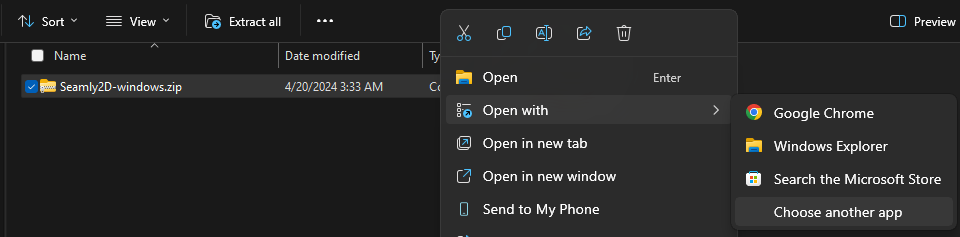
select Choose another app:
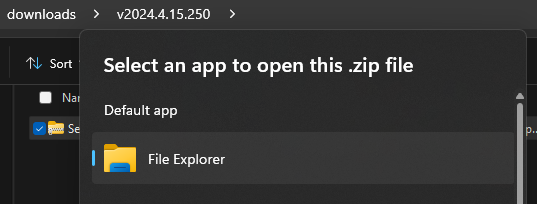
The select Windows Explorer as the default app:
You can also extract the zip file file selecting the zip file and click the Extract all tool button on the toolbar in Explorer:
