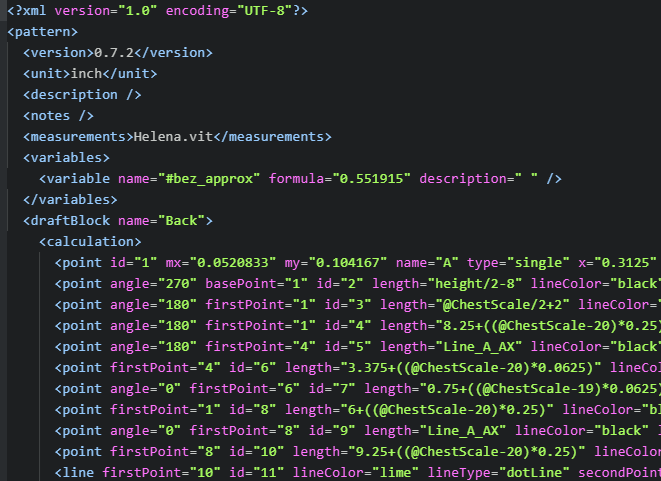
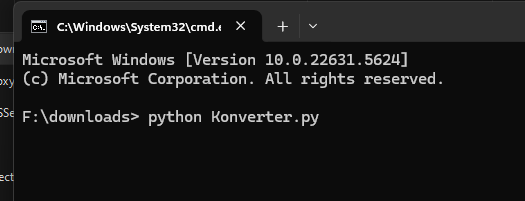
Yesterday Gemini and me did a little marathon to set up a script that converts Valentina files into Seamly files. This is because I have a lot of old patterns made in Valentina and I did not want to reconstruct them all in Seamly.
After 45 versions, we got to the point where the script converts all the files I tried without Seamly crashing.
It is clear that this is a stub and far from perfect, but it converts at least the construction, which is the most elaborate part.
So here is the python script for anyone who may want to use it. It gets rid of pattern pieces and only converts the construction, but that was fine for me.
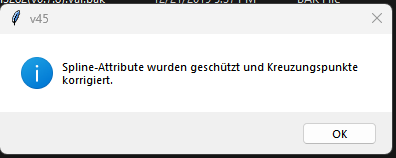
But upon translating not quite sure what the info means:
“Spline attributes have been protected, and intersection points corrected.”
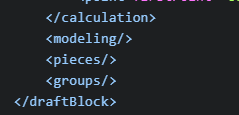
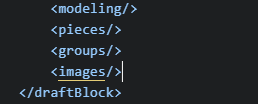
The output is not implicitly writing the <images/> tags in the correct order after the <groups> which can cause issues with the file crashing if the app writes the missing <images/> tags before the <groups>.
Seamly wil still open and convert any Valentina patterns from val ver 0.6.0 and before. After that the schemas diverge and become less compatible.
I know, but my files are all much newer, as I opened them all in newer Valentina versions which saved them in >0.8 version Format. So no chance to open them in Seamly.
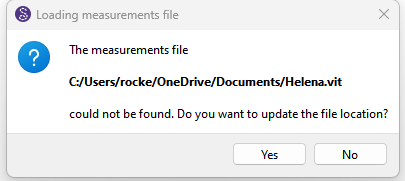
This was because I had the issue that Seamly did not ask for the pattern file sometimes and then all formulas were not recognized. We then implemented a measurement file name no one has to force Seamly to ask for the file, but Gemini renamed that while we were working on a pattern for a dress I made for my daughter Helena
This is Ai, it always wants to tell that it corrected the last errors that showed up. As I am lazy,I did the whole conversation in German, so all output is also in German.
Thanks for this input, I will try to prompt that to Gemini so it may get corrected.
What difference would there be if you actually used the measurement file name in the pattern vs a made up file name? Of course if the pattern doesn’t use a measurement file Seamly is not going to ask if you want to use another file if it can’t find it. The point is the message box is should supply the name of the file it’s looking for, not some made up file name.
It’s not a last error. Its a hardcoded info message box that always shows that text
messagebox.showinfo("v45", "Spline-Attribute wurden geschützt und Kreuzungspunkte korrigiert.")
And again… I’m still not sure what it means?
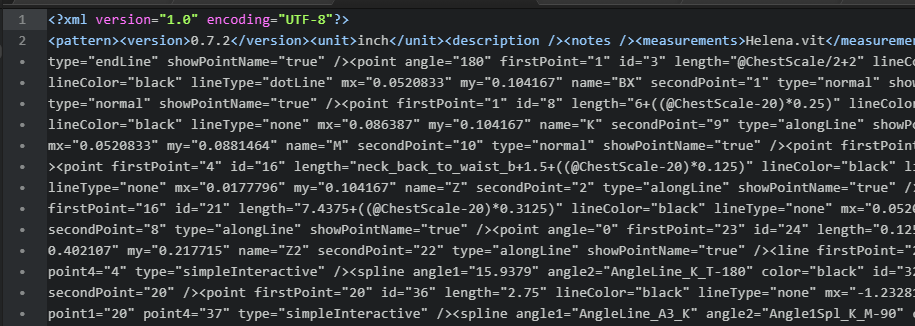
Yeah… this one surpised us too when we added the images. The orginal dev did not write all the (empty) tags out, and when we added the <images> it could get written before the <groups> breaking the schema. We fixed it within a week, but we’re still getting users reporting issues with patterns with the two tags in reverse order 9+ months later.
BTW adding
ET.indent(new_tree) # Adds indentation for readability (Python 3.9+)
Thanks Douglas, I was unclear on this. In every of the 45 versions, gemini fixed an import error and hardcoded the last one in the script. So this was the last error fixed from version 44 to version 45
You can completely disregard this, in a final version, nothing like that should show up.
Will be adressed in the next round!
It could be used, would imho be the best solution, if the absence of a measurement file is detected and then a made up file is inserted to work around that error. Good point! Will try to get Gemini to implement it.



 We fixed it within a week, but we’re still getting users reporting issues with patterns with the two tags in reverse order 9+ months later.