I previously had done some work on updating the History dialog which never made it into the application, so some of this may be redundant.
Since there has been a couple recent Girhub issues regarding the History I decided to pick up where I left off before. So here’s some new behaviors and features you can look forward to:
-
The dialog will no longer close if you press the Enter or Return key in the Find edit box. This was due to the fact the OK button was set as the default action… so pressing Enter was as if you clicked the OK button. To make things clearer the OK has been changed to Close, as that’s what the dialog does when clicked. It doesn’t “OK” if you know what I mean.
Note: I discovered a behavior that confused me for quite a few days. When fixing the Enter / Return key issue with the edit box, I found that it was searching backwards (Prev) with every subsquent press of Enter. Huh ??? I eventually figured out what was happening. With the 1st press it tabbed to the next widget… the Prev button.

And since the Prev and Next buttons are QPushButtons, they have an Auto Default attributte, which means when you press that button and it has focus, subsquent presses of Enter will act as if you pressed that button again.
 So… what I did was to capture the Enter / Return key presses from the edit box so it does nothing… and now you can press Prev or Next to set which direction you’re searching, then you can just keep pressing Enter…or if you prefer to keep pressing the Prev or Next button.
 -
Closing the dialog will automatically move the insert cursor to the end of the list so you can’t forget and inadvertently be inserting new tools instead of appending.
-
The insert cursor will now automatically increment after inserting a new tool - a Github request… something that had me stumped for quite awhile going back to when I previously worked on the History.
-
New features: You can now scroll the list to the top, bottom, or to the cursor… which under normal use would be the same as moving to the bottom.

-
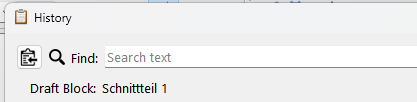
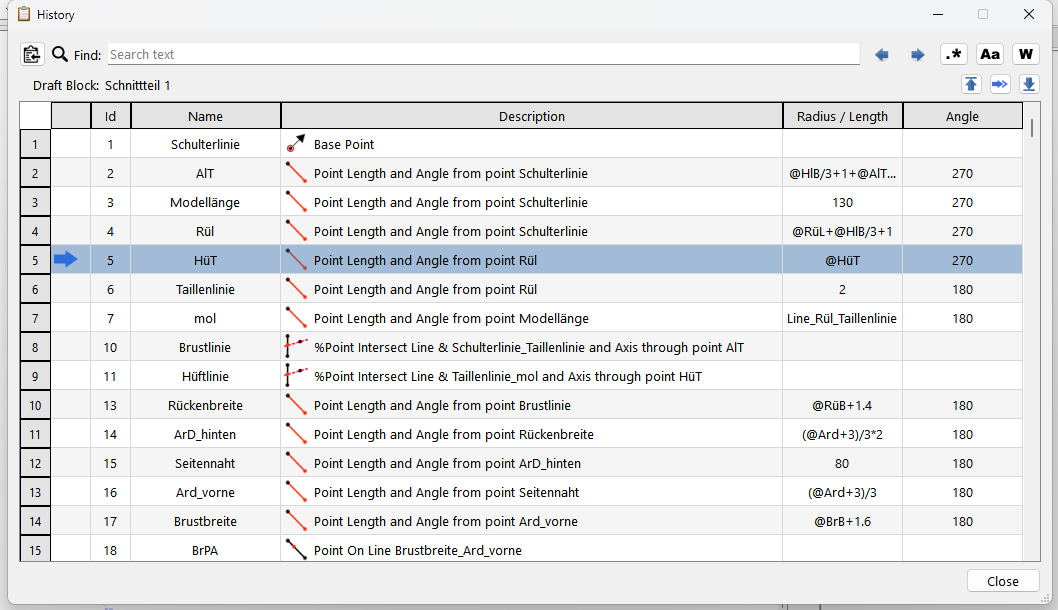
The name of the draftblock is now displayed:
-
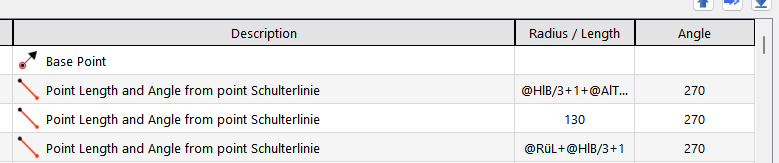
The table now contains new columns for the Cursor, Radius / Length and Angle formulas for tools where applicable:
The Cursor now having it’s own column keeps the Id column formatting centered & cleaner looking, and not so wonky when the cursor is displayed.
-
The Dialog is now resizable, and the size is saved so it will open to the last saved size.
-
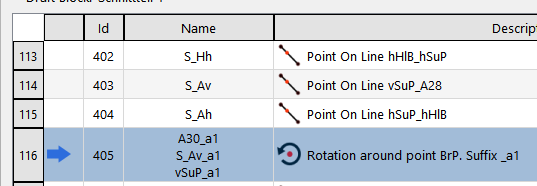
Operation tools will now display the name of all the destination objects.

-
Dialog will position itself on second monitor if that pref is set.
-
Seach will no longer timeout and clear… which was related to auto saving a backup.
Old:
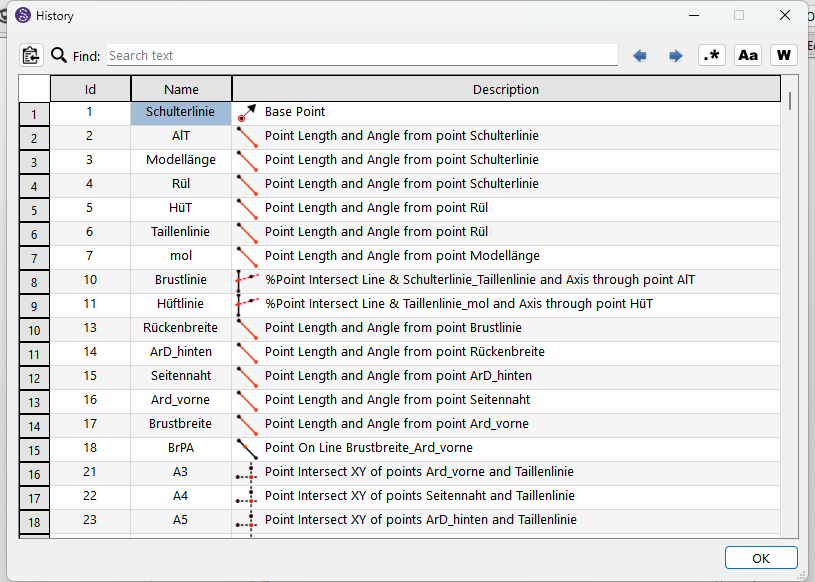
New:


 thank you