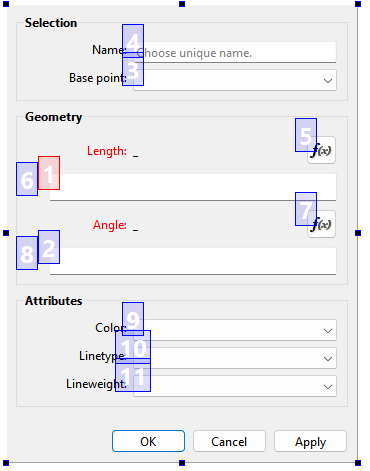
Makes sense… because the (Linux) on screen keyboard is being handled by the desktop environment’s settings, and not Seamly. Seamly accounts for the locale when dealing with the UTF encoding… specifically the 1000’s and decimal separators. When the UTF encoding is not handled properly, the byte length of the text string is off (too long) and the QTextCursor out of range error appears. i.e. The lineedit is trying to place the cursor past the end of the string.
3 Likes
i see! That makes sense to me. Thank you for the explanation. It’s unusual that the OSK is doing anything at all, but there’s not much Seamly can do about that, i’d think.
2 Likes
Happy New Year!
I could be out dancing and partying, but this is much funnier.
The problem with the cursor, as it seems, is double (Linux, latest version as per today’s date): on one hand, is the thing with the locale that you refer. On the other, my experience, once corrected the locale issue, is that, used as I am to mainly use the keyboard, i am forced to use the mouse, as the tab does not switch to the next element in a menu. If I then click on the field to fill the data, I got the  setPosition error. I have to carefully place the cursor within the field, on the leftmost end, write the value and then with DEL erase the default values. It works…. until the next time. It’s like playing an old video game. With a bit of luck I’ll eventually complete my project before being killed.
1 Like